
The green job that never tested the kiosk
A museum keeps its visitor kiosk, collections API, and caption review tool in a single repository. A workflow originally created for the collections API runs npm test from the repository root. When the kiosk team adds a new subdirectory, the CI job remains green, but its test command still exercises the old package. That status can falsely reassure an editor about accessibility or keyboard navigation. GitHub Actions allows run steps to specify working-directory and provides defaults.run.working-directory at the workflow and job levels. Use that configuration to make the intended project explicit and verify the resulting artifacts. A successful shell exit does not establish that the right tests ran; the release decision needs an identifiable source folder and an expected test manifest.
Know where defaults.run applies
The documented defaults.run setting supplies default shell and working-directory values for run steps. It can be specified for an entire workflow or at a job level, and a more specific setting overrides the broader one. Individual run steps can also set their own working-directory. This means a single monorepo workflow might use the kiosk directory for tests but a separate directory for packaging. Avoid copying a default into a job that handles multiple packages without reviewing each shell command. Importantly, the default does not magically change the behavior of every third-party action’s own input paths. Review each uses step and its documented path inputs separately. The diagram shows the effective directory for shell steps, not an assertion about every action in the marketplace.
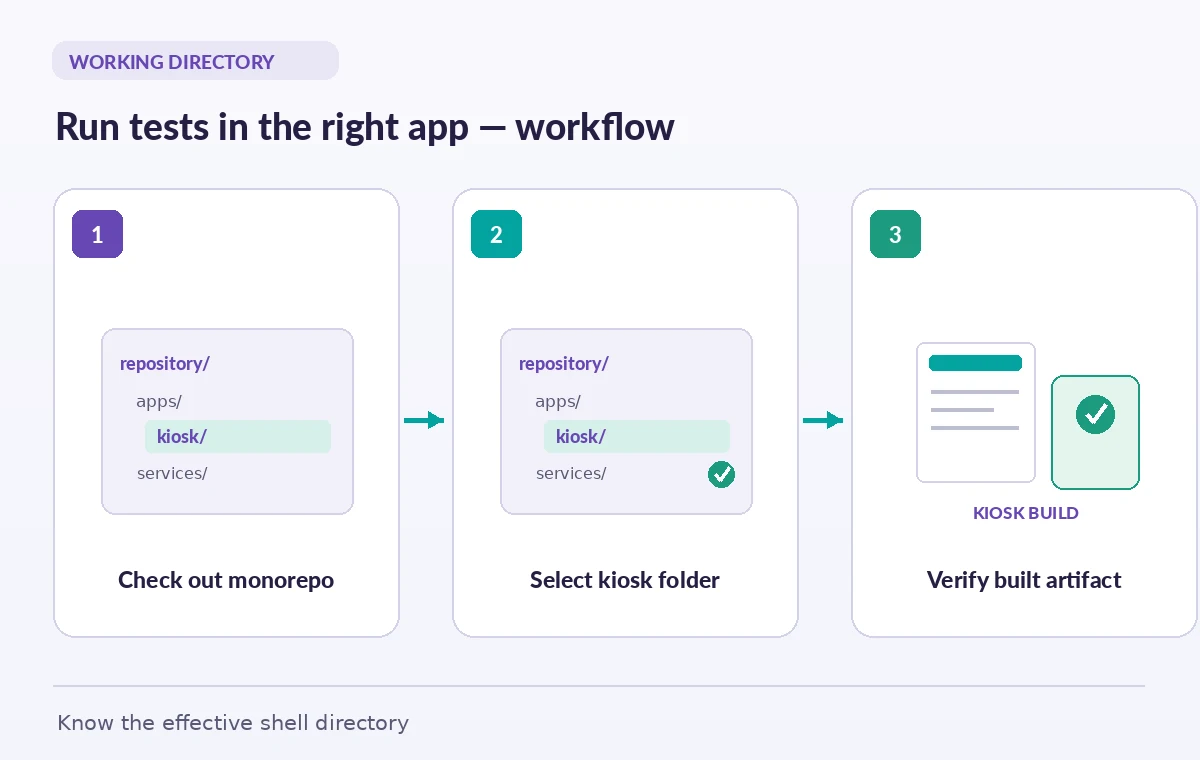
Make the checkout layout part of the contract
A checkout step normally places the repository in the runner workspace. Your chosen working-directory must exist before the shell executes; GitHub’s workflow reference explicitly calls out this requirement. If a sparse checkout, custom checkout path, generated directory, or repository submodule changes the tree, a previously valid relative path may fail or point to an unexpected folder. Record the intended layout in the project README and add a simple diagnostic that lists the expected package manifest without dumping environment secrets. For a hypothetical repository, the kiosk might live at apps/visitor-kiosk while a collections service lives at services/catalog-api. Distinct names keep workflow reviewers from confusing the two targets. An error about a missing folder is useful evidence, not a reason to silently fall back to the root.
Check the precedence before trusting an override
GitHub’s syntax establishes precedence among workflow-level defaults, job-level defaults, and explicit run-step settings. When debugging, start at the exact failing or passing step and trace which directory is effective there. A temporary hotfix that sets working-directory for only one command may leave later tests running elsewhere. Conversely, a global defaults.run value can break release scripts that intentionally operate from the repository root. Write a small directory matrix on paper for the test, build, lint, and package stages, then encode these choices consistently. A named job such as kiosk-accessibility should have an unambiguous folder; if a job covers several products, explicit paths may be clearer than relying on a broad default that is easy to misread.
Do not place expressions in the defaults keyword
The GitHub documentation says contexts and expressions are not supported in the defaults.run keyword. Teams sometimes try to use a matrix value directly in a top-level working-directory default, expecting it to switch packages automatically. That is not the documented mechanism. Use per-step working-directory where supported for dynamic cases, or choose separate jobs with static defaults that make the test target clear. Always check the precise syntax for the workflow key you intend to use instead of generalizing expression support across all fields. If a matrix contains untrusted branch names or external input, do not substitute them into shell commands without validation. Directory selection should be a controlled mapping of known projects, not arbitrary path execution.
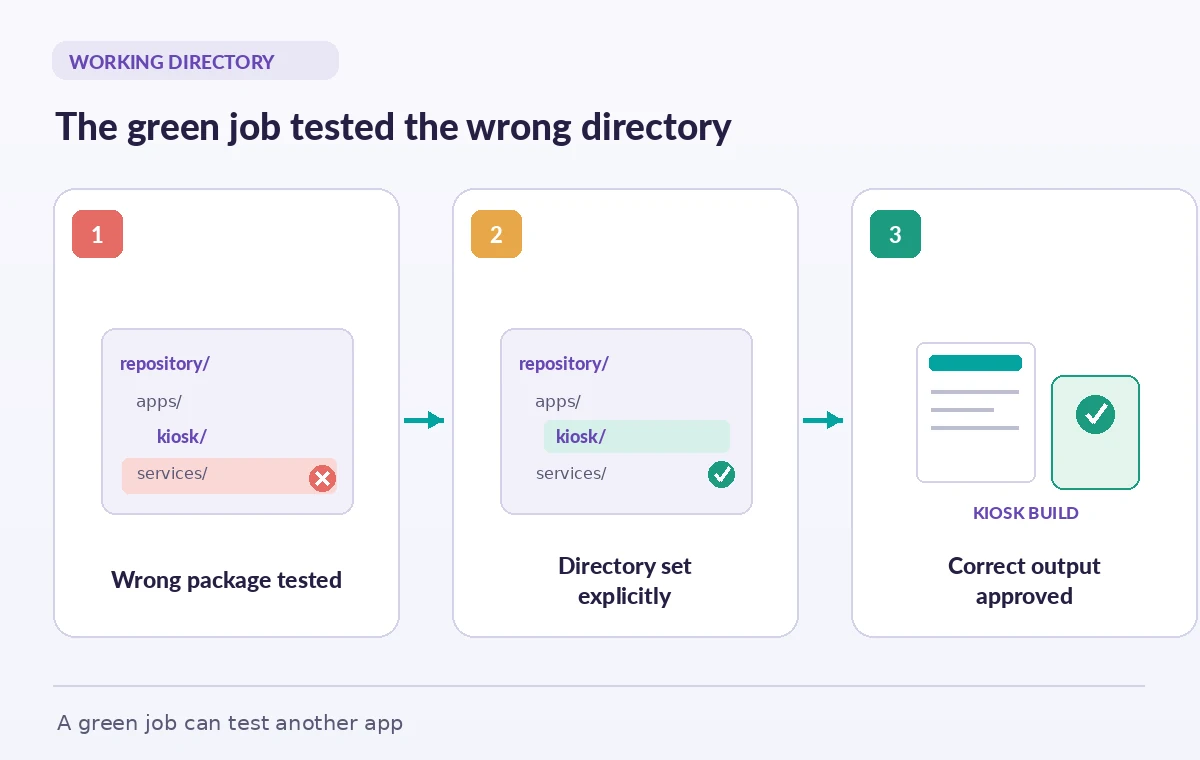
Prove the intended package actually ran
At the start of a test job, assert that the expected package.json, lockfile, and test configuration exist in the selected directory. Then run the intended test command and produce a small result marker containing the package name, repository commit, test suite name, and output directory. For a kiosk accessibility release, record the browser configuration and the exact files that were built, without manufacturing coverage numbers. The release pipeline can compare this marker with its expected job contract. A green status with the wrong marker should fail the release gate. This inexpensive identity check is valuable when a monorepo has similarly named scripts in several packages, or when dependencies change without the job name being updated.
Keep artifact paths aligned with build paths
Working-directory on a run step affects where that shell command executes; paths interpreted by an upload action can follow the action’s own rules. If a build writes apps/visitor-kiosk/dist and the upload step collects services/catalog-api/dist, the artifact may be valid ZIP bytes but the wrong website. Compare the build output directory to the artifact upload path explicitly. Put an expected file such as the kiosk’s route manifest in the release check and verify the artifact contains it before deployment. Also check that hidden configuration, test credentials, and source maps are handled under the project’s publication rules. An artifact that exists is not the same as an artifact that belongs to the application being reviewed.
Troubleshoot a false green without masking errors
When a suspected false green appears, inspect the job log for the commands that ran, the effective working directory, and which test configuration each command loaded. Compare that evidence with the changed paths in the pull request. Do not insert a fallback such as ‘cd target || cd .’ merely to keep the workflow passing; it can conceal the exact problem you need to detect. If the folder does not exist, fail explicitly and investigate checkout settings. If the folder exists but tests report zero selected cases, verify the test runner’s exit behavior and require a known suite identifier. After correcting the directory, rerun the specific affected checks and preserve evidence from the fixed commit before approving the public build.
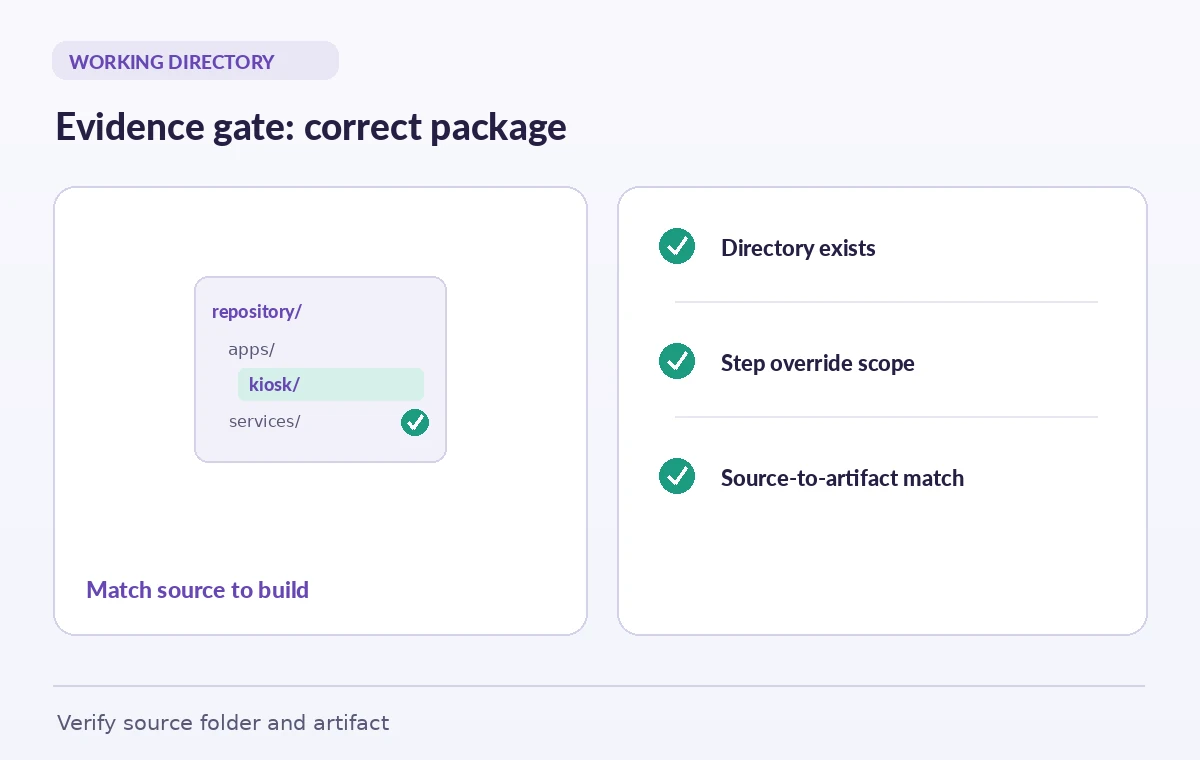
A reliable monorepo release checklist
Define which museum package every job owns, then choose workflow-level defaults only when all its run steps share the same root. Use job-level defaults or step-level overrides where the work is narrower. Check that required folders exist after checkout, that dependencies install for the intended package, and that tests produce the expected suite marker. Compare the built artifact path and its contents against the release manifest; include commit identity in the resulting evidence. Finally, hold publication until the accessibility owner or release reviewer confirms that the artifact came from the kiosk package rather than a neighboring project. GitHub Actions can enforce a folder boundary, but the museum must still decide which test results are required for a responsible release.
How We Research
We consulted the original provider documentation: GitHub setting default working directory; GitHub Actions workflow syntax. We checked GitHub’s documented precedence rules, expression restrictions, and working-directory behavior, then contrasted those run-step guarantees with separately configured action paths. We did not execute a private repository build; depicted folders and packages are illustrative. We checked the terms and limits against the cited references but did not manufacture benchmarks, source access, or simulated production outcomes. Recheck provider settings and local organizational policy before a live rollout.
Frequently Asked Questions
It sets a default working directory for shell run steps at the workflow or job scope, subject to more-specific overrides.
The most specific applicable setting wins: an explicit run step overrides job defaults, and job defaults override workflow defaults.
GitHub documents that contexts and expressions are not supported in defaults.run. Use a supported alternative for dynamic paths.
No. Actions have their own inputs and path handling. Review checkout and upload paths independently.
Check the expected package files, run a named suite, and record a source-to-artifact marker tied to the commit and build output.