
A local archive is preparing a high-resolution reproduction of a mid-century lecture poster. The scan contains distinctive lettering, but the original font file is not available. Adobe Illustrator Retype can suggest fonts that resemble rasterized or outlined text. The difficult part is resisting a tempting shortcut: a close typeface match is not a trustworthy transcription of faded letters, names or dates. This article uses a fictional poster labeled “OPEN HOUSE — 6 PM” for explanation and does not claim to restore an actual archival artifact.
Preserve the unmodified archival source
Keep the original scan, its provenance and any catalog transcription unchanged. Work from a separate reproduction file. Record the source ID, date of scanning and any known damage such as creases or missing ink. If the poster has handwritten corrections, do not overwrite them with clean typography; they may be significant historical evidence. Decide whether the project is a faithful facsimile, a modern accessible re-typeset version, or a promotional adaptation. These outputs have different integrity requirements.
Do not treat a digitally reconstructed letter as proof that the original looked exactly that way. Where damage makes a word uncertain, consult another source or preserve the uncertainty in accompanying catalog notes. The first goal is to know what the poster said, not to maximize visual similarity at a glance.
Know what Retype actually offers
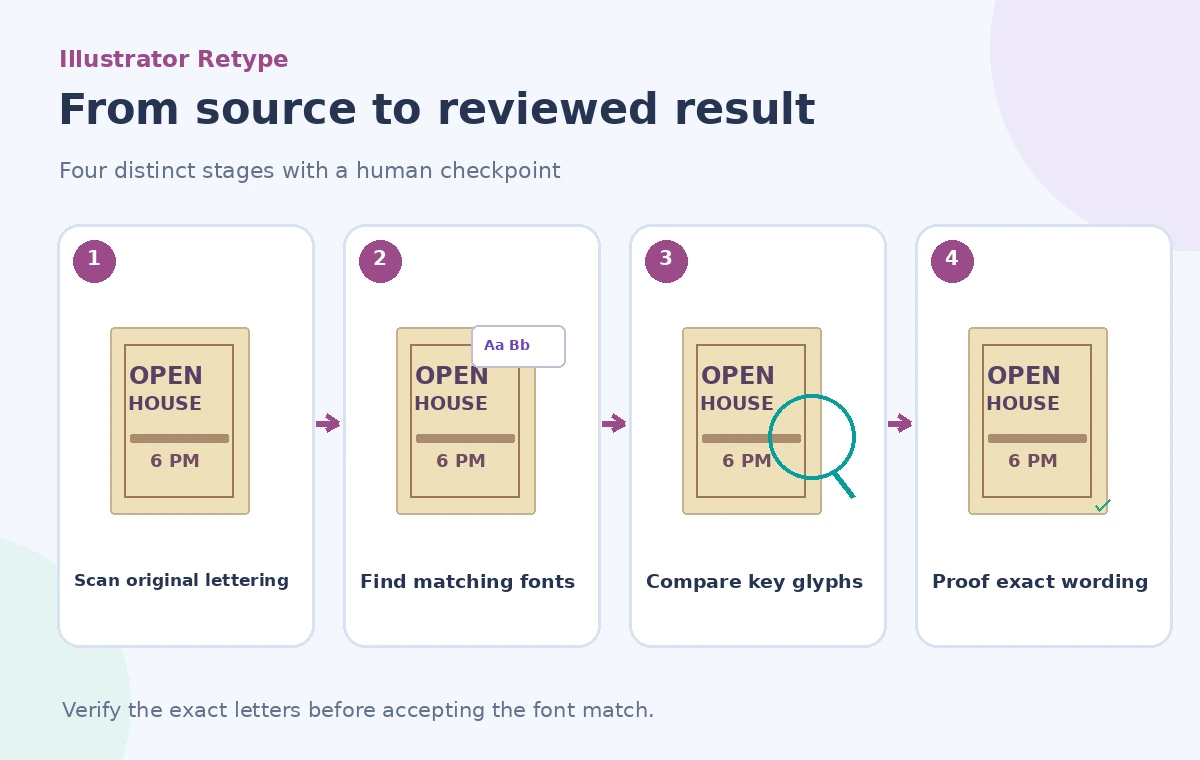
Adobe documents Retype for identifying matching fonts from raster images or outlined text. In Illustrator, select the artwork and open the Retype panel, then ask it to find matching fonts. The tool can highlight detected words and offer candidates for comparison, with filtering for fonts from Adobe Fonts or the device. This is font discovery, not a certified OCR correction or a full historical reconstruction.
Adobe notes that the matching workflow works best with horizontally aligned, single-font text. Mixed lettering, distortions, low-quality scans and hand-painted forms may require manual selection or another method. Do not invent an “original font name” when the tool returns a plausible modern alternative. Make a note that the selection is an approximation if the actual typeface cannot be established.
Prepare a representative text sample
Start with a clean crop containing several distinctive characters rather than the entire poster and its decorative border. Look for uppercase R, G, S and numerals where letterform differences are visible. Keep the crop at a resolution that makes stroke terminals and counters discernible. Avoid aggressive sharpening that adds fake edges or erases fragile printed texture.
If the poster uses more than one lettering style, evaluate the headline and smaller information lines separately. A font that matches a large headline may be inappropriate for the date. Where the original is printed at an angle or under a fold, compare against an undamaged occurrence of the same letter elsewhere in the scan before accepting the match.
Compare candidates by distinctive glyphs
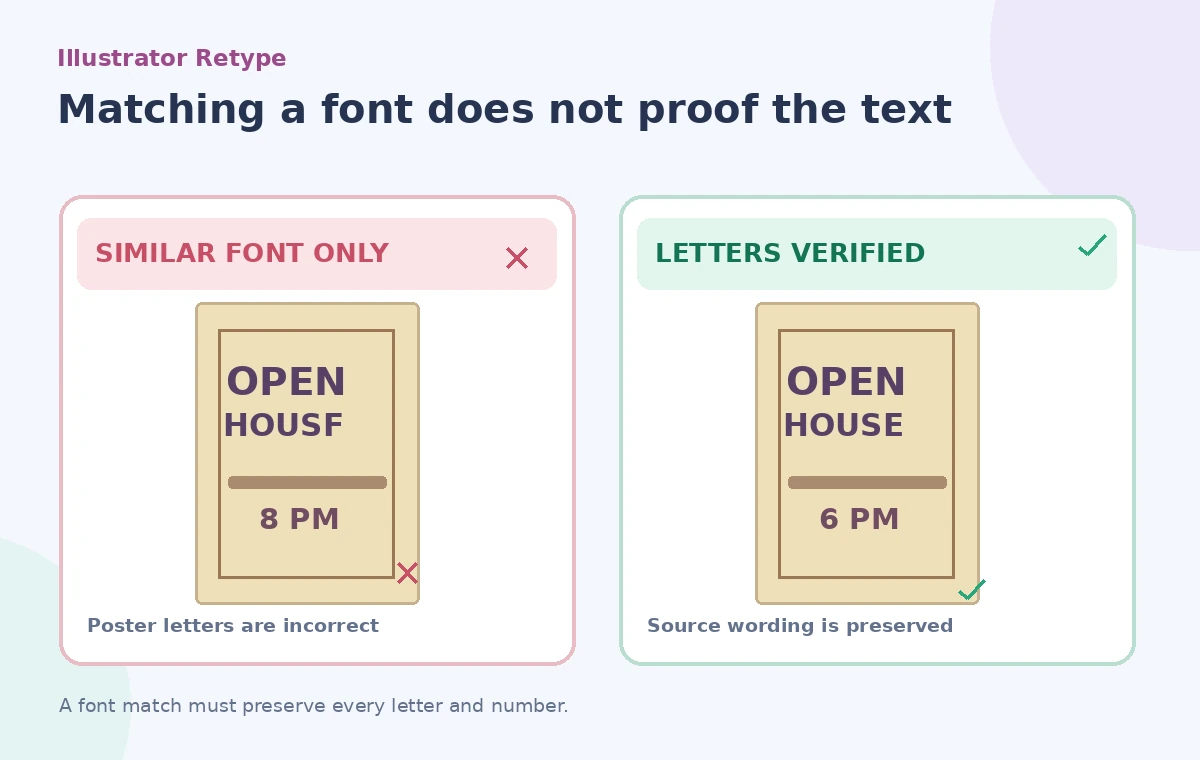
Inspect the suggestions in Retype and try the closest candidates on a separate editable text layer. Compare width, stroke contrast, apertures, serif shape, number forms and spacing at the intended reproduction size. Do not choose based only on a thumbnail preview. One typeface can look convincing for `OPEN` while rendering `HOUSE` or the numeral `6` differently enough to change the archival character of the print.
Retype’s ranked list is a starting point. Keep a brief note of the candidates reviewed and why one was selected. If the match is not strong, use a clearly labeled contemporary adaptation instead of presenting the result as the exact original font. A manual vector trace may be more appropriate for a single historic wordmark.
Proof every letter independently of the font match
The original says `OPEN HOUSE — 6 PM`; the reconstructed artwork must not say `OPEN HOUSF` or `8 PM` because of a misread scan. Use a verified text transcription and compare it with the original image character by character. Names, dates, street numbers and admission conditions deserve extra attention. The illustration shows the difference between relying on the appearance of a candidate font and checking the literal letters.
Font similarity cannot validate what a damaged letter meant. If a museum label elsewhere in the archive gives a conflicting date, flag the discrepancy for a curator rather than making the poster look internally consistent through silent editing. Typography and historical fact-checking are related but separate steps.
Keep the design editable and the source identifiable
Use layers or linked documents to separate the scan, reconstructed type, notes and export-ready artwork. Record the font name and any substitutions. If you eventually convert type to outlines for a print vendor, preserve an editable text version because outlined letters are no longer ordinary editable type. Do not erase the original raster layer in the working master.
Where the new lettering replaces the scan for readability, explain that it is a reconstruction. A reproduction intended as a facsimile should preserve the original’s imperfections unless a conservation professional authorizes a specific restoration approach. This is not only a design choice: it affects how future readers interpret the artifact.
Check sizing, language and export behavior
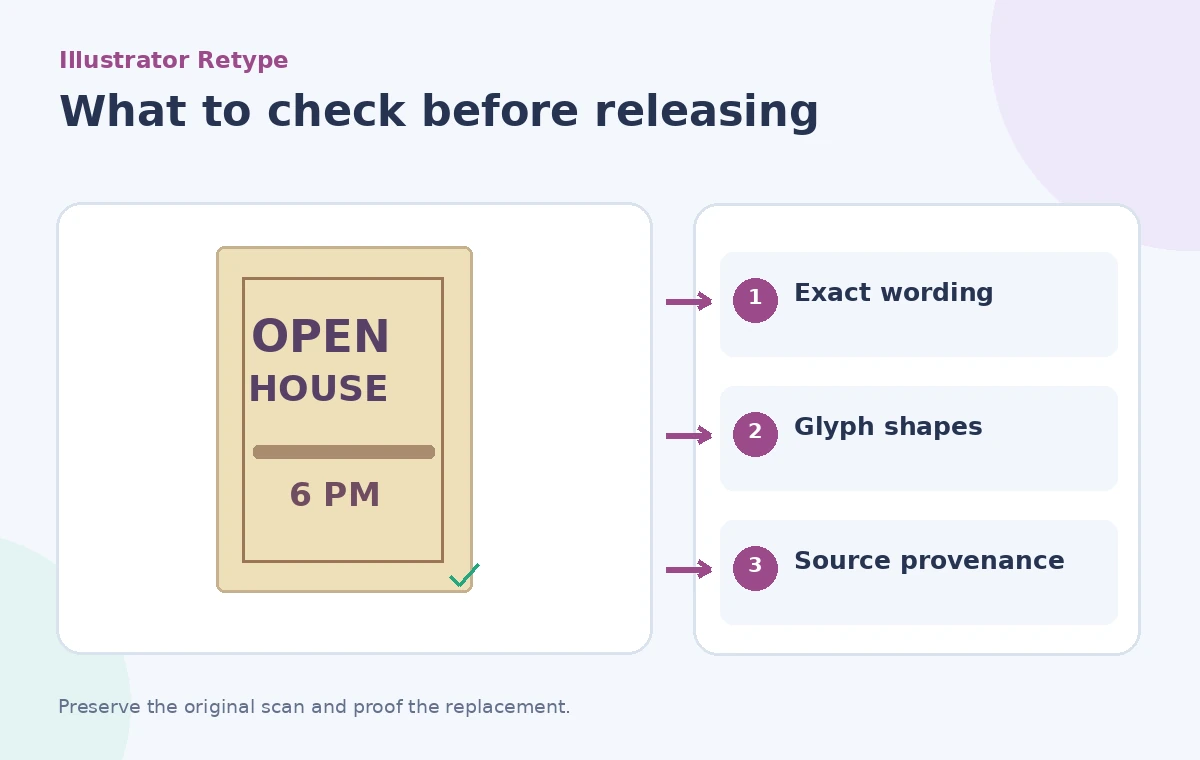
Test at the exact print size and in a small mobile preview if the artwork will also appear online. Kerning that looks balanced on a large monitor can appear uneven at postcard size. Keep accents, punctuation and em dashes consistent with the verified transcription; the correct-looking font must still contain the required characters. Check clipping paths and backgrounds so no letter strokes disappear during export.
If the project includes accessible alt text, write it from the verified source wording rather than the font matching panel’s visual guesses. Distinguish poster text from decorative art. If a date remains uncertain, indicate that in the article caption rather than inventing an authoritative answer.
Approve with an archival and design checklist
Ask a reviewer who has the source record to inspect the transcription, while a designer checks the font shapes and spacing. These should be different checks with separate sign-offs. Save a versioned export plus the unchanged source. Note any manual corrections or deliberate visual departures so the next editor can distinguish restoration choices from original evidence.
Illustrator Retype can accelerate the search for a similar typeface. It cannot guarantee the lettering is historically correct, and it should never be used to overwrite an uncertain reading without source review. Good work preserves both the visual character and the documentary truth of the poster.
How We Research
For this November 2026 editorial review, we consulted these named primary references: Adobe Illustrator: Identify fonts using Retype, Adobe: Find and match font in Illustrator. We checked the described capability, scope, documented limitations and approval boundaries against the hypothetical use case above. We did not use a live account, upload real client files, conduct a vendor benchmark, or measure recognition or retrieval accuracy. The diagrams are original teaching illustrations, not screenshots or measured product outputs. Confirm current feature access, fees, security terms and interface labels in the official sources before deploying this workflow.
Frequently Asked Questions
No. It suggests likely matching fonts. Compare their actual glyph shapes and document approximations.
It is a font-matching tool, not a verified archival transcription workflow. Proof every letter against the source.
Yes. Adobe documents matching fonts from both raster images and outlined text.
Evaluate each distinct lettering region separately; mixed styles and distorted text complicate matches.
No. Preserve the unchanged source and identify the reconstructed or adapted version in the project record.