
A neighborhood association meets around a table to discuss a volunteer garden budget. Two people propose a spending amount, another asks for more quotes, and the chair says no vote will occur until the next meeting. A secretary wants help structuring notes, not a summary that falsely says the funding passed. Zoom My Notes can combine personal notes with transcription and an AI-generated recap in supported environments. The hypothetical workflow below keeps consent, factual decisions, and human editing separate.
Ask permission and establish the recording boundary
Before activating a microphone or transcription, tell participants what tool will be used, what may be captured, who can access the notes, and when material will be deleted. Follow applicable recording rules and the organization’s consent policy. A participant attending a public discussion does not automatically mean they have agreed to be transcribed by software. Provide a nonrecorded note-taking option if the meeting protocol requires it.
Keep a written meeting header with date, location, purpose, and the note keeper. Do not include unrelated hallway conversations, attendee contact lists, or personal disputes. If the group changes topic to sensitive personnel matters, stop or limit the capture according to the agreed policy. The technical ability to transcribe does not override a participant’s rights or expectations.
Understand the My Notes feature and rollout
Zoom’s 2026 release information describes My Notes as a place for manual notes, meeting transcription, and an AI-assisted summary, including support for in-person conversations and meetings outside Zoom in supported versions. Zoom also documents mobile access and an ongoing rollout. Availability and controls can differ by account and platform. Do not confuse this feature with the older Notes interface or assume every participant has the same options.
Open the supported Zoom Workplace app and review the current My Notes controls before the session. Confirm the microphone source, recording indicators, and organization settings. Test with synthetic phrases and no real participants if you need to learn the interface. Do not imply that a preview or demo proves a full multi-speaker meeting was captured accurately.
Create a contemporaneous manual decision ledger
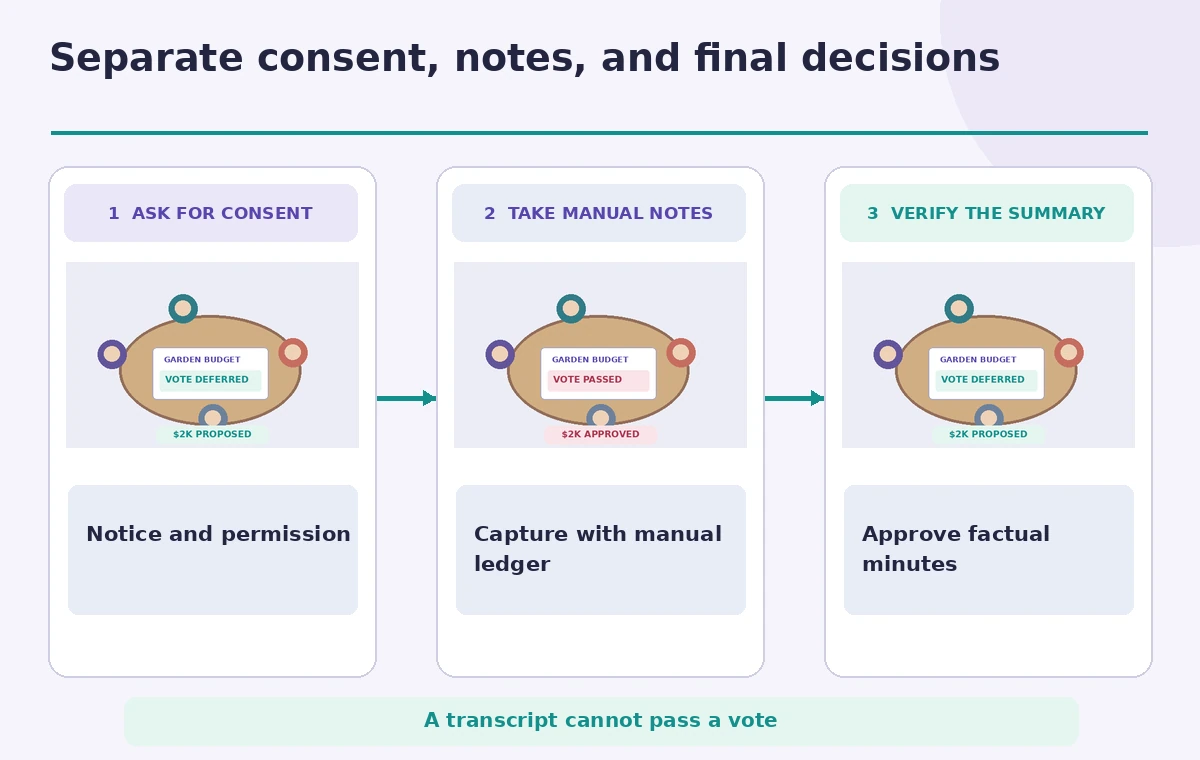
Prepare three headings in the secretary’s notes: proposals, decisions, and follow-ups. Under proposals, record “Request three estimates for the garden fence.” Under decisions, leave the budget vote unfilled until the chair explicitly states its result under the organization’s rules. Under follow-ups, note who volunteered to gather estimates, subject to their confirmation.
Use this manual ledger while the meeting unfolds rather than hoping the summary reconstructs parliamentary procedure. AI transcription can mishear a quiet participant and may not preserve who interrupted whom. If a motion or vote has special wording, write it directly at the time and ask the chair to repeat it. The assistant may organize notes but should not decide what constituted authorization.
Compare tentative discussion with a recorded decision
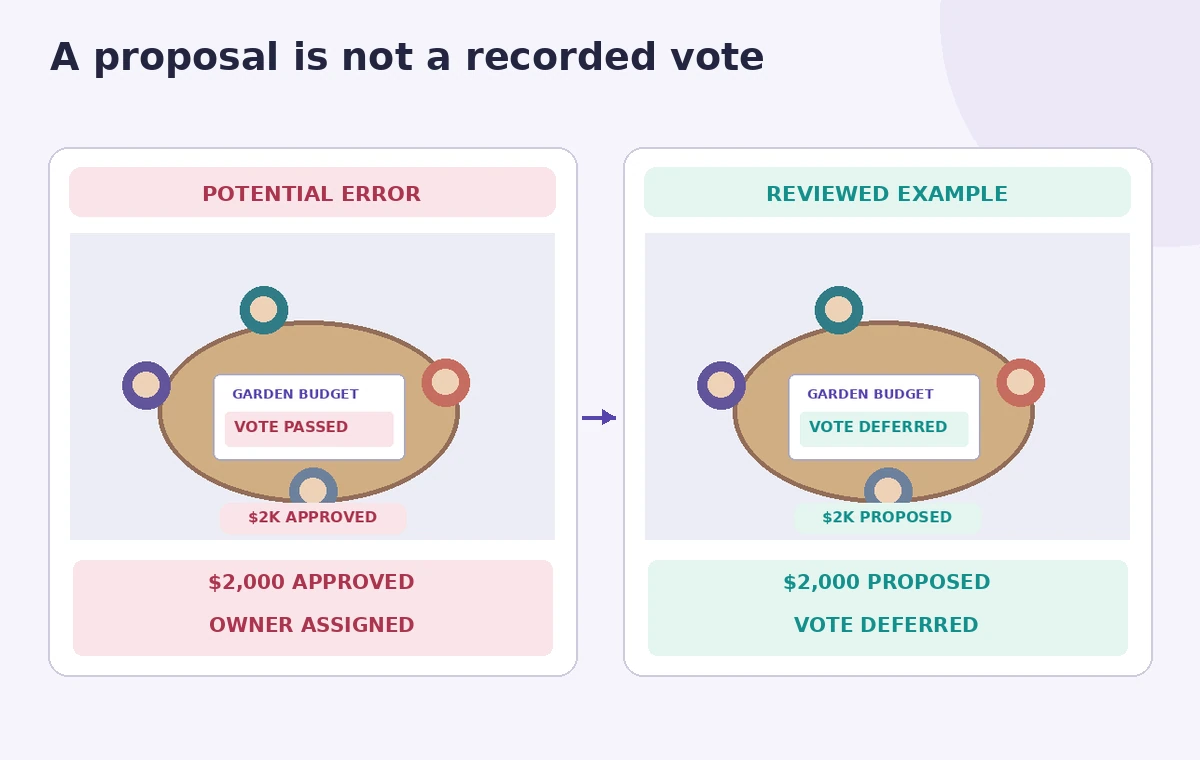
The comparison diagram contrasts a faulty summary that says “$2,000 approved” with an accurate note that the amount was proposed and voting deferred. The figures are invented to demonstrate classification, not an actual Zoom transcript. A generated paragraph may collapse several speakers’ views into an apparently unanimous decision. Keep dissent, conditions, and unanswered questions visible.
Before sharing, mark each sentence with its evidence: contemporaneous manual notes, a clearly heard segment of the consented recording, or explicit chair confirmation. If there is a conflict, write “unverified” and resolve it with the designated meeting officer. Do not manufacture a tally to make the minutes look complete.
Review speakers, quantities, and dates
Check which person actually proposed the budget, who was asked to get quotes, and whether a date was fixed or merely suggested. Automatic speech recognition may misattribute a statement if voices overlap. A summary can also misread “next Monday” without reference to the meeting date. Resolve relative dates into calendar dates only when the original wording and schedule support it.
Budget numbers require particular care. “Two thousand” in a transcript is not an approved cap, and a summary should not introduce taxes or contractor terms that nobody discussed. If multiple figures were mentioned, list them as alternatives and show their source speakers where consent and privacy rules allow. Avoid attributing speculative ideas as personal commitments.
Protect notes in storage and sharing
Zoom documentation indicates My Notes content can be accessed through Zoom Hub and Zoom Canvas in supported experiences. Review workspace sharing controls before distributing any transcript or AI summary. A full transcript can contain more personal detail than the approved minutes should. Keep only material necessary to support the organization’s records, and honor retention and access requirements.
Never forward raw notes to a broad mailing list without checking names, private remarks, or information shared under limited expectations. Where a board needs only motions and action items, produce a reduced reviewed version. If deletion is required, check that local exports and copies in connected systems are addressed, not just the visible note in one application.
Publish draft minutes for responsible approval
Circulate minutes clearly labeled as a draft, with the meeting date and version number. Ask the chair and authorized secretary to confirm decisions and amend wording before formal adoption. A recorded conversation can support recollection but is not itself a governing approval process. The assistant may help phrase a summary; it cannot assert that the minutes have passed.
If an action is still open, write “owner to confirm” rather than automatically assigning a person based on an ambiguous transcript fragment. Give reviewers a way to dispute or correct the summary. Keep a history of substantial changes so the published minutes do not silently erase a minority concern or newly added caveat.
Use the three-part release check for notes
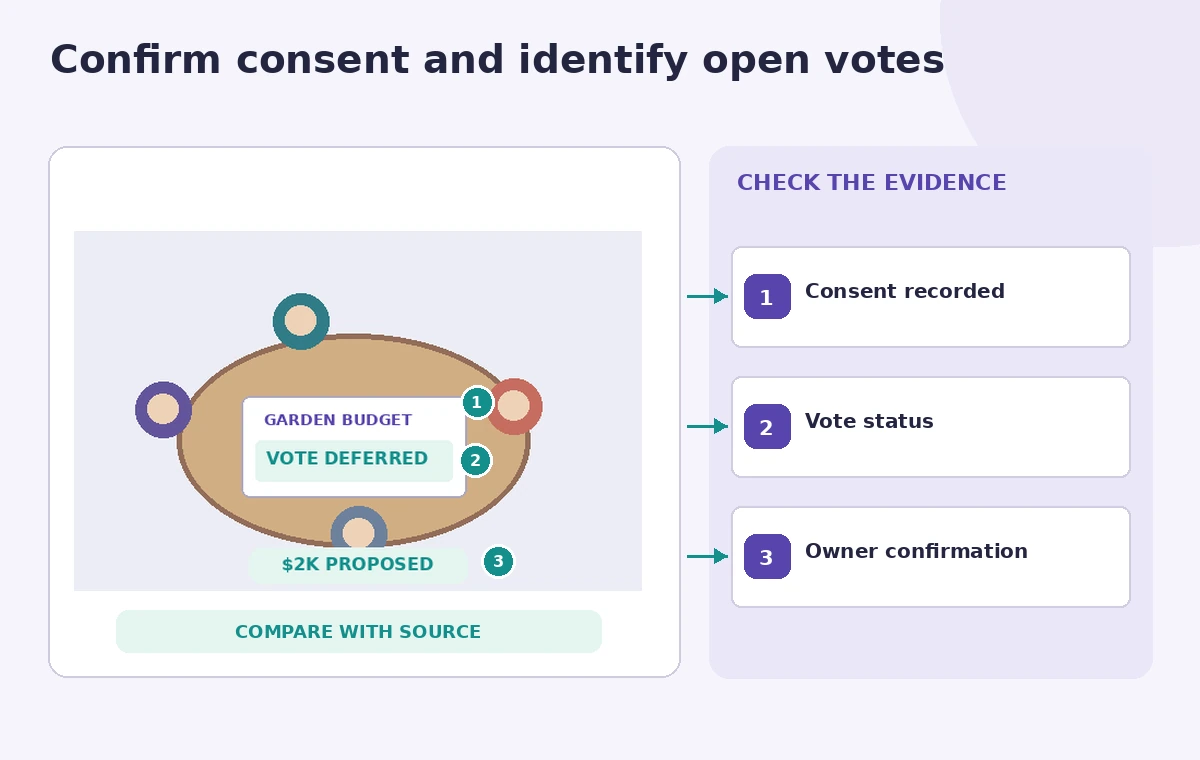
The final illustration highlights the consent indicator, the motion versus vote line, and the unresolved owner field. Review those independently before exporting. Ask an attendee who did not write the AI prompts to answer two questions: What was actually decided, and what remains open? If their answer differs from the text, verify against the authorized record.
When the minutes are approved, archive them with the organization’s normal records, not as a standalone AI output. The intended benefit of My Notes is reduced clerical effort and clearer follow-up, not a substitute for meeting procedure, participant consent, or truthful attribution. No real meeting or Zoom account was used for the illustrated example.
How We Research
For this article we reviewed named official vendor sources: Zoom Support, My Notes release notes; Zoom Support, Zoom Workplace release notes. We compared their stated entry points, supported accounts, configuration options and explicit limits with a narrowly defined editorial scenario. The steps identify what can be checked against the original email, meeting record, product photograph, or approved policy and what needs a qualified human decision. Illustrations are original conceptual artwork, not screenshots or recorded tool outputs. We did not log into a live account, pay for generations, transcribe real people, inspect real inventory, or conduct measured product tests. Features, pricing, and release availability may change. Confirm the current documentation and secure permission before using real customer or participant data.
Frequently Asked Questions
Zoom describes My Notes for supported in-person meetings as well as Zoom meetings.
No. A vote requires the organization’s actual procedure and authorized confirmation.
Rollout and platform availability vary; consult current app and account settings.
Only with appropriate permission and need; an approved summary is often safer.
Mark the owner unconfirmed, check the source, and request direct human approval.