
A fictional neighborhood arts group keeps three grant documents in Box: last year’s funding notice, the current program guidelines, and its internal application checklist. Someone asks whether a workshop series is eligible. Box AI can help locate relevant language, but a fluent answer is not a grant determination. The job is to identify which document controls, inspect the precise clause, and preserve a decision trail that another reviewer can audit.
Start with the controlling document
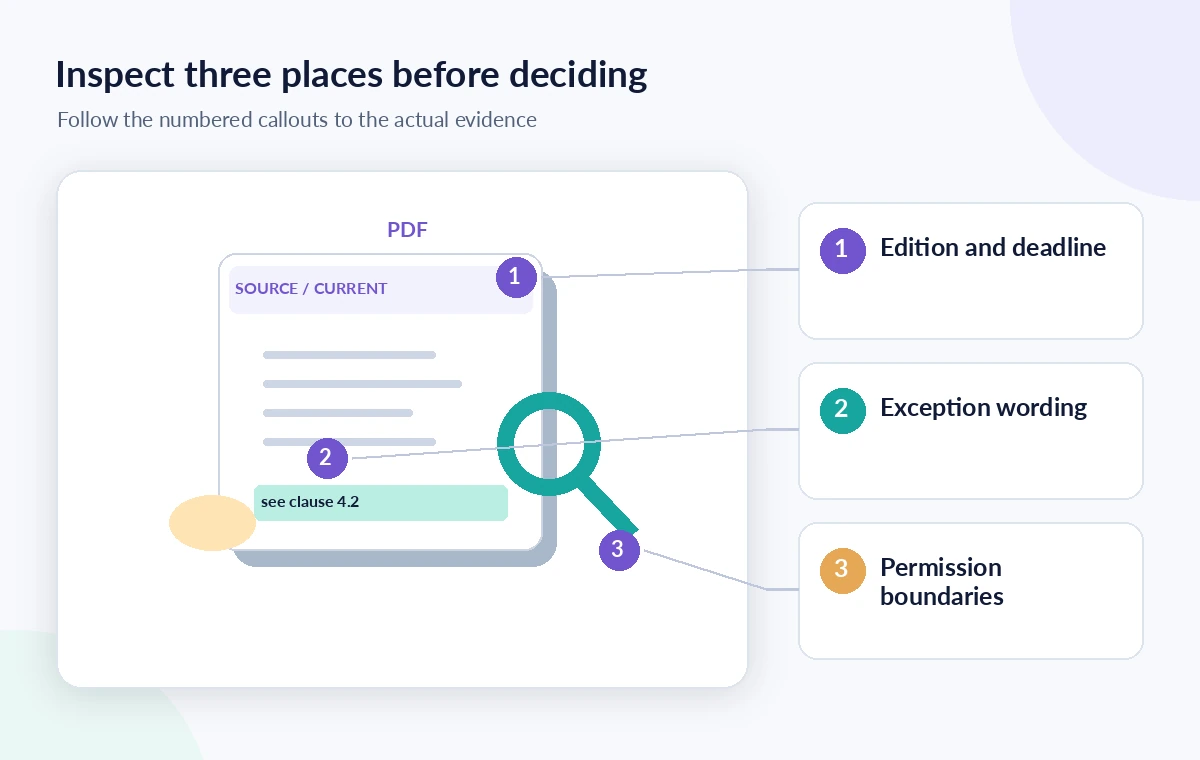
Find the official guidelines for the intended application cycle before opening an AI chat. Mark the issuing organization, publication or revision date, program name, application deadline, and any amendments. The team’s old checklist may be useful context, but it cannot supersede the grantmaker’s latest notice. In a hypothetical example, a previous cycle permitted all neighborhood organizations while the new cycle narrows eligibility to registered nonprofits. Those are deliberately illustrative conditions, not claims about a real program. Keep the source PDF unchanged and write down its full filename and revision in the review log. The first question is which document is authoritative, not whether the assistant sounds convincing.
Ask Box AI a clause-sized question
In Box, open the relevant document or the approved AI surface your administrator provides, then ask a focused question: “Which paragraph defines eligible applicants, and what exceptions does it name?” Avoid combining eligibility, budget, residency, and deadline questions into one long prompt. Box’s documentation describes document questions, summaries, and source citations; the exact available interface depends on organizational configuration. Request the wording and location of the supporting passage. If AI answers from several documents, identify which source each statement came from. A summary can route your attention to a passage, but does not replace reading that passage.
Use the citation as a navigation tool
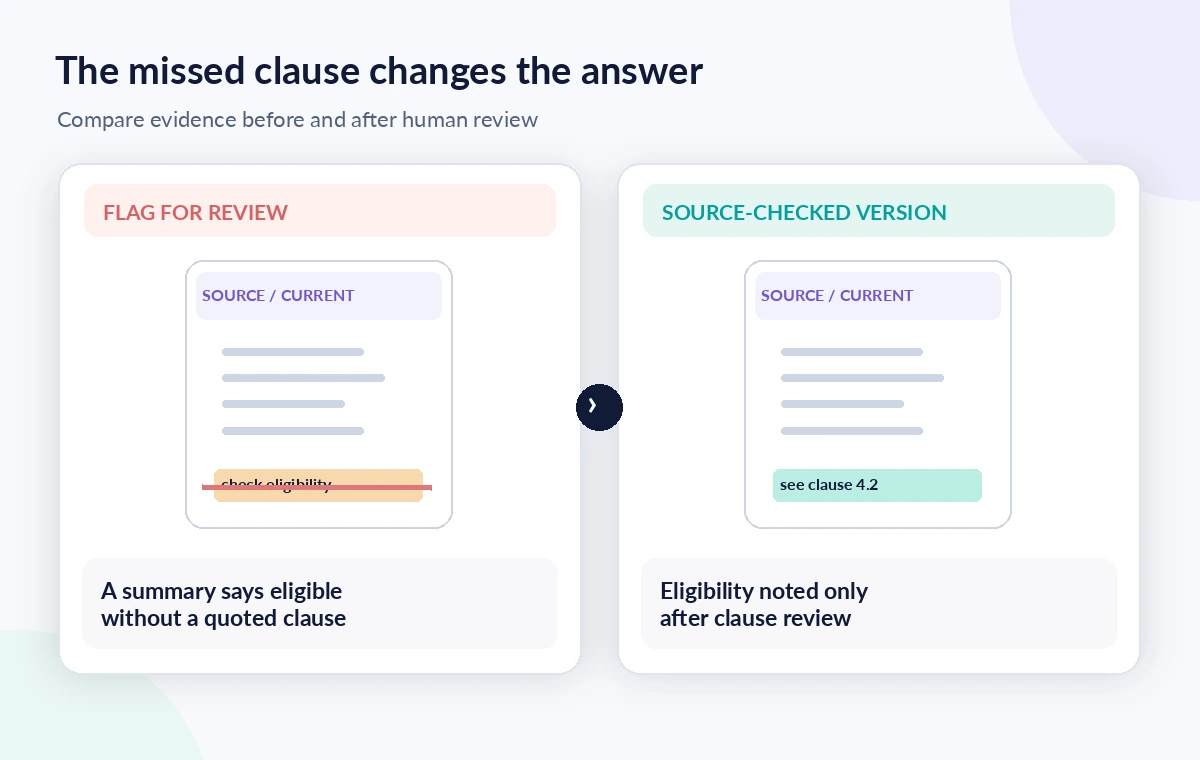
Box explains that citations can reveal the underlying source text. Open the cited material and read the entire surrounding paragraph, including definitions, footnotes, and adjacent exclusions. A result might quote “community arts projects are encouraged” while overlooking a separate line limiting which organizations can submit an application. Confirm that the quoted language exists in the current document and is not merely a repeated sentence from an obsolete attachment. Save the clause number, page or section, and a direct internal document reference in the review record. If a citation does not resolve to a useful passage, mark the answer unverified rather than quietly substituting an uncited inference.

Separate conditions from evidence about the group
Even an accurate explanation of rules cannot establish that the group satisfies them. Prepare an evidence table with one row per condition: the guideline clause, the organization’s supporting registration or program document, the person authorized to confirm it, and its review status. For instance, “nonprofit registration required” is a source statement; “our group is registered” is a separate fact needing its own record. Do not upload sensitive donor data or personal identification merely to test a model. Choose documents that the organization is permitted to process and consult the administrator about file access and AI configuration. Approval belongs to the grantmaker, not to Box AI.
Compare old and new wording safely
When two years of guidance are stored together, ask explicitly about each named revision instead of asking which version is “right.” A useful side-by-side worksheet has columns for eligibility, geographic limits, eligible expenses, matching requirements, and deadlines. Copy only short, verified passages needed to explain the difference and link to both originals. Search for changed qualifiers such as “must,” “may,” “at least,” and “excluding.” If an amendment adds a new requirement, record its date and status. Do not infer that silence in one version means automatic approval. A human reviewer should initial any material difference before the draft application relies on it.
Respect access controls and plan limits
Box AI access is governed by account provisioning, administrator settings, and permitted content. The current support guide describes AI Home, selectable agents, and situations where an administrator must enable the feature. A collaborator who can view a public checklist does not necessarily have permission to inspect a restricted finance folder. Verify your workspace’s plan and admin configuration before promising teammates a particular UI or volume of queries. Keep confidential budgets within approved repositories, and never paste a full sensitive document into an unrelated consumer chatbot as a workaround. The workflow should function even without AI: open the current PDF, search relevant terms, and read the clauses directly.
Build an auditable answer note
A useful outcome is not a one-word “eligible” badge. Write a short note naming the grant cycle, the examined source, the exact condition, what evidence the organization holds, and any unresolved question. For this illustrative arts grant, the note might read, “The current guidelines require status X; our registration is being checked by the treasurer; contact the program officer before representing eligibility as confirmed.” Keep the AI draft in a separate field from the approved organizational conclusion. Dates should be captured as printed in the source, not silently normalized or extrapolated. This makes the note reviewable even if the Box AI response is unavailable later.
Run a release check before using the conclusion
Have someone other than the initial researcher reopen the relevant guideline passages and confirm the facts independently. Check the program year, applicant category, exceptions, deadline time zone, and whether a question needs written clarification from the funder. Review whether citations point to the current file and whether the answer accidentally treats a recommendation as a requirement. If the documents conflict, do not average the two versions or select the more convenient one. Escalate and record the uncertainty. This verification process is designed for a hypothetical workflow; no live grant eligibility decision or Box model accuracy test was performed for this article.
How We Research
For this article, we cross-checked the feature workflow and limitations against the official Box Support: feature documentation and Box Support: additional technical guidance. We used those named vendor sources to describe interfaces, supported uses, and availability caveats as documented in October–November 2026. We also reviewed the logical evidence boundaries of the illustrative scenario: which statement is a source claim, which is an inference, and which requires a person to approve. We did not access a customer workspace, run a controlled product trial, inspect private recordings, or measure model quality. Plans and interfaces can change; check the linked vendor guidance again before relying on a specific control.
Frequently Asked Questions
No. It can surface and summarize language from available documents, but the applicant and grantmaker determine whether the published requirements are satisfied.
Open the source document manually and mark the claim unverified until you can identify the full clause and relevant exceptions.
You can compare them if your AI surface supports the selected sources, but label the cycles precisely and review every material difference against the originals.
Not necessarily. Availability depends on the organization’s plan, provisioning, enabled agents, permissions, and administrative settings.
At minimum, name the grant cycle, authoritative document, clause or section, applicant evidence, review owner, and unresolved questions.