
AI graphic design tools for social media do more than generate eye-catching assets. A small marketing team needs on-brand templates, correct campaign facts, accessible layouts, approval tracking and a predictable way to export the final post. The hidden cost is often not design time; it is correcting wrong dates or sending the wrong version.
This guide focuses on the production system instead of reranking every AI design tool. Canva and Adobe Express both support brand-oriented workflows, but specific approvals and sharing features can depend on workspace configuration. Treat the steps below as a repeatable process to verify inside your own account.
Separate content claims from visual styling
Start each campaign with an approved mini-brief: audience, offer, required disclosure, publication date, source for each factual claim and final call to action. Put this information in a shared record before asking AI to suggest layouts. The model may rewrite or invent details when given an incomplete prompt.
Choose a designated copy owner to approve numbers, dates, eligibility and wording. Give the designer only an approved text set, with permissible alternatives clearly marked. That way a visual iteration cannot silently introduce an unsupported benefit or outdated promotion.
Use brand kits as constraints, not decoration
Adobe documents brand kits as collections of logos, fonts, colors, graphics and templates, with sharing permissions. A useful kit also defines safe spacing, typography hierarchy and image treatments. Centralizing approved ingredients reduces accidental variation across staff and contractors.
Lock essential elements where the product and account support it, then make a working copy for each campaign. If staff can edit the entire master, a single accidental font or icon change can spread across future posts. Review the permission model, not just the color picker.
Compare Canva and Adobe Express by production needs
Canva documents a design approval process where reviewers can approve or request changes, with comments and notifications. Adobe Express supports brand kit workflows and shared visual assets. These are product capabilities, not evidence that either tool will eliminate coordination or produce better engagement.
Run a trial using one real campaign brief and the same five assets: announcement, square image, story, short-form video cover and link preview. Observe whether reviewers can find the right version, whether templates maintain required spacing and how many manual corrections are needed.
Build templates for each platform format
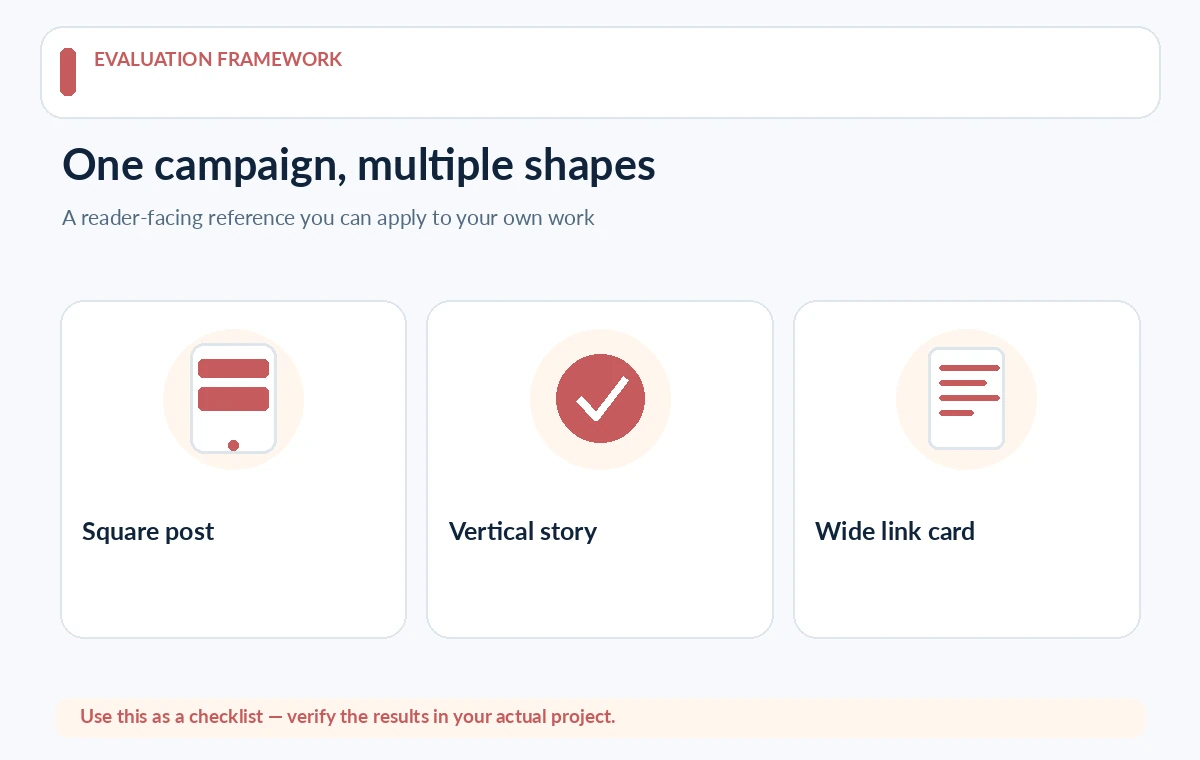
A square feed image, vertical story and wide link card cannot always share the same typography scale. Create separate master layouts, each with a headline zone, safe margins, approved logo placement and text alternatives. A text-heavy promo may need a second version rather than a smaller font.
Use AI to generate visual direction or background suggestions while keeping dates, URLs and offer copy as editable text. Rasterizing important copy into an AI-generated image makes proofreading and localization harder. Preview on a phone before publication, not only on a large designer monitor.
Route each design through a real approval state
Use explicit statuses such as Draft, Copy Approved, Design Review, Changes Requested and Ready to Publish. Record who approved each state and keep feedback attached to the actual design file. Canva’s documented approval feature can support this, but confirm your plan permissions before promising it to a team.
No one should treat a file named final-final-new as sufficient authorization. A revision that changes a price or disclaimer must return to copy approval. Maintain a simple audit trail for high-stakes or regulated campaigns, including the approved final export.

Verify rights, accessibility and visual facts
Check that photographs depict the promised product or experience and that generated elements do not imply features that do not exist. Ensure you have appropriate usage rights for stock assets, music, fonts and any recognizable people. An AI-created graphic does not make publicity or advertising rules disappear.
For readability, inspect contrast, line length and mobile-safe text size. Provide meaningful alt text on the destination platform and avoid communicating the only important distinction through color. If a chart is used, label categories and show a source for every number.
Prepare multiple versions without creating content drift
Localize captions or resize graphics from one approved master, then compare each output against the same factsheet. Names, offers and legal wording should remain consistent even when the line breaks and composition change. Avoid auto-translating regulated or legally significant wording without a reviewer.
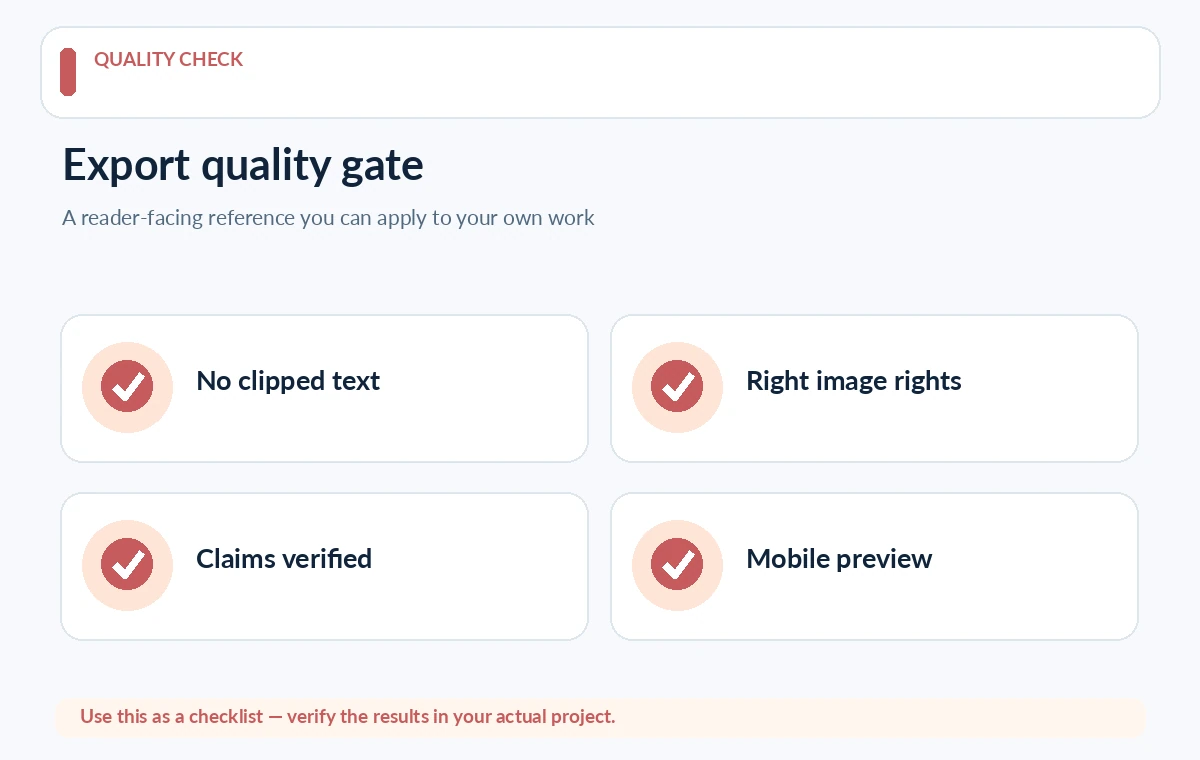
Keep the campaign identifier and revision date in file metadata or your project tracker, not printed on the artwork. Download and inspect the exported file to catch missing fonts, image cropping, clipped text and unsupported transparency before scheduling.
Evaluate tools by review friction, not generated volume
Judge a tool by whether it preserves brand assets, supports the team’s approval model, exports reliably, and makes later correction easy. Count rejected drafts and the reasons, rather than bragging about generating fifty versions. A smaller approved set is more useful than a huge unreviewed library.
Before renewal, check what features belong to your current tier and whether AI usage is metered. Include the cost of reviewer time and external assets. A tool is successful when the team publishes fewer mistaken variants and can reproduce an approved look from a documented template.
How We Research
Research reviewed October 27, 2026. Primary product and accessibility sources: Canva design approvals; Adobe Express brand kit; Canva logo and licensing note. We compared only capabilities described in official documentation with the reader task addressed by this article, noted when vendor documentation does not establish measured performance or legal clearance, and structured editorial checks that readers can reproduce with their own materials. We did not purchase plans, run independent benchmarks, verify private accounts, or claim affiliate relationships. Plan terms and interfaces can change; confirm them with the provider before purchase or publishing.
Frequently Asked Questions
Approval workflows depend on account setup and permissions. Canva documents the approval process, but teams should verify access in their own paid or managed workspace.
Keep critical claims, dates and URLs in editable text whenever possible. That makes proofreading, localization and corrections safer.
No. Someone must approve factual claims, brand usage, asset rights and platform-specific disclosures before publication.
Maintain a shared brand kit, restrict master edits where possible and require exports from approved templates with named reviewers.
Use the same approved campaign, formats and review criteria. Record export issues, approval friction and license constraints instead of inventing productivity benchmarks.