
The best AI photo editor for a portrait is not necessarily the one that changes a face most dramatically. Photographers usually need repeatable skin and lighting adjustments, careful removal of distractions, and a way to inspect what the software actually altered. This guide compares three established editing approaches without treating vendor demos as independent tests.
For an event photographer, consistent changes across a large set matter more than one spectacular transformation. For a commissioned headshot, identity and client approval may be the deciding factors. The practical recommendation below is organized around those needs, not a fictional speed benchmark or a universal winner.
Start with the kind of portrait you actually deliver
Headshots, weddings and creative composites have different definitions of a successful edit. A headshot needs recognizable skin texture and honest facial features; an event gallery requires predictable exposure and color; a stylized portrait may intentionally replace backgrounds or add visual effects. Write down the acceptable changes before opening an AI panel.
Keep a copy of the original RAW or highest-quality source. Choose three representative frames: an easy subject, difficult mixed lighting, and hair or glasses against a complex background. An editor that works well on only the easy frame may still leave expensive manual corrections across the rest of the assignment.
Lightroom: the strongest starting point for repeatable photo work
Adobe Lightroom combines conventional photographic controls with AI masks and Generative Remove. Adobe documents object removal using a user-selected region and generated replacement pixels. This is useful for removing a distracting sign or cable, but it is not evidence that the replacement reproduces the real scene faithfully.
Use Lightroom when catalog organization, consistent exposure and synchronized edits are central. Check the proposed mask at the edges of hair, glasses and clothing before applying across a series. A preset is a starting point, not a substitute for face-by-face review when lighting, skin tones and expressions vary.

Photoshop: choose layered control for difficult corrections
Photoshop makes sense when a portrait needs selective masks, reconstruction or compositing that cannot be handled cleanly in a single photo workflow. Work non-destructively with adjustment layers and preserve an untouched original layer. Record which areas were generated so a client or editor can distinguish reconstruction from ordinary color correction.
Its flexibility is also a cost: the operator must make more judgments about what belongs in the image. Do not use generative tools to change a person’s appearance, clothing or surrounding context without clear authorization. For journalistic, documentary or evidentiary images, follow the organization’s alteration policy rather than assuming a realistic edit is acceptable.
Luminar Neo: creative portrait adjustments with a smaller learning curve
Luminar Neo emphasizes AI-assisted relighting, masking and portrait-oriented effects. Skylum also describes GenErase, GenSwap and GenExpand, which are different jobs: removing an object, replacing one and extending a frame. Those claims describe available tools, not a measured guarantee of superior quality on every portrait.
For a photographer who wants guided creative controls, it can be a practical candidate. Inspect jewelry, eyelashes, hair and hand boundaries after edits. Dramatic skin smoothing or relighting can produce inconsistent visual cues; reduce the effect and compare against the original at the same zoom level.
Choose a workflow with reversibility and an audit trail
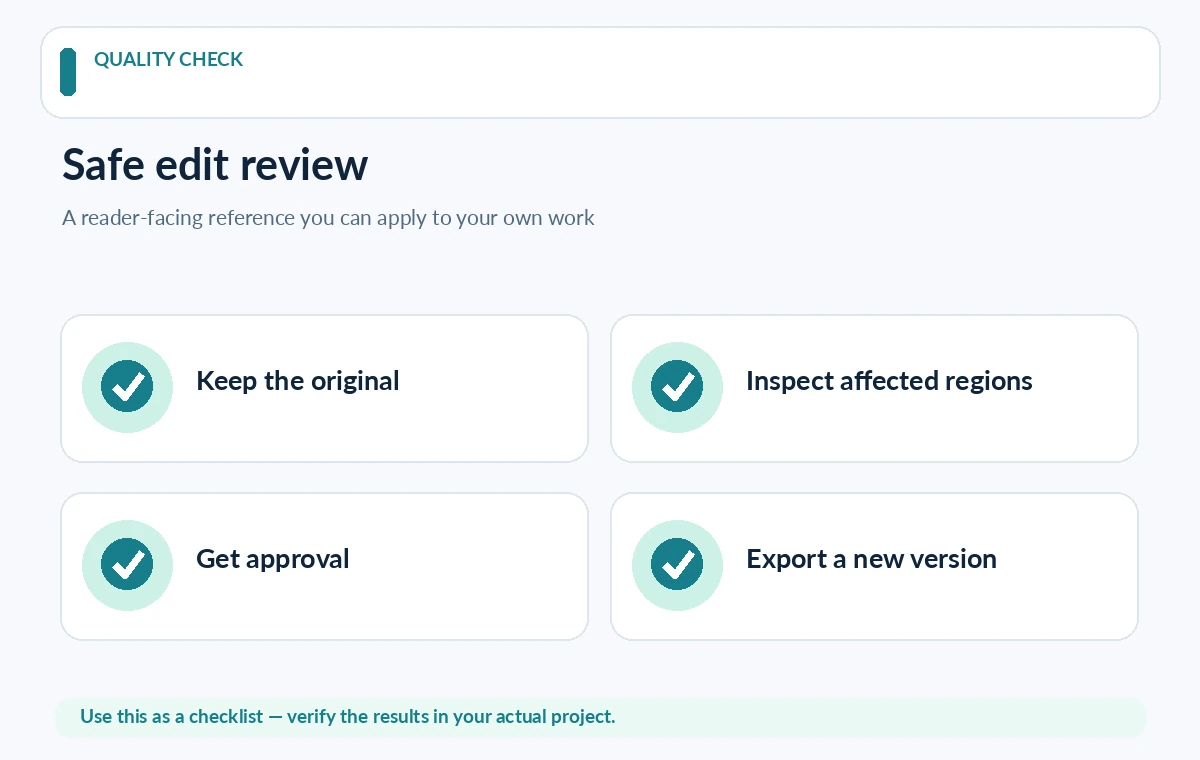
Reversibility matters more than the number of AI features. Preserve originals, export to a new filename and retain editable project data when possible. A correction should be removable without rebuilding the whole image. Keep a brief change note for alterations that materially affect a subject, especially generated replacement content.
If working in a team, standardize output color space, crop ratio, naming and review stages. Ask whether generated edits require online processing, whether files leave the device and whether client contracts allow it. These questions can eliminate an otherwise appealing product before its editing quality becomes relevant.
Evaluate three difficult portrait cases
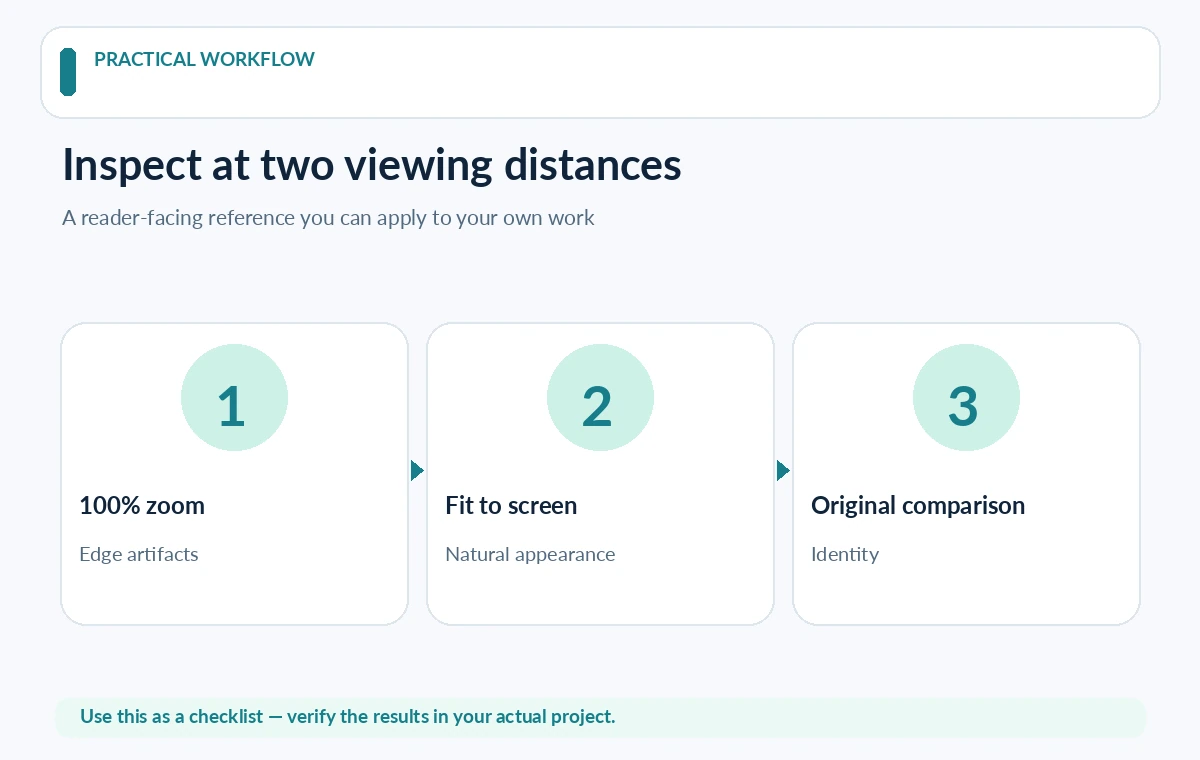
Test a portrait with flyaway hair against a patterned wall, a group photo with mixed lighting and a face with glasses. The review should inspect halos, warped frames, unnatural reflections, missing jewelry and inconsistent skin texture. Put original and export side by side at 100% zoom and at typical viewing size.
Use a simple checklist rather than an invented performance score: identity preserved; texture convincing; edges clean; color consistent; restoration possible. Note how many manual steps were required and who can reproduce the edit. This forms a useful purchasing comparison even without publishing unsupported timing statistics.
What a responsible portrait edit should never assume
AI-generated pixels can look convincing while inventing detail. Removing a microphone, crowd member or visible injury can change a photograph’s meaning. Distinguish ordinary corrections such as exposure from edits that alter documented facts. Seek subject consent when the requested change affects physical appearance or personal representation.
For marketing images, obtain explicit approval for the final version, not merely the original shoot. Avoid treating a vendor’s commercial-use statement as a release from privacy, publicity, advertising or contractual rules. If a tool recommends aggressive retouching by default, the reviewer remains responsible for the result.
Selection guide: match each editor to the job
Choose Lightroom first if the workflow is RAW organization and many consistent portrait deliveries. Choose Photoshop when complex local reconstruction and layer-based control are unavoidable. Shortlist Luminar Neo if guided relighting and creative portrait tools are the primary need and the editing team can verify output.
Do not rank them by an unverified single number. Verify current subscriptions, export restrictions and online-processing requirements on official pages immediately before purchase. Run a limited, consented test set with identical source images; record what actually worked in your environment rather than copying someone else’s promotional before-and-after gallery.
How We Research
Research reviewed October 27, 2026. Primary product and accessibility sources: Adobe Lightroom Generative Remove; Skylum Luminar Neo tools; Skylum guide to generative tools. We compared only capabilities described in official documentation with the reader task addressed by this article, noted when vendor documentation does not establish measured performance or legal clearance, and structured editorial checks that readers can reproduce with their own materials. We did not purchase plans, run independent benchmarks, verify private accounts, or claim affiliate relationships. Plan terms and interfaces can change; confirm them with the provider before purchase or publishing.
Frequently Asked Questions
Start with a tool that preserves editable masks and skin texture. Lightroom is a sensible candidate for consistent photographic adjustments; Photoshop provides finer control for difficult corrections.
Yes. Generated eyes, facial features or backgrounds may subtly alter a person. Compare with the source and obtain appropriate approval before publishing an altered likeness.
Not necessarily. It focuses on guided photographic effects, while Photoshop supports deeper layered reconstruction. Choose from the actual job and available editing skills.
Some generative editing operations require online processing even if ordinary editing is local. Confirm each feature and plan in current vendor documentation.
Use the same authorized portraits, a written defect checklist and reversible exports. Record observable edge quality, manual correction needs and consistency instead of inventing speed scores.