
Perplexity Deep Research is most useful when a question needs several rounds of investigation, not merely a fast summary. A credible result might need different data sources, precise dates, competing explanations and a conclusion whose limitations are visible. Perplexity now refers to this product experience as Research mode in its help center; users may still encounter the older Deep Research name in guidance and search results.
This is a hands-on editorial workflow rather than a claim that we independently benchmarked the service. We show how to write a bounded research brief, inspect linked evidence, repair omissions and turn the output into a decision memo. Perplexity can find sources and synthesize them, but your final accuracy depends on what you verify.
Choose Research mode only when the task needs it
Use the standard search experience for a narrowly defined fact, such as a product release date that can be confirmed in an official announcement. Choose Research for multi-part questions: how a regulation has affected several industries, whether studies converge on an effect, or how three vendors implement a specific feature. The extra depth is valuable when an answer needs a chain of reasoning rather than more paragraphs.
On Perplexity Search, look for the plus menu near the input area and select the research option available to your account. Perplexity’s documentation distinguishes its Best, Pro Search and Research modes; availability and allowances differ by subscription, so check the plan page rather than relying on an old tutorial. Do not confuse Research in Search with the separate Computer product.
Write a brief with five boundaries
A strong prompt names the decision, audience, geographic scope, time period and acceptable source types. For example: “For a US nonprofit choosing a remote-meeting transcription policy in 2026, compare vendor retention controls using official documentation and reputable legal guidance, flag uncertain claims and finish with a decision matrix.” That prompt is much more auditable than “best meeting AI.”
Specify what counts as out of scope: no guessed benchmarks, no vendor blog as sole evidence for a legal claim, no mixing US and EU requirements, and no statements about products that cannot be sourced. Ask the tool to label each important conclusion as documented, inferred or unresolved. The clearer the boundaries, the less time you will spend untangling a polished but off-target report.
Request an evidence table before recommendations
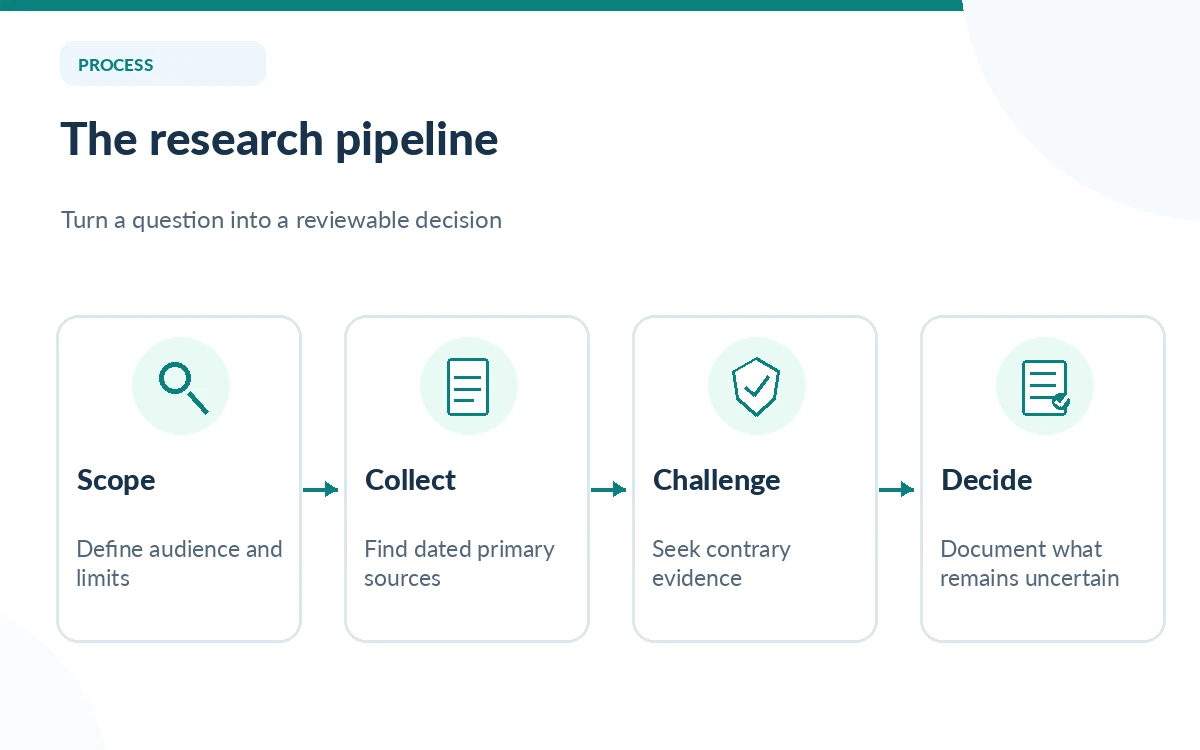
Tell Perplexity to show the source title, publisher, direct URL, publication or update date, claim supported and limitations. A page containing a citation is not automatically evidence for every sentence nearby. Open the linked source and look for the particular number, scope and wording. If an assertion cites a homepage instead of a relevant document, mark the assertion unresolved.
For research involving prices or product features, official pricing and documentation pages usually provide the best starting point. For academic claims, inspect original papers and their methods, not only a summary. For legal and health topics, prioritize the controlling primary authority and qualified professional review. A good memo can explicitly say “insufficient evidence”; that is a stronger outcome than filling the gap with a confident guess.
Run a contradiction pass
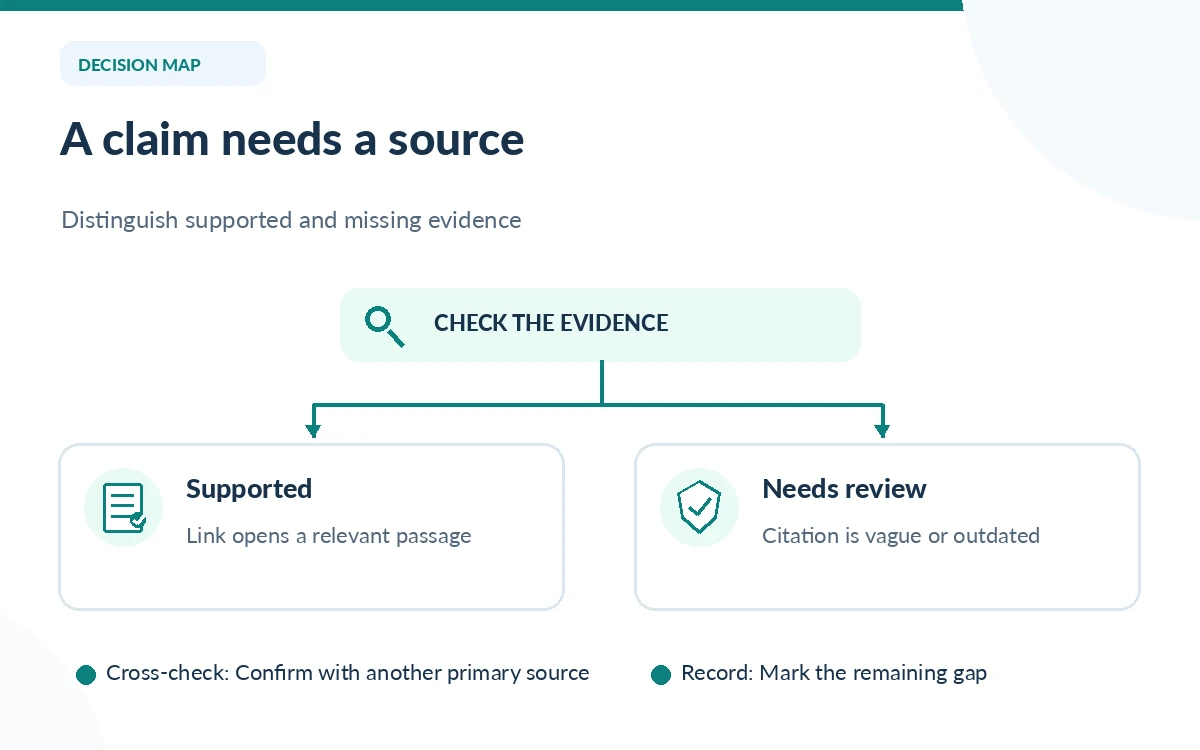
Ask a second question focused on what would disprove the draft conclusion: “Find authoritative sources that disagree, have newer dates, or use a different definition.” For any numerical comparison, check denominator, population, unit, currency and period. Two sources can appear to conflict merely because one describes a global product while another describes a particular subscription tier.
Keep a small uncertainty ledger with three columns: claim, unresolved question and next source to check. This prevents the research assistant from silently resolving ambiguity during later rewrites. If an output claims all plans have a feature, but the official help center limits it to a certain tier, replace the broad claim with the narrower supported one.
Turn the draft into a decision-ready report
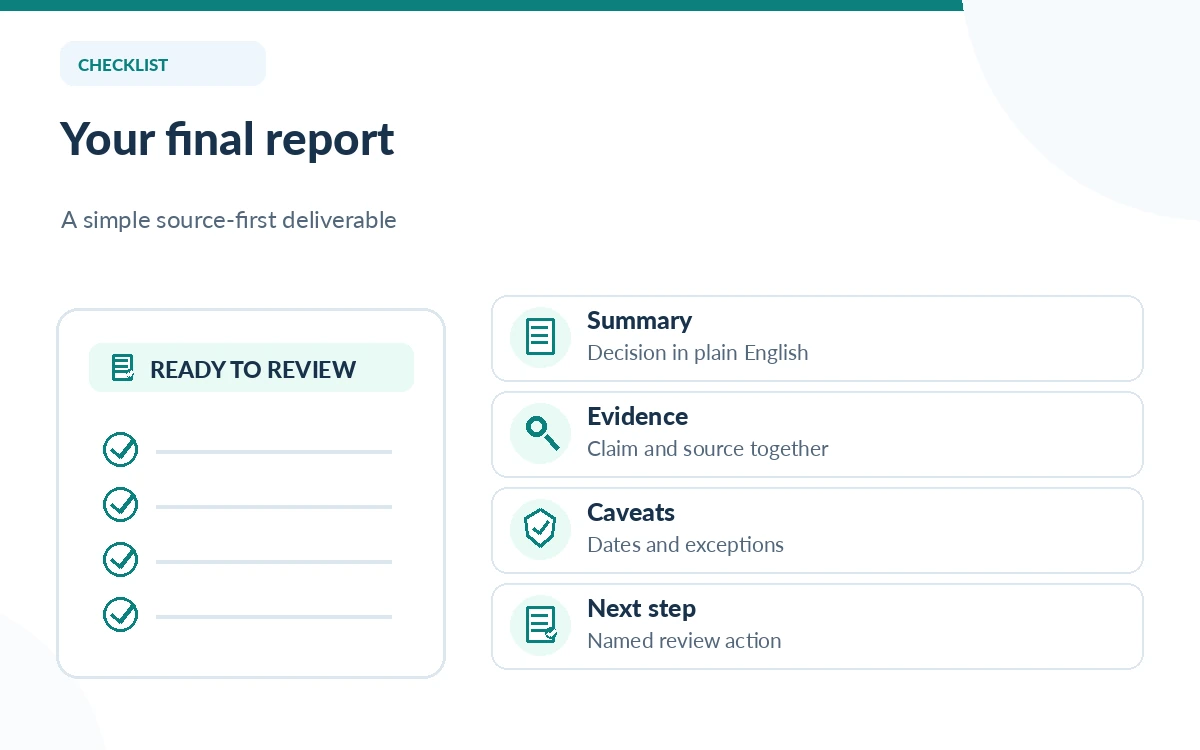
Request a short executive summary followed by a comparison table, explicit caveats, dated source list and recommended next actions. A procurement brief might conclude with “test export permissions before purchase” rather than an unsupported vendor ranking. A literature scan might identify gaps in the available studies rather than predict a universal effect.
Keep source references attached to the relevant claim when copying the report into a document. If you rearrange paragraphs, re-check citations: a linked source does not automatically travel with the right claim. Save an evidence snapshot or a dated list of URLs, since web pages and product terms may change after the original report was created.
Know the usage and privacy limits
Perplexity’s plan comparison describes different Research quotas for Free, Pro, Max and business subscriptions. It currently lists Free access as very limited compared with paid tiers; quota details are subject to change. Check the latest limit in your own account before planning a recurring research workload or recommending an upgrade to a team.
Do not upload confidential client documents, customer records or unpublished research simply because Research mode can process files. First check the account’s privacy controls, your organization’s policy and any contractual restrictions. If you cannot share the underlying documents with the service, build a sanitized brief and perform the sensitive cross-checks in an approved environment.
Use the verification checklist to close the project
Before sending the report, read every decisive cited page, check at least one competing explanation and confirm that sources fall within the chosen date and geographic scope. Mark uncertain conclusions rather than deleting the caveat. If you cannot independently verify a statistic, either remove it or state that the reported figure was not verified.
For ongoing research, retain the question, evidence table, unresolved claims, report date and the person responsible for reviewing each conclusion. That record is more useful than a screenshot of an attractive answer because it allows a colleague to update the work when a source changes. Research output is a starting artifact; your review process creates accountability.
How We Research
We reviewed Perplexity’s official Pro/Search modes guide, its subscription and Research limits table and the February 2026 mode-interface update on October 26, 2026. The prompts and evidence-checking procedure are editorial examples, not the result of a controlled Perplexity benchmark; we did not verify performance against every available source.
Frequently Asked Questions
No. Perplexity describes Research as an in-depth mode and Pro Search as an enhanced search experience. Both can link to sources, but they have different use cases and account limits.
Perplexity documents limited Research access on its Free tier and broader allowances on paid plans. Check the current quota in the official plan comparison before depending on a fixed number.
For consequential claims, cite and inspect the underlying primary sources instead. A generated report is a synthesis, not an original authority for every cited statement.
Only use documents you are authorized to upload under your company’s rules and the service’s current terms. Sanitize inputs or use an approved environment when necessary.
Stop when each decision-driving claim has an adequate source, major contradictions have been checked, and remaining uncertainties are explicitly documented. More text alone does not improve evidence quality.