
One caption tool can fail for three different reasons
A museum website might validate English, Spanish, and French subtitles on Linux, macOS, and Windows runners. The subtitle content may be identical, yet a job can fail because a shell interprets paths differently, a line-ending conversion changes the file, or an invocation assumes a platform-specific executable. GitHub Actions exposes RUNNER_OS at runtime and runner.os as a workflow expression context. These values help select an appropriate script path and shell behavior. They do not certify that the caption checker is trustworthy or that the underlying transcript is approved for public release.
Distinguish environment variables from expressions
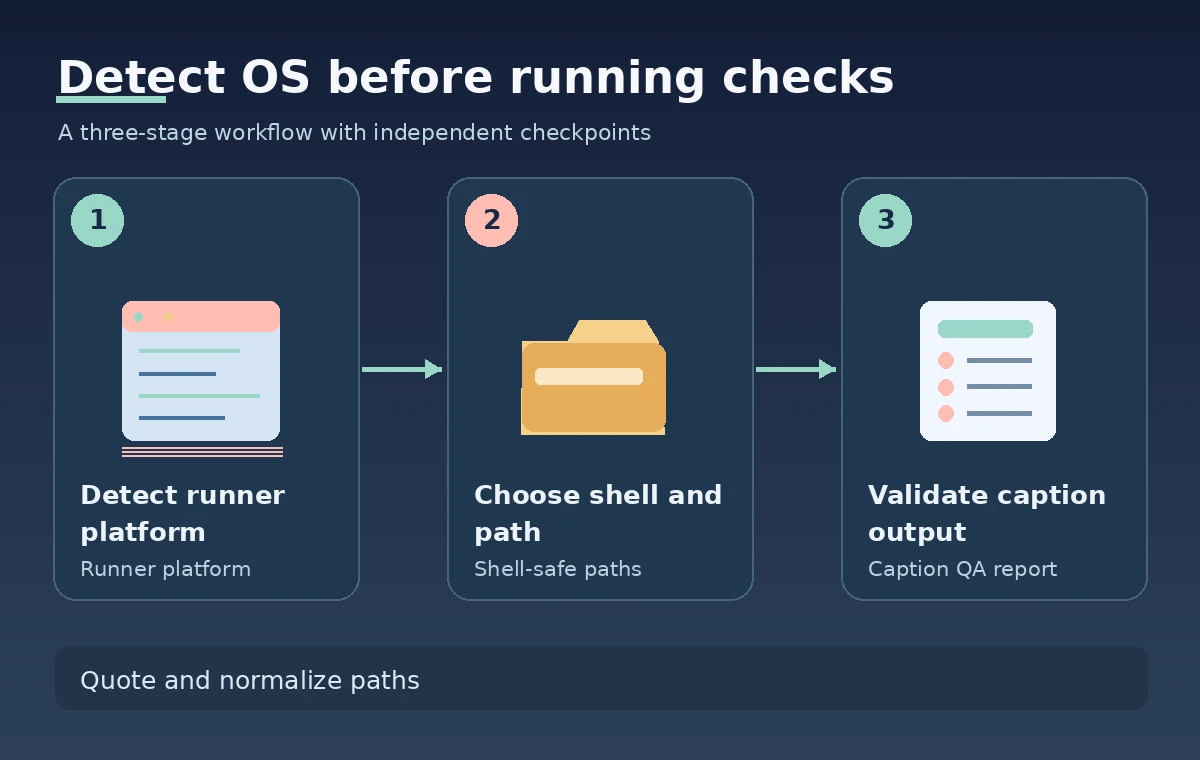
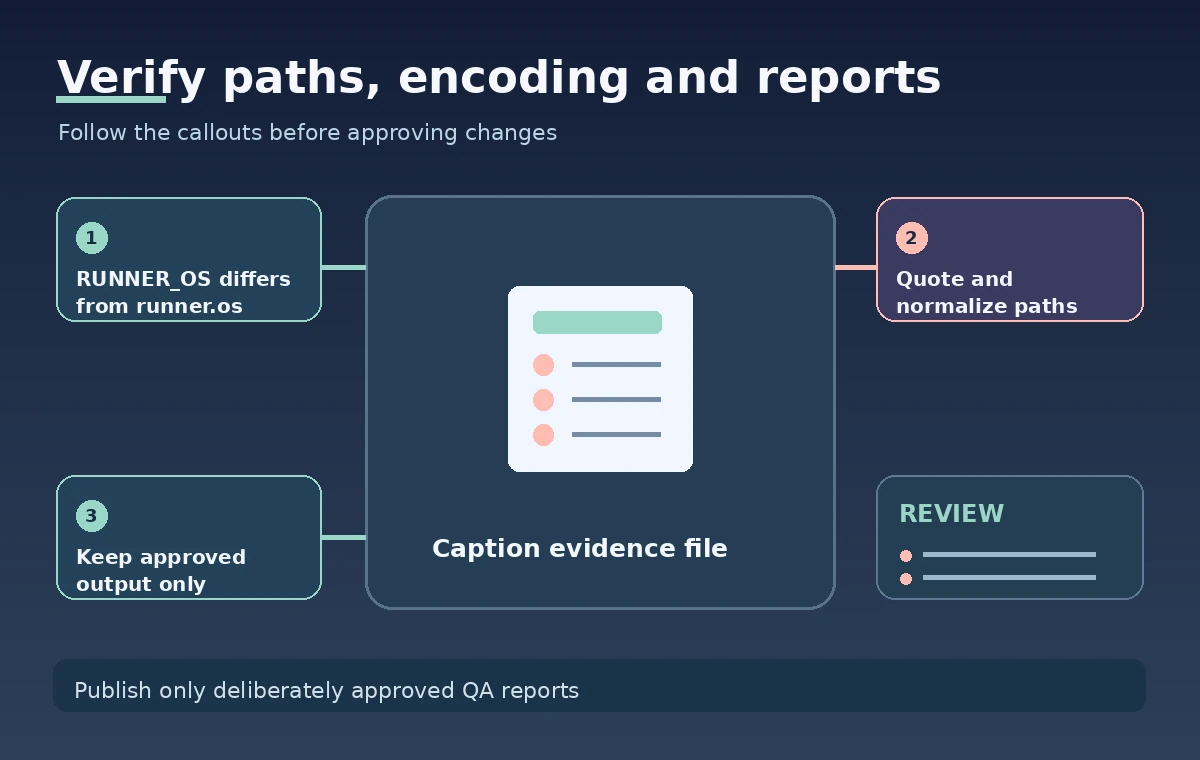
GitHub documents RUNNER_OS as a default environment variable available while a job executes, with possible values Linux, Windows, and macOS. The related runner.os context can be read in workflow expressions such as a step-level if condition. This matters because a workflow expression is evaluated in a different context from shell syntax. A value written literally as $RUNNER_OS may work in a Bash script but not in a PowerShell step, where $env:RUNNER_OS is the appropriate form. Avoid embedding untrusted repository text in shell commands while deciding which platform branch to run.
Declare an explicit platform matrix
For a reproducible caption QA plan, define a small matrix of approved operating systems and specify the tool version on each runner. Use the documented runner.os context to conditionally select an installer or executable path when necessary. The fact that a job is labeled windows-latest does not mean that a particular build tool is present at the same path forever; verify each tool in the environment before running a test. A platform matrix shows which environments were exercised but does not prove that every supported desktop application or mobile caption renderer behaves identically.
Handle filesystem paths as data
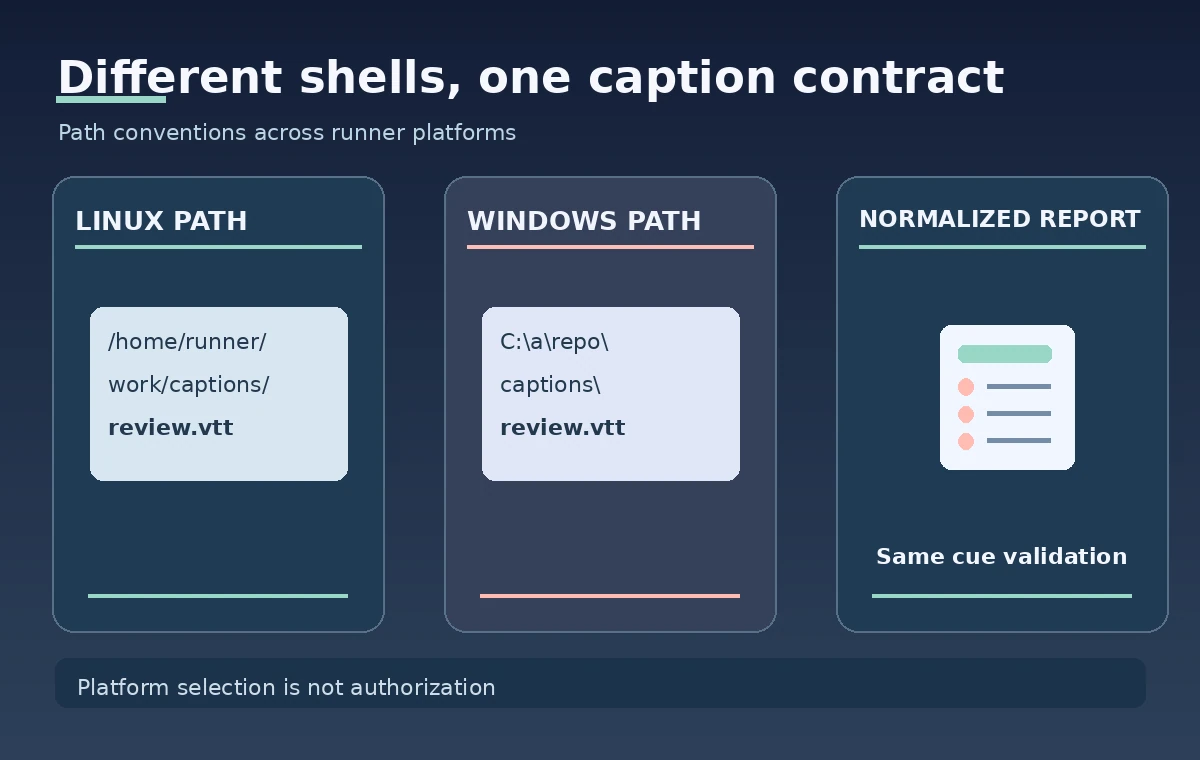
Never assemble filenames by blindly concatenating an uploaded caption title with a path separator. Resolve files relative to a controlled checked-out directory and quote arguments for the shell in use. Linux and macOS commonly use forward-slash paths, whereas Windows paths can contain drive letters and backslashes. Prefer portable path libraries in the caption-checking language over hardcoded separators. Do not mix GITHUB_WORKSPACE with runner.temp without a clear reason; the former typically hosts repository content, while the latter is for temporary job data. Review allowed output directories independently of RUNNER_OS.
Make shell selection visible in the workflow
A Bash step and a PowerShell step may implement the same operation differently, including how errors are propagated. If a workflow uses shell-specific syntax, state that explicitly through shell configuration or an appropriate action instead of assuming the runner chooses the behavior you expected. Use runner.os to select the branch before invoking code. Avoid putting shell code directly inside a dynamic expression containing pull-request names or subtitle filenames. For any CI job that can access release credentials, separate untrusted PR validation from privileged publishing regardless of the detected operating system.
Check encodings and line endings independently
Subtitle formats can be sensitive to timestamp punctuation, UTF-8 handling, byte-order marks, and CRLF versus LF line endings. A passing linter on one runner may hide a platform-specific decoder setting that fails on another. Prepare synthetic caption fixtures with accented text, non-Latin characters, blank cues, and edge-case timestamps. Compare parsed cue counts and warnings using a normalized test representation; keep the original fixture bytes available for diagnosis. Do not silently rewrite source transcripts during validation. Any accepted conversion should be documented and reviewed, especially for preservation copies.
Separate tool installation from report approval
RUNNER_OS can help choose a package download or installation command, but it cannot verify that the downloaded executable came from an approved publisher. Pin versions or commit digests where supported, check the expected source and integrity, and prefer vetted dependencies over downloading arbitrary binaries in a release job. Do not log private oral-history transcripts to prove that a platform-specific tool ran. The successful creation of a report file indicates that an operation produced output; it does not mean that translation quality, timing, or cultural terminology passed human editorial approval.
Give each platform a distinct evidence identity
Store a report name or metadata record containing operating system, tool version, commit, workflow run ID, and run attempt. A single artifact with a generic name can be overwritten or misread when several matrix jobs contribute reports. Aggregate only reviewed reports after all required jobs complete, and distinguish a skipped platform from a passing platform. Capture the source caption checksum and expected output location. If results differ between platforms, preserve the exact diagnostic category and fixture ID without exposing confidential caption text in widely visible logs.
Debug a mismatch without changing production scripts blindly
When a Windows job reports missing subtitles while Linux succeeds, first inspect shell quoting, checkout path, filename case, executable extension, and encoding. When macOS differs, inspect tool availability and platform-specific parsing behavior. Use a staging repository with controlled fixtures to reproduce the discrepancy. Avoid disabling a check simply to obtain a green badge, and never interpret an OS comparison as permission to bypass branch protection. This guide describes checks to perform; it does not claim tests were run on all three operating systems for a particular project.
Ship a portable, reviewable caption gate
A release-ready workflow records which operating systems were required, why each tool version was selected, how file paths were resolved, which synthetic fixtures passed, and whether the human caption review occurred. Use RUNNER_OS for runtime decisions and runner.os for the appropriate workflow expressions, respecting their different contexts. Keep paths allowlisted and input data separate from command text. A reliable cross-platform gate combines technical lint results with an explicit publication decision, not an assumption that one successful platform run certifies all captions everywhere.
How We Research
This November 11, 2026 article is a documentation-based instructional analysis, not a hands-on test or production benchmark. We compared GitHub, Variables reference and GitHub, Store information in variables and GitHub, Contexts reference, identified the precise parameter or behavior that the documentation supports, and organized the guidance around an illustrative museum workflow. We did not run a live service request, inspect real WordPress content, measure accuracy, or verify delivery against a working customer account. Each pictured scenario is an original conceptual illustration; current settings, permissions, supported API versions, and organization-specific governance must be confirmed before use. The release checks deliberately distinguish technical output from authorization, evidence quality, and actual user outcomes.
Frequently Asked Questions
GitHub documents Linux, Windows, and macOS.
RUNNER_OS is an environment variable on the runner; runner.os is the workflow expression context property.
Use PowerShell environment-variable syntax such as $env:RUNNER_OS rather than Bash syntax.
No. Paths, shell semantics, encodings, and installed tool versions may differ.
No. Release authority belongs to permissions, environment protection, and approved editorial gates.