
A successful download can still be the wrong executable
A museum caption-checking workflow might use a packaged subtitle validator that ships separate executables for Linux x64 and ARM64. If a job selects binaries using only the operating-system name, it can download a file that does not run on the actual CPU. The GitHub Actions RUNNER_ARCH default variable describes the runner’s architecture with values including X86, X64, ARM, and ARM64. This is the starting signal for compatibility selection, not an independent security attestation of where the job is running. A reliable workflow pairs architecture detection with a pinned, reviewed binary release and explicit integrity validation.
Separate runner operating system from processor architecture
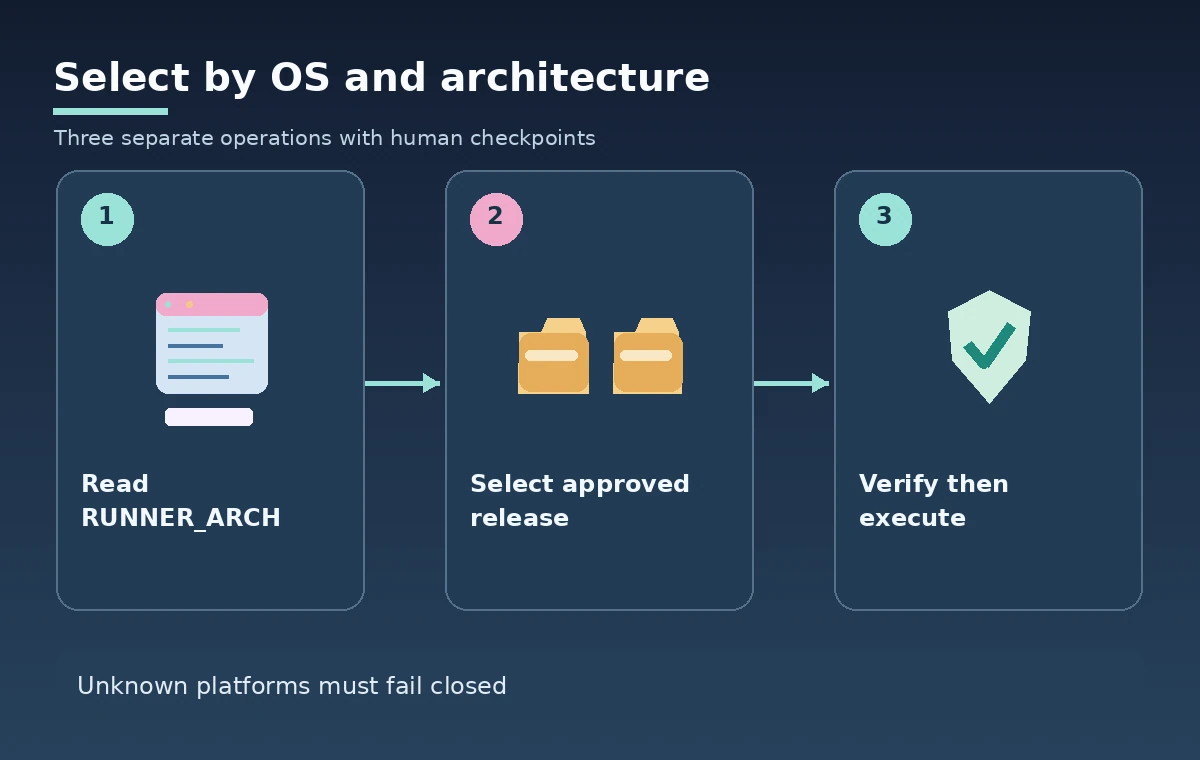
RUNNER_OS identifies the operating system; RUNNER_ARCH identifies the architecture. These answer different questions. A Linux runner may use X64 or ARM64, and packaging conventions can differ across tools. Read both values at the beginning of the job, log only non-sensitive platform information, and map them to an approved release matrix. Do not assume that a string used by a vendor’s download URL is identical to the GitHub variable’s spelling. Create an explicit mapping in the repository so a future runner-image update does not silently change which executable is selected.
Treat available values as a closed set for selection
GitHub documents possible RUNNER_ARCH values as X86, X64, ARM, and ARM64. Make the workflow recognize only combinations for which your team has verified a compatible caption-checker build. If the value is missing or unexpected, stop with a useful error rather than defaulting to an unrelated binary. This reduces debugging time and prevents accidental execution of a mismatched artifact. For self-hosted machines, also confirm the administrator’s platform inventory; an environment variable is not evidence that the runner host is approved to process private interview transcripts.
Pin the dependency and verify where it came from
Architecture compatibility does not establish software provenance. Select a specific approved tool version and source repository or official release channel, rather than requesting the latest artifact every time the workflow runs. Maintain a checksum or stronger release verification procedure for each OS and architecture combination. Download to a controlled temporary directory, validate the artifact before execution, and fail closed if a hash differs. Do not execute code fetched from a pull-request-controlled URL or an unreviewed manifest. An attacker who changes the download endpoint can supply a matching architecture while still delivering an unsafe program.
Plan a safe shell and file-path strategy
The platform tuple affects the executable format, while the job shell affects quoting, environment-variable expansion, and executable permission handling. Linux and macOS may need explicit execute permission; Windows binaries and PowerShell paths behave differently. Use the runner’s selected shell intentionally, quote file paths, and avoid interpolating untrusted file names into an executable command line. Do not hardcode a shared path that allows one job’s artifacts to overwrite another. Preserve subtitle files in a project-approved workspace and write temporary extraction outputs only into designated job directories.
Keep an explicit compatibility table in source control
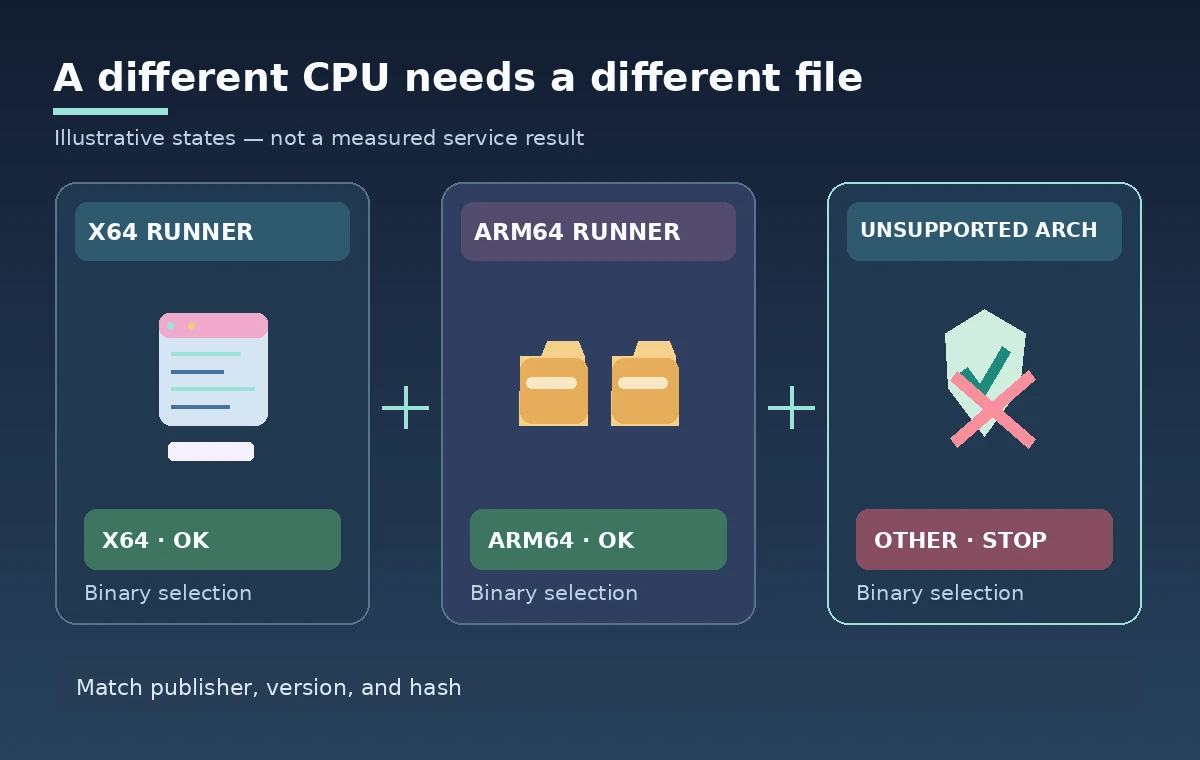
A small mapping table can list RUNNER_OS, RUNNER_ARCH, exact approved release asset name, expected digest, and the caption tools supported subtitle formats. Review that table when upgrading the tool or runner image. Do not choose a binary solely because the filename contains arm or x86; vendor conventions and universal packages can vary. Include a short unsupported-platform error path and avoid making empty validation reports look like passes. For a hypothetical caption file, the correct illustration shows different binary packages for two platforms and a blocked branch for an unsupported one, not claimed benchmark results.
Separate binary validation from caption correctness
Passing an architecture and hash check only proves the expected tool artifact was selected. The checker can still accept a caption file with missing speaker labels, wrong room numbers, or timing problems. Validate tool startup, version output, input encoding, and exit code, then run domain-specific caption tests. Preserve failures as failures rather than automatically rewriting transcript text. Where caption content contains personal names or protected interview material, avoid exposing raw lines in public CI logs. The editorial team should approve content changes independently of machine-level compatibility checks.
Account for self-hosted and temporary runners
GitHub-hosted runner labels and self-hosted runner inventories differ. A self-hosted server might have a custom operating-system image, existing tools, or hardware architecture that changes after maintenance. Verify the organization’s approved runner group, repository access, and storage isolation before sending sensitive caption material to it. Default variables help select a binary but are not proof of hardened disk, correct network policies, or safe artifact retention. Keep the action permissions narrow and avoid installing global packages if the job can run a checked, project-local executable.
Test both positive and failure branches
Before the workflow is accepted, test an allowed X64 combination, an allowed ARM64 combination where available, and a deliberately unsupported mapping in a controlled repository. Confirm that the last case stops before downloading or running an unverified file. Compare output metadata to the expected pinned version and digest. Do not invent success metrics for architectures that were not actually tested. A simple matrix records platform, selected asset, integrity result, tool execution result, and caption validation result. If the job cannot run on the required runner, report the limitation instead of claiming all platforms are supported.

Capture reproducible provenance for release review
The release artifact should include workflow run identifier, attempt, runner OS and architecture, pinned tool version, verified digest, caption-test status, and editorial approval reference. Treat those as distinct columns: a green CI check is not permission to publish a subtitle track. Make a reviewer confirm that the release asset belonged to the expected vendor and that the tool inspected the intended caption files. This instruction is based on GitHub documentation and hypothetical workflow design, not a claim that a real museum repository or any of its self-hosted runners was accessed.
How We Research
We used these named official references (checked November 11, 2026): GitHub Docs, Variables reference; GitHub Docs, GitHub-hosted runners; GitHub Docs, Workflow syntax. We compared GitHub runner default variables with hosted-runner and workflow guidance, separating CPU compatibility from approved software provenance. This is documentation-based instructional analysis, not a product benchmark, a hands-on integration, or a test of a real museum environment. Scenarios and all illustrations are hypothetical; we did not measure accuracy, throughput, file availability, granted permissions, or actual delivery. Before deployment, an authorized operator should recheck API versions, limits, identity scope, prices where relevant, and institution-specific retention and approval rules. We make no claim that any depicted response, screenshot, dataset, or user consent occurred in production.
Frequently Asked Questions
GitHub documents X86, X64, ARM, and ARM64. Map these documented strings to vendor asset labels explicitly.
No. Operating-system type and CPU architecture are separate compatibility dimensions. Use RUNNER_OS and RUNNER_ARCH together.
No. It checks the artifact, not the editorial content of the subtitles. Caption timing and accessibility need separate review.
Fail closed and request review instead of downloading a guessed executable. Unexpected hardware should stop until an approved build exists.
No. Runner authorization, isolation, and governance need separate controls. Assess the runner group and its permissions separately.