
If you search for Copilot Pro in 2026, you may find old setup instructions next to a different plan lineup. Microsoft announced on October 1, 2025 that it would stop selling Copilot Pro to new customers and introduced Microsoft 365 Premium as the newer consumer offer. That does not mean an existing user should cancel a subscription immediately or assume the old entitlement has vanished.
The right move depends on who bills you, the renewal date, whether you need Office desktop integration, and which account actually owns your subscription. This guide is about managing the transition; it is not another broad comparison of every Microsoft Copilot plan.
Understand what Microsoft changed
Copilot Pro was once promoted as a separate paid Copilot subscription. Microsoft’s October 2025 announcement says the company will no longer sell that product to new buyers. The replacement direction for consumers is Microsoft 365 Premium, which combines Microsoft 365 applications with expanded AI benefits. Other home plans, including Personal and Family, also have some Copilot features.
“No longer sold” is more precise than saying that every current Copilot Pro subscription stopped functioning on one date. Microsoft still lists the older subscription in support materials, including its plan-switching table. Existing accounts need to use their own subscriptions dashboard to determine their current product and renewal status.
Check the account before touching billing
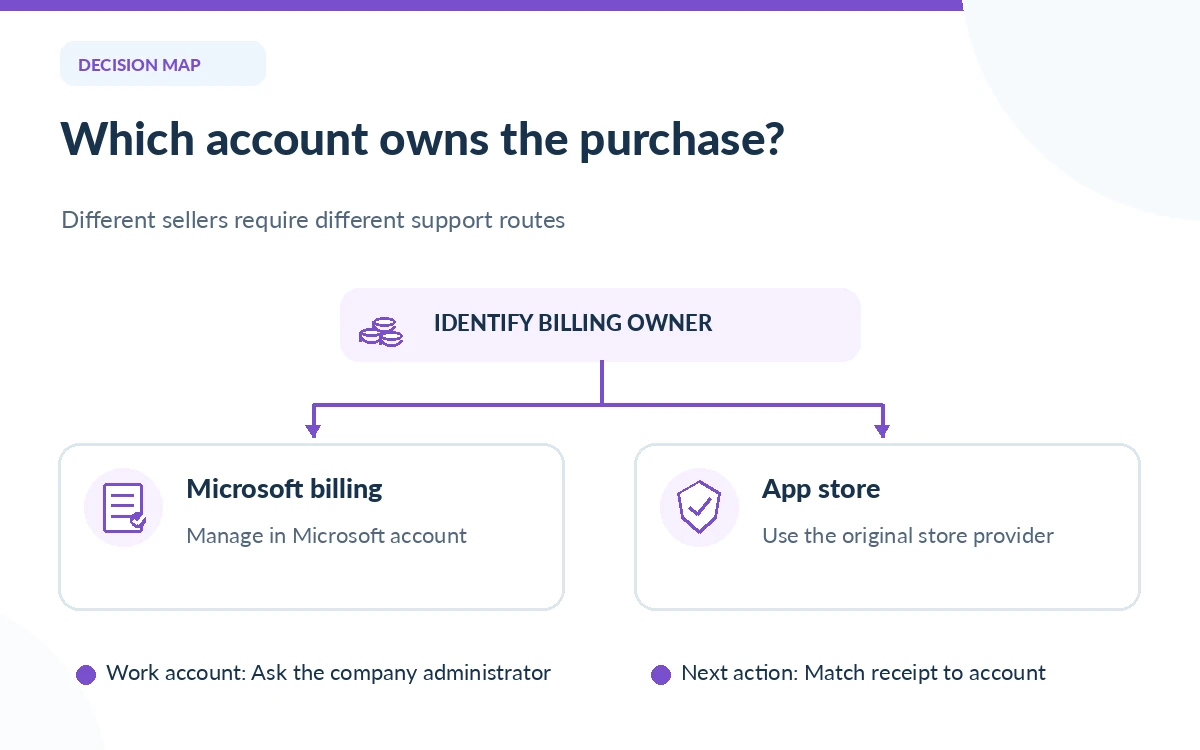
Go to Microsoft’s account subscriptions dashboard and sign in with the same personal Microsoft account used to purchase Copilot Pro. Read the product name, next charge date, billing interval and payment source. If you have several Microsoft accounts, check which one appears inside Word or Copilot before assuming the entitlement is missing.
If the purchase was through Apple, Google or a retailer, Microsoft’s support says that the outside provider may control cancellation, renewals and switching. Do not try to fix a storefront mismatch by creating a second paid Microsoft subscription. Record the original receipt and billing provider so you can address any duplication with the right seller.
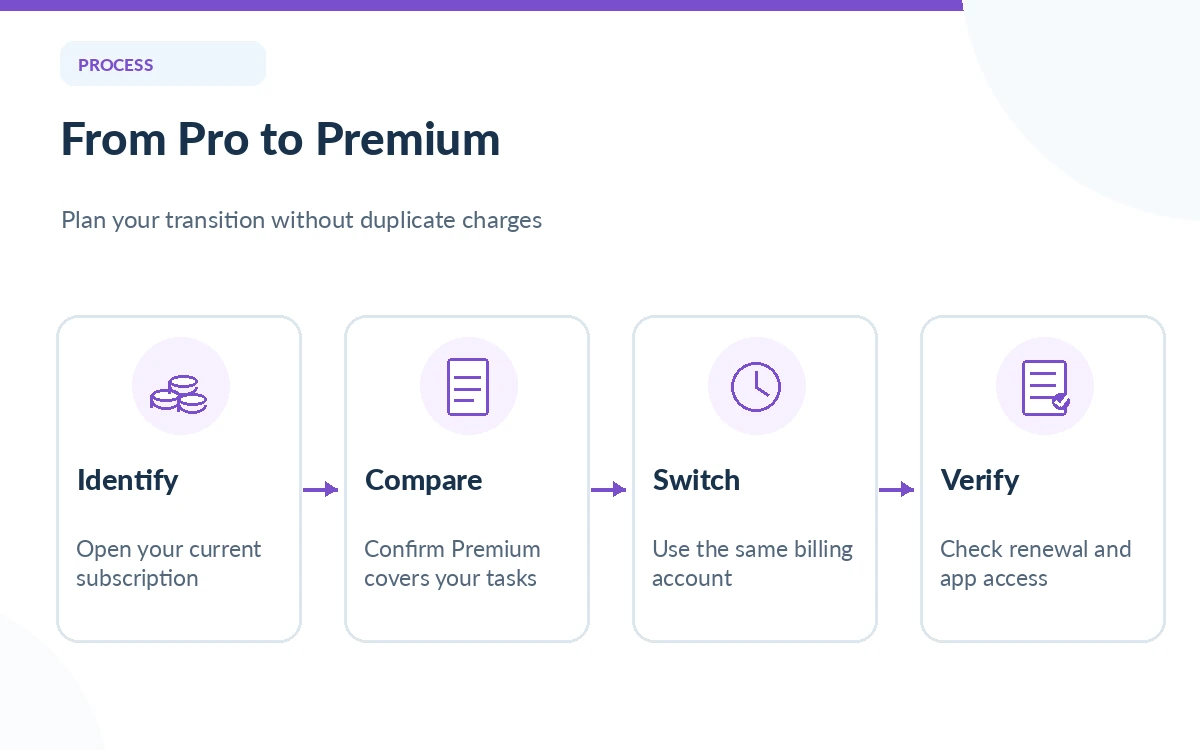
Decide whether Premium fixes a real problem
Microsoft 365 Premium is designed for consumers who want broad Office features and more intensive AI access. That may be a natural destination if you actively use Copilot inside Word, Excel and PowerPoint. But someone who only asks the occasional question in chat could find the free service sufficient, and a current Microsoft 365 Personal subscriber may already have enough built-in assistance.
Write a short task list before upgrading: for example, editing weekly proposals in Word, drafting presentation outlines in PowerPoint and reviewing email in Outlook. Then confirm each required app and usage entitlement in Microsoft’s current comparison. A larger subscription is not inherently worthwhile when your bottleneck is an unsupported file type, company permission or review process.
Understand what happens to remaining time
Microsoft’s official “Switch between Microsoft 365 subscriptions” page explains that when a user moves to a higher-feature home plan, unused subscription days may convert into time on the destination plan. Some published switching tables explicitly include Microsoft Copilot Pro to Microsoft 365 Premium. Exact behavior depends on the account, existing plan and purchase channel.
Therefore avoid promises such as “your old months will be refunded in cash” or “you will always get the same renewal date.” Open the confirmation screen and verify the converted balance and the next charge before accepting a switch. If the displayed conversion differs from what you expected, use Microsoft’s account billing support rather than repeatedly purchasing plans.
Follow a safe migration sequence
First take a dated inventory of your current subscription and the apps you use. Second read the current Premium benefit list and confirm you are using a personal account, not a work tenant. Third use the same Microsoft account during the upgrade if the official flow supports conversion. Fourth save the order confirmation, new renewal date and entitlement summary.
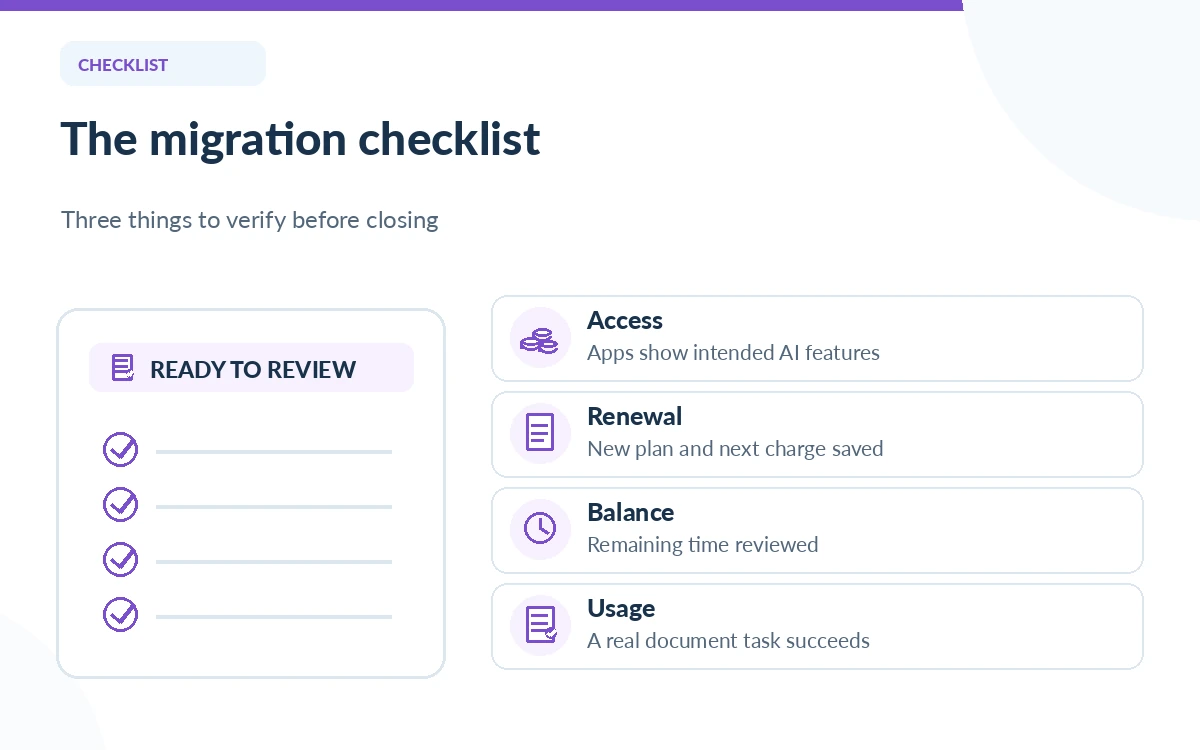
After the switch, open one known document in the Microsoft 365 app where you expect Copilot. Confirm that the feature appears and that your familiar workflow still works. Microsoft notes that Excel Copilot requires AutoSave and OneDrive storage for certain tasks, so test with an eligible file. Do not delete work, recreate accounts or change business settings merely because a subscription label is different.
Handle special cases instead of forcing a switch
An organization-issued Copilot license is a different product from consumer Copilot Pro. If the app says your work account has a business or enterprise entitlement, ask the tenant administrator to confirm the license rather than following a home-plan guide. The same caution applies to a family subscription: integrated AI benefits generally belong to the subscription owner rather than every family member.
Users with accessibility needs, student offers or regional billing restrictions should check plan eligibility directly. Prices, promotions and bundled storage have changed during 2026, so a dated forum comment may be incorrect. If a retailer sold you the original subscription, read that merchant’s renewal rules first; Microsoft’s switch instructions explicitly flag third-party billing.
Use this post-switch acceptance checklist
Keep a four-part record: subscription owner, plan name, billing outcome and one verified task in each app you care about. Inspect the next renewal amount rather than only the initial upgrade price. If you paid twice during the transition, document both transaction identifiers privately and contact the relevant billing provider. Avoid putting receipt numbers in a public support thread.
Finally, decide whether Premium continues to justify its cost after one normal billing cycle. Count tasks completed and the review time needed, not the number of times Copilot was opened. A move from Copilot Pro should produce clearer access and fewer duplicated subscriptions, not another layer of uncertain fees.
How We Research
We read Microsoft’s October 2025 Copilot Pro transition announcement, its official switching instructions, and the current consumer plan comparison on October 26, 2026. We did not access a subscriber account or execute an upgrade. Account-specific eligibility and charges must be confirmed in Microsoft’s authenticated checkout.
Frequently Asked Questions
Microsoft stopped selling new Copilot Pro subscriptions and introduced Microsoft 365 Premium as the newer consumer option. Existing subscribers should verify their status in their account.
Do not infer an automatic shutdown date from the no-new-sales announcement. Your account and Microsoft’s current support flow determine your entitlement.
Microsoft describes conversion of remaining time for eligible upgrades. The exact result must be inspected in your own account and purchase channel.
No. These instructions concern consumer Microsoft accounts; business licensing is managed separately by the organization.
Check Microsoft’s official upgrade and billing instructions first. Premature cancellation or buying through a different account can complicate time conversion and produce duplicate charges.