
v0 pricing is easy to misread if you treat a subscription, generation credits and production hosting as a single bill. Vercel’s v0 builds and refines code using metered AI activity, then connects projects to deployment infrastructure. The monthly fee determines a workspace and credit allowance; it is not a guarantee that every future generation or hosted service is covered.
This October 26, 2026 guide accounts for a moving plan lineup. Official documentation still contains the names Team and Premium, while the July changelog renamed Team to Plus and later notes describe a migration away from Premium for new buyers. The accurate purchasing method is to map features to the plans actually offered in your account at checkout.
Read the current lineup without mixing old labels
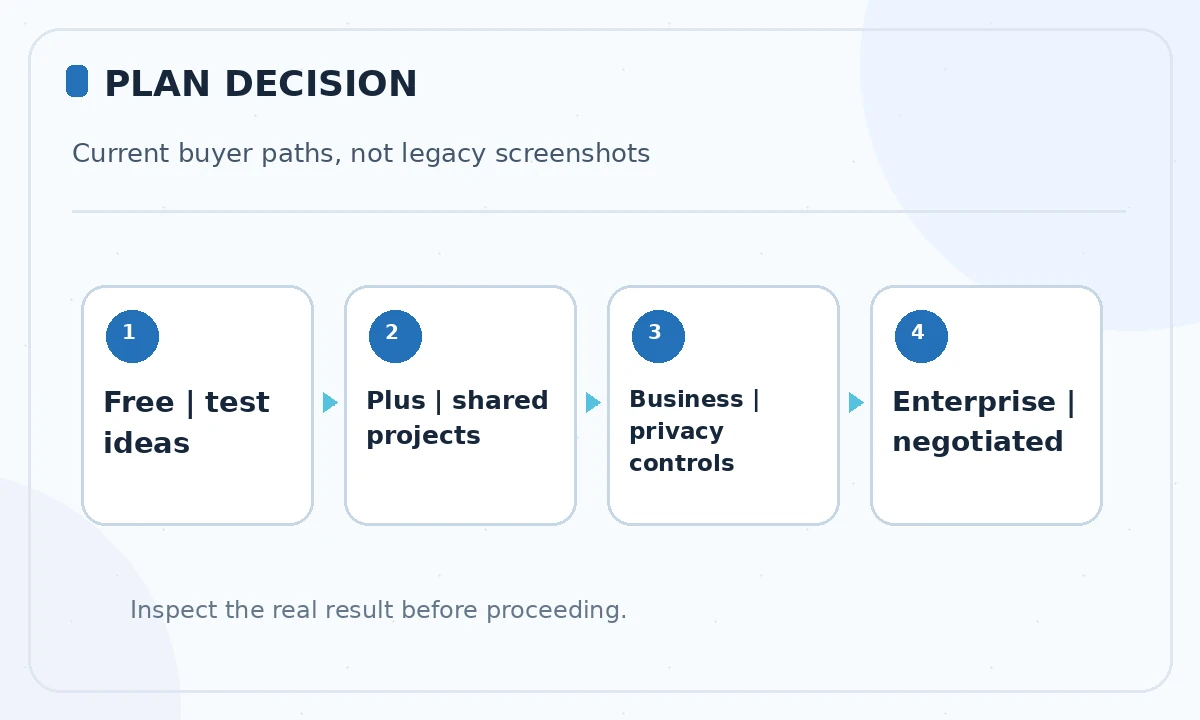
v0’s official pricing guide lists Free, Premium, a team-level tier, Business and Enterprise, but says Premium is being sunsetted and unavailable to new users. The product changelog documents Team being renamed to Plus in July 2026. As a result, a legacy account or older support page may still show different labels. This is a versioning issue, not evidence that two separate paid team plans necessarily exist.
For new purchasing decisions, compare Free, Plus, Business and Enterprise first, and check whether your own existing Premium access continues. Do not copy an old pricing screenshot into a procurement memo without the date and billing context. Enterprise terms are quote-based and must not be inferred from per-seat public pricing.
Understand published seat-price snapshots
Vercel’s documentation lists Free at $0; its legacy Premium listing is $20 monthly, the team/Plus tier at approximately $30 per person monthly, and Business at $100 per person monthly. Those are published plan markers, not a customized checkout quote or the total cost of deploying a production application. Tax and additional services can change the amount you pay.
For a hypothetical three-person team, a $30 per-seat tier would start at 3 × $30 = $90 each month before any extra purchases. That arithmetic is illustrative and assumes each person needs a paid seat. Confirm whether your workspace has migrated and whether you need access for editors, reviewers or outside clients.
Separate monthly credits from additional purchases
v0’s pricing documentation describes included monthly credit balances, separate top-up options for eligible plans and expiry rules. Generation cost depends on input and output tokens, context size and selected model. A prompt with a small component change can consume less than an agent run that explores a large repository. The number of messages alone is therefore a poor budget proxy.
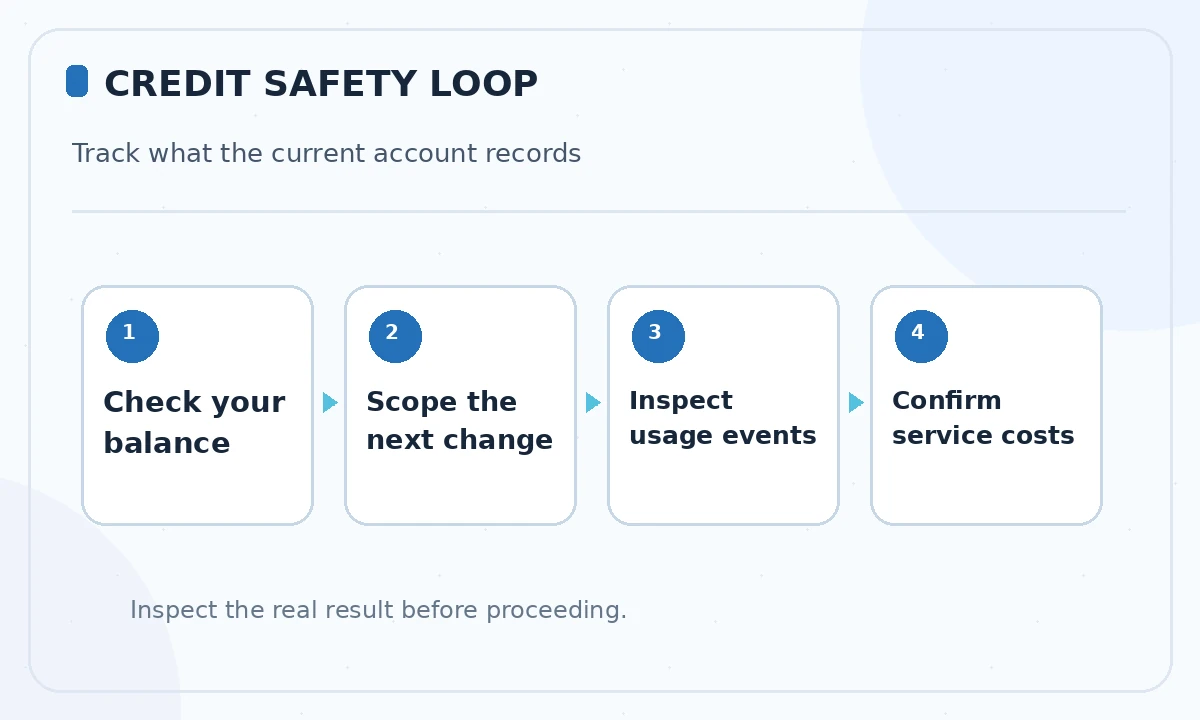
Open the Usage and Billing dashboards and review dated events. For a paid team, distinguish individual monthly credits from credits in any shared pool. Some plan descriptions use slightly different timing rules for rollover and expiry, so treat the account’s live balance and terms as decisive. Avoid publishing a universal dollar cost per generated web page.
Factor in the ChatGPT subscription connection
Vercel’s September 2026 changelog says eligible ChatGPT Plus and Pro subscribers can connect a subscription for supported AI responses in v0. That is not a free all-inclusive replacement for v0 credits. The vendor states that a small platform fee, image generation, delegated agent work and other supporting operations can still require v0 credit balance.
If your account offers the integration, inspect the active billing method and the model picker before starting a long task. The same changelog says Standard speed applies to the ChatGPT-plan path, while Fast mode draws v0 credits. Do not assume a ChatGPT subscription also covers Vercel hosting, integrations or unlimited v0 work.
Choose Plus or Business by control requirements
Plus targets collaborative projects and centralized team billing. Business adds stronger privacy and team controls, including a data-training opt-out described in official pricing and enterprise materials. Some teams need those controls because they work with proprietary designs, while others primarily need shared project review. Neither tier removes the need for secure coding and access management.
Write down the specific required controls: who can see chats, who can edit a production project, whether SSO is mandatory, and whether training opt-out is a procurement requirement. Check the current plan comparison; do not upgrade solely because the higher tier advertises more advanced AI.
Include deployment and integration costs
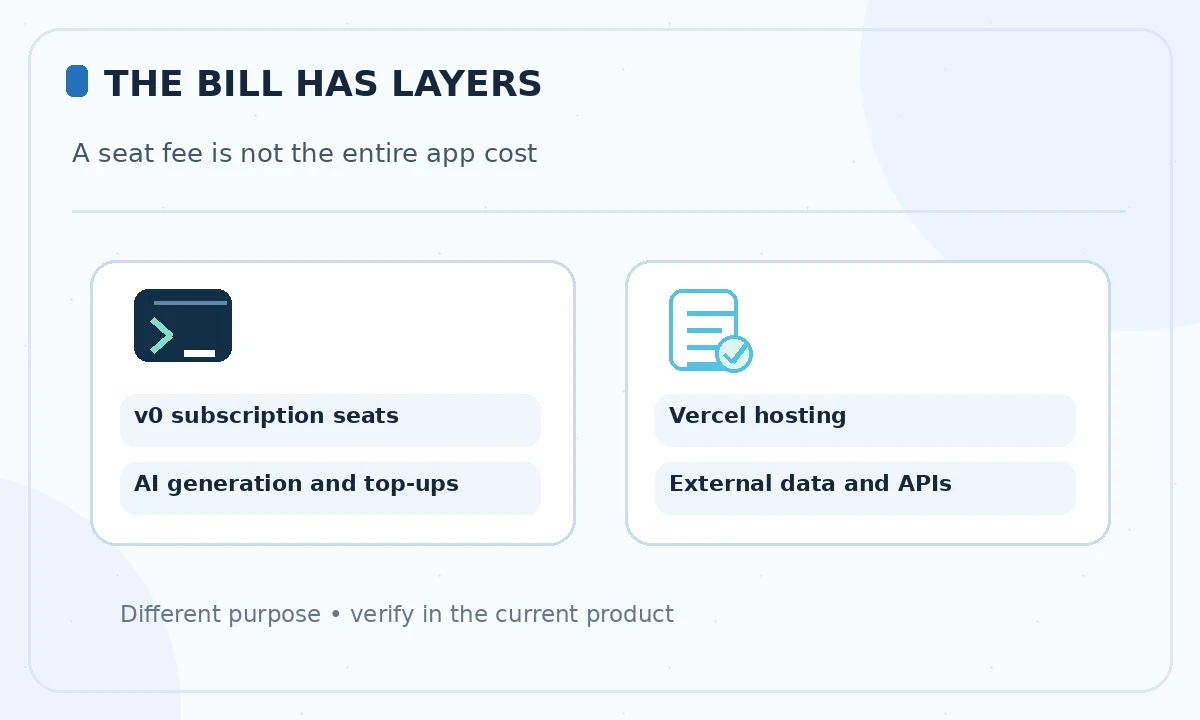
v0 integrates with Vercel for previews, live publishing, environment variables, domain settings and application integrations. Those services may have their own limits or invoices. A working v0 preview does not guarantee a zero-cost public site, especially if your application uses databases, external APIs or nontrivial traffic.
For a credible budget, create separate lines for v0 seats, AI credit top-ups, Vercel hosting, data storage, paid external integrations and human review. Avoid using production secrets inside prompts. Review service billing before connecting a payment gateway or writing a scheduled job.
Use a small cost test before a larger build
Pick one representative page or component and describe a bounded revision: create a responsive header, verify focus states and make a correction. Record credit usage before and after the sequence in your real account dashboard. Then repeat with a slightly more complex task if needed. This establishes your own cost profile without inventing universal benchmark rates.
An AI credit balance is not a productivity metric. Also record time spent testing mobile layout, keyboard navigation, forms and dependencies. A more expensive model can be appropriate for a difficult task, but a cheaper model plus careful manual review may be better for straightforward work.
Apply a purchase checklist to the live account
Before selecting a plan, confirm the plan label, per-seat charge, included credits, top-up rules, billing cadence, privacy settings and production services outside the package. Capture the date for any figures sent to finance. If a historical Premium plan is present, ask whether it will migrate and which features remain through the transition.
Use published prices as directional context only. Official documents can lag product rollouts, and the plan most relevant to you is the one the current dashboard offers. No plan here has been purchased or experimentally benchmarked on behalf of the reader.
How We Research
We reviewed the current primary-source documentation as of October 26, 2026: v0 official pricing documentation; v0 October and July 2026 changelog; v0 teams and credit pools. We distinguished documented plan features and limits from editorial workflow suggestions, and we compared the intended reader task with the previously published LabFin material. We did not purchase plans, perform product benchmarks, run code or verify an individual account’s entitlements. Where product pages conflict or terms may change, we have identified the uncertainty and recommend confirming checkout or live account details.
Frequently Asked Questions
The official pricing documentation says Premium is being sunsetted and is not available to new users; existing-account conditions may differ.
Yes. The official July 2026 changelog records Team being renamed to Plus. Some documentation retains the old label.
Do not assume so. Track v0 generation spending separately from hosting and third-party integration bills.
No. Vercel says the connection can cover eligible AI responses, while platform fees and other operations may still use v0 credits.
Only if its controls, including privacy and administration needs, justify the price versus the current Plus offering.