
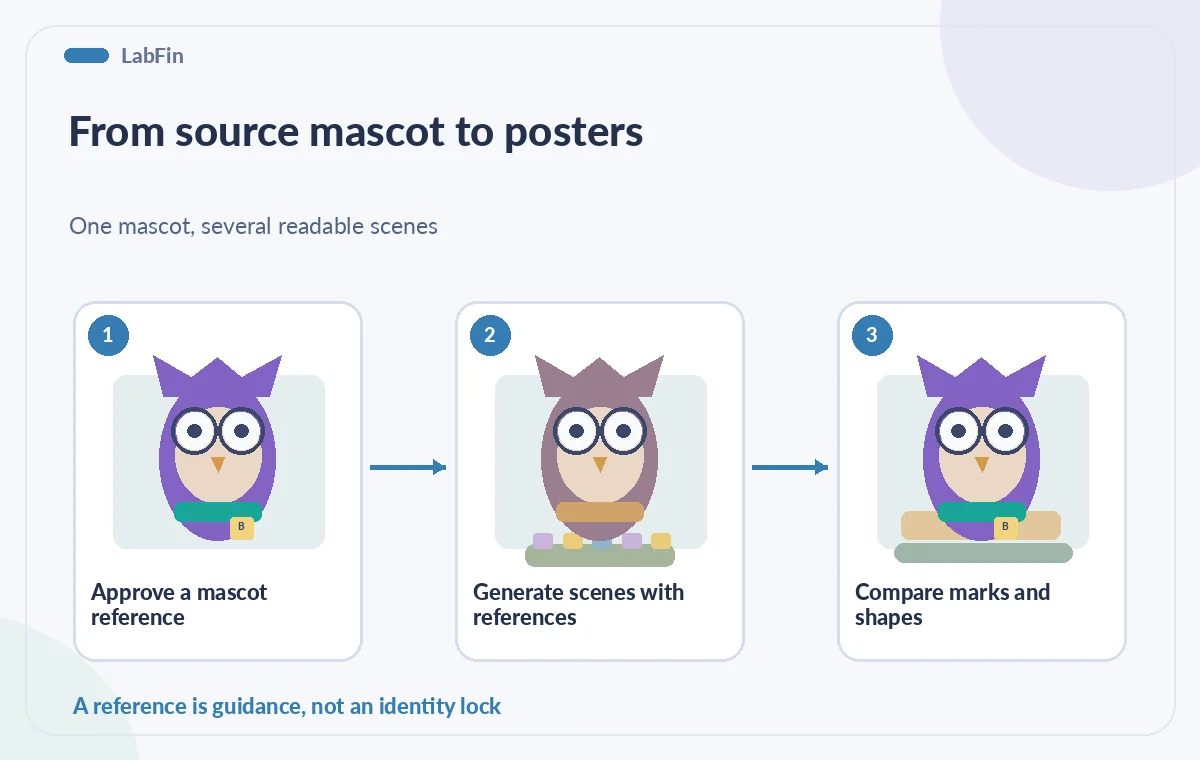
A children’s library has an original illustrated owl mascot and wants three seasonal posters: a reading corner, a mobile book cart, and a summer workshop. Runway Gen-4 References can use one or more images to guide character and scene generation. That is useful for exploration, but a recurring character can still drift in color, emblem, proportions, or accessories from one image to the next. This hypothetical workflow keeps a rights-cleared source illustration and a human visual review at the center. The pictured owl is conceptual art, not a generated Runway result or a claim that these steps will preserve a character perfectly.
Build a reference the library actually owns
Start with the approved owl drawing, not a screenshot of a recognizable commercial character or another illustrator’s portfolio. Confirm the institution’s right to upload it to an AI tool and use derivatives in public materials. The source sheet should define stable traits: round violet glasses, teal scarf, three feather tufts, square library badge, and a specific body silhouette. Keep this small enough for visual inspection. Do not include names, faces, or personal photographs without the necessary rights and consent. A character reference is not a substitute for checking copyright, trademark, or the organization’s own branding rules before distribution.
Understand the reference controls
Runway’s Gen-4 References documentation says a generation can use up to three reference images. References can guide consistent characters, scenes, objects, lighting, and styling, but additional inputs create new ways for details to vary. The help pages recommend clear, evenly lit character sources with neutral views for predictable starting points and describe saved references for reuse. Review the current Gen-4 Image interface and available model options; labels and credit requirements may change. Keep the initial prompt simple rather than attempting to specify a dozen unrelated transformations. If one attribute matters greatly, repeat it explicitly in the prompt and track it during review.
Separate the character from the environment
Generate the first proposed scene with the approved owl image as the principal reference. Ask for a quiet library reading nook with clear negative space for a title, while preserving the scarf, glasses, badge, and feather count. Resist asking the model to draw the event date, room number, or accessibility statement directly into the image; these details belong in editable text layers in a design tool. Save approved output only after comparing it to the source character. Treat the owl image and the environment as separate editorial concerns: a pretty bookshelf does not compensate for a missing badge or a changed mascot silhouette.
Iterate with multiple references carefully
For the second poster, you may add a reference for the book cart or room layout. Runway documents multi-reference combinations and recommends working iteratively for complex changes. Create a character pathway from an approved owl image and a separate environment pathway, then combine them when the compositions are stable. Avoid piling different owl variants into the same request, which can amplify identity drift. Name approved reference files clearly and record which version was used for each poster. If a colleague updates the mascot’s scarf or badge, propagate that change intentionally rather than mixing generations from incompatible source artwork.
Inspect continuity at the feature level
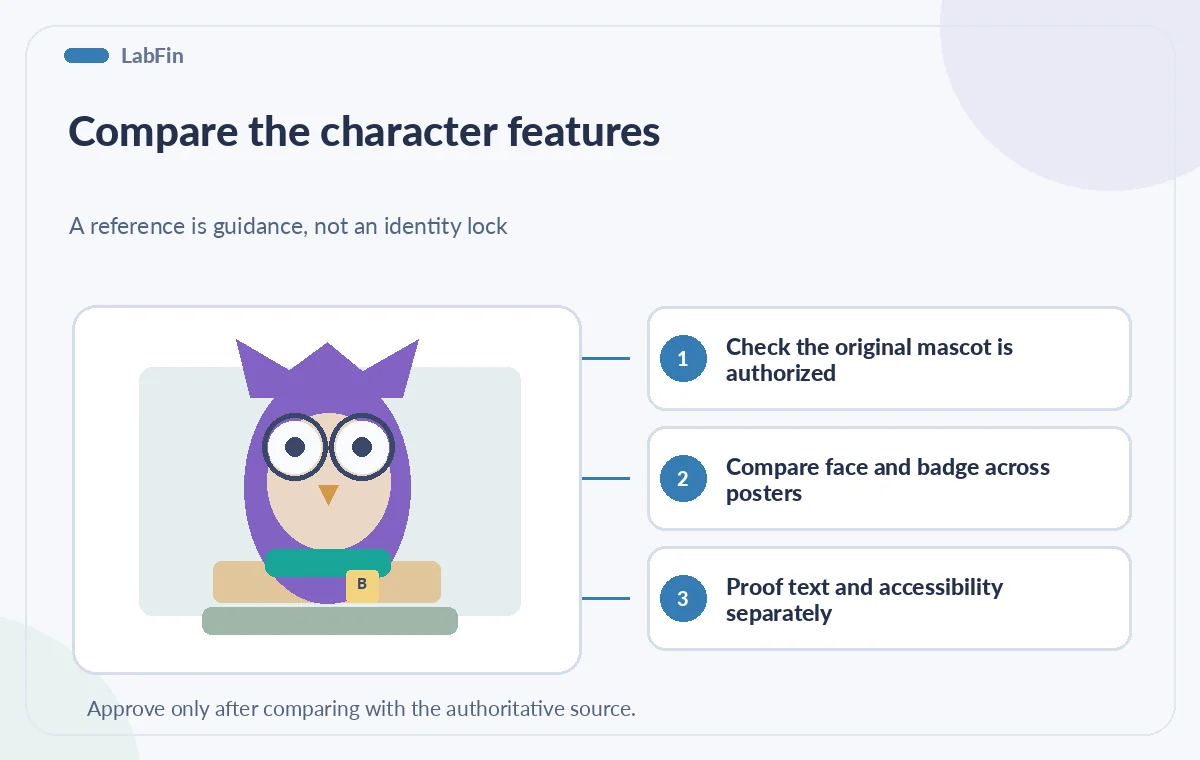
Line up the three proposed posters and compare the owl at similar visual size. Count feather tufts. Check scarf placement and eye shape. Verify that the badge is still square and the same color. Inspect beak direction, wing count, and the implied hand-like gestures for anatomical oddities. A character may look consistent at first glance but differ in small marks readers learn to recognize. Use a visual proof sheet with a crop of the source reference beside each candidate. If a variation fails, rerun it with a narrower prompt or repair it manually rather than trying to explain away the mismatch in the poster caption.

Keep functional signage outside generation
If a poster includes the event name, registration URL, hours, or safety information, add these using normal editable typography after the artwork is approved. AI image generators may garble glyphs or vary the layout in ways that reduce contrast. Use separate text layers so the library can update a date without regenerating the character and introducing new inconsistencies. Leave generous space around headings and test legibility at small sizes. Verify all event facts against the current schedule. The source illustration should be treated as branding input, not as evidence that the model knows anything about actual library programs or policy.
Respect likeness and reference privacy
Use reference images only when the library has the right to process them in the chosen service. Runway’s reference system can also be used with human portraits, but this workflow deliberately uses a fictional owl rather than real people. Avoid uploading private faces, children’s images, or confidential brand assets without organizational approval. Check workspace sharing settings for reusable references so collaborators see only what they should. A generated mascot does not automatically acquire a license from every reference incorporated into the request. Document attribution or approvals required by the original illustrator’s agreement and preserve that information with the final poster assets.
Approve the three posters as a set
Review the images individually for artifacts and side by side for continuity. Check that the owl is recognizable in the reading nook, cart, and workshop scenes, and that every image contains enough negative space for approved copy. Confirm the exported aspect ratios and the readability of captions, not only the quality of the generated illustration. Have the library’s brand owner select the final variants and record the decision. Keep the reference art, prompts, selected generations, and editable design documents together so future posters can recreate the look without relying on memory. Archive rejected variants separately to prevent accidental reuse.
Stay clear about what a reference can guarantee
The illustrated owl in this article is a teaching diagram, not a live Gen-4 output, and no generations or model comparisons were conducted. Runway documents a method for reference-guided image production, not perfect retention of every detail. Real outputs can distort logos, clothing, faces, or text, and licensing terms and model availability can evolve. Use a human sign-off checklist for identity, object count, rights, and event facts. The objective is not visual novelty at any cost: it is a coherent and authorized set of library posters that can be edited and understood by visitors.
How We Research
The factual feature descriptions in this guide were checked against first-party product documentation on October 29, 2026: Runway Help — Creating with Gen-4 Image References and Runway Help — Using reference media. These official sources establish documented controls and relevant limitations; editorial safeguards are recommendations, not vendor guarantees. We did not use a live account, submit actual user files, conduct a benchmark, generate real tool outputs, or validate an organization’s license, privacy policy, rights, or procedures. All pictured comparisons and scenarios are deliberately hypothetical instructional drawings, not screenshots or product tests. Confirm current interface details, access terms, source versions, and permissions before using the workflow. Human review and authorization are required for all consequential decisions.
Frequently Asked Questions
Runway documents up to three reference images for one generation, which can combine character and scene guidance.
No. References can improve consistency but details still need to be inspected across the full poster set.
Use editable text layers for dates, addresses, and URLs to avoid unreliable generated lettering and allow corrections.
Yes. Confirm ownership, licenses, and service-use permission for the source reference and intended outputs.
Yes. Keep approved references, prompts, and proof sheets together to reduce inconsistent reuse.