
A background-removal workflow can be business-critical even if each individual edit seems simple. remove.bg has announced a migration of background-removal functionality into Canva, so shops depending on its desktop batch editor, API or old credit system need a continuity plan instead of an evergreen “click here to upload” tutorial. This guide shows how to inventory assets and integrations, preserve source cutouts, evaluate replacement paths and proof a sample catalog without assuming every feature, credit or API endpoint transfers automatically.
Treat the announced transition as an operational change
The official remove.bg migration FAQ says the service is moving background-removal functionality into Canva. Its current pricing page also contains time-sensitive notices around credits and service changes. Those statements justify preparing a migration, but they do not by themselves prove your specific account, purchased credits or integrations have already changed. Read the exact account notice and record its date.
Assign one project owner before testing another tool. That owner should inventory paid plans, stored cutouts, API keys, desktop application users, billing renewals and where the exports feed downstream systems. A shutdown rumor is not a sufficient reason to revoke a production integration without preparing an alternative.
Archive originals, exported cutouts and processing rules
List the input and output directories that matter to the business. For a catalog, save each original photo and its transparent export with a stable SKU relationship; do not keep only the flattened image after the white background was applied. Record the previously selected shadow, background color, trim and crop behavior. A migration that preserves files but not transformation rules can quietly alter the store’s visual identity.
Make a sample containing at least a tall bottle, a semi-transparent object, a product with thin handles and one item with white packaging against a white backdrop. This set catches edge problems much sooner than random spot checking. Keep approved reference exports outside the service that is changing so they remain accessible if an account or plugin is retired.

Inventory the desktop batch route separately from the API
remove.bg documents desktop batch processing on Windows, Mac and Linux and API processing for applications. These paths may have different authentication, automation triggers, output naming and failure behavior. Do not treat “it works in a web editor” as evidence that a production script will continue working. Assign each route to an owner and record how many images it processes in a normal week.
For an existing integration, document authentication without exposing keys in a shared spreadsheet, expected inputs, response type, rate limits and handling of failed requests. Also list where end users download the cutouts or where an ecommerce platform automatically receives them. The migration is not finished until the full downstream chain has been verified.
Evaluate Canva bulk editing and alternative integrations
Canva’s ecosystem can cover some manual background work; remove.bg’s own batch editing information points readers toward newer options. But capacity, billing, API availability and edit controls depend on the replacement route and current plan. Do not promise that the new workflow replicates the original desktop application exactly. Treat each feature as an item to be tested, not assumed equivalent.
Create a short selection matrix with rows for bulk upload, transparent export, output resolution, naming, custom background, edge cleanup, privacy and automation triggers. Compare the actual account experience against the old procedure using identical approved sample images. If an API-level replacement is needed, involve the developer who owns the production job rather than simply swapping service names in a configuration file.
Reconcile credits, renewals and access permissions
Before changing providers, save invoices and note any remaining credits or trial allowances shown in the account. Read the current official migration instructions for account-specific treatment of subscriptions, refunds and existing balances, and contact support when the published text does not answer your case. Never assume a prepaid credit balance transfers automatically to Canva or another service.
Remove unused user accounts and old API keys only after a tested replacement is ready and account records have been preserved securely. A valid production credential must never be placed inside a public article, image, code sample, CSV shared with vendors or ZIP archive. Keep the access change log restricted to authorized administrators.

Run a controlled pilot with measurable acceptance gates
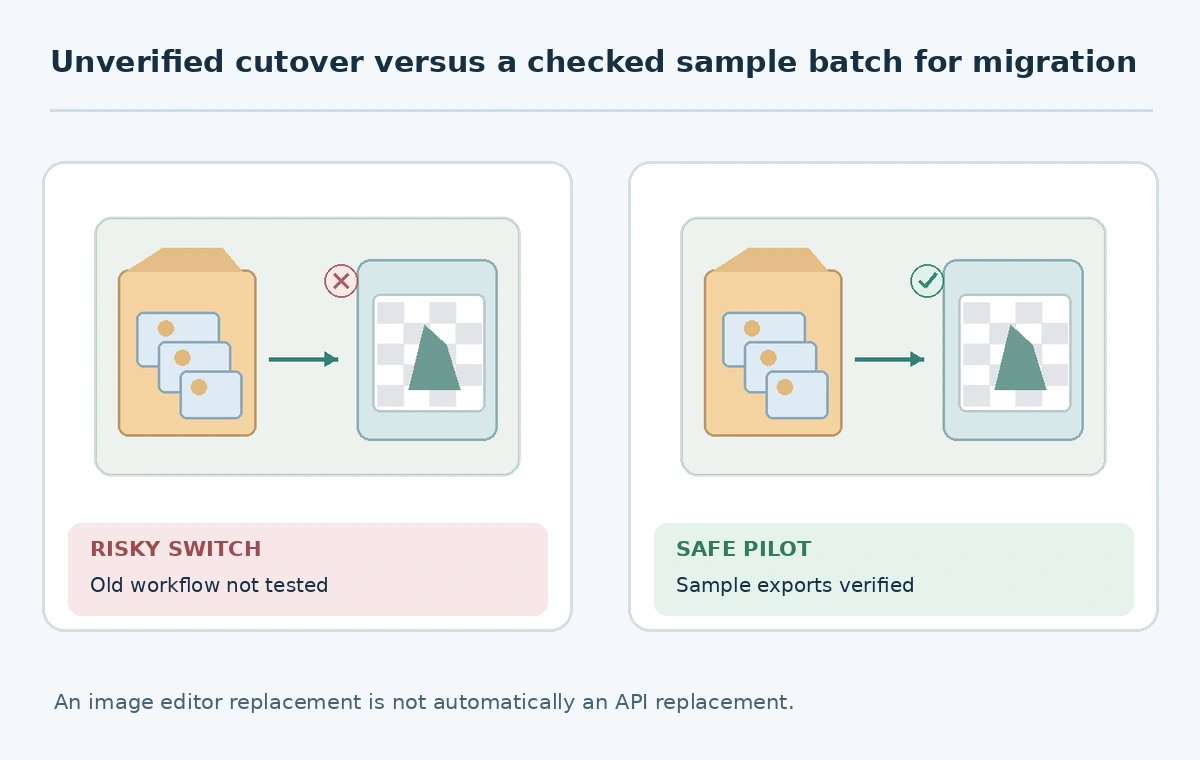
Process the same small catalog sample in the proposed replacement and compare it against the approved old outputs. Look at the curves around handles, the transparency of glass, thin hair-like materials, the number of source pixels retained and unwanted contact shadows. Inspect the downloaded alpha channel over both dark and light temporary backgrounds to catch pale fringes. Record deviations with simple pass/fail outcomes and a note describing the difference.
Compare final dimensions and filenames because a resized or automatically trimmed cutout can break a marketplace template even when the product looks acceptable. Do not cite vendor marketing throughput figures as your own performance test. The only defensible local result is what the actual team verifies on its real image types and current license.
Cut over safely and keep a reversal path
When the pilot passes, select a small production group and route it through the new system. Archive the source list, output set, paid-account decisions and owner approval. Disable the old scheduler only after new files arrive in their intended destinations and order systems display them correctly. Keep a rollback plan in case the replacement produces unacceptable label changes or unexpected cropping.
The final sign-off asks whether source files survive, representative transparency edges remain correct, output naming remains stable, credits and invoices were handled, and all API or desktop owners know the new process. A future editor can then maintain the workflow without relying on a soon-obsolete help article. Revisit the vendor’s FAQ during the transition because details can change after this guide’s October 2026 review.
How We Research
We examined the official remove.bg migration notice, batch editing information, desktop application guidance, and API overview on October 27, 2026. Account-specific transfer rules are not inferred from the public announcement; this is a migration planning checklist, not a claim to have migrated a live store.
Frequently Asked Questions
Yes. The provider has posted an official migration FAQ; verify dates and your exact account entitlements there.
Do not assume that. Audit the integration and test a replacement route before cutover.
Treat that as an account-specific question and consult the current provider guidance or support.
Keep originals, transparent cutouts, processing presets, invoices and an access inventory.
A representative pilot with correct edges, dimensions, naming, billing treatment and end-to-end delivery.