
A local AI coding assistant connects an editor to a model running on your own computer. It can discuss selected code and suggest edits without necessarily sending that code to an outside inference API. But “local” is a system property, not a marketing label: plugins, retrieval features and other configured providers may still make network calls.
This walkthrough uses Ollama as the model runner and Continue as the editor interface because both publish setup documentation. The result is a configuration plan and safety checklist, not a claim that LabFin installed or performance-tested the combination on your computer.
Check your workstation and choose a narrow first task
Confirm your operating system, available storage, system memory and GPU or unified memory. A small autocomplete model can be feasible where a large agent model cannot. Make sure you can install extensions under company policy. Choose a non-sensitive sample project and a task such as explaining a parser function or writing a missing unit test.
Determine the required privacy boundary in advance. “Inference happens on my laptop” differs from “no component ever contacts the internet.” Keep a checklist of every enabled provider, extension and embedding service. For regulated source code, involve the security team before using even local assistants.
Install Ollama and pull an explicit model
Install Ollama using the instructions for your supported operating system. Check the version, select a locally supported model and pull its precise tag rather than assuming a model name is already installed. The Continue guide notes that a configuration block only points to a model; it does not download its weights.
List installed models to verify the tag and run a short prompt through Ollama before opening the editor. If the model cannot fit memory or responds too slowly, pick a smaller tag rather than silently substituting a cloud endpoint. Keep the chosen model tag and runtime version in a local setup note.
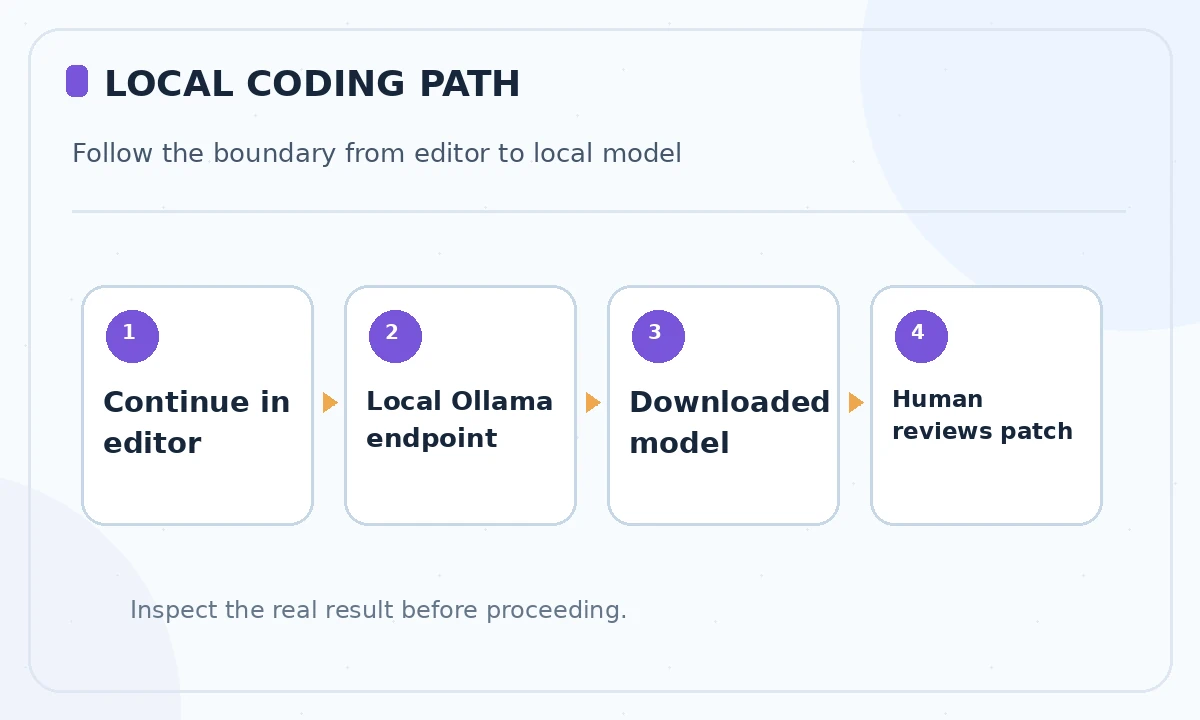
Configure Continue with Ollama
Install the Continue editor extension from its official distribution and open its configuration. The Continue guide describes two paths: explicit YAML model definitions and an Ollama AUTODETECT option. Autodetect discovers models already available to the local runner; it does not guarantee that each model can perform every editor role.
For a manual model entry, set provider to Ollama, copy the exact installed model tag and configure the approved local API endpoint. Do not copy a remote IP address from random tutorials. Reload the extension configuration after editing it, and make sure the selected assistant actually displays the model you intended to use.
Assign chat, edit and autocomplete roles separately
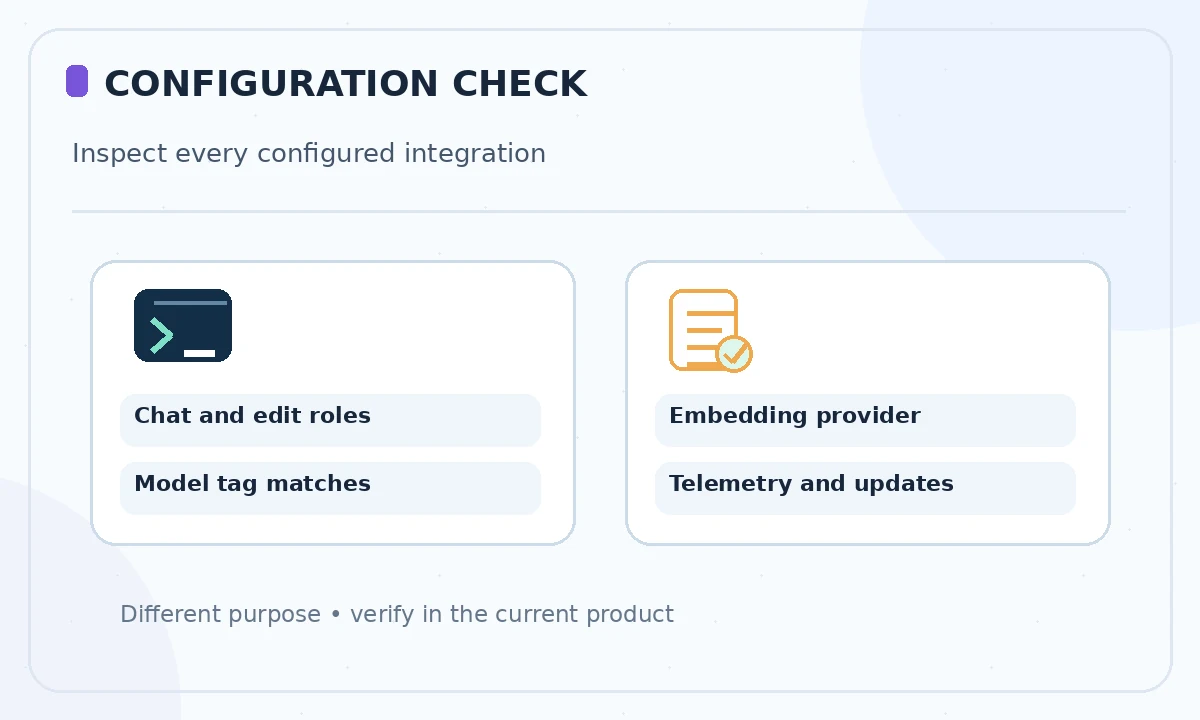
Chat, edit, apply and autocomplete involve different prompt shapes and latency expectations. Continue publishes examples of role mapping and warns that some local models struggle with tool use and reasoning. Start with chat and one-file edit. Add autocomplete only after you can measure whether the local model responds quickly enough for ordinary typing.
If you add agent mode, restrict command execution and work inside a disposable branch. Do not force an autocomplete model into autonomous tool operation just because the interface exposes an agent button. Test each new role with a task whose result can be checked without trusting the assistant’s own explanation.
Make the network and data path explicit
Identify which endpoints the editor contacts for model inference, embeddings, updates and telemetry. If your policy requires offline behavior, disconnect approved test equipment from the network after installation and see which features actually continue to work. Do not treat a successful local response as proof that every feature is offline.
Avoid inserting private repository data into public issues or logs while troubleshooting. Keep configuration files free of secrets and check whether any optional provider remains enabled. For a shared work machine, think about who can read local model history, temporary files and cached code snippets.
Run one safe edit and inspect the diff
Create a clean Git branch, open a simple source file and ask the model to identify a missing null check. Inspect its proposed edit line by line and verify that imports, public interfaces and existing behavior remain intact. Run the project’s tests yourself. If it proposes changing test expectations to hide a bug, reject the patch.
Record whether the model could reference the right functions and whether it fabricated an API that the project does not use. Review time is part of the actual value: an incorrect large patch can cost more than writing the change directly. Keep the first experiment small enough that a human can audit the complete diff.
Fix common problems without unsafe shortcuts
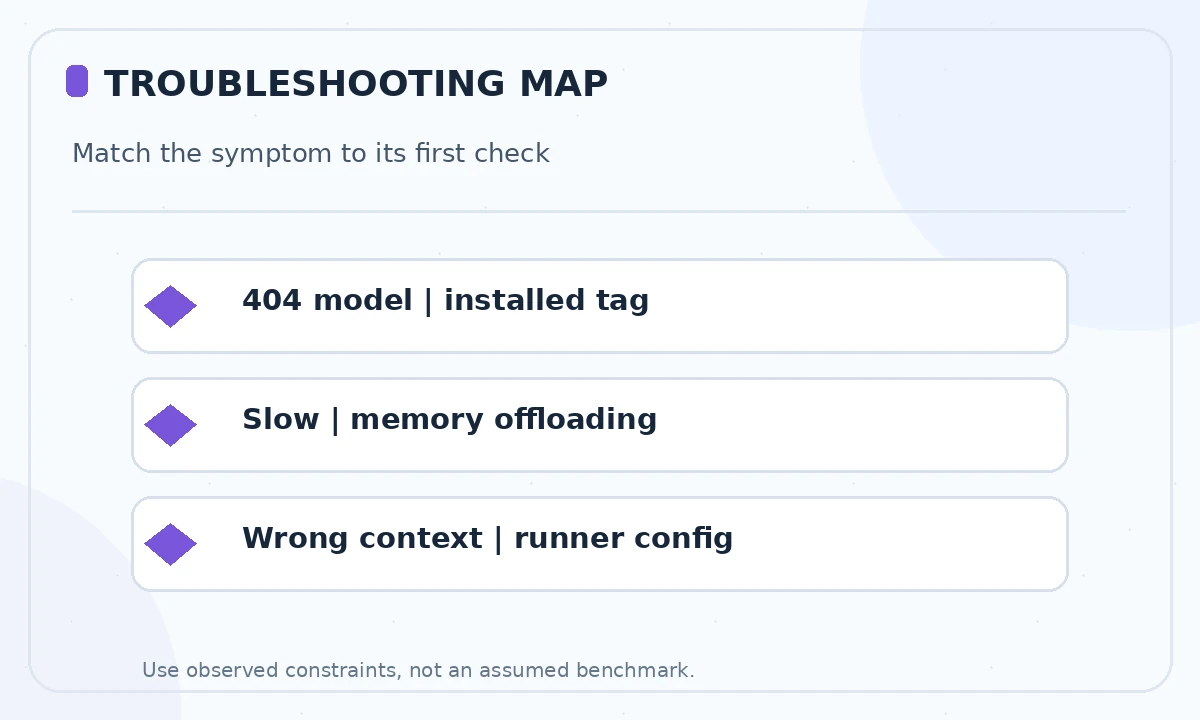
A 404 for an Ollama model frequently means that the tag configured in Continue is not present in the local runtime. Check your installed model list and the exact name. Unexpectedly slow output may reflect CPU offloading, low available memory or excessive context. Ollama documents processor and context inspection commands that help diagnose these cases.
If tools do not work, do not bypass approval prompts or grant unrestricted shell access. First check model-role support and the extension’s current documentation. Context truncation is another separate issue: a model-card maximum window does not mean your runner allocated that window.
Document a repeatable team setup
Once the pilot succeeds, record the supported editor version, Ollama version, model tag, expected context settings and explicitly disabled remote providers. State the approval level for command execution and who can update configuration. Keep model licensing and security review notes with the team’s development standards.
When rolling out to another machine, repeat the offline-path and functional checks rather than copying one person’s YAML blindly. Different hardware, installed weights and extension versions can change behavior. Treat the configuration as an inspectable developer toolchain, not a security guarantee by itself.
How We Research
We reviewed the current primary-source documentation as of October 26, 2026: Continue guide to Ollama configuration; Continue model roles and local limitations; Ollama context and processor inspection. We distinguished documented plan features and limits from editorial workflow suggestions, and we compared the intended reader task with the previously published LabFin material. We did not purchase plans, perform product benchmarks, run code or verify an individual account’s entitlements. Where product pages conflict or terms may change, we have identified the uncertainty and recommend confirming checkout or live account details.
Frequently Asked Questions
No. Continue can reference or detect models, but you must pull the intended weights into Ollama first and match the installed tag.
You can try, but roles have different requirements. Smaller models may be suitable for fast completions while tool-using agents often demand greater reasoning and interface compatibility.
Inference can be local, but configured embeddings, optional providers and update services may still connect outward. Review the complete data path and test your required policy.
Compare the exact configured model tag with the output of your local Ollama model list, pull the missing model and reload configuration.
Use a branch, restrict commands and protect secrets. A local model can still introduce vulnerabilities or destructive changes, so require tests and human approval.