
An AI logo generator can help a founder explore colors, icon shapes and typography quickly. It cannot guarantee that the final mark is distinctive, legally available or suitable for embroidery. A logo that looks excellent inside a web mockup might become unreadable at 24 pixels or collide with a competitor’s existing mark.
This practical guide separates idea generation from final brand approval. It explains how to write a brief, compare Canva, Looka and Adobe Express by deliverable, test versatility and examine usage rights before committing to a public identity. It is a decision workflow, not a claim that any generator produces exclusive artwork.
Write a short brand brief before generating anything
Define your audience, product, tone and constraints in a page. Include three adjectives for the brand, two design directions to avoid, a list of competitor marks, preferred colors and places the logo will appear. A plumbing company’s truck decal has different readability requirements from an app icon or a podcast cover.
Ask for multiple distinct concepts, not ten cosmetic variations of one symbol. Include both wordmark and icon-first directions. Keep the brief specific enough to compare results: “simple symbol, readable at small size, no gradients” is testable; “make it world class” is not.
Choose the generator by what you must deliver
Canva is useful for combining a mark with business collateral, but its own trademark guidance warns that stock content is licensed non-exclusively and ordinary logo templates cannot become exclusive trademarks. Do not treat a Canva template as an automatically ownable brand identifier.
Looka is oriented toward logo concepts and branded assets, while Adobe Express brings logo creation into a wider design and brand-kit workflow. Before paying, check which file types, edit rights and export options the selected offer actually includes. Feature presence on a landing page does not establish the rights in every asset.
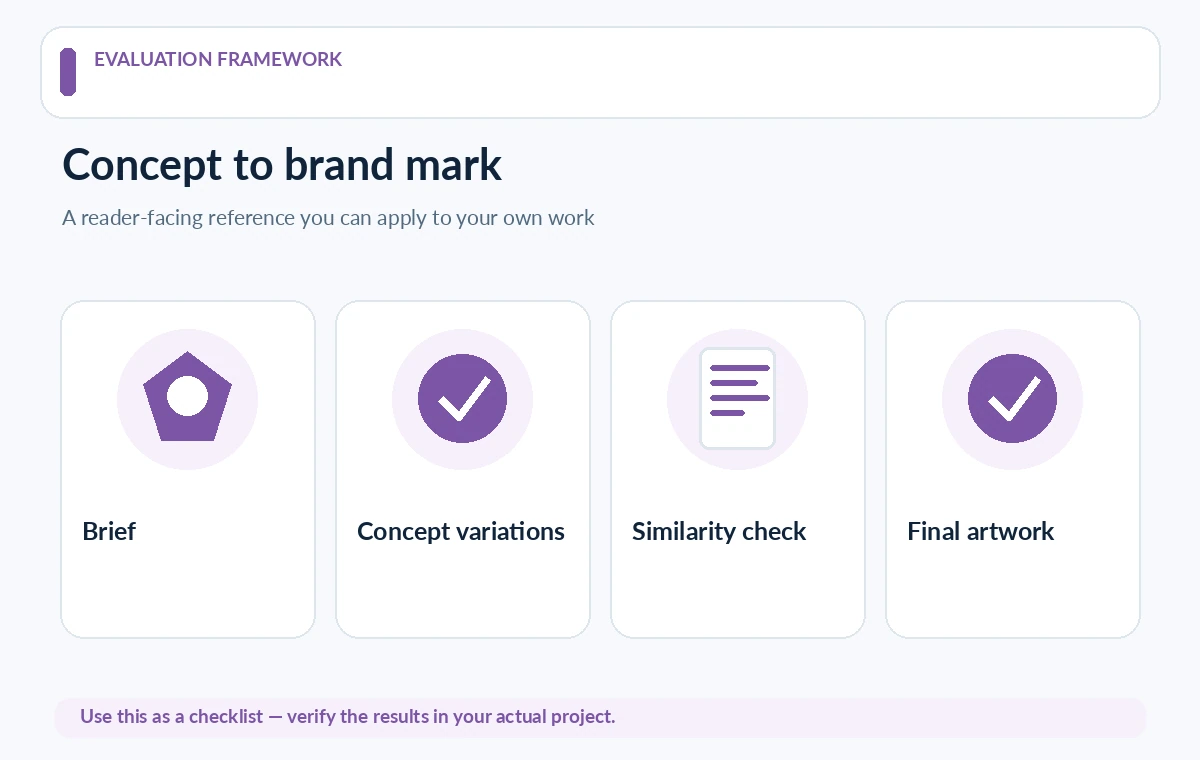
Generate concepts without copying a familiar mark
Prompt for visual principles rather than “like Apple” or “in the style of” a competitor. Explore geometric structure, negative space and typography. Put three candidates beside existing logos in your market and reject symbols that could be confused with another business, even if generated independently.
If an output includes a stock icon or recognizable visual motif, note its origin. Ask a designer to redraw an original form if exclusivity matters. A prompt history is useful documentation of the creative process but is not legal proof that a mark is unique or protected.
Test small-size readability and single-color use
A practical mark should work at favicon size, in black and white, against light and dark backgrounds and on a simple printed surface. Export a small version and inspect the letterforms, internal gaps and outline. Fine gradients and intricate linework often disappear when reduced.
Print one page with business-card, envelope and sign-size mockups. A brand icon may need a simplified small-size variation; that is normal. What matters is preserving a recognizable visual system without pretending every version must use identical tiny details.
Check ownership and trademark questions separately
Canva explicitly distinguishes original designs and fonts or simple shapes from non-exclusive stock assets. Generator terms can differ from trademark availability. For a US business, search relevant marks and classes with the USPTO and consider professional trademark advice before investing in signage, packaging or paid campaigns.
A trademark search is not a universal clearance guarantee, and a tool’s “commercial use” language does not establish registration eligibility. Maintain a file identifying fonts, purchased elements, commissioned drawings and licenses. If exclusive identity is important, budget for professional refinement and rights review.

Build an export checklist before buying a package
Ask for vector artwork, editable color variants, transparent raster files and clearly named light and dark versions. PDF or SVG can be useful, but test that type remains editable or properly outlined where needed. Never assume a low-resolution PNG can simply be enlarged for printing.
Store a master file plus approved exports, color codes and font names in one folder. Make a one-page usage guide covering clear space, minimum size and forbidden distortions. Future designers should not need to reverse engineer a logo from a screenshot of a website header.
Compare proposals with a scorecard, not aesthetic votes
Use six criteria: distinction, legibility, adaptability, rights clarity, relevance and production readiness. Have colleagues score each without seeing which AI tool generated it. Record the reason for failure, such as visual similarity or muddy small-size text, rather than averaging a vague “professional” impression.
Show finalists to a small audience using the same mockups. Ask what they notice and what category of business the mark suggests. This is qualitative feedback, not a scientific recognition test. Avoid publishing fabricated memorability percentages or claiming that an AI model has checked trademark databases.

Finalize through a human design and legal handoff
Choose one direction for final drawing, spacing and typography refinement. Test the resulting files in the actual website header, social avatar, invoice and product label. Ask the designer or responsible owner to sign off on exported variants and verify license documentation before launch.
Keep generated concept drafts out of public use until review is complete. Revisit the logo when expanding to new markets or adding products. A generator is a productive exploration step; the lasting value comes from a consistent mark with documented ownership and usable files.
How We Research
Research reviewed October 27, 2026. Primary product and accessibility sources: Canva trademark guidance; Adobe Express brand kit guide; US Patent and Trademark Office. We compared only capabilities described in official documentation with the reader task addressed by this article, noted when vendor documentation does not establish measured performance or legal clearance, and structured editorial checks that readers can reproduce with their own materials. We did not purchase plans, run independent benchmarks, verify private accounts, or claim affiliate relationships. Plan terms and interfaces can change; confirm them with the provider before purchase or publishing.
Frequently Asked Questions
Canva says its standard logo templates and stock elements are non-exclusive and are not suitable for exclusive trademark ownership. Consult its current licensing help and a qualified professional.
Do not assume it does. Independently research potentially similar marks in the relevant market and classes before launch.
Prefer scalable editable artwork plus transparent PNG exports, light and dark variations and a written specification of fonts, colors and asset licenses.
No. Payment, generation and visual polish do not prove distinctiveness or exclusivity. A separate originality and rights check remains necessary.
Test it in monochrome and at a tiny icon size, compare it with competitors, and reject it if lettering, shape or legal provenance fails.