
A withdrawn exhibit note is a search problem and a records problem
Imagine that an internal museum research note was attached to a vector store to help curators draft exhibit descriptions. Later, the archive discovers that its image attribution was disputed. The museum may need to stop the note from appearing in retrieval while retaining the original upload for a legitimate correction and records review. OpenAI distinguishes deleting a file association from a vector store and deleting the underlying uploaded file. The first operation addresses membership in that store; the second has a broader effect. Choose the smallest approved change, record who requested it and keep public corrections separate from infrastructure actions. This is a hypothetical preservation workflow, not a record of an actual withdrawal.
Distinguish the two delete endpoints before touching anything
The vector-store-file endpoint is DELETE /vector_stores/{vector_store_id}/files/{file_id}. OpenAI says that it removes the file from that vector store but does not delete the underlying file object. By contrast, DELETE /files/{file_id} deletes the uploaded file and removes it from all vector stores. The difference matters when a file is used by multiple private research indexes or must remain available in an approved evidence archive. Verify both resource identifiers, the affected project and the authorized purpose before an operator sends a request. Never substitute the global file deletion endpoint just because its path looks shorter or appears to clean up more thoroughly.
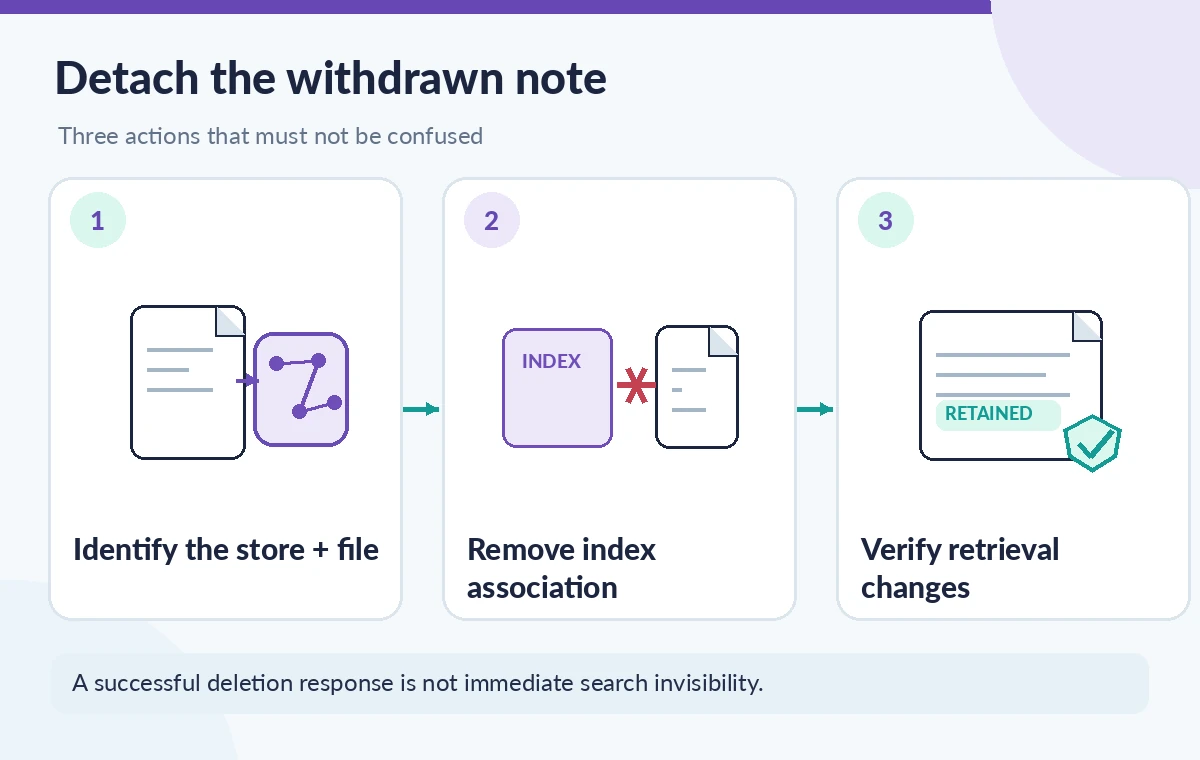
Identify the exact store and file from trusted records
A filename displayed in a dashboard is not a sufficiently precise deletion target. Two exhibit notes can share the same title, and an earlier revised file might still be attached to the store. Record the vector store ID, the OpenAI file ID, the source document revision and the internal accession or research case in a restricted change ticket. Check the permitted store file listing or retrieval response to confirm the intended association before proceeding. A file may also appear in another vector store; the selected operation is scoped to the identified association. Avoid relying on search result snippets alone as proof of which object will be affected.
Approve the withdrawal as an editorial decision first
A responsible workflow should explain why the note is being withdrawn, whether it contains a factual error, a rights concern or content that was never authorized for retrieval. The records manager and the relevant curator should agree on the treatment of the source file, public exhibit text, and any historical audit trail. This keeps a technical delete from silently becoming an unauthorized destruction of evidence. Separate the person requesting the change from the operator who executes it when the organization requires independent approval. Store the approval in a private system, not inside a model prompt or a public issue comment.
Use a controlled, scoped removal sequence
For a hypothetical approved change, capture the target vector_store_id and file_id, confirm the operator is in the correct project, and request deletion of the association through the documented vector-store-file endpoint. Record the returned id, object and deleted fields and any request identifier available through the client. A successful response describes an API operation; it does not certify that every downstream copy, human draft or search cache has already changed. Do not put secrets or real staff personal data in a sample command. If the request fails or its result is uncertain, inspect the current store membership before repeating a destructive operation.
Treat search removal as eventually consistent
OpenAI warns that removing files from a vector store is eventually consistent: search may still return content from the removed file for a short period. That is particularly important for disputed attribution or embargoed text. A withdrawal policy may require temporarily suspending the affected public answer path, applying an application-side source exclusion or reverting to approved reference material while the index catches up. Do not promise immediate disappearance based on the delete response alone. Test an authorized set of representative retrieval questions and inspect which source IDs appear, but avoid claiming universal absence from a handful of searches. Keep correction notices and editorial warnings independent of model outputs.
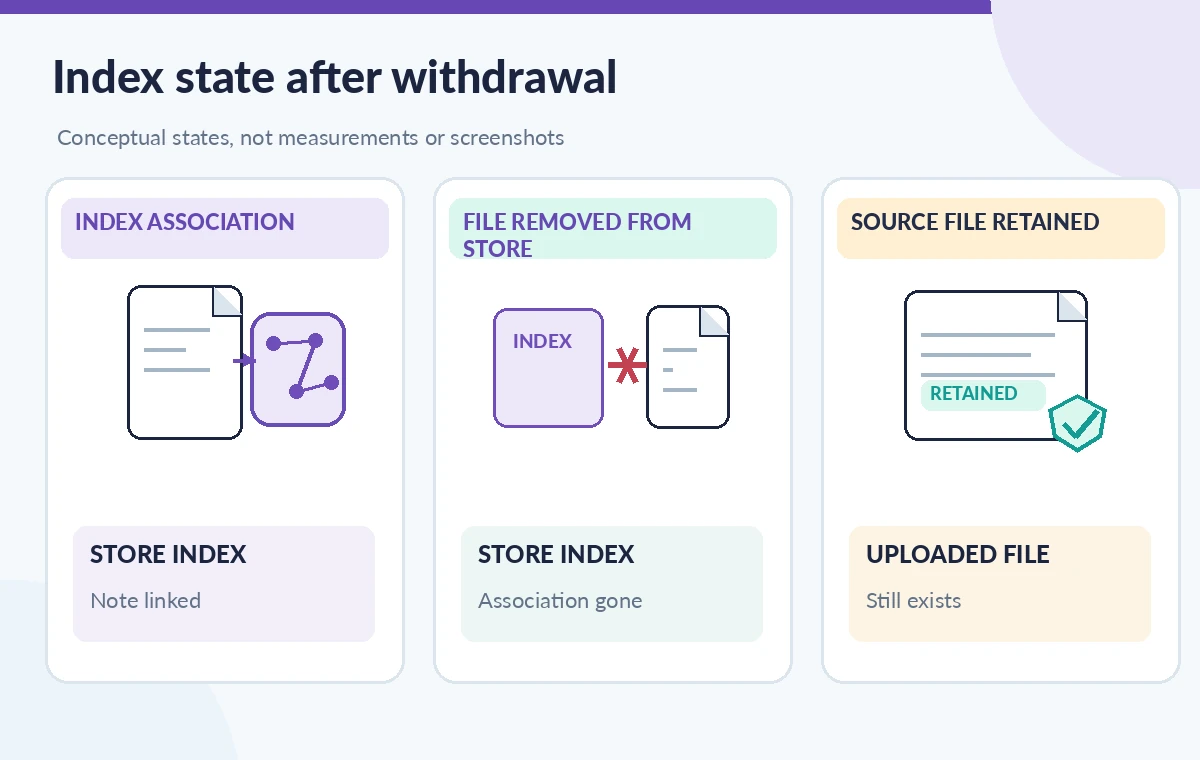
Compare removal, global deletion and a correction
Three outcomes deserve different illustrations. In a store-scoped removal, the withdrawn note leaves the selected searchable index while the source file remains an uploaded object. In a global uploaded-file deletion, the underlying object is deleted and removed from all vector stores. In a correction workflow, an approved replacement note may be uploaded and indexed only after its provenance and attribution are verified. These are not interchangeable operations, and none guarantees that text copied into earlier editorial drafts has been repaired. Compare the resource IDs and the affected readers for each path before choosing. The diagrams are conceptual, not screenshots of an OpenAI account.
Reconcile the index with the archival source of truth
A vector store is a retrieval service, not the museum’s archival preservation system. Preserve the approved master document, revision history, withdrawal reason and lawful retention schedule in the records system. The OpenAI uploaded file object may remain after a store-scoped removal, but that does not make it a durable archival master or mean that all past uses are corrected. If the document must be removed from multiple stores, enumerate those associations and obtain the proper authorization for each. A public catalog correction may also require reviewing CMS pages, caption files and cached publications separately from the AI search index.
Check the replacement path without reintroducing the error
If a corrected note is authorized, do not immediately reuse the withdrawn file ID as a shortcut. Verify the revised text, provenance, rights and accession linkage, then follow the supported file attachment and indexing workflow for the approved content. Some vector store operations are asynchronous and may require polling for completion before the note is suitable for retrieval. Confirm that the application now cites the intended revision rather than the disputed earlier text. Keep temporary fallback answers cautious; an unavailable index should not cause an assistant to guess at an artist, ownership history or conservation recommendation.
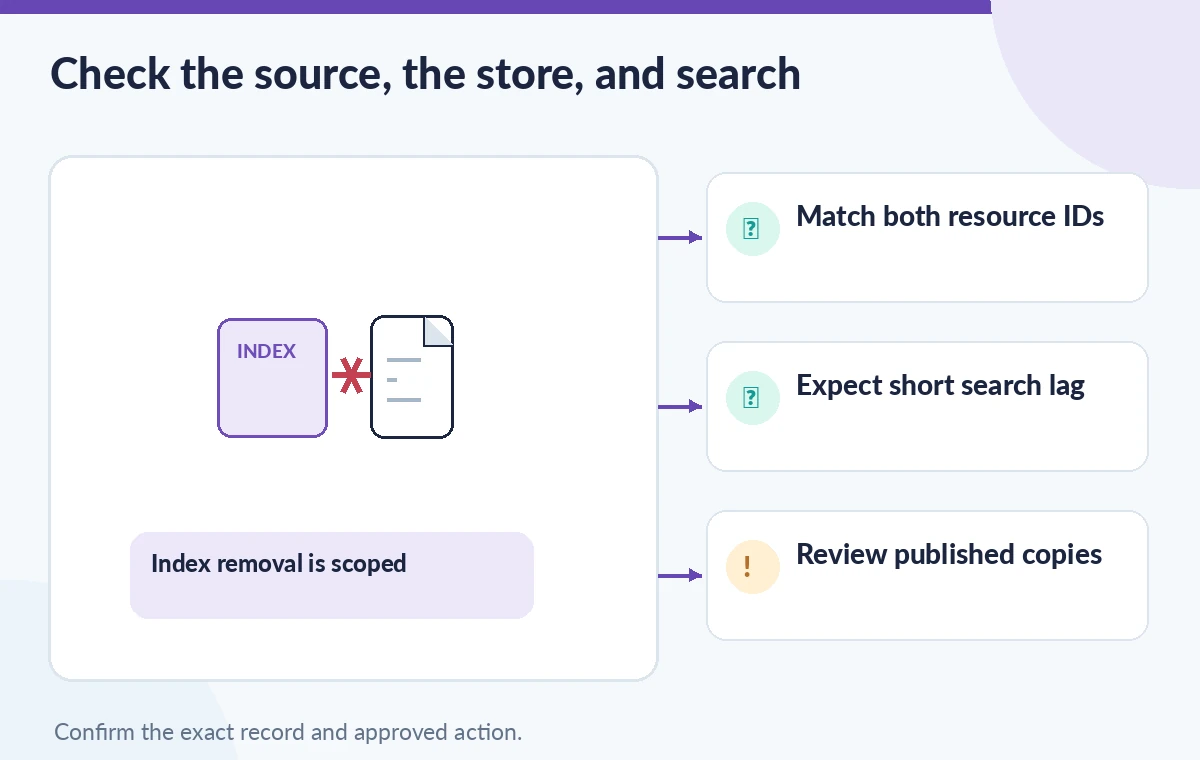
Document the final verification and its limitations
A defensible closeout includes the approved change ticket, exact resource IDs, API response, timestamp, checks for store association, selected search probes and any public-content corrections. Explain that a representative search check is a sampling exercise rather than proof that no copy exists anywhere. Review access controls, retention and logging requirements before sharing details outside the archival team. We did not make API calls, delete any real files, access an organization’s vector stores or measure a propagation interval. These instructions reflect the named API contracts and their eventual-consistency caveat; verify current behavior in your environment before acting.
How We Research
For this November 11, 2026 documentation-based review, we consulted OpenAI API: Delete vector store file; OpenAI API: Delete uploaded file; OpenAI Retrieval guide. We checked the named API fields, scope, failure paths and relevant limitations against a hypothetical museum workflow, and compared operations with nearby endpoints when that distinction affected safe use. We did not access any private account, issue destructive API calls, run a CI job, inspect actual source content or make benchmark measurements. The artwork consists of original schematic illustrations rather than captured vendor interfaces. Before applying an operational change, confirm the latest official documentation, verify the target account and resource identifiers, and obtain the required organizational approvals.
Frequently Asked Questions
No. The vector-store-file delete operation removes that file from the selected store, while the uploaded file object remains unless it is separately deleted.
No. That endpoint deletes the uploaded file and removes it from all vector stores. Use it only when global deletion is explicitly approved.
Not necessarily. OpenAI documents eventual consistency for vector store file removal, so retrieval may briefly continue to surface removed content.
No. Existing CMS pages, reports and other copies need their own editorial correction and verification process.
Record the intended vector store ID, file ID, approved reason, operator, action outcome and a plan to verify the relevant retrieval and publication paths.