
To vibe code a web app responsibly, start with a small problem and a testable requirement, not “build the next big SaaS.” A tool may generate attractive screens within minutes, yet the hard part is specifying correct behavior when users submit bad data, lose access or disagree about what should happen.
This guide uses a fictitious equipment checkout tracker as a running example. It is deliberately low-risk: no payments, medical records or customer secrets. You can follow the same sequence in Lovable, Replit or another prompt-to-app environment, adapting product-specific buttons from the official documentation.
Write the job to be done before the first prompt
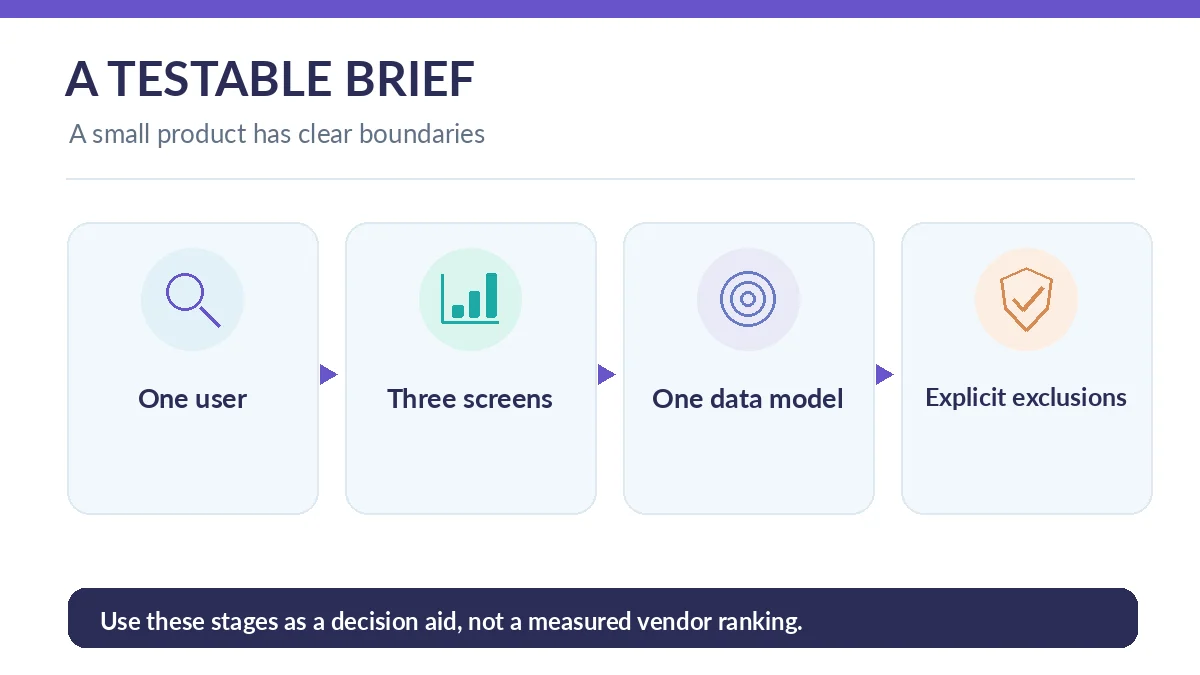
Define one user and one successful outcome: “A studio coordinator records equipment loans and sees items overdue.” List three necessary screens: inventory, checkout form and overdue list. Each screen should have a measurable action. “Modern dashboard” is a design preference, not a functional specification.
Name what the first version excludes: billing, SMS, external logins, location tracking and automated charges. Removing attractive extras keeps the first prompt narrow and makes errors easier to isolate. Save the brief outside the builder so the requirements survive a regenerated chat.
Turn the brief into acceptance criteria
Specify fields for item, borrower alias, checkout date, due date and return status. Acceptance checks might include: cannot check out an unavailable item; due date must not precede checkout date; returned items disappear from the active list; two example users cannot access private views reserved for one another.
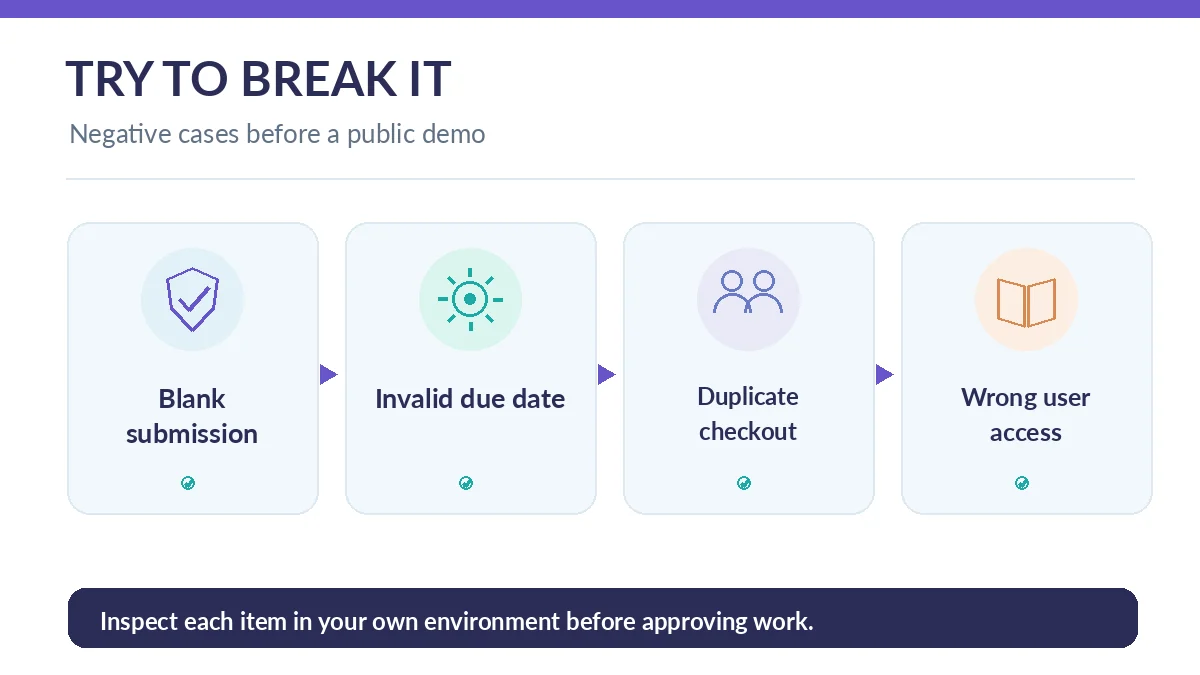
Write three negative cases before construction: blank item, impossible date and duplicate loan. This is the crucial move because builders often optimize for the happy-path demonstration. A project without negative tests can appear complete while failing under ordinary mistakes.
Ask the builder for a plan before generating code
Use a bounded instruction: “Propose pages, entities, roles and edge cases for this equipment tracker. Do not connect payment providers or production services. State uncertainties before building.” Read the proposed plan and correct missing validation rules before approving implementation.
If the builder immediately starts adding features, redirect it to the saved brief. Ask for one screen and one data interaction at a time. Keeping decisions atomic makes changes easier to inspect and revert, especially when each prompt consumes credits or alters multiple files.
Build the simplest version with synthetic data
Seed five invented items and two fictional borrower aliases. Create inventory and checkout actions, then confirm the overdue view uses the same underlying records. Use placeholder contact details rather than uploading customer databases. An AI-generated seed dataset can contain unrealistic combinations, so inspect every sample row.
Treat the preview as a development environment. In Replit, development and production databases are separate; the vendor describes the boundary and cautions against blindly moving test data into production. Other builders may use different deployment arrangements. Verify the data location rather than assuming your editor preview is private.
Review changes using short acceptance loops
After each implementation request, check one positive path and one negative path. Submit a loan, return it, then try to return it again. Change a due date to an invalid date and verify the error is understandable. Record the exact failure and expected behavior before prompting for a fix.
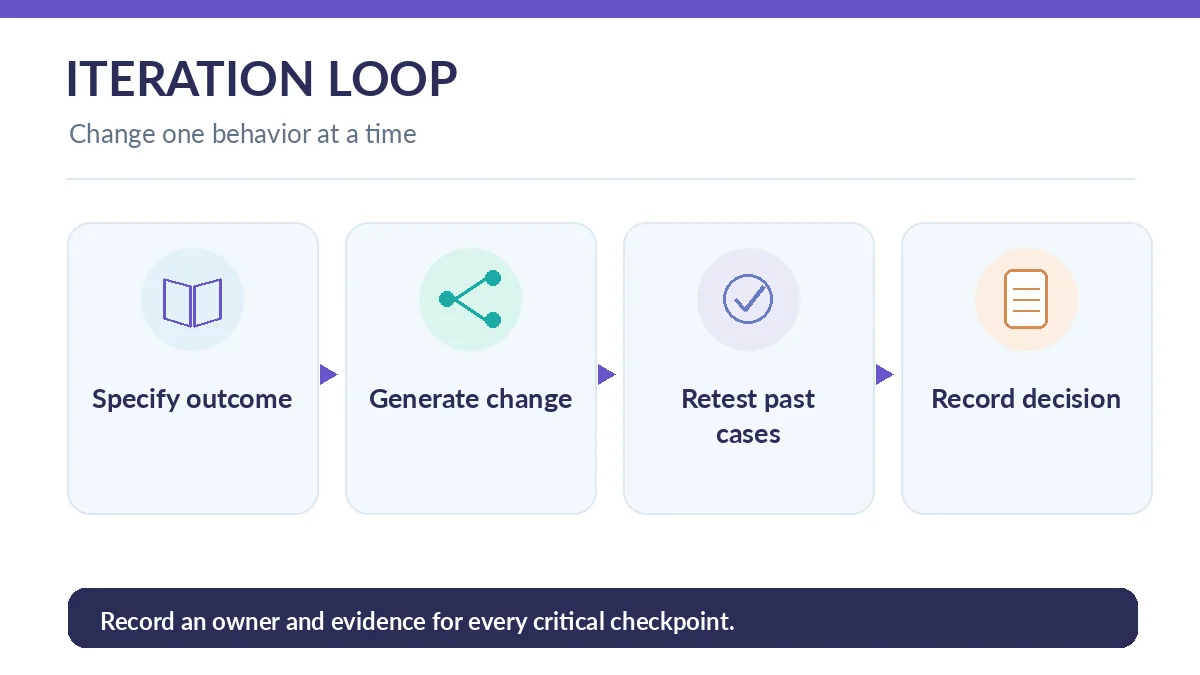
Avoid generic prompts such as “fix everything.” Request a specific change: “Reject duplicate active checkout records for the same item without modifying existing history.” Ask what files or rules changed and rerun previously passed checks. This is basic regression testing even when no formal test suite exists yet.
Test permissions and application boundaries
If your prototype has logins, test with at least two separate synthetic accounts. Confirm that changing a record ID or manipulating a URL does not expose another user’s records. Hide an action in the interface only for usability; enforce authorization at the backend. Review logs and ensure API credentials are not embedded in browser-delivered code.
OWASP places broken access control at the top of its 2025 web-application risk list. Some builders offer security scans, but their own documentation says these do not replace broader review. For a prototype with no capable reviewer, avoid storing personally identifying or sensitive information.
Publish a limited demo and plan the next increment
Before publishing, inspect privacy settings, domain visibility, title and description. Share the demo with a small test group, not an unrestricted customer launch. Observe whether users understand the labels and can complete the checkout flow without help. Log defects separately from feature wishes.
Export or synchronize the source when supported, write down dependencies and record who owns hosting and data. Define the next increment as one tested capability—for example CSV export—rather than a long list of newly generated screens. If a tool cannot support the required exit or security controls, stop the pilot and switch approaches.
Use a prompt template your team can repeat
A reusable request is: “You are editing our equipment tracker. Change only the overdue-date validation. Preserve existing records and checkout behavior. Explain the proposed edits first, list risks, implement after approval, and suggest a positive and a negative test.” This narrows the agent’s authority and gives a reviewer concrete acceptance criteria.
Keep a changelog with the original failure, approved fix and retest result. When a generated change unexpectedly modifies unrelated screens or dependencies, revert to the previous known-good version and restate the requirement. Treat these records as product documentation rather than disposable chat history.
How We Research
We used Replit’s development and production database guidance, Lovable’s publishing guide, Lovable’s security overview, and OWASP guidance on broken access control. The equipment tracker is an instructional hypothetical, not a product we claim to have deployed or benchmarked. Menu names and quotas may change. Checked October 26, 2026.
Frequently Asked Questions
You can prototype with plain-English instructions, but you still need to define data behavior, test outcomes and ask qualified help before launching sensitive applications.
State the user, one job to be done, required screens, fields, edge cases, prohibited integrations and a request to show a plan before implementation.
It reduces privacy exposure, lets you intentionally create edge cases and avoids contaminating a prototype with records you may not be able to delete cleanly.
No. Document one reproducible issue, specify the expected result, review changes and rerun existing checks to avoid new regressions.
Only after review of permissions, data protection, backups, operational ownership and the actual user journeys. Passing preview checks alone is insufficient.