
If you want a recognizable synthetic version of your own speaking voice, the most important variable is not the number of buttons you press; it is the quality and consistency of the recording. ElevenLabs offers Instant Voice Cloning and Professional Voice Cloning, with different preparation and identity rules. This guide covers your own voice only, so it does not duplicate a general consent policy or encourage cloning a celebrity or colleague.
Choose Instant or Professional Voice Cloning first
Instant Voice Cloning uses a short recorded sample to guide speech generation. ElevenLabs describes it as quick, without training a dedicated model, and notes that unusual accents can be harder to reproduce. Professional Voice Cloning trains a custom model on a much larger collection of your own speech and requires identity verification. That is a longer process and belongs to eligible paid plans. Choose based on how often you will generate material and how faithful the resulting voice needs to be.
Do not pay for Professional Voice Cloning solely to fix poor source audio. A noisy bedroom recording, room echo and inconsistent speaking style will carry problems into either route. A short, clean pilot is a sensible way to learn your microphone habits before collecting an hour of material.
Prepare a recording space that does not color your voice
Choose a quiet, soft-surfaced room away from traffic, fans and reflective walls. Place the microphone consistently, use a pop filter if needed, and avoid bumping the desk. Record a short sample and listen for hum, hard consonant pops and reverberation. ElevenLabs emphasizes clean, single-speaker recordings with similar tone and volume. A more expensive microphone is not a replacement for controlling the room.
Read several passages in your natural style rather than performing extreme characters. Include typical vowels, names and sentence lengths that resemble your real use case. Avoid long silences, overlapping voices, background music and stitched-together clips from microphones with radically different sound. Keep the original recording privately so you can improve a clone later without hunting for files.

Record the right amount of speech
ElevenLabs recommends approximately one to two minutes of clean material for Instant Voice Cloning. Its Professional Voice Cloning documentation recommends thirty to one hundred eighty minutes. Treat these as guidance rather than guarantees; more hours of inconsistent material can make a result worse. Choose a single language for Professional Voice Cloning according to the provider’s supported-language instructions, and keep sample style coherent with the intended narration.
For an educational podcast voice, read calm explanatory sentences. For an enthusiastic product explainer, capture a natural but energetic performance. The model tends to reflect speaking patterns in the input; it cannot reliably make an entirely different performance from a flat reference. Label recordings by date and microphone so you can replace a poor sample deliberately rather than upload everything indiscriminately.
Create an Instant Voice Clone in the dashboard
In the current ElevenLabs workflow, open Voices, use the add/create control and choose Instant Voice Clone. Upload or record your own sample, name the voice clearly, and complete the rights and consent confirmation. Save it under My Voices, then generate a short piece of text before attempting a full script. The on-screen labels may change, so rely on the current help instructions when a control moves.
Use text that probes the edge cases you care about: proper nouns, numbers, short questions, emotional emphasis and the final consonants of sentences. If the voice loses your accent or copies recording noise, replace the sample. Do not increase the duration mechanically before fixing the input. Also verify that the output is not misleadingly presented as a live recording of you speaking in real time.

Verify and train a Professional Voice Clone
Professional Voice Cloning is available starting with Creator, according to ElevenLabs. The service only permits you to create a PVC of your own voice and requires a verification step. Its documentation states that even with consent you cannot personally create someone else’s PVC; that person must create and verify their own clone and can then share it privately. This is an account-identity rule, not simply a contract checkbox.
After uploading compliant spoken-language samples and completing verification, the system fine-tunes a dedicated voice model. Processing time depends on the service queue; do not schedule a client launch around a guaranteed training time. Once ready, compare with your original speech on normal words and difficult pronunciations. Only share the voice with explicit intended collaborators using supported access mechanisms.
Fix accent, pacing and odd pronunciation responsibly
A clone’s voiceprint and the reading model interact. Some synthetic sentences will sound different from your everyday recordings even after a successful setup. For a pronunciation issue, edit the text or use supported pronunciation controls instead of inventing incorrect phonetic spellings in every line. If the accent broadly drifts, review the training samples: did they include another person, an artificial stage voice or multiple inconsistent rooms?
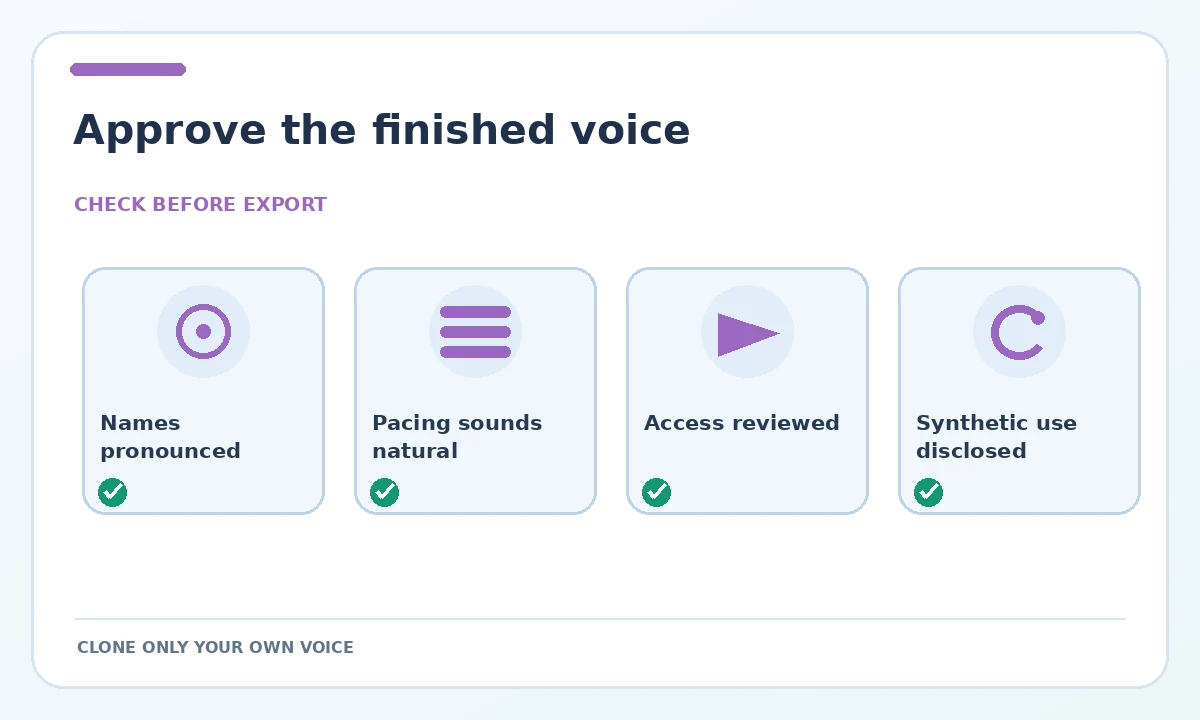
Listen at the actual playback speed, not just with headphones on one preview. Check longer pauses, tricky names and passages where the synthetic performance sounds unduly emotional. Keep a review log with the problematic word and the exact corrected wording. If a passage remains misleading, record that sentence yourself; a synthetic voice does not have to be used for every line.
Protect the account and treat the clone as an identity asset
A convincing voice replica can be sensitive even when it belongs to you. Enable appropriate account security, avoid publishing raw samples publicly, and keep sharing links limited to collaborators who have a reason to use them. Decide whether the audience should be told that the voice is synthetic, particularly when the content is a personal statement, testimonial or customer-facing announcement. Avoid generating financial instructions or impersonation-style messages that invite confusion.
ElevenLabs says clones are held in the user’s account rather than exported as standalone voice models. You can generate audio through supported interfaces and APIs, but should not assume portability to a rival provider. Keep original authorized recordings and a written plan for revoking voice access if a project ends.
A short acceptance test before publishing
Use a small approved script containing at least ten hard-to-pronounce names or numbers, an ordinary paragraph, a question and a quiet closing line. Compare cloned output with your real recording for recognizability, articulation, consistent volume and emotional appropriateness. The test is a checklist for your own listening, not a published accuracy statistic. Recheck the final exported audio, because changes between previews and deliverables can occur.
If you need multilingual narration, do not assume that capturing your English voice makes you sound like a native speaker of every target language. The underlying speech model and source accent affect the result. For critical announcements, involve an editor who understands the destination language and approve the entire sentence in context.
How We Research
We followed the provider’s cloning overview, the Instant Voice Clone walkthrough, PVC verification rules and the feature access by tier. We describe an owner-controlled workflow and quality checks rather than claiming we created or evaluated a real person’s clone. Checked October 27, 2026.
Frequently Asked Questions
No. ElevenLabs requires that PVCs belong to and are verified by the speaker. They can create their own PVC and share it through supported controls.
The provider recommends roughly one to two minutes of clean consistent speech. Recording quality is usually more important than simply extending the sample.
Its PVC documentation says that the training recordings must consist of spoken voice only and that PVC currently does not support singing.
ElevenLabs says standalone cloned voice models are not exportable; they stay in the account, although the voice may be used to generate audio through supported tools.
It can result from source recording style, noise and the adaptation model. Try consistent clean audio that represents your normal accent, then review the output.