
A Copy.ai workflow is useful when the same business task repeats with slightly different inputs, such as turning an approved product brief into a set of sales enablement drafts. It is less useful when the source material changes every time and nobody can define what an acceptable answer looks like. The key question is not whether the builder can produce language; it is whether the organization can verify a repeatable result.
This guide uses a hypothetical product-update summary as its working example. The steps describe documented features rather than a claimed personal test in a live customer account. The finished design keeps approved source text, extraction, drafting and final review distinct so unsupported assertions have a place to be caught.
Specify one workflow output and an acceptance rule
Define the final output narrowly: a 120-word customer-facing summary drawn only from an approved product-update URL and a factsheet. It must mention what changed, who is affected and any known exception. It must not invent a release date or customer guarantee. A compact deliverable is easier to test than a system promised to automate all marketing activity.
Name the human who will authorize use of the output and where approved results will be stored. Also describe a reject outcome: missing source, contradictory product claim or unsupported benefit statement. Recording the failure rule before building prevents a convenient but unsafe draft from being treated as a successful run.
Prepare structured inputs with permitted data
Create an input form with fields such as product name, approved update link, market and intended reader. Where necessary, add a field containing the approved factual claims rather than asking the assistant to invent them. Avoid entering private customer data or unreleased strategy unless your organization has explicitly approved the vendor and configuration for that class of information.
Copy.ai documents manual input triggers, schedules, integrations and table-based events. Start with manual input: it is easier to reproduce and debug. Only add a CRM trigger after you know that a single manually supplied record produces a reliable reviewable result under representative edge cases.
Build a short chain with independent responsibilities
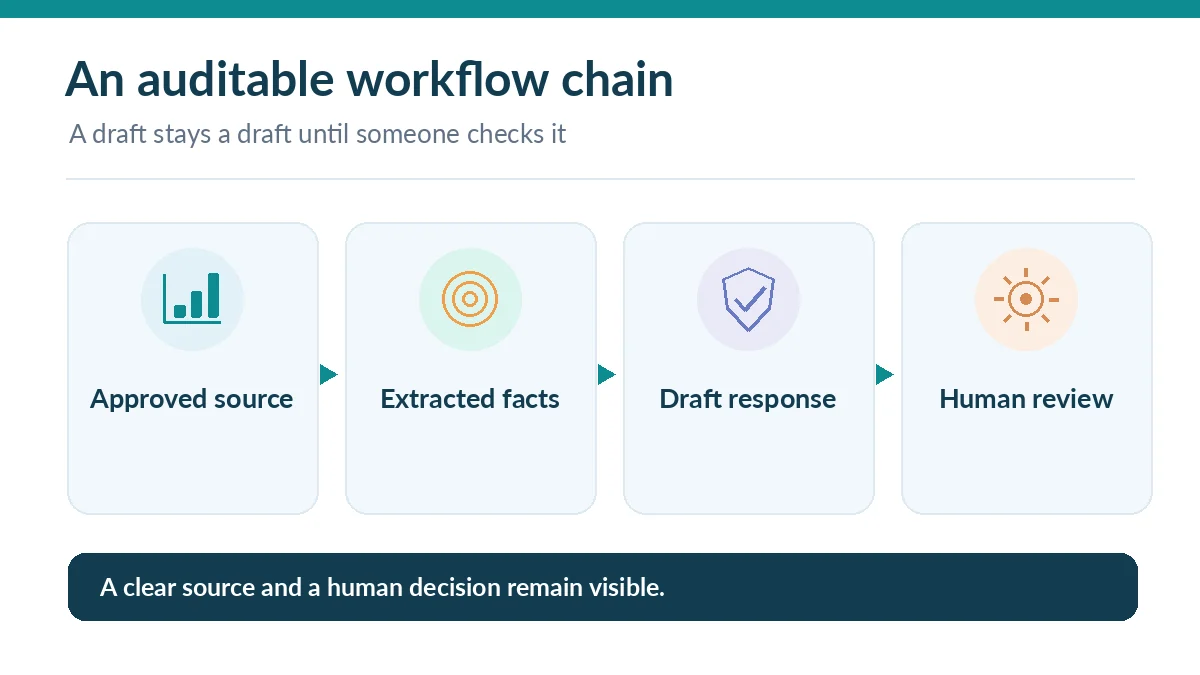
Use one step to retrieve or extract the permitted material, one to produce structured facts with source pointers, and one to draft the approved-format summary. When the workflow supports intermediate outputs, inspect them. This design makes it visible whether a mistake entered during scraping, extraction or rewriting instead of burying all stages in one prompt.
Copy.ai lists generation, search, scrape and translation among its workflow actions, while its more expansive documentation describes triggers and other actions. Choose only what your source and task require. Internet search can introduce unvetted claims; it should never silently outrank the approved release notes that define the truth for your output.
Write prompts that preserve traceability
The extraction step should return a fixed set of fields: feature name, change, evidence excerpt, reference URL and uncertainty. If a field is not present, require “not supplied” instead of filling a plausible value. The drafting step may adapt tone and length but must not create unsupported numbers, guarantees or eligibility conditions.
Include an explicit reviewer note when evidence is missing. For example, a promotion that lacks an end date should remain incomplete rather than implying it lasts forever. A clean workflow is not one that never fails; it is one that makes missing evidence and conflicts visible to an accountable person.
Test normal, missing and contradictory inputs
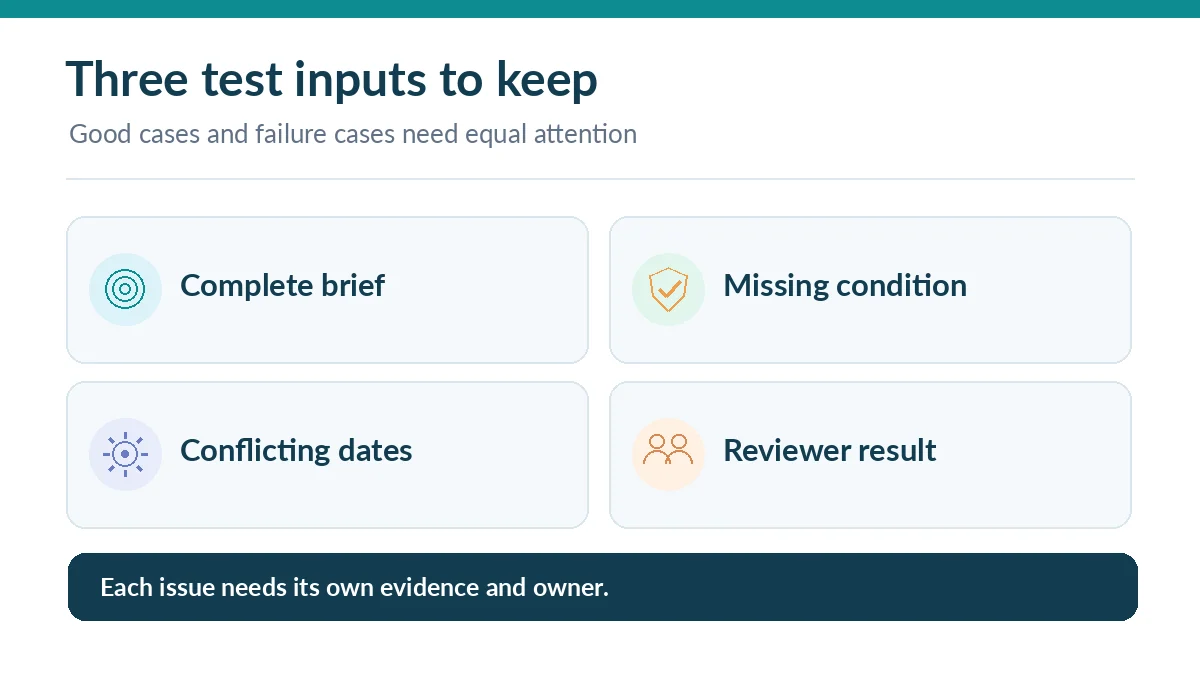
Use Copy.ai’s documented test interface before publishing a workflow. The vendor indicates test runs can expose intermediate action outputs and estimated credit consumption. Test one complete brief, one brief missing the eligibility condition, and one with two conflicting release dates. Save the inputs and outcomes as a small regression set.
Passing a test means the outputs are appropriate for those cases, not that the workflow is generally accurate. Check that the missing-field case does not hallucinate an answer and that the contradictory-input case is flagged for review. If the builder supplies an attractive but unsupported sentence, tighten the data extraction rule rather than just requesting a friendlier rewrite.
Put a human review gate before distribution
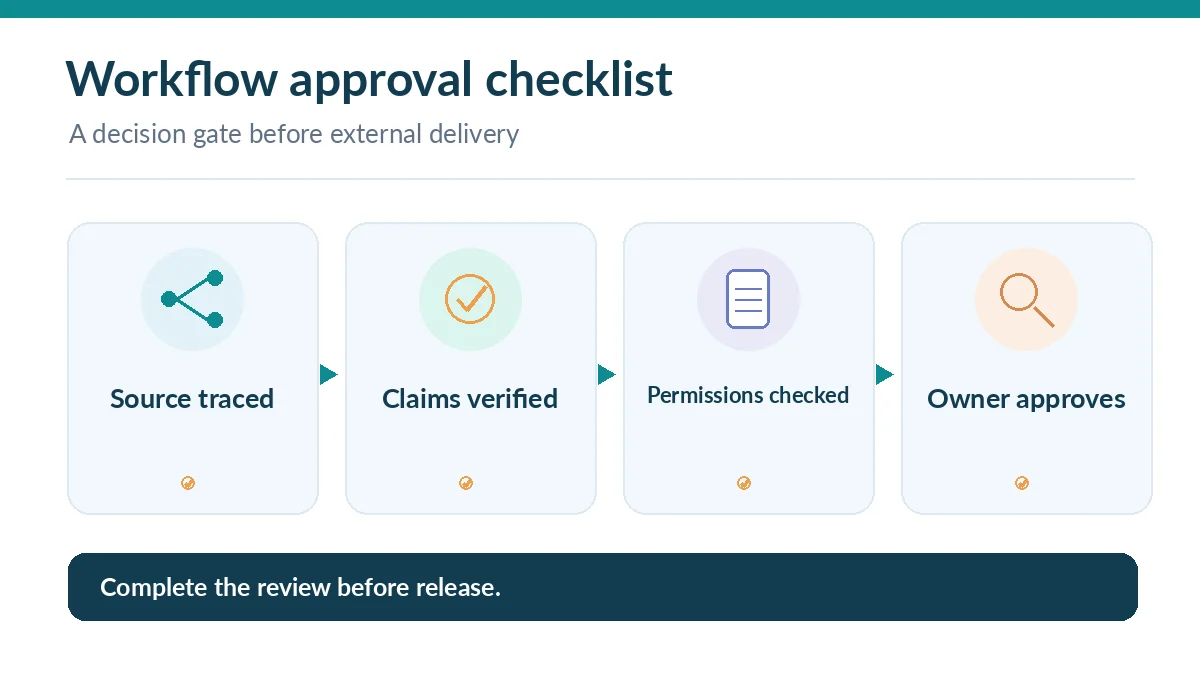
After the draft is generated, route the result to a human review queue with the original source attached. Define separate checks for factual correctness, brand style and policy-sensitive claims. An automated “send” or CRM update should be considered only after the review controls are documented, tested and approved by the organization responsible for the customer outcome.
Copy.ai exposes execution options including table runs, forms, integrations and API routes, depending on configuration and plan. A shared form can trigger work and consume workspace credits; the vendor documents form rate limits. Enable appropriate abuse controls and give reviewers permission appropriate to their role instead of exposing back-end credentials.
Forecast usage before processing a large list
Multiply the planned monthly run count by the estimated credits per representative test. Add room for exceptional cases and retries, then compare the result with the account’s actual credit allowance. A plan describing unlimited Chat does not necessarily include sufficient workflow execution capacity. Avoid exporting a thousand rows merely because the interface has a bulk option.
For each paid run, record whether the result was accepted, revised or rejected. Cost per accepted deliverable is more useful than cost per generated paragraph. If reviewers rewrite most outputs, improving the source schema or simplifying the workflow may save more than buying the next tier.
Maintain and retire workflows responsibly
Assign an owner to monitor the upstream source URL, permission changes, stale examples and model behavior. Keep a small set of test cases and rerun them after modifying any step. Archive a workflow that no longer has a valid business owner or current source reference. A workflow continuing to run silently is not evidence it remains useful.
Review the final result against two alternatives: a human-run checklist and a one-off assistant prompt. If the task happens monthly or depends on deep human judgement, those simpler options may be faster to maintain. Reuse automation only where its controlled inputs and predictable review process justify the additional complexity.
How We Research
We reviewed Copy.ai’s current Getting Started With Workflows, general workflow feature guide, and its Content Agent Studio documentation. Our sample workflow and test cases are instructional designs, not claims that we ran the service or confirmed a specific customer plan. Availability and credit behavior must be checked in the reader’s own workspace.
Frequently Asked Questions
Copy.ai documents natural-language and manual workflow builders. Configuration still requires you to understand the inputs, steps and review conditions of the business task.
The vendor documentation says workflow tests do not consume credits and can show estimated run cost. Verify current behavior in your account before forecasting spending.
Return an explicit missing-value or reviewer alert. Never allow the generator to invent a launch date, number or customer promise to fill the gap.
Yes, the documentation describes form-triggered runs and configurable rate limits. Assess plan access and abuse prevention before sharing a form publicly.
Only after representative tests, documented human approval requirements, permission review and a tested rollback. Start with draft output rather than irreversible actions.