
A community garden wants a friendly digital guide to introduce its seasonal walking tour. Instead of animating a photograph of a real volunteer, the team designs an original fictional character and uses HeyGen Photo Avatars to bring that portrait to life. This keeps the creative brief distinct from impersonation, but it does not remove the need to verify the script, voice, gestures, permission to use the artwork, and public disclosure.
Design a character with a documented origin
Start with an original illustration or a character portrait whose usage rights can be established. Keep its working files and creation notes. Do not upload a headshot of a volunteer, donor, or celebrity as the easy starting point. Even if someone once agreed to have a photo taken, that is not automatically consent to an animated talking likeness or synthesized speech.
Write a short character brief: fictional name, neutral clothes, visual role in the garden, tone, and any features that must stay consistent. Avoid imitating a recognizable person’s voice, face, or signature mannerisms. Save the brief beside the asset so a later editor can explain why the guide is imaginary rather than connected to a real staff member.
Use the documented Photo Avatar entry point
HeyGen’s September 2026 help article describes going to Avatars, choosing New Avatar, and uploading a photo or designing a new AI Photo Avatar. It also describes sending the selected avatar to Studio to create a video. Plan limits and credit charges vary, so check current account information before producing several variants or promising a specific run length.
The guide does not require a realistic human. A stylized portrait can reinforce that the speaker is a character. Evaluate whether HeyGen can animate the particular art style cleanly, and keep any unsupported animation behavior out of the promised deliverable. Do not say a product feature is universally available merely because its help page shows an example.

Prepare an approved, short script
Write the narration from the garden’s official visitor information. Verify opening days, meeting point, step-free route, and contact method. If the schedule has not been approved, leave it out. Avoid claims such as ‘every path is wheelchair accessible’ unless the organization has inspected the full route. AI animation should not become a way to make unapproved visitor claims sound authoritative.
For a first scene, use a concise introduction and one actionable next step: ‘Welcome to the garden. The tour starts at the main gate. Please read the current route notice before you enter.’ A fictional voice can deliver that without implying that an actual horticulturist has endorsed the text. Keep the exact approved script as a separate comparison document.
Choose motion that supports the message
HeyGen describes a Photo Avatar motion engine and, in Single Scene, Presenter and Cinematic modes. Presenter mode is aimed at spoken delivery; cinematic controls change performance and camera movement. Use restrained head movement for a practical guide, not exaggerated gestures that point at a nonexistent gate, sign, or hazard. Confirm the current engine and plan support in the actual workspace.
Watch the character’s mouth against each sentence, then inspect hands, hair, shoulders, and the edges of the original portrait. If a motion creates an extra finger or a distracting face shift, try a simpler delivery rather than presenting the artifact as intentional. An animated still can appear personable while making directions harder to follow when gestures contradict the voiceover.
Check the voice and the representation
Choose a voice you are authorized to use and keep documentation of that selection. Avoid prompts that ask for a famous person’s recognizable style or a volunteer’s exact voice. If a real person supplies audio, obtain permission for the specific synthetic use before uploading it. The final viewer should not infer that an identifiable employee recorded lines they never said.
Speech synthesis also introduces pronunciation risks. Listen for local place names, garden species, proper nouns, and opening times; review captions against the approved script. When an error cannot be corrected confidently, rerecord or rewrite the line using simpler verified wording. No visual polish can compensate for an incorrect meeting location.

Build accessibility into the video
Keep captions on screen long enough to read and verify them word for word. If a sentence uses a screen label such as ‘Main Gate,’ make sure the on-screen text agrees with the published visitor map. Avoid putting critical details only into synthesized speech, since some viewers watch without sound. Use sufficient contrast and do not place captions on top of the character’s mouth.
The character can be a welcoming first touch, not the sole source of route information. Link to a maintained text page where staff can update hours, access restrictions, and cancellations. This is especially important for a seasonal garden: a video export can remain online long after conditions on the paths have changed.
Build a Reviewable AI Workflow
Disclose the fictional nature and preserve versions
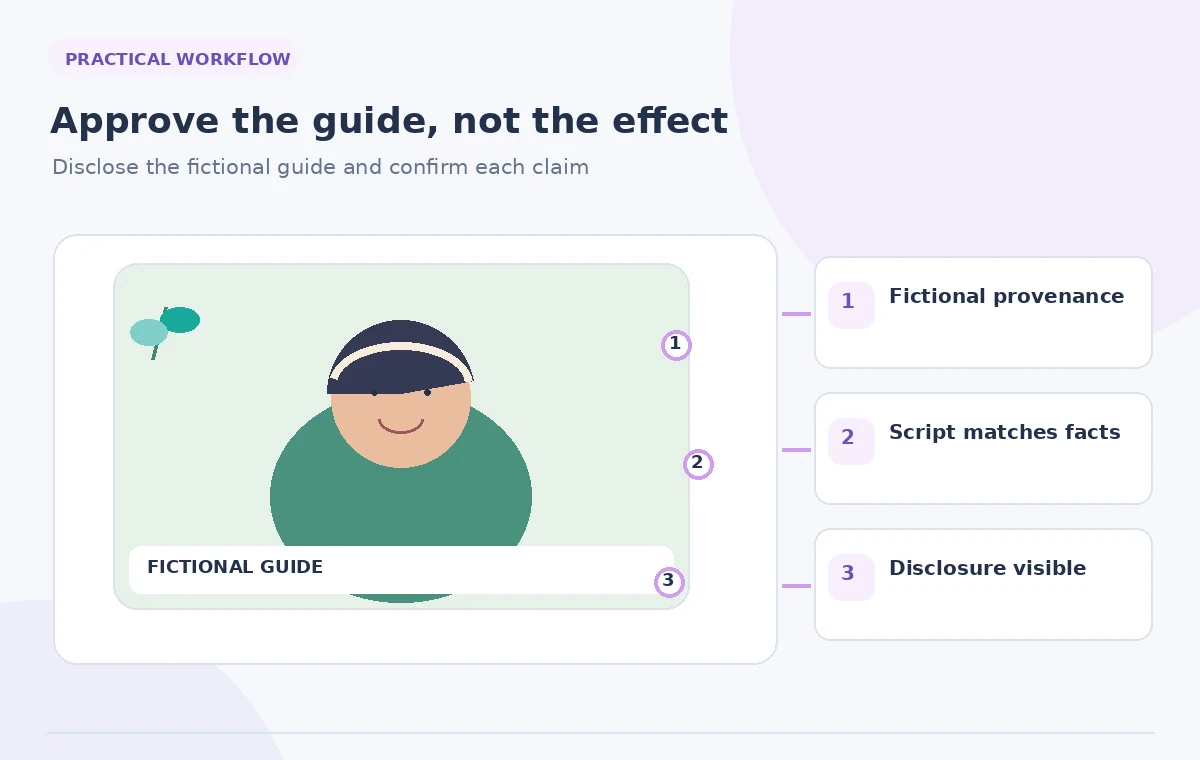
Label the guide as an animated fictional character in the video description or a visible opening/closing line. Do not imply that it is a live staff member answering questions. Keep the original portrait, approved script, voice selection, generated file, review notes, and publication date as a versioned set. If visitor information changes, update the source text first.
A reviewer should be able to compare the final clip against the approved facts without accessing a private production account. For any later translation, treat the localized script as a new approval item. The avatar may remain the same character, but local pronunciation and on-screen access details need their own QA.
Run a human release check
Show the finished scene to the garden coordinator and a second person unfamiliar with the project. Ask them what time, location, and action they understood, and whether the character appears to be a real volunteer. Correct misunderstandings and inspect the final mobile crop. Confirm that the avatar’s disclosure remains visible in whichever channel hosts the clip.
This instructional example uses a fictional garden and illustrative character graphics. We did not generate a real HeyGen output or obtain permissions from actual participants. The release standard is traceability and truthful representation, not a claimed avatar realism score or an invented audience result.
How We Research
We checked the official product materials for the named feature, including HeyGen: Get Started with Photo Avatars; HeyGen: Photo Avatar in Single Scene. We compared the documented entry points, scope, availability limits, and changeable interface behavior with the risks in this specific use case. The article uses hypothetical source records and original instructional drawings; we did not run this scenario in a live account, claim measured performance, or receive real-world permissions. Product features and plan entitlements may change after review. Our proposed checks are editorial controls, not vendor guarantees, and release decisions must be made by the authorized humans who own the content.
Frequently Asked Questions
Only with specific, informed permission for creating an animated synthetic likeness and for its distribution. Ordinary photo permission may not cover that use.
HeyGen documents creating photo avatars from uploads or AI-designed images. Test the chosen style in your authorized account and review motion quality.
No. Choose an authorized voice and avoid recreating a recognizable real person without the relevant permissions.
Yes, a clear disclosure is useful so viewers do not mistake the animated guide for an actual staff member giving a live statement.
Update the authoritative visitor information, revise the approved script, and replace outdated video versions rather than leaving a misleading clip online.