
Quiet seasons create a different delivery risk
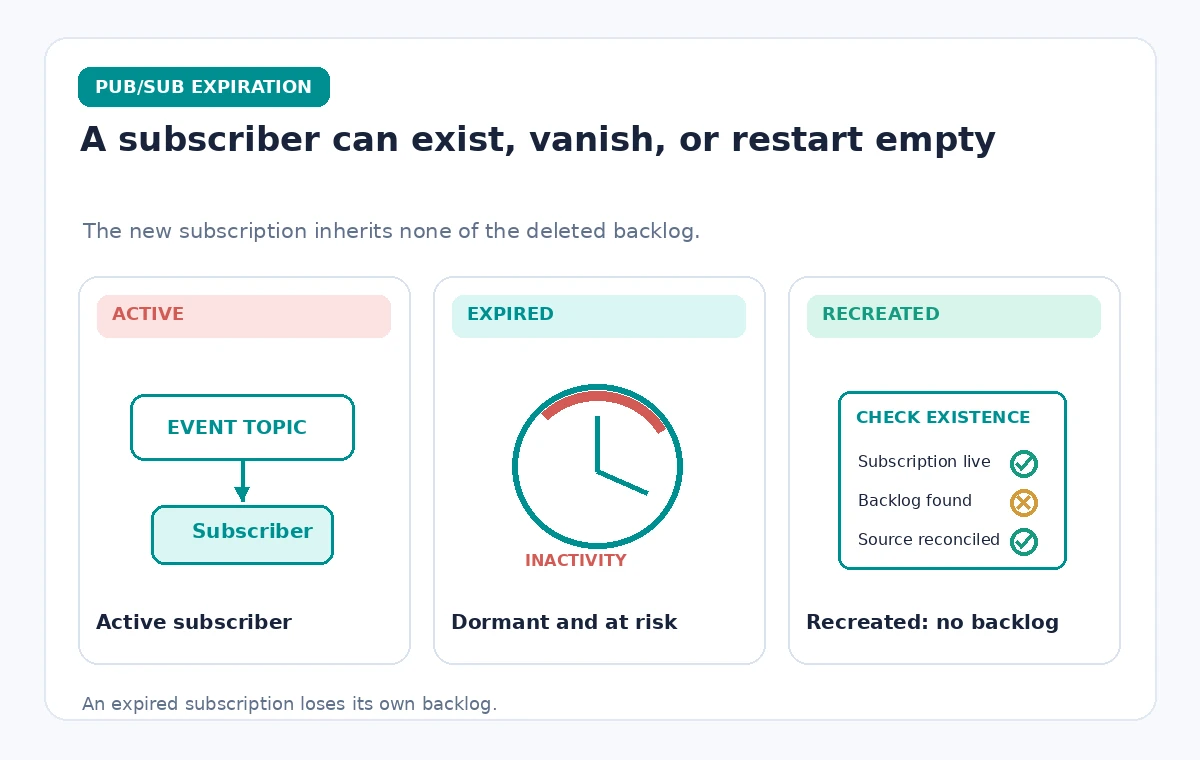
A museum that hosts workshops twice a year might leave its registration-event subscriber unused for weeks. The topic can still exist while a particular subscription reaches its expiration policy and is deleted. A worker returning in the next season may therefore find the expected subscription missing, not merely an empty message queue. Pub/Sub documents a default expiration period of 31 days without subscriber activity or subscription-property updates. This is a subscription lifecycle rule, not a measure of whether the museum has any important data. Start by listing every subscriber, its business owner, the relevant activity season, and the impact of losing unprocessed events.
Distinguish expiration from message retention
Two settings answer different questions. The expiration period determines when an inactive subscription may be removed. Message retention duration determines how long messages can remain available after publication, subject to acknowledgment and retention configuration. Google’s current subscription-property reference lists a default message retention duration of seven days and a maximum of 31 days, while the default expiration period is 31 days. A long expiration period does not cause every old message to be stored indefinitely. Conversely, retaining messages does not override a subscription’s own lifecycle. Document both values side by side so operators do not interpret an existing subscription as proof that every missed event remains recoverable.
Choose a suitable expiration policy
Google documents a minimum explicit expiration period of one day and requires the configured expiration period to be at least as long as the subscription’s message retention duration. It also permits the subscription expiration to be set to never expire. For a seasonal museum workflow, never expire may be reasonable when the integration is still owned, monitored, and needed; it is not automatically right for experiments or abandoned staging feeds. Evaluate cost, maintenance responsibilities, and cleanup controls. Set the policy intentionally when the subscription is created, rather than relying on the default inactivity clock to match a seasonal calendar.

Know what counts as subscriber activity
The Pub/Sub overview describes subscriber activity such as open connections, active pulls, or successful pushes. Changing subscription properties can also restart the inactivity clock. However, an operational runbook should not manufacture meaningless requests as a substitute for owning the integration. Define who monitors subscriber health and whether the system should be active in the quiet season. If a dormant feed is supposed to remain available, use an explicit expiration policy and a recurring configuration review. If it should be retired, document the replacement path and preserve any required event audit separately before deleting the subscription.
A recreated name does not restore a deleted backlog
Google states that a new subscription created with the same name as an expired or deleted one has no relationship to the old subscription and does not inherit its old backlog. This is an important recovery limit. An operator who simply recreates a named subscriber may see a healthy-looking endpoint and incorrectly believe no workshop bookings were missed. Identify the authoritative event store or application database and compare its record identifiers with consumer acknowledgments. If records need replay, design an approved recovery path from retained, authorized source data rather than assuming Pub/Sub automatically reconstructs the subscription’s prior state.
Build a subscription inventory
For every museum integration, record the topic, subscription name, owner, expected cadence, push or pull delivery, message retention, expiration setting, and last confirmed consumer activity. Keep operational timestamps separate from event timestamps to spot messages that accumulated while a worker was offline. Restrict this inventory if it reveals internal systems or protected identifiers. A useful dashboard shows expiration risk and business ownership without displaying attendee names or booking payloads. Review the inventory before seasonal shutdowns, platform migrations, and staff turnover. This makes the rule explicit and prevents a forgotten experimental subscription from becoming a critical dependency.
Test a quiet-season failure in staging
Create a synthetic topic and subscription with harmless workshop-event IDs. Choose a short but supported expiration setting and compare it with a deliberately persistent subscription. After controlled inactivity, inspect subscription existence through supported APIs rather than inferring from the absence of delivered messages. Also test how your consumer reports subscription-not-found errors and whether operators receive a useful alert. This article does not claim to have run that experiment or measured exact deletion timing. Use the exercise to prove that your recovery procedure identifies missing infrastructure distinctly from an empty but valid queue.
Prevent silent data gaps in event reconciliation
A resilient event pipeline does not assume message delivery is a permanent record of ticketing history. Give each booking or workshop update an application-level identifier and keep an authorized source-of-truth record in the appropriate database. When a subscriber restarts, reconcile the processed IDs with the source, noting where recovery is permitted and where consent or retention rules limit reprocessing. Avoid duplicate attendance notifications or repeated confirmation emails. Subscriber expiration, publisher retries, and consumer acknowledgments are different mechanisms; each needs its own status. A status page should distinguish caught up, missing subscription, missing source events, and unresolved duplicates.
Check deletion access and renewal ownership
Treat the never-expire setting as a maintenance commitment. Assign responsibility for quotas, storage charges, schema compatibility, credentials, and eventual retirement. Restrict who can change subscription properties or delete subscriptions; a configuration update can affect the clock even when no event has been consumed. Watch for deployment scripts that replace a subscription rather than updating it, because a replacement can change backlog semantics. Keep environment-specific configurations version-controlled without including message payloads. If a requirement changes, communicate the planned cutover window and confirm that the old subscriber’s pending work has been handled through an approved transition.
Write a seasonal launch checklist
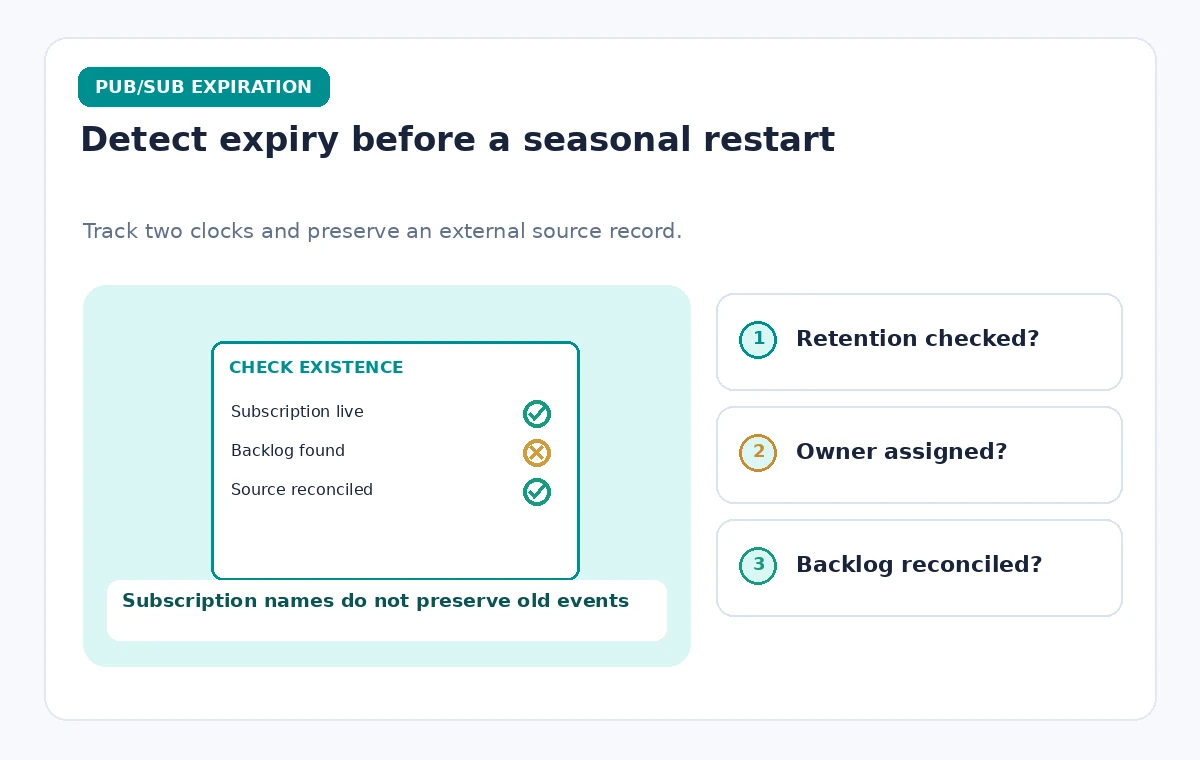
Before a public season, verify that every required subscription exists, has the intended expiration and retention values, and is connected to the right consumer. Send only synthetic probe events in a controlled environment, confirming receipt and the application’s deduplication behavior. Compare the first real event counts with the authoritative booking register and investigate gaps before sending public attendance summaries. If a subscription expired, pause automated downstream updates and reconcile from the primary source. The key acceptance criterion is a complete, verified event-processing chain, not simply a successfully created subscription name.
How We Research
We reviewed the named official developer references Google Cloud: Pub/Sub subscription properties, Google Cloud: Subscription overview. We compared their documented request and delivery behavior, accepted configuration patterns, and explicit limitations with the proposed hypothetical museum workflow. This article is a source-based implementation guide: we did not execute live customer API calls, inspect private cloud accounts, run production tests, or measure latency, cost, or accuracy. Readers should verify current limits and deployment settings with the original documentation and run their own controlled staging tests before changing public systems.
Frequently Asked Questions
Google documents 31 days of subscriber inactivity or no configuration updates by default.
Yes. A never-expire option is supported, but the integration still needs an owner and ongoing monitoring.
No. A recreated subscription is a new resource with no inherited backlog.
No. Expiration governs the subscription lifecycle; retention governs the stored messages.
No. An explicit expiration period must be at least as long as the configured message retention duration.