
A small local museum wants to find photographs from last year’s open-house weekend for a volunteer newsletter. Google Photos Ask Photos can use Gemini to search a backed-up personal library with descriptive language, but the most visually plausible result may belong to a different event. This hypothetical guide treats AI search as a shortlist generator, then verifies date, location, people and reuse permission from original files and museum records. No real attendee photographs or identifying information are used. The illustration depicts anonymous, fictional thumbnail scenes and does not represent a live Google account or a tested retrieval score.
Define the evidence required for a usable event photo
Write the photo brief before searching: approved event name, calendar date, venue, intended newsletter size, subject matter and any restrictions on publishing recognizable faces. Specify whether the editor needs a room-wide view, a hands-only activity shot or an object detail. A description such as ‘people making crafts near a banner’ may identify many albums; it does not establish which occasion was photographed. Keep a reference from the museum’s event schedule and the authorized photo release process. Avoid sending private attendee names to an AI search just to improve matching. The search results should remain candidates until humans check them against the intended event.
Check eligibility, opt-in and device limitations
Google documents Ask Photos as an experimental Gemini-powered feature rolling out only in supported regions and languages, with eligibility and opt-in requirements. If the account lacks Ask Photos, standard Google Photos search remains available. Some Ask Photos experiences require images to be backed up; do not assume a local-only photograph will appear in results. The help article also distinguishes mobile support from unavailable web experiences. Review Google Photos settings and privacy options before opting in, especially if the personal library includes family pictures unrelated to the museum. Do not promise every Android, iOS or web interface has the same button or capability.
Search by the scene, then narrow the candidate set
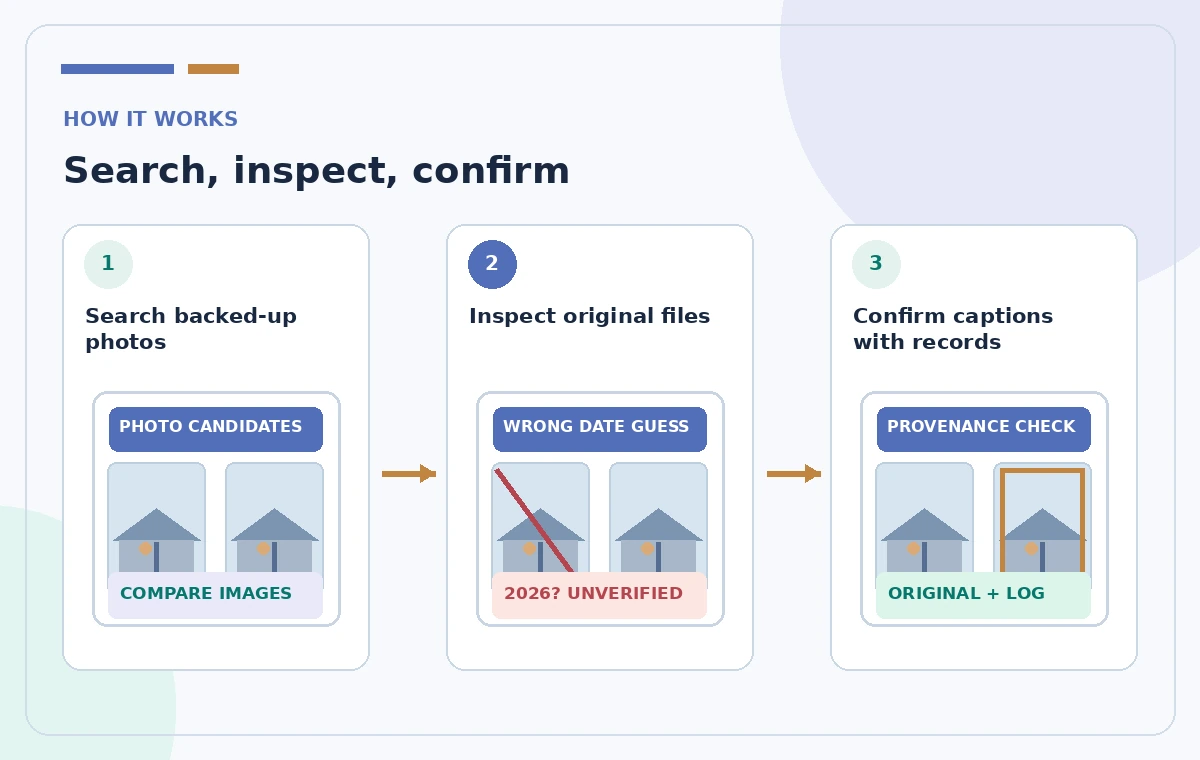
Use a descriptive, non-identifying query such as ‘craft tables under a blue welcome banner at the museum open house.’ If Ask Photos is available, compare its results with a conventional search by approximate date or album label. In Google Photos, a complex question may invoke additional Gemini-based reasoning to highlight a likely set. This remains a relevance aid, not proof. Build a candidate list with each file’s visible thumbnail and accessible metadata. Do not rely on an AI-generated narrative about what people did or why they attended. If two events used the same banner and room, their images may be nearly indistinguishable without the original capture context.
Inspect the originals rather than screenshot previews
Open each candidate original. Look for capture date, time zone, available location information, filename and any album provenance. None is infallible: exported files can lose metadata, camera clocks can be wrong and a later upload date is not the shooting date. Compare the imagery with approved event schedules, signs visible in the image and staff documentation. Record discrepancies rather than silently correcting them to fit the initial search. A screenshot of a result list is not a substitute for the underlying file. Keep the highest-quality authorized original available for editorial use and avoid re-saving through chat apps that strip useful source details.
Separate image recognition from identity claims
An AI answer or the editor’s own visual guess may attach a name to a participant because someone resembles another person. That is not adequate identification and is unnecessary for most newsletter captions. Use roles such as ‘visitors at a craft table’ unless a person has been positively identified through authorized records and the museum has appropriate publication permission. Never infer someone’s age, relationship, employment or attendance consent from their appearance. Check whether children, private donors or bystanders appear in the crop. The safest caption often describes visible activity rather than making claims about identity or motivation. Avoid suggesting that Ask Photos has authenticated anyone.
Compare a plausible caption with an evidence-backed one
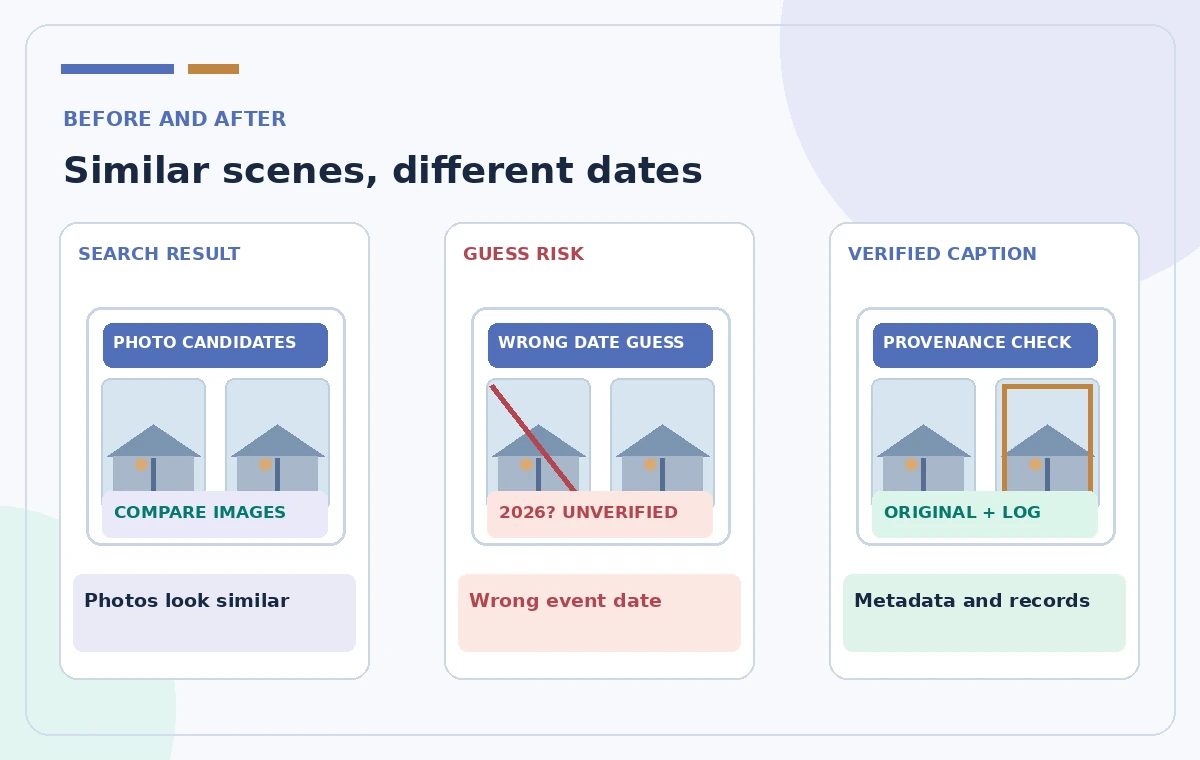
Consider two visually similar photos: a 2025 autumn market and a 2026 spring workshop, both in the same hall. A careless draft might caption the older image ‘2026 volunteer welcome day’ based on the room’s appearance. A reviewed caption instead names the confirmed event and date using the event log and original capture evidence, or omits the date if proof is missing. The illustrated comparison shows a generic error scenario, not an actual Ask Photos mistake from a measured test. Never present invented metadata as a real camera reading. Make uncertainties visible to the editor before a public newsletter headline turns them into apparent facts.
Review privacy and sharing before exporting
Ask Photos uses personal library content, so confirm whose account contains the files and which organizational rights apply. Do not search a volunteer’s private family library without their permission or ask them to grant broad library access just for one image. If a selected image includes unconsenting participants, obtain permission, choose another image or apply an authorized crop that does not distort the event. Keep private copies in controlled storage and remove unrelated location data from public exports when appropriate. A successful search does not itself grant copyright ownership, publicity rights or a right to publish. Ask the museum’s designated editor to sign off on the actual image selected.
Run a final caption and quality checklist
Check the confirmed event date, the picture’s relationship to the story, its visible people, release status, color and crop quality. An AI search may return a sharp but irrelevant shot or a correct moment at unusable resolution. Use the actual image file to inspect sharpness and composition, not only a thumbnail. If the event’s title appears on a sign, zoom in and verify spelling. If the photo is undated, write a neutral caption and request records instead of backfilling an attractive date. The review is procedural; LabFin has not searched a personal account or independently determined the accuracy of Ask Photos for this use case.
Archive the selection with provenance
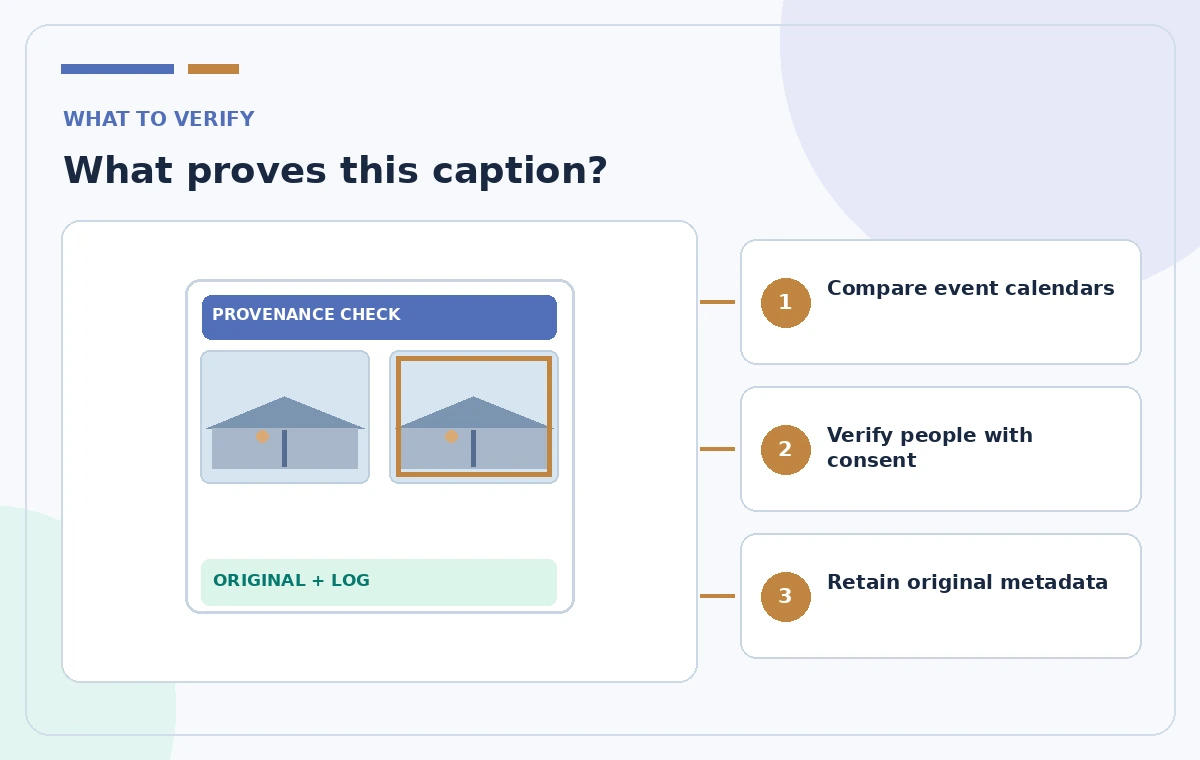
Save the chosen original file or a controlled copy alongside the source album identifier, editor approval, image credit, consent status and final caption. Keep a note of why similar candidates were rejected. Future newsletters can then reuse approved assets without repeating speculative identity or date searches. If the photo cannot be verified, do not label it as a particular event merely because the AI retrieved it for that query. The editorial value of Ask Photos is reduced browsing time, not the creation of historical evidence. A simple provenance log keeps the workflow accountable while preserving the speed of descriptive discovery.
How We Research
We reviewed the following official developer or help resources for this article: Google Photos Help — Use Ask Photos to search, edit & get assistance; Google Photos Help — Search by people, things & places. Our editorial method was to compare the documented function, prerequisites, sharing and licensing constraints, and the failure modes that could change a real decision. We wrote an illustrative workflow and an independent human-verification checklist rather than claiming a test of any particular account. We did not receive private user data, simulate real approvals, interview actual participants, verify a real print job or measure AI accuracy. The four accompanying pictures are original conceptual diagrams, not screenshots or measured outputs from these services. Features, prices and access may change; confirm current product details in your account and obtain the relevant policy, privacy or production owner’s sign-off before consequential use.
Frequently Asked Questions
It can help locate photographs, but the editor must validate dates using original metadata and reliable event records. Search relevance does not establish historical fact.
No. Google calls it experimental and says availability depends on region, language, eligibility and opt-in. Standard search is an alternative when it is unavailable.
Some Ask Photos experiences require backed-up photos. Check the relevant product help and the storage status of candidate images.
Avoid guessing. Confirm identification through authorized records and obtain required publication permission. Many captions need only describe visible activities.
No. Copyright, consent, privacy and organizational approval apply independently of the search method. Check each before using the file publicly.