
The reminder that keeps failing before a museum event
An events team reports that volunteers are not receiving arrival reminders. The dispatcher shows retries, but an engineer does not yet know whether the task targets a stale endpoint or contains a malformed request body. Opening every queued task at maximum detail is a poor first move: reminders can contain personal contact data. Google Cloud Tasks distinguishes a basic task view from a full view for exactly this inspection boundary. The operational goal is to diagnose delivery without needlessly circulating member identifiers or message contents. This walkthrough uses a hypothetical queue and makes no claim about actual volunteer records, failing webhooks, or measured retry behavior.
Start with the BASIC response view
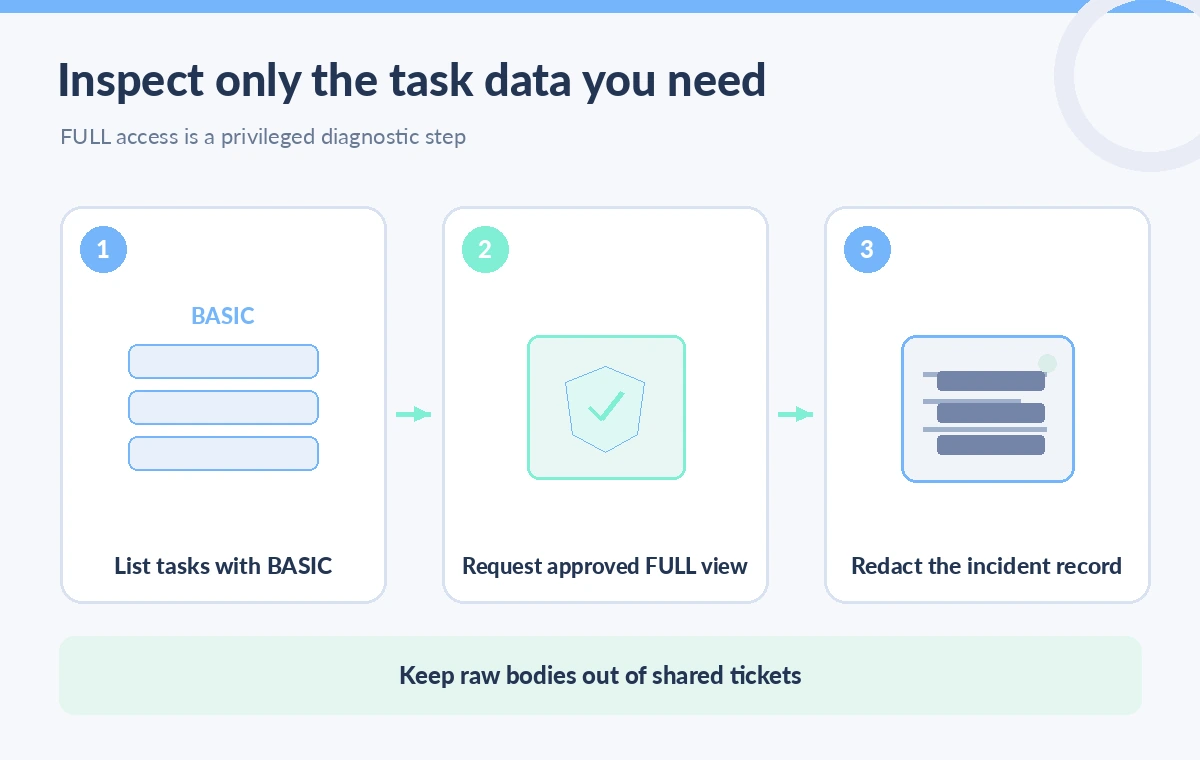
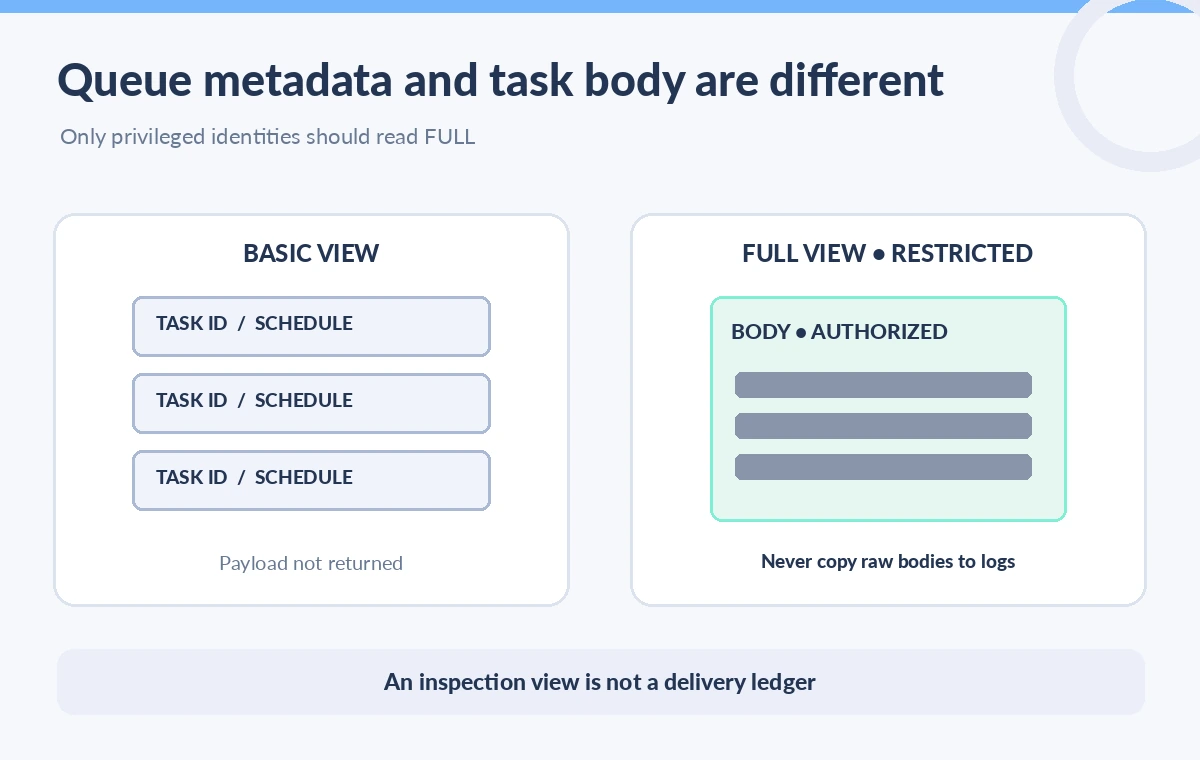
The tasks.list method defaults to BASIC rather than returning every field. Google states that this limits data that may be large or sensitive. Start by recording queue identity, task names, schedule information, dispatch or response metadata that is available, and the incident window. Compare these facts against worker logs and queue configuration before requesting task bodies. A missing body in a basic response is expected behavior, not evidence that the HTTP task was created empty. Keep the UI labels explicit so support staff do not interpret a protected field as a missing value. The first scheme shows queue discovery, a permission gate, and a redacted incident report.
Use FULL only with the required permission
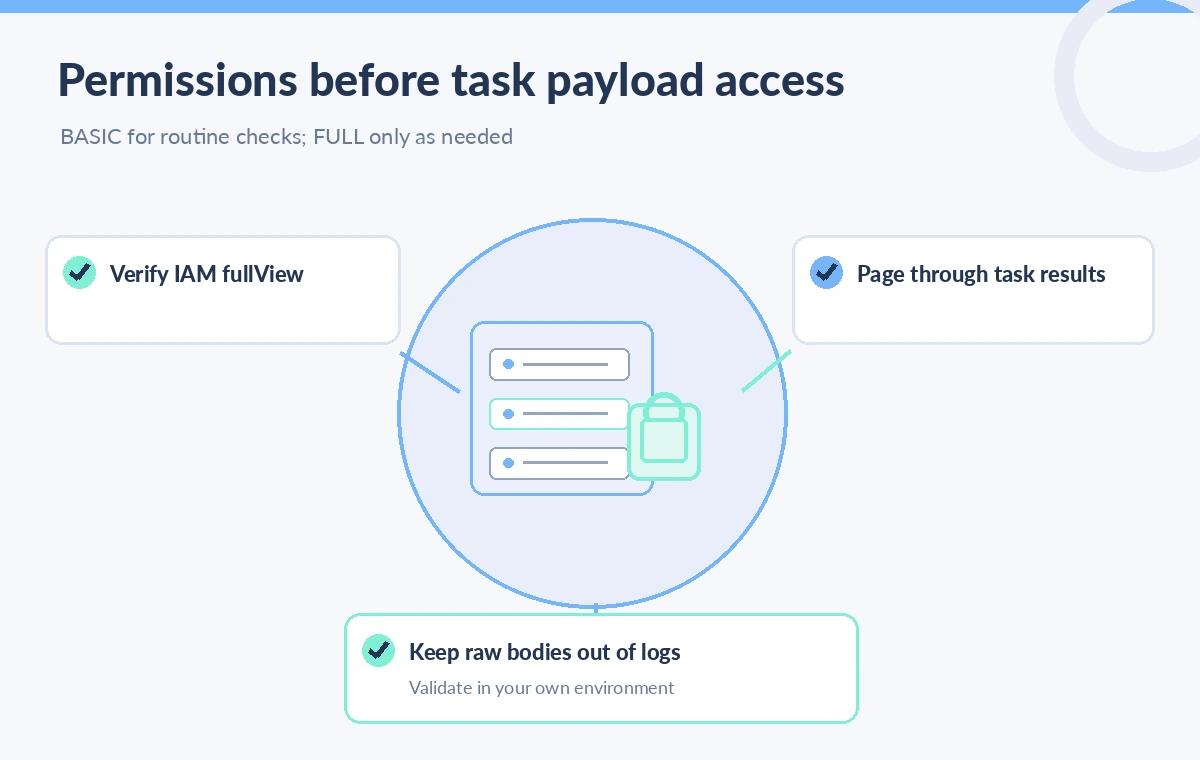
When the request body is actually needed to explain a failure, the list or get methods accept responseView FULL. Google documents an additional cloudtasks.tasks.fullView IAM permission requirement. Grant that capability only to identities and workflows with a legitimate diagnostic need; ordinary queue viewers should not receive it simply because they can list tasks. A temporary, reviewed escalation can be preferable to a permanently broad service account. Verify the task’s queue and identity before granting access because a wrong queue can cross a client or program boundary. Treat FULL as a sensitive read operation even though it does not dispatch or mutate a task.
Know when listing and getting differ
List is appropriate for a bounded survey of queued work, while get retrieves one known task. Both support a responseView parameter, subject to the documented authorization requirements. A focused get can reduce incidental exposure when investigating a single affected reminder. Google notes that a task is deleted after successful execution or after retry attempts are exhausted; a get on a deleted task returns NOT_FOUND. That status does not prove the reminder never existed or that it was not delivered. Correlate with authorized application-side delivery evidence, request identifiers, and worker logs rather than treating the live queue as permanent history. The diagram contrasts a metadata-only review with the narrower sensitive payload request.
Handle paging and changing queue contents
For tasks.list, the page size can be as large as 1,000, but a response can return fewer tasks even when more exist. Follow nextPageToken until there are no further pages within the approved audit scope. Google documents that page tokens are valid for two hours, and that ordering is not stable. This is not a point-in-time, immutable ledger of a busy queue. Never rely on the first page to assert that the queue contains no more problematic tasks, and do not use list order as a delivery timeline. Store a bounded audit window and reconcile counts with independent system telemetry if incident completeness matters.
Redact bodies before they reach a ticket
A full HTTP task body may contain an email address, membership identifier, registration details, or an internal service token if the application was designed poorly. Do not print the entire API response to a shared CI log, group chat, or issue tracker. Have a privileged diagnostic tool inspect only the fields needed to categorize the failure, then emit a minimized record such as task ID, endpoint category, request schema version, and a safe failure code. If a payload value is essential, mask unrelated fields and use controlled access with an expiration policy. Review logging libraries as well as manual print statements; debug middleware can defeat an otherwise careful UI.
Compare delivery problems without executing tasks
A task whose schedule is in the future is not the same as one retrying a failed endpoint, and neither should be fixed by manually forcing every item to run. Evaluate the configured route, worker idempotency, authentication, retry policy, and recent deployment differences before intervention. The FULL view may reveal that a field is malformed, but it cannot prove a downstream system accepted the reminder. A well-designed worker records an idempotent delivery key and outcome in its own audited store. Do not claim a failed dispatch or a deleted task can be reconstructed from list output. This guide deliberately separates observation from mutations such as run, delete, pause, and purge.
Test least privilege with synthetic reminders
Create synthetic reminder tasks that contain obvious dummy addresses and a harmless test payload. Confirm that a basic viewer can inspect permitted metadata but cannot obtain sensitive fields through FULL, get, or an alternate diagnostic endpoint. Check that the privileged reviewer can retrieve the expected body only in a controlled environment. Exercise multi-page listing and a task that disappears between pages. Then review ticket output and log sinks for accidental copies of fixture payloads. These are suggested validation steps, not actions performed for this article. The production sign-off should include the exact role bindings and the privacy owner who approved the diagnostic path.
Make a reliable incident note without overclaiming
An effective incident report states which queue was observed, the time window, which view was used, what the authorized reviewer could see, and what remained unverified. Distinguish a queued task from a delivered communication and a retry from a unique notification. Avoid copying private payloads into evidence repositories that outlive the incident. If investigation requires historical certainty, use an intentionally designed application-side event ledger, not an assumption that Cloud Tasks retains completed work. This bounded approach keeps responseView FULL available for genuine troubleshooting while keeping routine queue inspection safe and proportionate.
How We Research
Our primary named official sources were: Cloud Tasks tasks.list REST reference; Cloud Tasks tasks.get REST reference; Cloud Tasks task View enumeration. We compared the official Cloud Tasks list and get method references with the View enum, especially BASIC defaults, FULL IAM requirements, and page token behavior. No real task payload was retrieved and no queue was modified. The drawings show illustrative metadata and redacted bodies rather than actual customer traffic. Readers should verify current deployment-specific documentation and their own permissions before adopting a workflow. Any figures are original instructional diagrams, not actual vendor screenshots or observed results.
Frequently Asked Questions
No. The method defaults to BASIC to avoid returning unnecessary large or sensitive fields.
Google documents cloudtasks.tasks.fullView in addition to the permissions needed to list or get tasks.
Yes. Follow nextPageToken; a short page does not mean the queue has no more tasks.
No. Cloud Tasks deletes tasks after success or exhausted retries, so live get is not delivery history.
No. Task bodies may contain personal information, so access and audit output must be restricted.