
Why a separate queue can matter
A museum website records opening-night RSVPs and sends acknowledgment jobs to a worker. A new exhibit campaign could create bursts of traffic; routing those tasks through an unrelated ticketing queue makes incident review and rate control harder. Google Cloud Tasks supports dedicated named queues under a project and location. The projects.locations.queues.create method creates a Queue resource, but creation does not prove that a worker URL is correct, credentials are valid, or deliveries will succeed. This article uses a fictional RSVP workflow with conceptual illustrations. It does not describe a queue created in a live Google Cloud project or a measured delivery rate.
Confirm the service and resource hierarchy
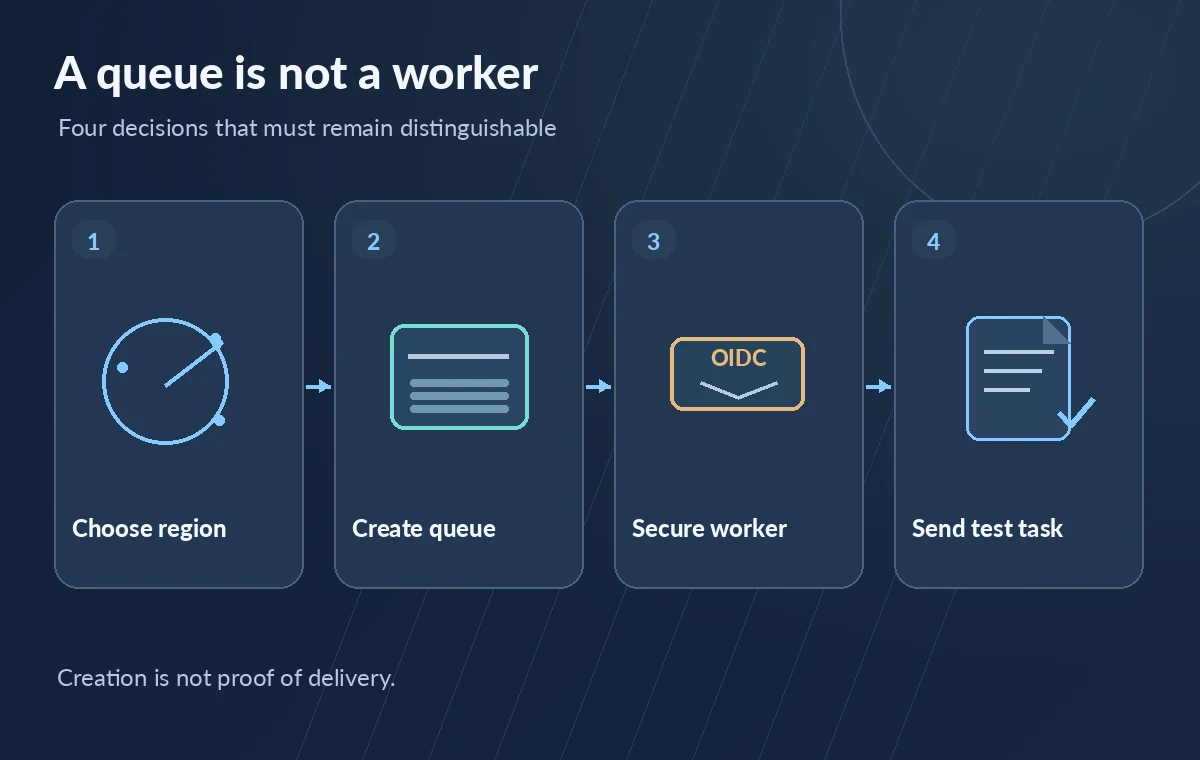
The REST v2 method is POST to a location-scoped queues collection, with a parent such as projects/PROJECT_ID/locations/LOCATION_ID and a Queue request body. Queue creation requires the cloudtasks.queues.create permission on the parent. Before choosing an ID, check the project, supported region, naming standard, service quota, and intended workflow owner. A queue name is not simply a tag that can be casually moved to another region later; region selection affects endpoint planning and operational expectations. Use locations.list or the documented supported-location guidance rather than guessing that every Google Cloud region supports the same service configuration.
Choose the location with data policy in mind
Store the approved location in infrastructure configuration and have an operator review it against organizational residency rules. The queue and its HTTP target are different resources; a queue region alone does not establish where a downstream service stores visitor information. Google also documents special organization-policy considerations for certain US central locations, so review current location restrictions before requesting creation. Keep the queue under the project responsible for RSVP operations, and record which team owns the worker. If another project or region is intended, do not silently fall back to the first available one. Correct creation in the wrong location still fails the governance test.
Design dispatch limits before the campaign
A new queue can have rateLimits and retryConfig properties. Defaults can be much more permissive than a small museum worker expects, and some operational values are system-controlled. Set a dispatch rate and concurrency consistent with the downstream service’s tested capacity and review retry behavior separately. For example, an HTTP 429 from a busy worker may be retried; the job handler should be idempotent so retries cannot send duplicate RSVP confirmations. Rate limiting protects the worker but does not replace an application-level transaction key. Keep an explicit deployment note showing the selected settings and why they fit the expected campaign.
Create the queue through a controlled change
The Google Cloud documentation shows console, gcloud, and REST creation paths. A reviewed gcloud example uses gcloud tasks queues create QUEUE_ID –location=LOCATION, after checking the active project and identity. The REST body includes a fully qualified queue name. Avoid embedding private RSVP payloads, OAuth tokens, or service-account keys in the create request, screenshots, or infrastructure logs. Creation is an administrative event; gate it with normal change approvals and inspect the returned queue configuration afterward. If your system also uses App Engine queue.yaml or queue.xml management, heed Google’s warning about interactions with programmatic queue creation instead of mixing competing sources of truth.
Secure the worker separately from the queue
Before submitting a real task, check that the HTTP worker enforces its intended authentication. Cloud Tasks can attach an OIDC token for supported HTTP tasks when configured with an appropriate service account, but queue existence alone does not create those credentials. Verify service-account permissions, audience expectations, and the worker’s rejection of unauthenticated requests. Keep secret configuration out of task headers visible to unnecessarily broad operators. Do not mistake an HTTP success produced by a public unauthenticated endpoint for a secure end-to-end system. Existing LabFin articles cover OIDC tokens in depth; here they are a prerequisite for safe queue onboarding.
Use a non-sensitive test task
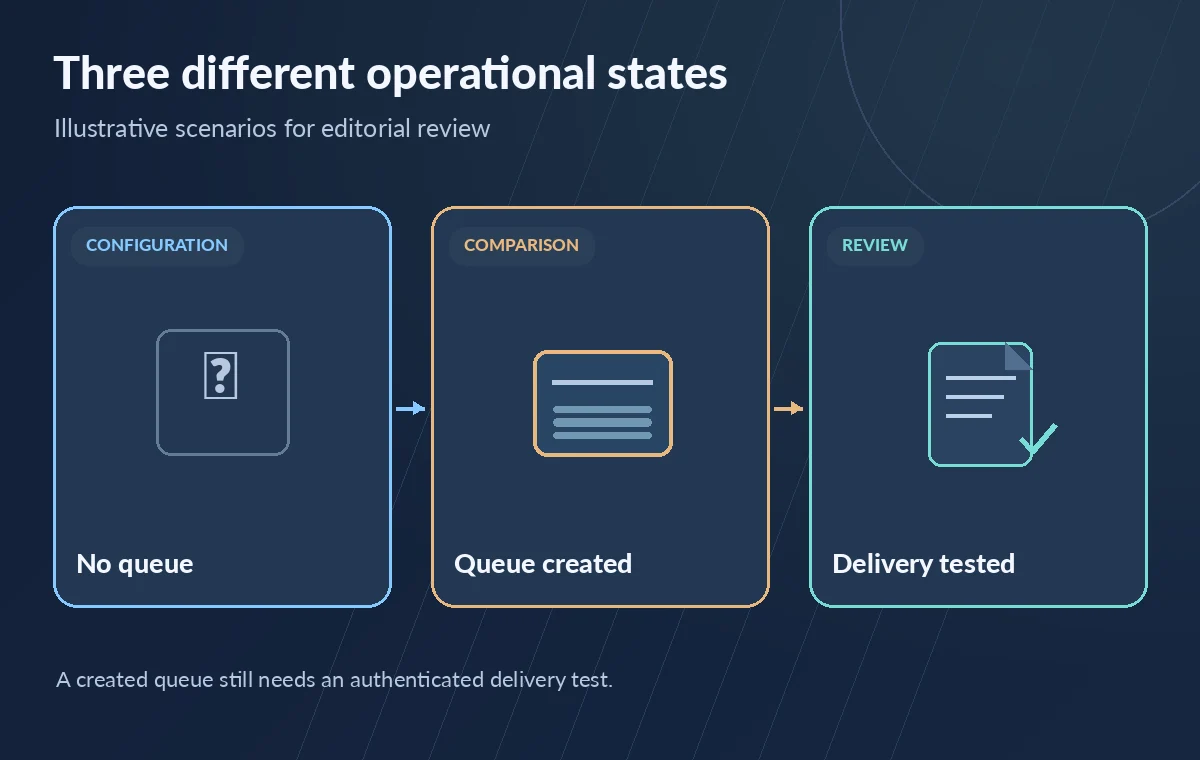
Send a synthetic RSVP with a unique idempotency key and no real visitor details. Confirm that it enters the intended queue, invokes the correct worker, receives an expected response, and produces a record that can be reconciled to the worker’s processing ledger. Then deliberately exercise a non-success response in a controlled environment and inspect whether retry handling matches the plan. The console showing a queue in RUNNING state is not equivalent to a completed delivery. Do not assume low queue depth proves success; the worker may be failing quickly or acknowledgments may be misrouted. A deployment report must distinguish configuration from verified operational behavior.
Know the lifecycle constraint
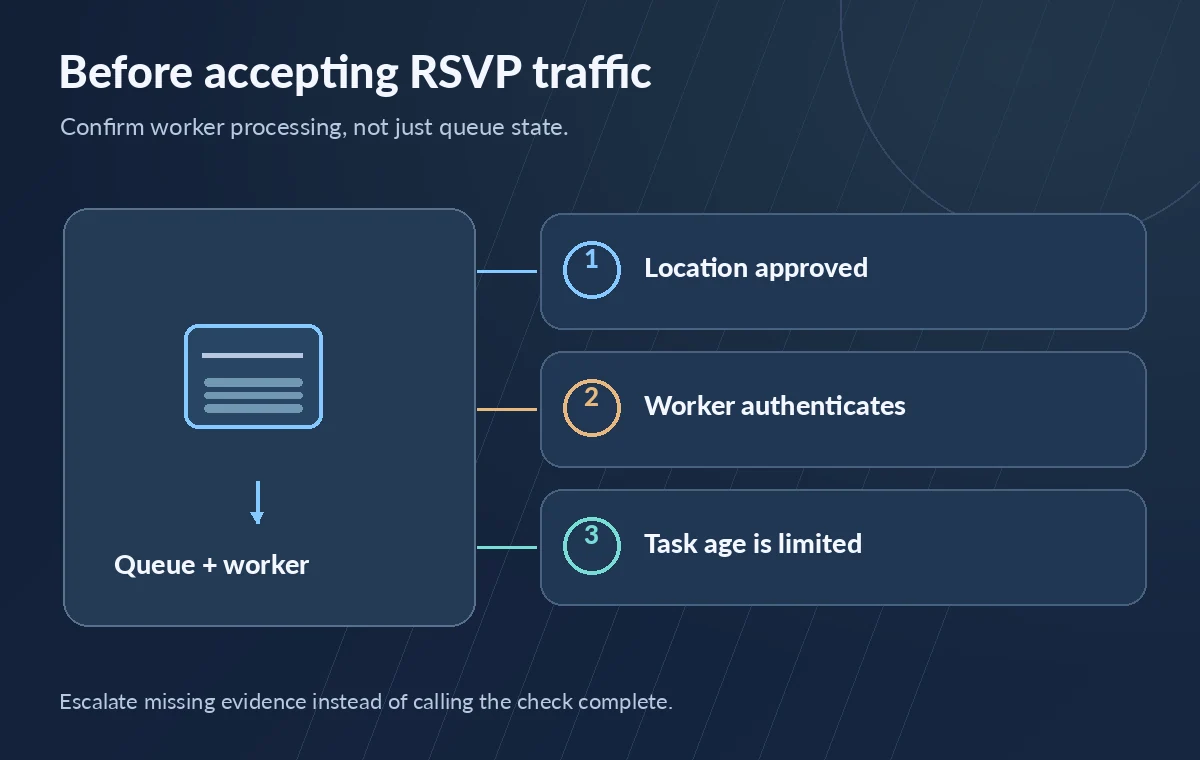
Google’s create-method reference notes that tasks in queues created by this method have a maximum age of 31 days. After that period, a task may be deleted regardless of whether it was dispatched. An RSVP queue therefore cannot serve as the sole permanent ledger of registrant communications or long-lived consent records. Store approved durable records separately, with retention controls and access boundaries suited to visitor data. Monitor delayed jobs and dead-letter or failure-reconciliation mechanisms as appropriate to your architecture. Avoid leaving campaigns unattended and assuming every task can remain pending indefinitely until staff return.
Approval checklist for the new queue
Before production traffic, collect evidence of the correct project and location, queue identifier, dispatch and retry settings, worker identity, idempotent handler, and successful synthetic processing. Record a rollback or pause procedure without implying that purging a queue recalls already delivered email. Keep named operational owners and alert thresholds for sustained failures. The diagrams illustrate the separation between an empty queue, an authenticated worker, and actual task completion. We have not created or tested a Cloud Tasks resource for this article; verify all settings against the current API and the organization’s environment before use.
How We Research
We reviewed Cloud Tasks queues.create REST reference and Create Cloud Tasks queues and Cloud Tasks queue resource, focusing on the exact API parameter, its documented scope, required configuration, and limitations. We drafted a hypothetical museum workflow from those references and illustrated it with original conceptual diagrams. We did not query a live customer environment, conduct API benchmarks, perform security tests, inspect visitor data, or verify any real grant, rights clearance, or release approval. Any numerical or before-and-after states in diagrams are explanatory, not measured outcomes. Availability, API versions, permissions, and costs may change; check the current provider documentation and your own organization’s policies before deployment.
Frequently Asked Questions
No. It creates the queue resource; the worker service and its authentication must be configured and verified separately.
Use the supported locations list and check organization policy; do not assume every location or policy combination is available.
No. The queue state describes the queue, not completion of individual tasks or a downstream email.
Google documents a maximum task age of 31 days for queues created with this method; durable business records need separate storage.
Review Google’s warning and establish one controlled management approach; mixing App Engine queue files with programmatic queue creation can cause unintended effects.