
An AI graphic design generator can draft a campaign tile quickly, but a pretty flattened image is not the same thing as a reusable brand template. The useful output for a team is editable text, approved brand assets, correctly scoped permissions, and a clear handoff. Canva’s current help center describes Brand Templates, Brand Kits, publishing roles, and template approvals. This guide turns those features into a practical workflow for a fictional neighborhood bookstore’s event campaign. It is not a substitute for checking the organization’s actual Canva plan and access settings.
Decide which pieces must stay editable
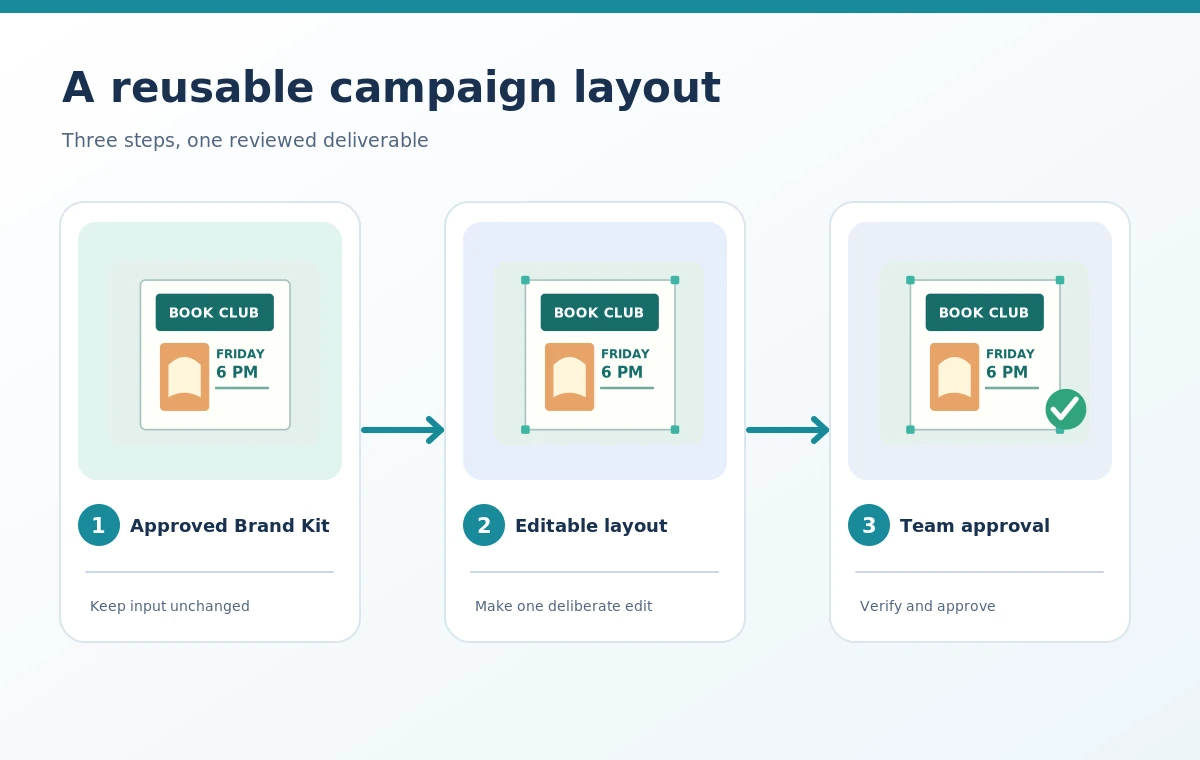
Before opening the design tool, list the elements that will change from campaign to campaign: event date, venue, headline, price, and photo. Lock down the elements that should not drift, such as the approved logo, brand colors, and required legal copy. An AI-generated image with text baked into pixels is unsuitable as the only master if staff need to update dates later. For the bookstore example, ask for a reusable 4:5 social post with live text layers and a photo placeholder rather than a single decorative JPEG. Make a component inventory: editable heading, approved font style, image frame, call-to-action line, and safe margin. The distinction between an editable template and a flattened picture is the most important test of utility.
Prepare the Brand Kit before generating layouts
Canva’s help center explains that Brand Kits organize assets such as logos and photos, and that Brand Templates can be added to Brand Kits. It also says the connection helps Canva AI align output more closely with the brand. Upload approved assets only after the organization has verified rights and versions. Name the logo variant by use, such as light-background or dark-background, and keep out old campaign exports that might be mistaken for reusable masters. Define a small set of brand colors and heading styles rather than overloading the system with many almost-identical choices. This setup makes a generated composition easier to review against a consistent source of truth; it does not guarantee the model will never improvise a color or font.
Use AI as a draft, not as final brand authority
Generate one or two layout ideas for the bookstore event using a factual brief: audience, format, required copy, tone, and available approved images. If AI invents a date, address, award, or discount, remove it rather than normalizing the mistake through attractive typography. Replace any synthetic logo text with the real brand asset. Check that all copy remains editable and that the subject is still legible when the layout is viewed on a phone. The strongest useful result might be a basic composition that a designer can modify quickly, not the most elaborate AI image. Record the prompt as part of an internal creative note but keep the final approved copy in the editable template.
Publish through the right role and permission path
Canva’s current Brand Template instructions describe publishing from the Share menu, File menu, or other supported flows, with access depending on team role and template settings. Brand Designers and Admins have publishing controls, while being able to edit a Project does not necessarily authorize editing or publishing its Brand Templates. This matters in a larger organization: a teammate may see an asset through a Team Space and still lack authority to alter the master. Assign one template owner and one reviewer, and test access with a non-admin account before roll-out. If template approval settings are available in the workspace, use them for high-risk templates. Never assume that a shared link has the permissions you intended.

Run a two-stage content and visual review
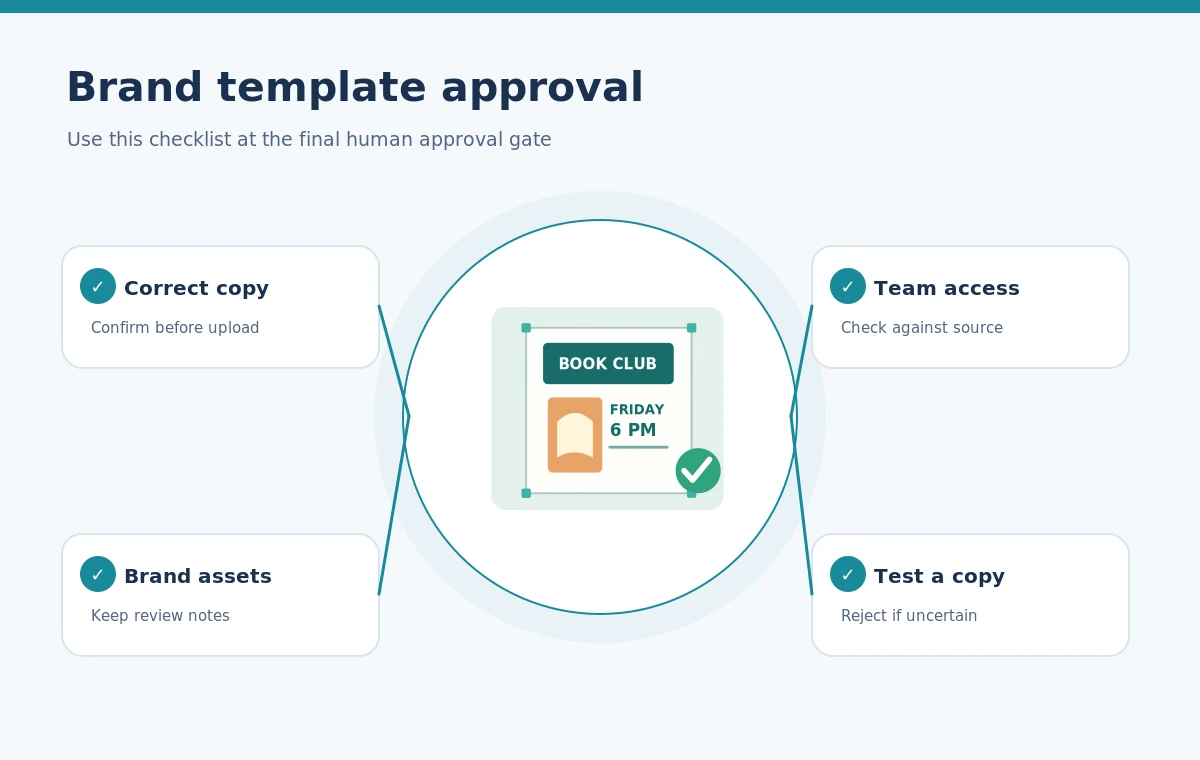
Approval should cover two independent concerns. First, confirm the facts: correct event time, location, prices, names, and dates. Second, assess visual production: proper colors, safe crop, legibility, logo clear space, and text contrast. An appealing font treatment does not fix an invented event time. Preview the design as the intended audience sees it, including mobile and square crops if both are required. Keep sample copies separate from the template master, so an intern testing headline variations cannot overwrite the approved version. A simple review table lists requirement, source of truth, reviewer, and disposition. Record required corrections before publishing the shared template.
Test the template by making a real copy
The most reliable handoff test is to duplicate the published template and replace every field that future users should be able to edit. Change the fictional book event title, date, image, and CTA while leaving the brand logo and palette intact. If the copy breaks the design when the title becomes longer, resize the text area or give users a character-count guideline. If a photo crop hides an important subject, adjust the frame. Canva’s help center notes that published templates have organization-level ownership and access behavior that can differ from ordinary projects, so test as a regular team member. The project is not complete when the administrator sees a beautiful master; it is complete when the next person can reuse it safely.
Hand off the master and exports separately
Provide the editable template link and the approved export rather than treating the two as interchangeable. The master contains future editing capability; the export is a snapshot for one event. Record which approved version was exported, the format, and the audience. For print jobs, confirm bleed and required file settings with the actual printer; for web graphics, check dimensions and accessibility considerations. Retain an asset inventory with the license and approval owner. If a campaign later changes, edit the master or create a controlled version rather than silently modifying an old published graphic. The end goal is reproducible design governance: faster creation, fewer copied mistakes, and a visible human checkpoint.
How We Research
We used Canva’s official Brand Template publishing guidance (www.canva.com) and Brand Kit asset-management documentation (www.canva.com), checked October 28, 2026. The bookstore campaign is a fictional workflow example; we did not access a paid Canva workspace, perform a permission test, or measure design speed. Plan-dependent approval features must be verified in the reader’s own account.
Frequently Asked Questions
No. A reusable master needs editable content and appropriately managed assets; a flattened image does not provide that structure.
No. Canva documents role- and access-dependent publishing controls, including Brand Designer and Admin paths.
No. Review the date, location, prices, and names against the source brief before approving the asset.
Make a copy as a non-admin collaborator and replace all intended fields without disrupting protected brand elements.
Send both when appropriate: an approved export for immediate use and a controlled template link for future revisions.