
Conservation manuals have two different search shapes
A historical collection may store approved conservation procedures as Markdown files with headings for inspection, cleaning, handling, and emergency response. Some search tasks need a small section; others need the full manual as a single record. Azure AI Search documents a Markdown parsing mode for supported indexers and two submodes, oneToMany and oneToOne. Neither is a universal accuracy setting. The decision changes how a source file becomes search documents and therefore how identifiers, citations, updates, and deletions must be managed. A museum should choose based on the retrieval task and its obligation to show the original source.
Select the parser in the indexer configuration
Microsoft describes parsingMode set to markdown under an indexer configuration. The markdownParsingSubmode parameter can be oneToMany, the documented default, or oneToOne. Supported sources include Azure Blob Storage, Azure Files, and Microsoft OneLake under the conditions given in the current guide. Confirm service API compatibility and data-source prerequisites before configuring an indexer. Do not assume that editing a search query converts an index already built with another document layout. A parser change may require schema and downstream application changes, followed by validation against the exact source collection.
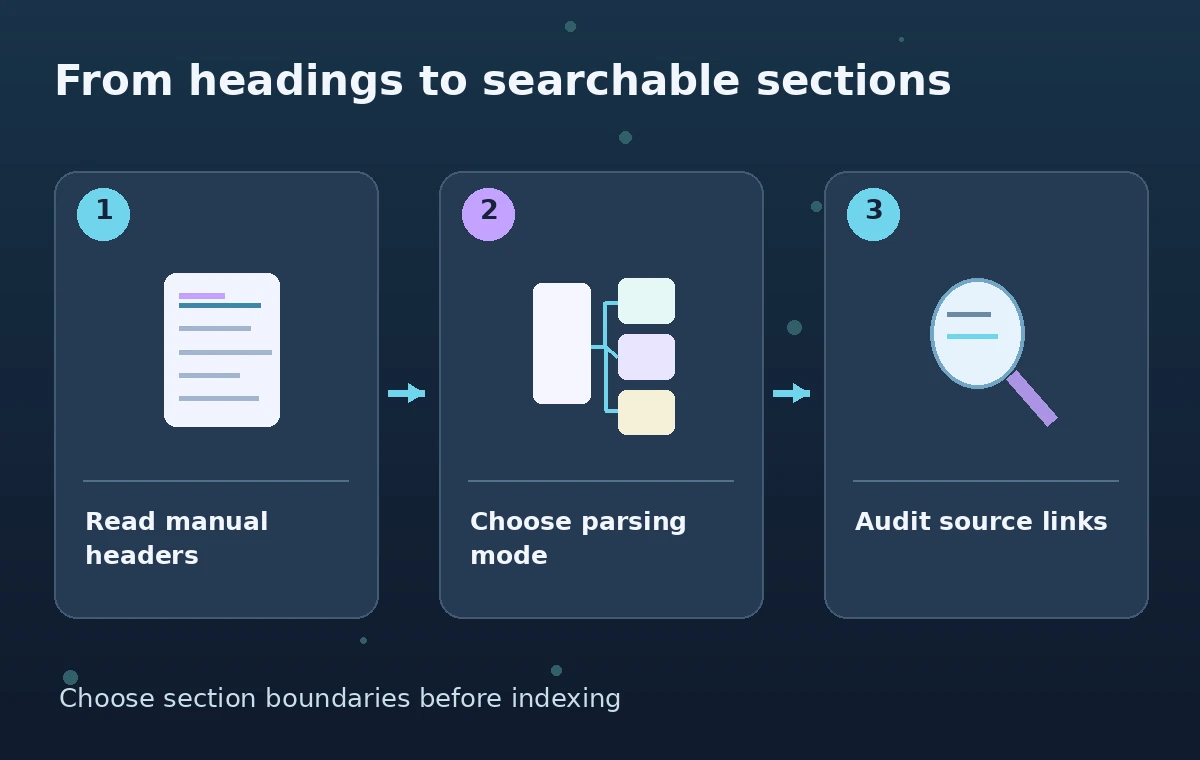
Understand oneToMany before using section citations
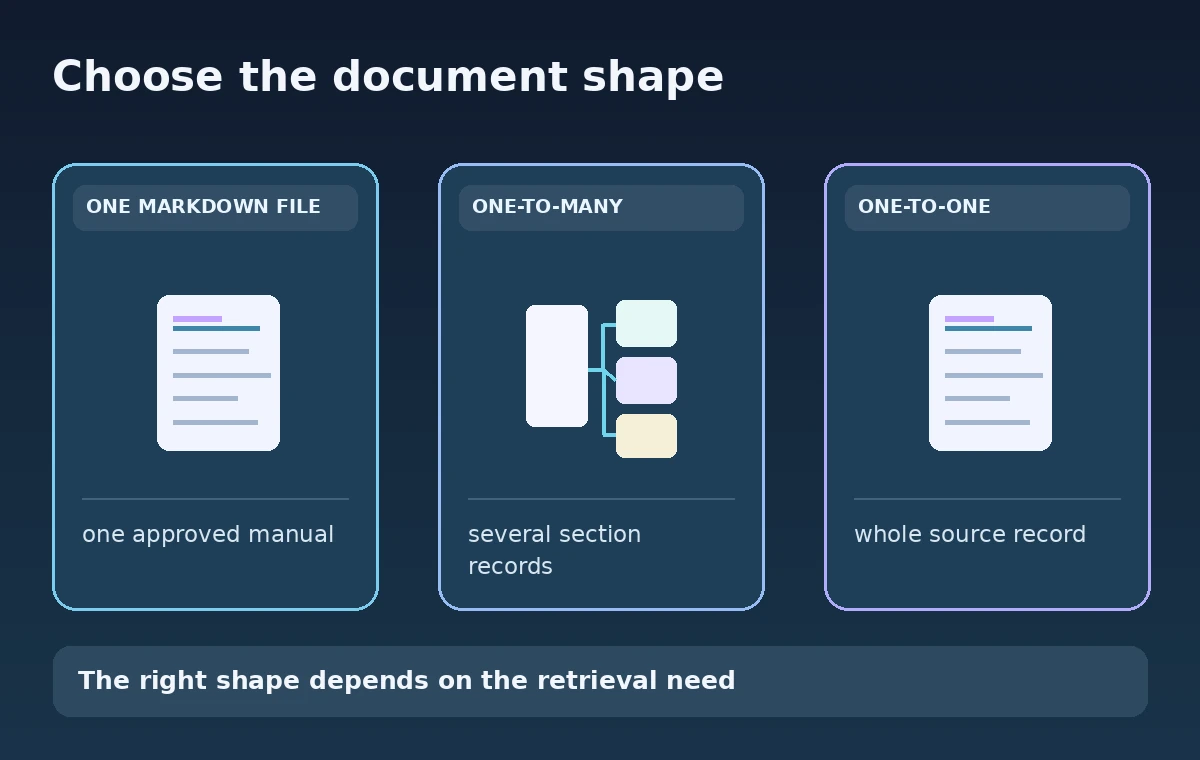
In oneToMany mode, the indexer produces multiple search documents from content sections under Markdown headings. The source file may have a single accession or manual ID, while the search index contains several child-like section records. Design stable references from each search hit back to the blob and the relevant heading context; verify how keys are generated or mapped under the documented one-to-many behavior. An extracted excerpt may omit a warning in a neighboring section. The public application should link to an approved source location and avoid calling a short snippet a complete procedure.
Understand oneToOne for whole-manual workflows
In oneToOne mode, one Markdown blob becomes one search document containing a hierarchical representation of the sections and the full document content in documented fields. This can simplify whole-manual record management, but a long record may be less convenient for isolated section retrieval or display. Design the target index schema to match the actual output shape rather than using field names copied from oneToMany examples. Test which headings are represented and whether a search hit has enough context for a reader to locate the right procedure. Treat the output as structured extraction, not editorial approval of instructions.
Use heading depth deliberately
The optional markdownHeaderDepth setting controls which Markdown heading levels the parser recognizes for structure; Microsoft documents h1 through h6, with h6 as the default. A shallow setting may keep lower-level headings as ordinary text, while a deeper one splits or represents more structure. For an archive manual with safety warnings buried under subheadings, inspect exactly how this setting affects source location and context. Do not assume formatting other than headings creates separate sections: lists, code blocks, and tables are treated as content according to the documented parser behavior. A search index is not a substitute for a careful document hierarchy.
Define immutable provenance alongside each result
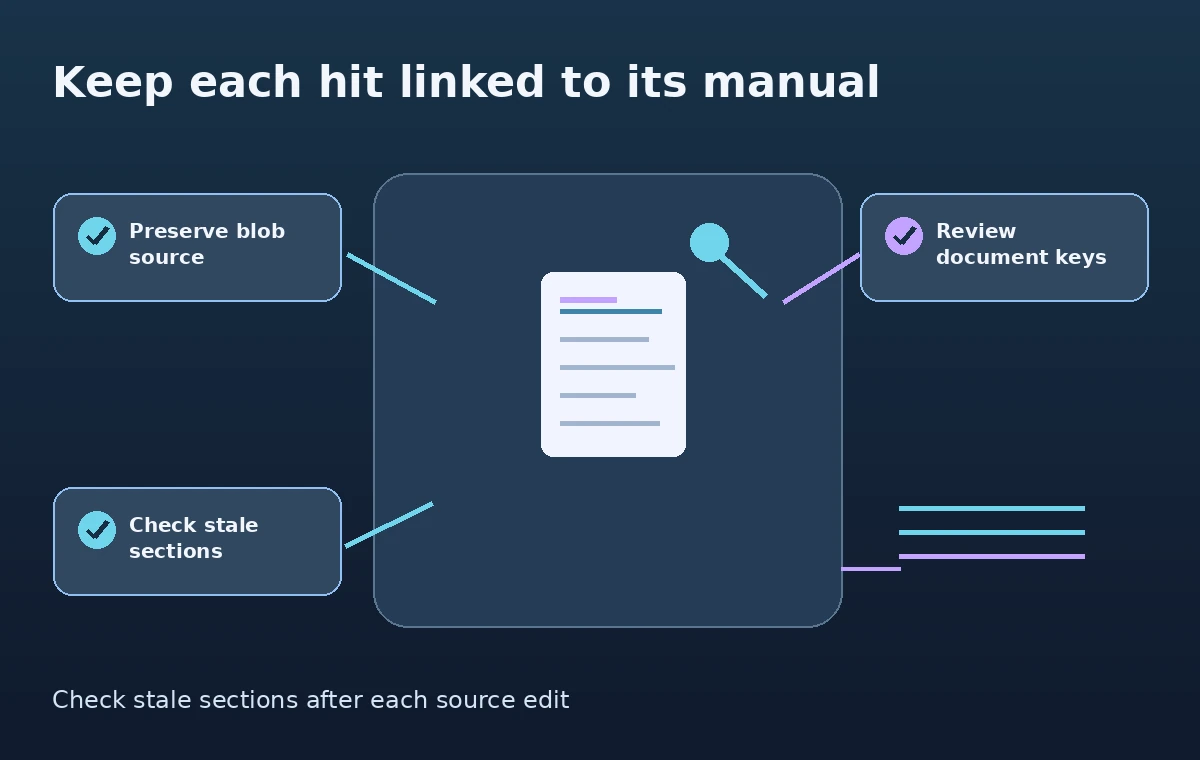
Before indexing, record the approved source blob identifier, revision, collection scope, and any rights restrictions. For oneToMany output, ensure each indexed section can be traced back to the parent manual and a meaningful location within it. For oneToOne output, retain the blob identity and relevant section metadata. Avoid deriving record identity solely from a display heading that an editor might rename. If a manual title or heading changes, the application needs a reconciliation rule so old search records do not linger or point to a different procedure. Keep curator authorization separate from whether the indexer succeeded.
Plan for stale documents after Markdown edits
Microsoft explicitly calls out stale search documents when reindexing Markdown, especially where a changed source structure produces a different number of indexed records. A simple successful indexer status is not conclusive proof that obsolete sections disappeared. Maintain a source-to-index ledger, compare expected section counts after edits, and use the documented deletion or cleanup process when old derived records remain. Test a deletion and a heading change in a staging collection before changing production settings. The correct cleanup depends on your key strategy and data-source behavior, not merely on the date of the latest indexer run.
Evaluate retrieval with known source questions
Create a permission-cleared question set that spans a full manual, a narrowly titled section, and a warning that depends on neighboring context. Compare what oneToMany and oneToOne return without inventing relevance measurements. Review whether each result points to the right manual revision and whether a user can access the full authoritative text. Do not replace the original instructions with a generated summary unless the publication process explicitly approves it. A diagram showing three sections is illustrative; it does not claim a particular Azure service returned three documents during a live test.
Enforce rights and audience boundaries
A search hit is not permission to publish restricted conservation or loan documentation. Keep authorization metadata available in the index and enforce server-side filters appropriate to the application. If a oneToMany conversion creates several records from one protected blob, the protection must cover all derived records, not only the first section. Also confirm whether data processing and regional compliance requirements allow the selected indexer and related features. Excluding private content at query time is necessary but not a replacement for source-level governance and access logging.
Release a verifiable index rather than a plausible demo
Before deploying, compare an expected inventory of manuals and sections against indexed records, inspect source links, verify heading hierarchy, and check stale-section cleanup. Record the parser configuration and index version used for each build. When a curator updates an emergency procedure, invalidate or replace the affected search artifacts before serving an outdated instruction. Report what was tested and what remains hypothetical. Markdown parsing is useful because it exposes structure from approved files; it cannot establish that the procedure is medically or professionally safe, up to date, or approved for visitors.
How We Research
This November 11, 2026 article is a documentation-based instructional analysis, not a hands-on test or production benchmark. We compared Microsoft Learn, Index Markdown blobs and files in Azure AI Search and Microsoft Learn, Index data from Azure Blob Storage, identified the precise parameter or behavior that the documentation supports, and organized the guidance around an illustrative museum workflow. We did not run a live service request, inspect real WordPress content, measure accuracy, or verify delivery against a working customer account. Each pictured scenario is an original conceptual illustration; current settings, permissions, supported API versions, and organization-specific governance must be confirmed before use. The release checks deliberately distinguish technical output from authorization, evidence quality, and actual user outcomes.
Frequently Asked Questions
Microsoft documents oneToMany as the default when parsingMode is markdown.
No. It can create multiple indexed documents corresponding to Markdown content sections.
It represents the Markdown file as one search document with full content and section structure according to the documented schema.
Changing section boundaries may change derived records; an indexer run alone is not sufficient proof all obsolete records were removed.
No. Link to the approved source and retain surrounding context and access rules before presenting instructions.