
AI advertising tools solve different problems. Some generate text variations, others make images or video assets, and ad platforms may automate portions of delivery. Buying one product because it calls itself an ‘AI ads platform’ can leave an important gap in review, brand consistency or channel compliance. A useful comparison starts with the type of campaign artifact your team actually needs.
This guide maps tools to five distinct jobs and offers a procurement test that works even without access to live campaign data. It is intentionally not another generic ‘best AI for marketing’ ranking: its center of gravity is the handoff from creative brief to compliant, approved ad assets. Product features are based on current provider documents, not our own ad-spend experiments.
Separate generation from delivery optimization
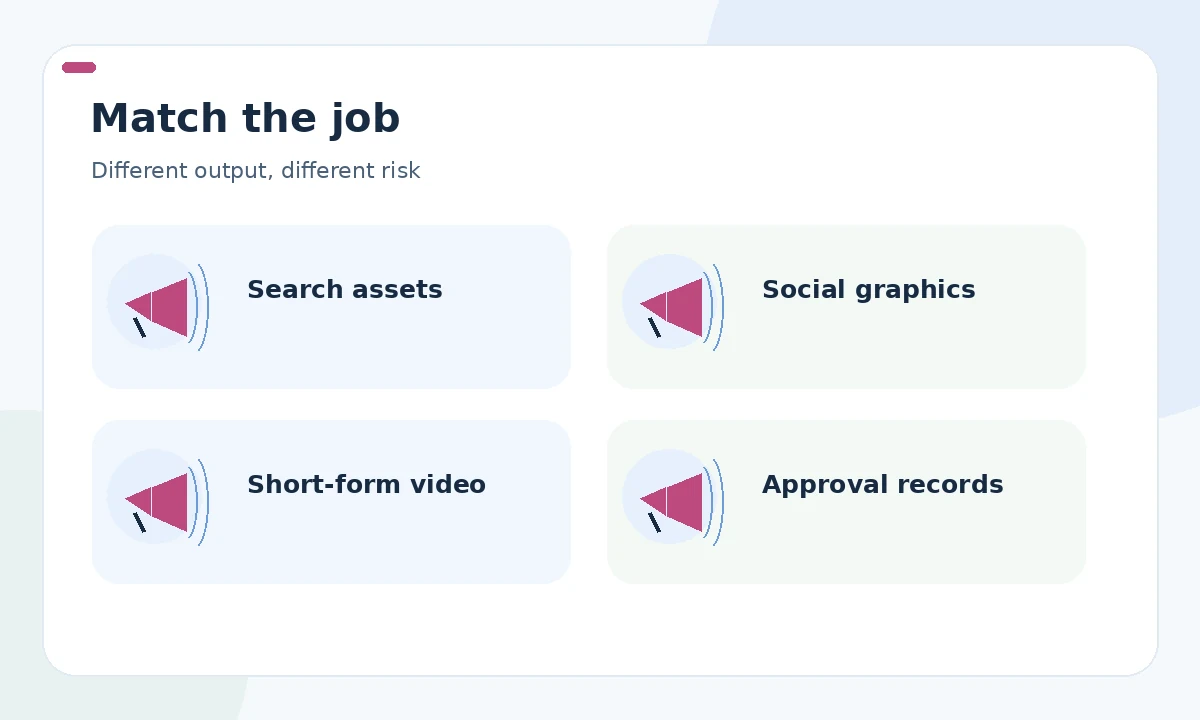
A copy assistant writes candidate messages; a design tool produces still assets; a video service assembles scenes; and a campaign platform may automate targeting, delivery or asset combinations. These roles have different risk profiles. An attractive thumbnail cannot verify product specifications, and an optimization dashboard does not prove that claims shown to people are properly supported.
Start with a job map of your current process: brief, source documents, writing, imagery, compliance, upload, reporting and archiving. Highlight the stages that consume real labor or create recurring defects. If the main problem is slow legal approval, adding faster image generation may increase—not relieve—the backlog. Buy for the bottleneck rather than the broadest product description.
Map current options to specific campaign jobs
For search campaigns, Google Ads provides responsive assets and AI Max text customization. For branded multichannel creative, Adobe describes brand-guideline checks, approvals and access to approved assets in GenStudio for Performance Marketing. General writing tools and design suites can help create draft copy and visuals, but teams must verify the exact export and governance features they need.
For video, compare whether a tool provides an editable shot list, captions, aspect-ratio versions and a clear process for rights and talent consent. Treat provider claims about increased click-through rates as marketing assertions unless you can inspect the underlying test. Avoid comparing products solely by monthly generation credits, because review, localization and rejected versions can dominate total cost.
Check creative rights and product truth
Create a campaign packet containing allowed logos, licensed visual assets, consent records where needed, product facts, approved claims and channel-specific requirements. An AI-created image can imply that a product comes with accessories or capabilities that are not included. Review what an ordinary person could reasonably infer from the whole creative, not just the literal copy.
In the United States, FTC guidance says advertisers need support for express and implied claims. Keep substantiation together with the final asset. For third-party models, review the current vendor terms on commercial rights, data handling and permitted uses; product landing pages alone may not answer these questions. Do not equate a brand-compliance score with legal sign-off.
Make a controlled multichannel brief
Write one stable campaign objective and one approved offer, then create channel-specific variations. Search may prioritize direct relevance and short statements; a social still needs a clear visual hierarchy and accessibility-conscious caption; a video needs scene-by-scene continuity and a final frame that does not obscure qualifications. A single generic prompt rarely handles all three correctly.
Ask the tool for a source map alongside each output: which original facts were used, what was inferred, and what still needs human confirmation. Reserve a separate field for claims that cannot be said. Let writers propose new angles but prevent them from silently changing dates, regions, product inclusions or pricing. The same constraint sheet should travel with every localized version.
Evaluate collaboration and approvals
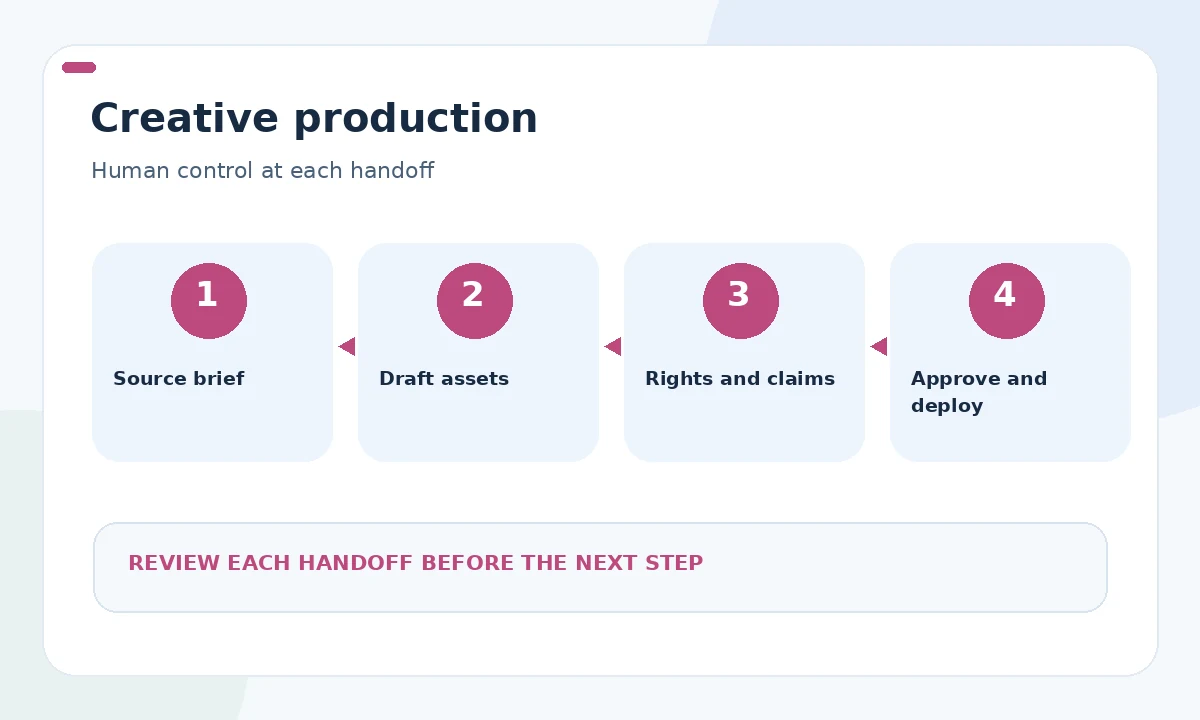
A solo operator may work well with a creative suite and a clear manual checklist. An agency needs project boundaries, reusable templates and client-specific approvals. A larger organization may require multiple approver roles, centralized assets and audit history. Adobe’s enterprise documentation describes approval routing, but availability and integration detail should be verified during procurement.
Test the awkward cases: an image is rejected after copy has been approved; a customer changes a promotion midweek; a reviewer is unavailable; a localized caption alters a guarantee. Ask vendors how they maintain version lineage and whether prior approvals remain visible. A useful platform helps teams stop incorrect creative quickly, not merely ship large numbers of first drafts.
Avoid a false ROI comparison
Calculate ownership around real work units: one approved search ad set, one approved social asset family or one localized video edit. Track reviewer minutes, production time, contract requirements and rights checks. A tool that creates many unusable variations can be more costly than a slower product with clear editing and approval controls.
Run a limited internal pilot using the same approved brief for each shortlisted tool. Collect screenshots of actual interfaces and record failed steps as diligently as successful ones. Do not turn a vendor’s featured testimonial into a representative performance estimate. If campaign data is not available, mark performance ‘not evaluated’ and base the decision on observable workflow fit.

Build a release gate for every channel
Before any asset is released, verify the final destination, headline, image, disclaimers, accessibility and current offer. Compare each rendering on mobile against the approved version. Assign a named owner for campaign changes; otherwise nobody is accountable when a generated claim remains live after the underlying product or discount has changed.
After launch, use the platform’s reporting to identify actual asset and policy issues. Keep measurements separate by channel and avoid drawing causal conclusions from an uncontrolled before-and-after period. The immediate goal is a disciplined creative operation in which AI reduces avoidable rework while people retain authority over claims, budget and publication.
How We Research
We compared the public primary documentation for Google Ads AI Max, Adobe GenStudio brand governance, and FTC advertising guidance, reviewed on October 26, 2026. We mapped documented features and obligations to a specific user task, separated vendor descriptions from our editorial reasoning, and flagged areas that require account-level verification. We did not run paid campaigns, access merchant accounts, purchase subscriptions, or measure financial or ranking outcomes. Changes to platform interfaces, policies, access and plans should be checked before making an operational commitment.
Frequently Asked Questions
No. Advertising tools may handle image or video creation, asset governance, delivery and reporting, while ad copy tools focus mainly on draft text.
Choose for the most expensive verified bottleneck—copy, design, approvals or channel delivery—and test it on a small approved brief.
Do not assume so. Review current license terms, third-party asset rights, applicable consent and the rights needed for your distribution channels.
No. Automated checks may flag violations of stated rules, but legal substantiation, implied claims and exceptions still require qualified review.
Give each candidate the same brief and measure version traceability, useful outputs, rework, approvals and total effort rather than vendor-provided lift claims.