
A small results page may hide a larger catalog match
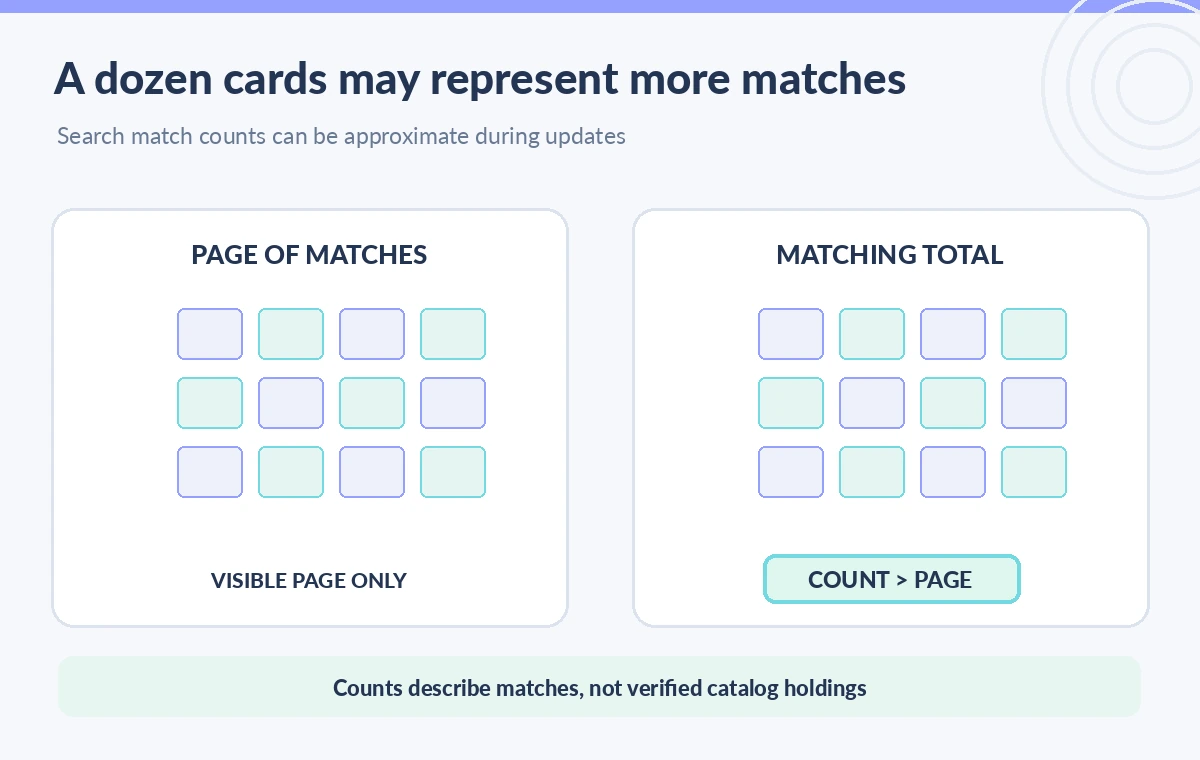
A museum curator searches for conservation records about a mineral pigment and sees ten cards on the first screen. Someone interprets those ten as the entire set and writes an exhibition note saying there are only ten relevant records. The error comes from confusing the number returned on a page with the number that match the query overall. Azure AI Search offers a count parameter that can return a matching-document total. It helps diagnose coverage, but it does not establish that the query found every correct item, nor that the first page is suitable for publication.
Ask for count explicitly on the search request
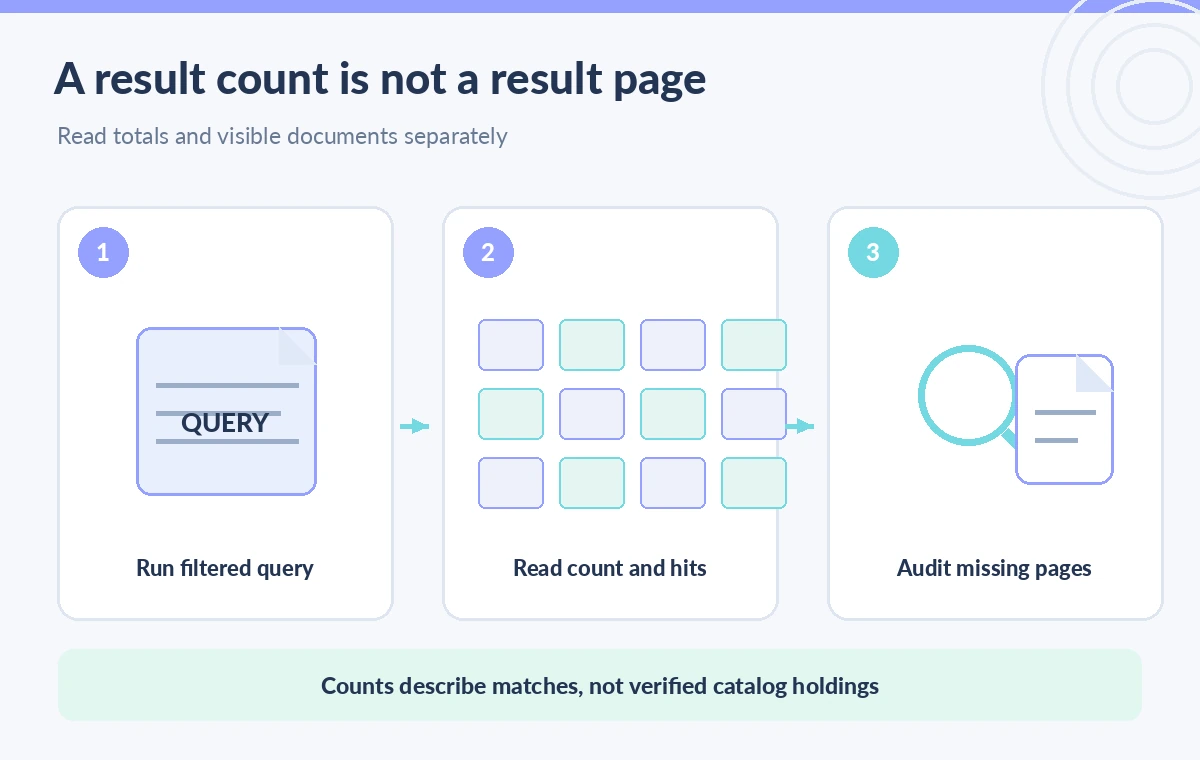
The REST search API supports count=true in the JSON request, and the GET form uses $count=true. The default is false. A response can then include a total matching-document count, separate from the value array of returned documents. A conceptual request might search an approved exhibit title and request count=true with a bounded top setting, then compare the count with the cards displayed. Use the API version and request shape supported by your service. A frontend label should say matching records, not records reviewed or rights-cleared records.
Understand why top is not the same as count
The top parameter limits returned hits; count asks how many documents match the query. A request for ten visible cards can report a larger count without contradiction. Microsoft’s query documentation also discusses paging through results with top and skip. Do not treat a larger count as an instruction to retrieve every result in one oversized request, and do not assume the count supplies a complete list of document IDs. Build paging controls or a bounded review workflow, then identify which records were actually loaded and examined by a human.
Keep the filter and search scope consistent
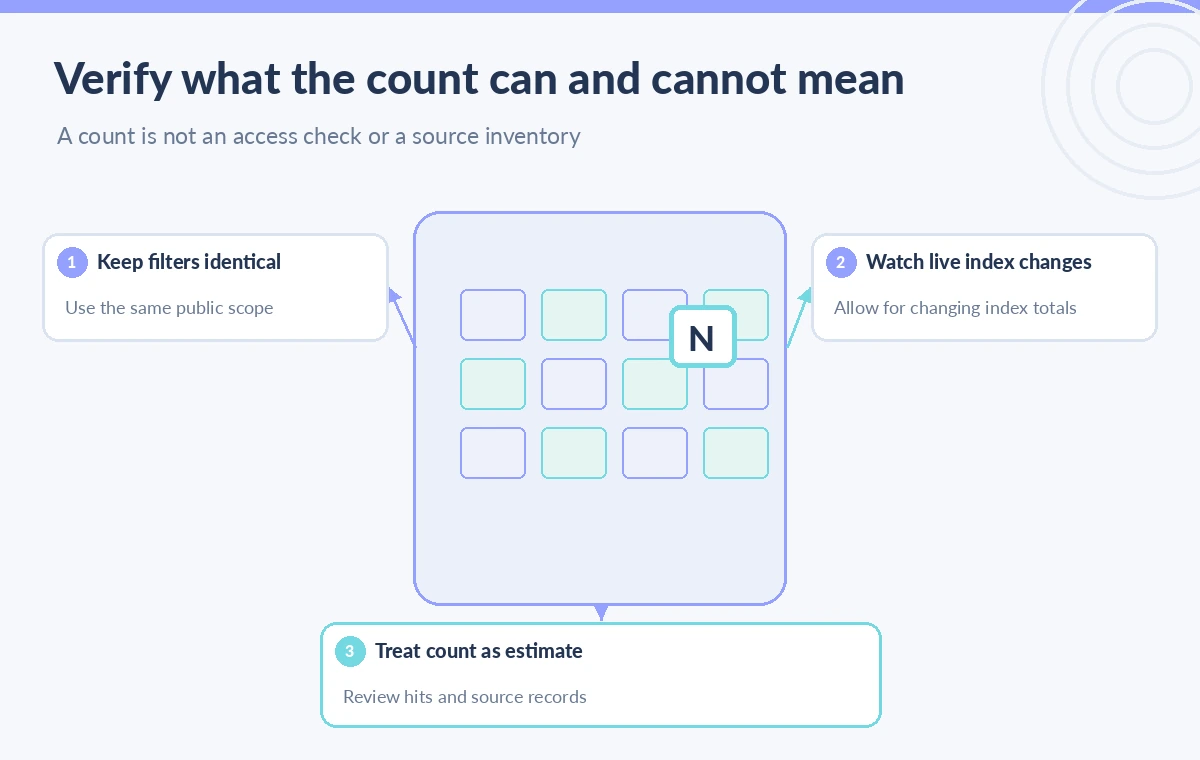
Counts only make sense relative to a particular query and filter. If the public catalog uses a rights filter, the count displayed to visitors must be computed with the same authorized scope as the returned records. A staff-only count with broader access would disclose information about restricted holdings even if titles are hidden. Record the exact filters, selected index, query text, and searchFields or searchMode settings that materially affect the match set. A numerical difference between two searches is not proof of missing records until their parameters have been reconciled.
Treat indexing changes as a source of count drift
Microsoft documents that count is accurate on a stable index but can overreport or underreport while records are being added, updated, or deleted. The REST reference also describes the count as an approximation. During a busy ingest, avoid using the number as a formal preservation inventory total. Consider a visible qualification such as “matching items at time of search” and capture the query timestamp for internal audits. A fluctuating count may be normal under indexing activity; establish a separate stable reconciliation process before declaring lost collection records.
Use a zero-document result page for focused measurement
Microsoft’s query guide notes that top=0 can request only the count without retrieving ordinary result documents. This can be useful for lightweight diagnostics or trend checks, assuming the scope is still authorized. It is not a cheap substitute for reviewing important records: a count with no returned documents cannot show whether a safety warning or rights exception is present. If a batch import reports an expected total, compare with the count under a carefully defined scope and then sample individual documents. Keep the meaning of the measurement explicit.
A large count is not evidence that the right guide was found
Suppose a conservation keyword matches hundreds of OCR fragments, including outdated manuals and incidental mentions. A high count may show broad matching, not high-quality recall or accurate ranking. Pair count with source provenance, exact accession IDs, current revision fields, and a manual relevance review. Do not combine counts from different queries by addition unless duplicates and overlap are accounted for. If the review question concerns one specific repair warning, a single correct verified document can matter more than a seemingly impressive number of vaguely related matches.
Compare pagination behavior and stable records
Design a reproducible acceptance check with a small, non-sensitive catalog fixture. Insert a known number of approved and restricted test records, issue the public filter, and compare count to the known permitted set. Page through returned documents while recording keys and checking for duplicates, missing pages, or changes caused by concurrent updates. In a changing index, repeated paging may not yield a frozen snapshot, so do not claim perfect consistency from one pass. Log request parameters and response timestamps without copying restricted text into public diagnostics.
Publish the right label and fail visibly on uncertainty
A visitor interface can legitimately say “about N matching entries” when the service returns an approximate count, but it should not claim N verified exhibits or N fully reviewed sources. If count retrieval fails or the index is rebuilding, show that the total is temporarily unavailable rather than inventing one from the current page size. Keep authorization in the backend and avoid using count for sensitive existence queries. A successful search response is one part of an editorial workflow; checking legal display rights and curatorial accuracy remains a separate decision.
Avoid counting outside the user’s authorization scope
A public interface that shows a numeric total for a hidden collection can reveal more than the visible result cards. Treat count as part of the query response subject to authorization, not as an administrative statistic safe to display by default. Apply the intended permissions in the service and verify that the public and staff sessions receive different eligible sets where appropriate. Do not rely on a frontend filter to hide restricted documents after a broad count request has already disclosed their existence. Testing should include a query that matches restricted fixture records and must return the permitted count to an ordinary visitor.
Use count to guide investigation, not to end it
When a result total unexpectedly changes, preserve the query and filter, compare indexer activity, check changes to schema and searchable fields, and audit a sample of stable document keys. Be careful when reporting a before-and-after difference during bulk updates: index latency and concurrent edits may affect both measurements. If the count appears stable, that still does not prove the newest restoration notes were indexed. A records specialist should compare catalog source IDs to index membership on a separately defined schedule. This two-track approach keeps count useful for user-interface paging without promoting it to an unsupported preservation assurance.
How We Research
Our primary named official sources were: Microsoft Learn — Create a full-text query in Azure AI Search; Microsoft Learn — Search Documents REST operation; Microsoft Learn — Search Explorer query tool. We reviewed official documentation distinguishing count, top, skip, filters, and indexing-change effects. No live Azure index was queried or benchmarked; drawn record counts and query panels are conceptual, not measurements. Readers should verify current environment-specific documentation and permissions before adopting a workflow. The figures are original teaching diagrams, not vendor screenshots or measured results.
Frequently Asked Questions
No. It requests a matching-document count. The returned document list is still shaped by top, paging, and other query parameters.
Yes. Microsoft says the count can underreport or overreport when documents are being added, changed, or removed.
No. It only counts matches to the current query within the current index and cannot identify missing source records by itself.
The Microsoft query guide documents top=0 with count=true for a count-only request.
No. Apply the same authorized scope and filters used for the public result set; counts can reveal the existence of sensitive records.