
The hidden risk of a smaller checkout
A museum site repository contains public exhibit pages, archived photographs, staff-only notes, translation strings and a theme package shared by several visitor kiosks. A preview job for one exhibition needs only a fraction of that repository. GitHub actions/checkout supports sparse-checkout, which limits which paths appear in the worktree. That can reduce irrelevant material in the build environment, but a successful Git operation does not mean the resulting website contains every required font, translation or template. Build the dependency inventory before shrinking the checkout. The objective is a smaller, reliable preview with fewer unnecessary files, not a passing workflow that silently loses an accessibility feature.
Write a dependency map, not a path guess
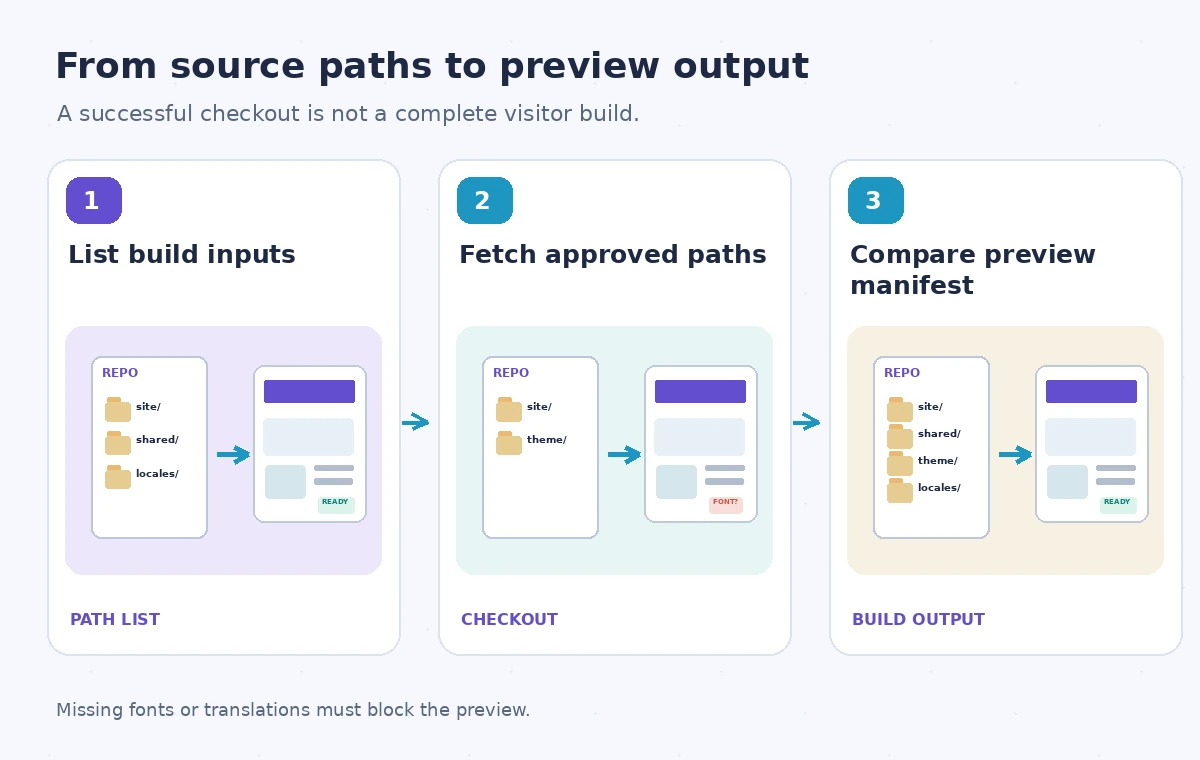
Start from the entry point used by the preview build and walk its dependencies: templates, stylesheets, asset manifests, localization JSON, image derivatives, license notices and shared configuration. Record path prefixes that the build must read, plus any tool that scans repository-wide files. A preview that renders the English home page may still omit the Spanish captions or the large-print stylesheet. Store this dependency map with the pipeline configuration. Avoid importing private content merely to avoid build errors; if a preview needs a restricted input, redesign its data flow or replace that input with an approved fixture.
Set sparse-checkout paths deliberately
The actions/checkout README documents sparse-checkout as newline-separated paths and shows examples including a subset of directories. Its cone-mode behavior is configurable; cone mode is the default and works well for directory-oriented patterns. Fetching a single specific file can require setting sparse-checkout-cone-mode to false, as demonstrated in the action’s documentation. Pin the reviewed checkout action version and specify the ref appropriate to the workflow. Treat the list as source code: changes require review because removing a path can alter built output. Do not assume that changing a checkout pattern is equivalent to changing workflow trigger path filters.
Build a representative visitor fixture
Create a small preview fixture that references all critical resource types: one exhibit template, one multi-language label, one external font or local font file, one accessible image description and one navigation partial. Include a second page that uses a shared component not found in the primary preview directory. This fixture catches accidental omissions more effectively than checking only that the build command exits zero. If a template compiler replaces missing optional files with defaults, inspect the rendered result. A fallback to a plain font or an untranslated caption might produce a green workflow while violating the museum’s publishing requirements.
Compare full and sparse outputs by manifest
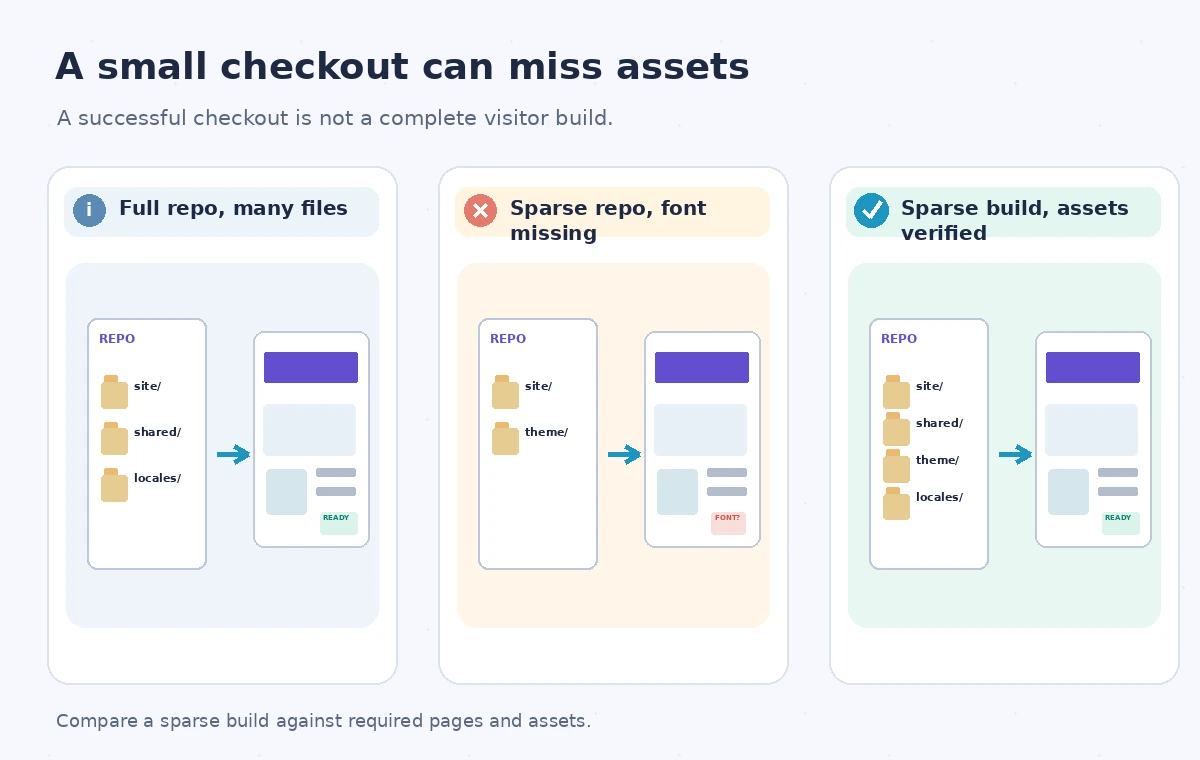
Run a known-good full checkout and the proposed sparse checkout against the same commit and lockfile in an isolated CI environment. Build both outputs, then generate inventories of public asset paths, page routes and languages. Compare required entries rather than comparing only raw byte sizes. Some build tools produce timestamps or content hashes that differ even when their semantics are equivalent, so use normalized comparisons where appropriate. Investigate missing assets before approving the narrower checkout. The visual illustration shows a full working page, an incomplete sparse preview missing a font and the corrected sparse output after the dependency path is restored.
Keep checkout scope separate from credentials
A sparse checkout is a worktree selection mechanism, not a permission boundary on a GitHub token or repository API. It does not automatically prevent other workflow steps or credentials from reaching content outside the visible paths. Use least-privilege job permissions and review persist-credentials settings independently. If a job runs untrusted build scripts, do not rely on absent worktree files as the sole protection against sensitive repository access. Conversely, a checkout that excludes private materials can still be useful for reducing accidental inclusion in artifacts; verify the final artifact contents and explicit upload paths before sharing them.
Do not miss root-level or generated files
Repository-root configuration files often govern static-site generators, formatting, environment selection and package managers. Cone-mode patterns can include parent paths in ways that differ from a naive directory-only mental model, so inspect the actual worktree on the runner. Generated asset references might point to files built in another job; ensure those assets are downloaded and verified before a preview is assembled. Symlinks, submodules and Git LFS assets add their own fetching requirements and should be handled explicitly when used. A build that prints a missing-input warning but exits successfully must still fail the project’s required-file gate.
Create a blocking asset coverage check
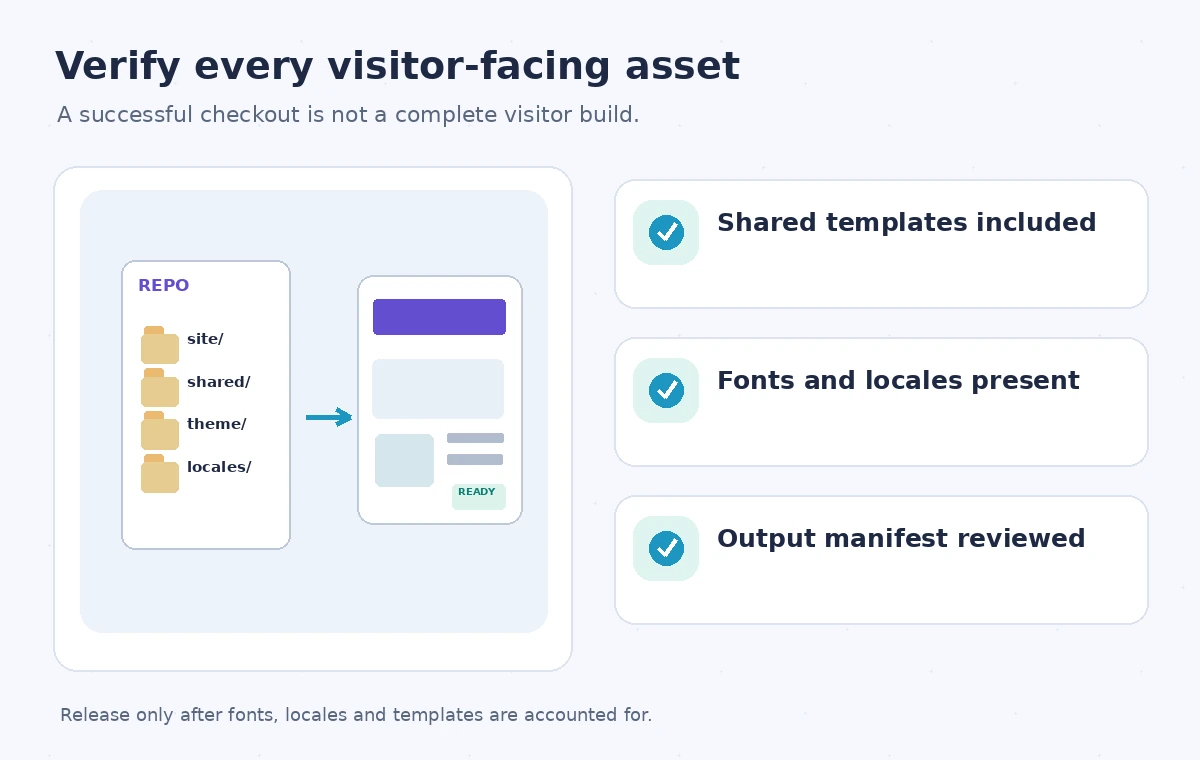
After the build, enumerate routes, images, CSS, fonts and locales that the release expects. Flag unresolved references and files whose checksums or source revisions differ from the approved release manifest. Include a basic browser or HTML validation pass for at least one page from each exhibit template family. Store a human-readable diff in the job summary so a reviewer can tell whether the new checkout excluded an essential path. Keep the final publish job dependent on this explicit coverage check. The quality gate is about visitor-visible completeness, not the raw count of Git files downloaded.
Re-evaluate after a repository restructure
A harmless-looking move from site/shared to packages/theme can break a sparse checkout even though the website source itself is correct. Trigger a dependency review after adding a language, changing asset tooling, introducing a submodule or editing the checkout action version. Keep a fallback full-checkout diagnostic job for debugging rather than automatically releasing from the fallback whenever the sparse build fails. Document who maintains the required-path inventory and where the expected-output manifest comes from. With those checks, a lean CI worktree can remain a performance optimization without becoming an accidental content filter.
How We Research
For this guide we consulted the official documentation: GitHub actions checkout README; GitHub actions checkout inputs. We compared named fields, supported behaviors and stated limitations, then developed an instructional museum scenario with explicit failure states. We did not run a live vendor API benchmark, inspect a production museum system, or measure vendor performance. The workflow and illustrations are proposed review steps; verify API-version support and your organization’s current policy before applying them.
Frequently Asked Questions
It limits which tracked paths appear in the worktree. It does not rewrite or delete the upstream repository.
The action documentation shows it for selecting a single file or patterns not suited to directory-oriented cone mode.
No. Review token permissions, untrusted scripts and artifact uploads separately from worktree selection.
Compare a required-asset manifest and rendered preview against the same-commit full-checkout baseline.
Any missing approved route, required template, locale, font, image or a failed asset-reference check.