
An AI pixel art generator can help you explore a game character, but a convincing single image is not automatically an animation asset. Real sprite sheets need consistent pixel size, transparent backgrounds, alignment and frame dimensions. This guide uses a small fictional robot with a three-frame walk as an example. It covers what to ask the generator for, what to repair by hand and how to export a sheet that an engine can import predictably.
Separate concept art from production-ready sprites
Pixel art is a grid-based medium with deliberate clusters, outlines and a limited palette. A generated picture that merely looks blocky can still have blurred edges, inconsistent pixel sizes and unusable animation poses. Start by deciding whether the asset is a mood-board concept, a single static character, a tileset or an animated sprite sheet. Each has different acceptance tests.
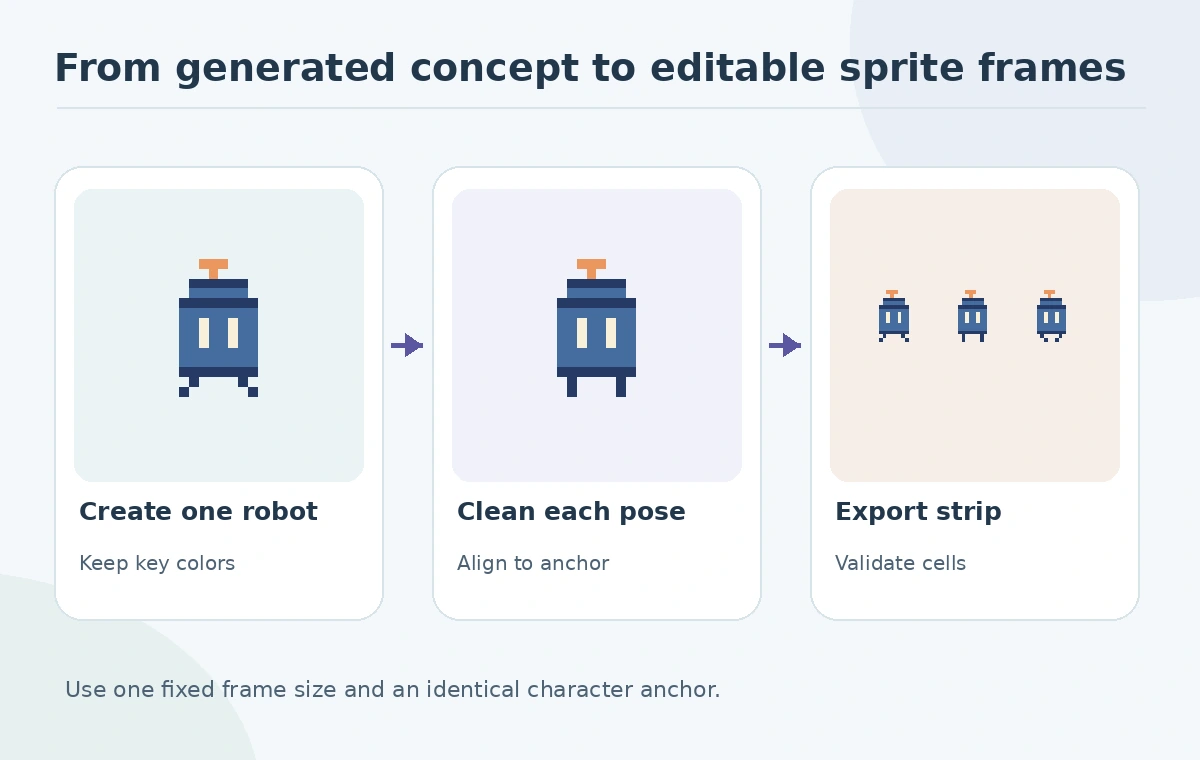
For the robot, define one character: square blue body, orange antenna, two short feet, no text and transparent background. Fix the intended frame size in the art specification before judging outputs. If a source generator cannot output transparency or frame-consistent poses, plan a cleanup step in a pixel editor. Treat the generator as an ideation assistant rather than promising direct engine compatibility.
Design one identity card before generating motions
Write an identity brief containing silhouette, three colors, antenna shape, eye layout and foot spacing. Include a simple straight-on drawing as a reference only if you have the rights to upload it. Generate a neutral standing pose first and correct its palette and silhouette manually. Approve the stand pose as the character master before asking for movement.
For a walk cycle, describe distinct contact, passing and opposite-contact poses. Do not try to rescue every generated pose. Keep only frames that preserve the robot’s head, body width and antenna position. Some AI systems can produce plausible but impossible body parts or duplicate limbs. Redrawing a foot by hand is often more reliable than repeated rerolls when animation consistency matters.
Clean the grid and remove unwanted anti-aliasing
Import each candidate into a pixel editor at its native resolution. Inspect enlarged pixels using nearest-neighbor display; smooth interpolation can conceal accidental gray edge pixels. Replace any blended outline with clear palette choices. Keep a stable outline thickness and avoid half-pixel offsets that do not map to real grid coordinates. Check empty cells around the character for random dots.
A practical cleanup pass uses three tests: every contour lands on whole pixels, the limited palette stays consistent, and the silhouette remains readable at native size. A tiny robot should still be recognizable without zoom. Avoid pushing upscaled raster art into a low-resolution grid without first checking whether the new boundaries stay clean. The purpose of pixel art is deliberate simplification, not simply reducing image resolution.
Align each frame to a common origin
Choose a canvas and an anchor such as the midpoint between the feet. Place every pose relative to that anchor, not relative to the bounding box automatically returned by an AI generator. If the entire body shifts one pixel because of inconsistent cropping, a game character may appear to shake even when its walking animation is smooth. Use onion skinning to compare consecutive frames where your editor supports it.
Aseprite’s animation documentation explains frames, cels, onion skinning and playback. Make the robot’s body center predictable; let only the intended legs and arms move. Keep durations in the timeline rather than assuming every export consumer will guess a frame rate. Review the cycle at real game-display size, not only at a large editor zoom.

Export a sprite sheet in a documented grid
Aseprite defines a sprite sheet as a larger image containing frames and documents import/export options including dimensions, offsets and padding. Export one horizontal strip or a matrix with explicit cell width and height. Save the editable source project as well as the output. Avoid using automatic trimming if the game importer expects each pose to remain in a fixed cell.
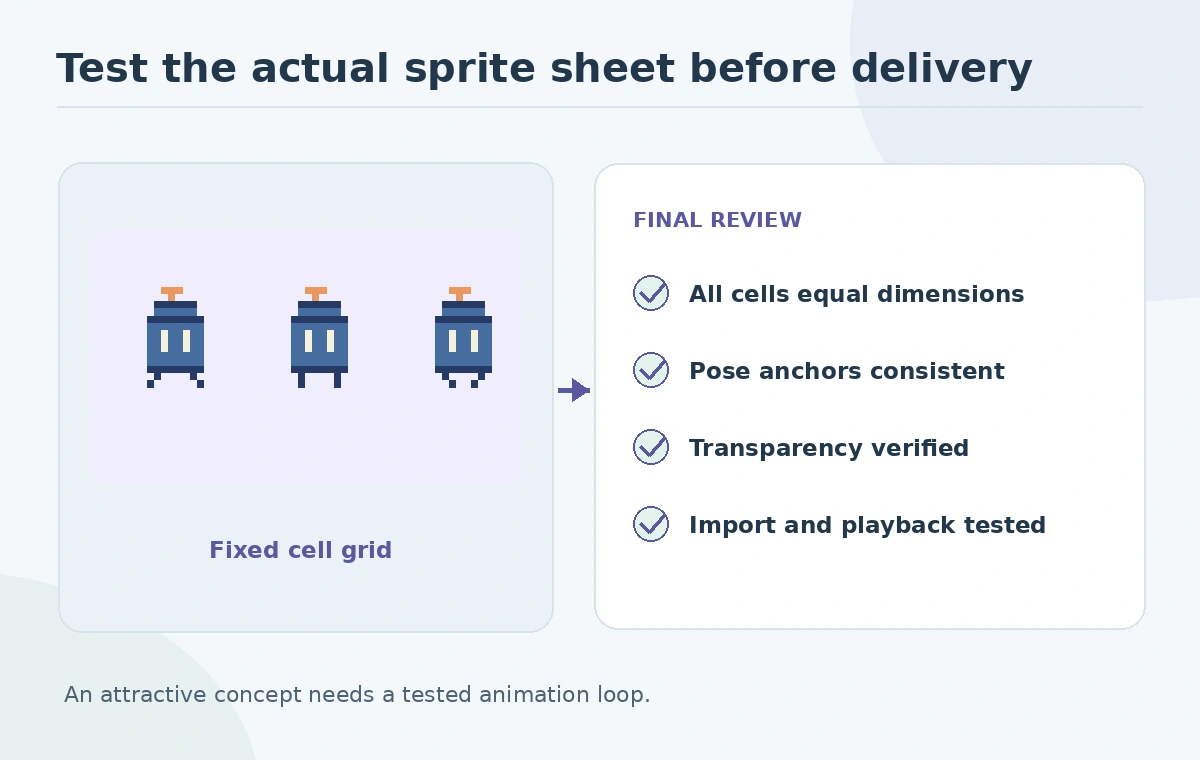
If you export an atlas with variable rectangles, also save compatible frame metadata. For a simple robot sheet, fixed-size cells are easier to audit. Mark the expected first frame, number of frames, cell width, height, padding and playback direction in the delivery note. Run a quick re-import test to confirm the frames land in their intended slots. A sheet is only complete when the destination application reads it correctly.
Avoid common visual and legal shortcuts
An AI generator may copy recognizable design characteristics from well-known games even when you did not request a named character. Review similarities and avoid marketing an output as an official asset. If team members use external generators, check licensing and whether input sketches are stored or reused. A paid plan does not eliminate trademark or copyright disputes, and a nice image does not imply the sprite was created from scratch with independent rights.
Do not promise seamless tiles if only a sprite character was tested. Tilesets require their own edge continuity and adjacency checks. Likewise, a sprite-sheet exporter cannot repair inconsistent limbs across poses; that happens in the art cleanup stage. Keep the asset history and editable project so the team can correct colors or a frame later without going back to a single flattened AI image.
Run a practical quality gate in the target engine
Check the exported strip at native resolution for transparency, identical cell dimensions, stable feet position, consistent palette, blank-edge artifacts and playback timing. Re-import the sprites, animate the intended loop and test over both light and dark game backgrounds. A bad contour can disappear on one background and pop out on the other. Record at least one screenshot of the sprite in its actual context.
For the robot example, the deliverable is the editable pixel file, a three-frame sheet, an import record and a short note explaining the preserved character identity. This workflow can save time on ideation while avoiding the assumption that generated art is automatically shippable. Treat every AI-suggested frame as a candidate for an artist’s final approval.
How We Research
We reviewed Aseprite’s official sprite-sheet documentation, animation guide and export guidance on October 27, 2026. The three-frame robot is a conceptual teaching example; no unnamed AI model or game engine was bench-tested. We distinguished documented platform behavior from original editorial examples, avoided unsupported claims about measured performance, and checked the content against the article-specific review gates.
Frequently Asked Questions
Sometimes as a static image, but animated sprites need frame alignment, cleanup and validated exports.
The frames may use different crop origins or body anchors. Align all poses to a shared reference point.
Use the format supported by your target pipeline. Lossless PNG is a common editing and interchange option.
Use editor frame tags or separate sequences, and include expected frame metadata with the export.
No. Review originality, generator terms and third-party rights separately from technical export quality.