
DeepAI appeals to people who want to type a description and see an image without first designing a complicated workflow. Its image-generator page offers style categories and paid quality modes, but a free first attempt and a production-ready commercial asset are different things. This review explains the documented controls, what a Pro allowance means, and where human review remains necessary. It does not claim that LabFin ran model benchmarks or tested account-specific overage behavior.
Who should consider DeepAI
A good fit is a small creative team that needs quick conceptual illustrations: a mood board, fictional scene, or early campaign direction. A poor fit is a team seeking exact legal labels, true photographs of products it sells, or repeatable layout output with fixed typography. Start by classifying the task as concept exploration, supporting artwork, or verified real-world visual. This classification changes which imperfections are tolerable.
For instance, a fictional illustration of a ceramic workshop can contain imagined objects. A catalog photo of a specific commercial kiln cannot safely use invented buttons or badges. Keep the source photo for product truth and use generated scenes only for legitimate creative purposes that the final caption does not misrepresent.
What is actually on the image-generator screen
The official DeepAI image generator describes generation from a text prompt and shows modes such as HD, Genius, and Super Genius. It also lists preferences and visual styles, including photography, cinematic and graphic-design options. Its page advertises a free path with no signup for basic experimentation. Available controls can depend on payment status, model configuration and subsequent product updates.
A useful first prompt specifies one subject, setting, point of view, lighting, and intended crop. Avoid packing in ten unrelated visual requirements. Keep words that must be exact—URLs, dates, offer prices—outside the generated image and overlay them later with normal editable text. Save the prompt alongside the output so a reviewer understands what you asked the model to do.
How free and Pro differ
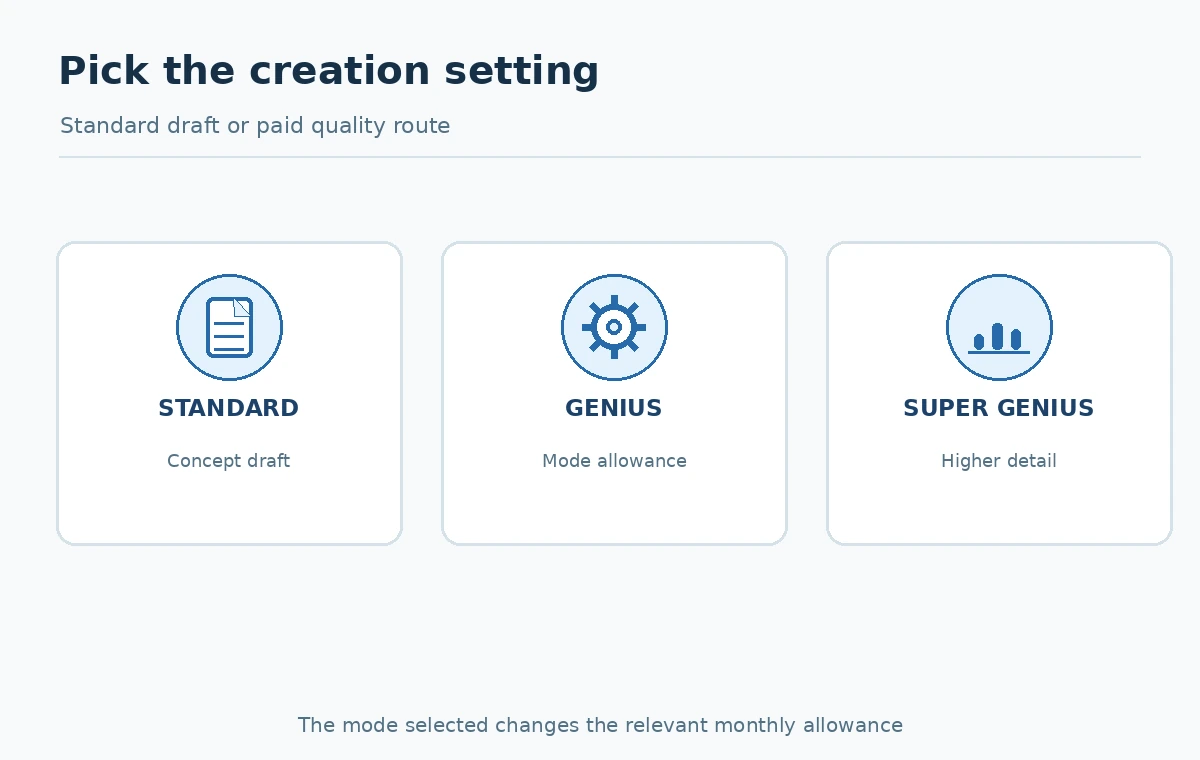
DeepAI’s pricing page distinguishes free access from Pro and advertises monthly and annual billing options. Its image-generator page specifies a Pro allowance of 500 standard images, 60 Genius images, and 10 Super Genius 2K images per month, with stated per-image overage charges beyond those included quantities. Do not confuse the number of images in a plan with unlimited access to every mode. Pricing pages can display promotions and yearly equivalents that are not monthly invoice amounts.
Before paying, capture the displayed billing interval and the mode you intend to use. Estimate your monthly demand in standard, Genius, and Super Genius work separately. Also ask whether team members need their own accounts and who approves overage spending. The right choice depends on accepted deliverables, not the maximum number of draft renders your subscription could theoretically generate.
Use the visual style controls purposefully
Choose the style based on the job: a calm watercolor can support an essay while a graphic-design treatment may suit an abstract thumbnail. A cinematic preset is not a substitute for giving the tool a coherent composition. Keep the primary subject clear and describe where empty space should remain for added copy. Use the same approximate brief when comparing styles, and change only one variable at a time.
Put the results in a small comparison grid with four columns: selected style, subject accuracy, usable crop, and manual fixes needed. If a style shifts the subject toward a misleading product shape, it should fail even when its color looks appealing. This exercise gives you a useful internal decision without pretending that preference ratings are objective image-quality measurements.

Build a four-step revision process
Start with a concise prompt and a standard draft. Inspect the generated image at the intended display width. Change one instruction—such as moving the main object left—before requesting another variation. If the concept works but small detail is weak, evaluate whether a paid quality option is worth its displayed cost. Export only after checking alignment with the original purpose.
Do not automatically escalate every draft to the most expensive mode. A social post displayed at small size may benefit more from clean typography and cropping than higher image resolution. Conversely, a detailed print illustration may need a sharper source or a conventional designer. Store the most useful prompt and explain why the accepted result was selected.
Understand ownership claims and their limits
DeepAI’s product FAQ states that commercial use is allowed and describes generated outputs as public domain; it refers readers to the site’s terms for details. Treat this as the provider’s position, not an enforceable promise about copyright in every jurisdiction or legal clearance of every prompt. Rights in input photographs, brands, identifiable individuals and third-party artwork still require independent review.
A marketing team should document whether each reference image was created in-house, licensed, or provided with permission. Do not upload confidential client images without checking data policies and internal approval. If a generated illustration could look like a real event or official announcement, label its conceptual nature in a way that is clear to readers.
Run a realistic production-quality check
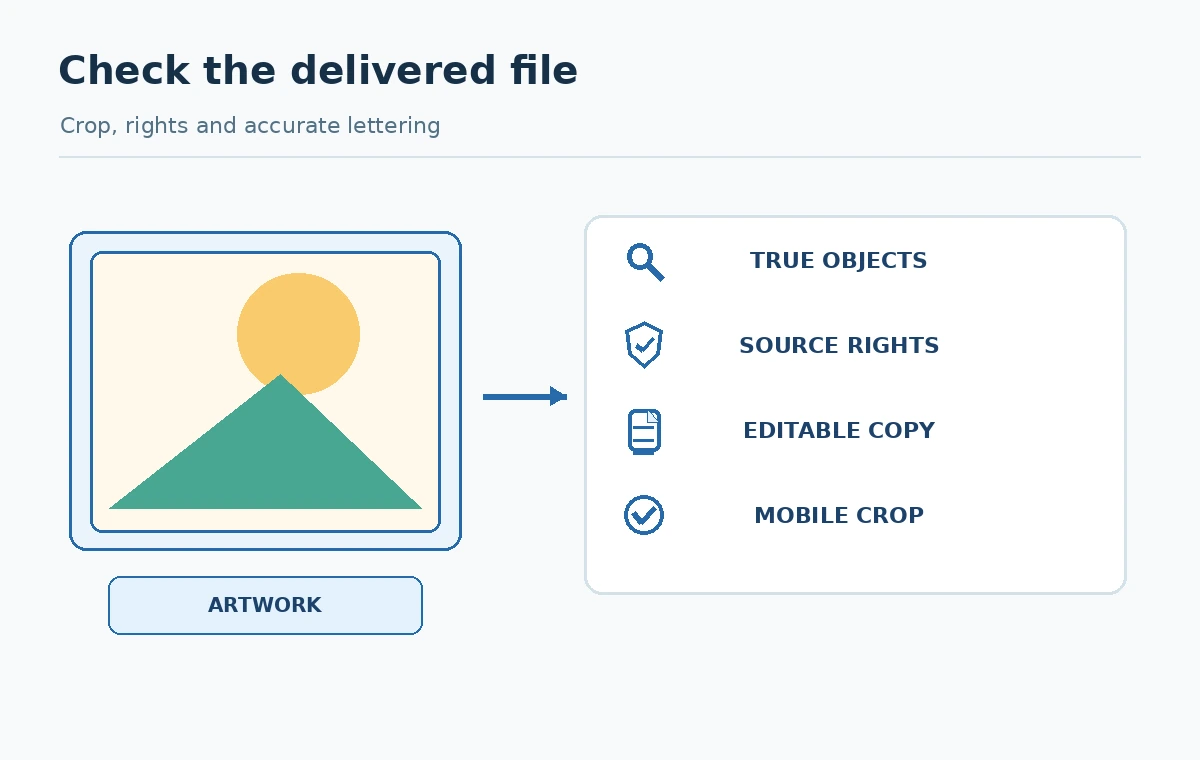
Inspect hands, structural edges, object relationships, reflections, lettering and shadows. Then compare the image to the content it accompanies: a picture of a laptop does not prove the software mentioned in the article has the interface shown on its screen. Replace ambiguous screenshots with verified material or clear conceptual drawings. Review social-media crops independently from website hero crops.
After generation, add exact text in a design tool, check contrast on mobile, and write descriptive alt text for the final image. For a team, one person should produce and another should sign off when the image contains brand-sensitive elements. Quality is a review process, not a purchased tier name.
Make the subscription decision with a ledger
Use one month of real assignments to estimate draft-to-approved conversion. List the number of outputs requested, the quality mode selected, purchased allowance, editing time, and any additional cost. Separate the financial cost from the creative time required to reject inaccurate outputs. A mode that costs more per image may still be worth it for particular jobs, but only your approved-file rate will show that.
If the free route meets occasional illustration needs, there is little reason to subscribe just to accumulate unused capacity. If you create regular campaigns, assess account governance, output storage, prompt privacy and overage exposure along with visual results. Re-check live plan conditions before purchasing because monthly credits and promotion wording may change.
How We Research
Verification date: October 27, 2026. We reviewed these primary sources: DeepAI image generator, DeepAI pricing, DeepAI terms of service. The workflows and checklists above are editorial guidance derived from documented capabilities and constraints, not a claim that we purchased subscriptions, conducted controlled product benchmarks or tested private accounts. Availability and policies can change; verify live settings and vendor terms before a consequential or paid decision.
Frequently Asked Questions
The official image-generator page advertises a basic free path without sign-up; verify current access and any displayed limits.
No. The official page publishes different included quantities by mode and describes extra charges after allowances.
They are separately labeled modes on the site, with different stated Pro allowances; check the selected mode before comparing.
No. The provider’s claims do not remove your obligation to review third-party rights and legal requirements.
Prompt fidelity, accurate objects, readable final crop, source rights and the actual cost of an approved result.