
Map Notion AI features to real tasks: source-grounded search, inline writing, agent edits, AI Meeting Notes and database autofill, with checks for each. This guide distinguishes documented product capabilities from editorial decision criteria; any purchase or automation still needs confirmation in the active workspace.
Match each feature to a work product
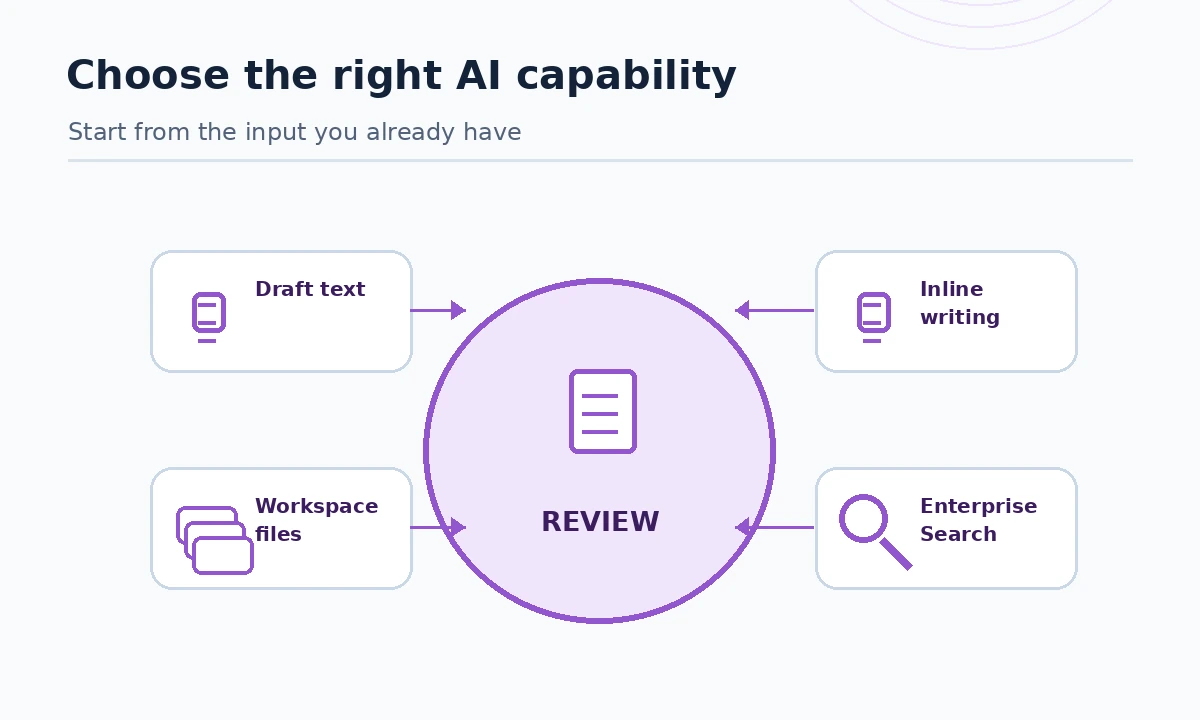
Notion AI features are easiest to understand when they are divided by the artifact you want, not by the marketing name. Inline writing turns a rough page into a usable draft. Database Autofill and formulas produce structured properties. Enterprise Search finds references across documents and connected sources. AI Meeting Notes creates a meeting record. Notion Agent can draft and change pages. Custom Agents target repeated jobs triggered on a schedule or event.
According to Notion’s feature overview, the same AI layer can handle several of these tasks, but access varies by plan and workspace setting. Before choosing a feature, write down the input, exact expected output, source-of-truth location and reviewer. A result without an owner tends to become a new kind of backlog.
Use inline writing for document revision
Start in a page that already contains your notes. Ask for one bounded operation: “Turn these notes into a six-bullet decision summary; keep every date, owner and unresolved question as written.” This is better than “make this amazing,” because the resulting draft can be checked against its source. For product copy, provide target audience and prohibited claims. For policies, ask the AI to mark missing evidence instead of completing invented requirements.
Keep the original content or page history accessible so a mistaken rewrite can be compared and undone. A writer can approve prose; only a responsible project owner should approve delivery promises, contracts or technical commitments. Treat generated citations as leads to check, not a substitute for actually opening the referenced page.
Ask Enterprise Search only questions it can verify
Notion says Enterprise Search can use workspace pages and configured connectors, while the underlying data access respects existing permissions. Ask “Which approved onboarding checklist names the data owner?” rather than “Summarize everything we know about compliance.” Follow source references to identify whether the page is current, owned, and approved. A confident answer may still rely on a stale document.
Create a workspace convention: every living policy has an owner and next-review date. When AI cites two conflicting versions, escalate the discrepancy and update the canonical page. Do not widen a colleague’s workspace permissions merely to get a better response; fix the underlying information design instead.
Capture meetings with explicit consent and follow-up
Notion’s AI Meeting Notes help describes transcription, summaries and action items and specifies Business or Enterprise for typical access. Meeting capture works only when technical and organizational permissions allow it. Explain the recording purpose, obtain any necessary consent under the applicable rules, and exclude sensitive sessions where recording is inappropriate.
After a meeting, compare the summary with attendees’ actual decisions. Give each proposed action item one named owner, due date and link to a source decision; unresolved topics belong under “open questions,” not “approved decisions.” A transcript is evidence of speech, not automatic consent to an obligation. Avoid sending an unchecked summary to outside clients.

Autofill databases without polluting your records
Database Autofill is a strong candidate for low-risk structured tasks: classify a support request, suggest a short summary or extract an owner from an explicit input. It is a poor first use for regulatory determinations or credit decisions. Choose a small sample of existing records and compare AI values against known correct data before enabling wide usage. Write field definitions in plain language so reviewers know exactly what each property means.
For example, create “Suggested category” as a separate property from “Approved category.” A human can verify that the text contains the supporting evidence, then copy the validated value into the operational field. If the model produces uncited or empty suggestions, count them as exceptions. Automation should not silently convert uncertain content into authoritative metadata.
Give Notion Agent bounded editing rights
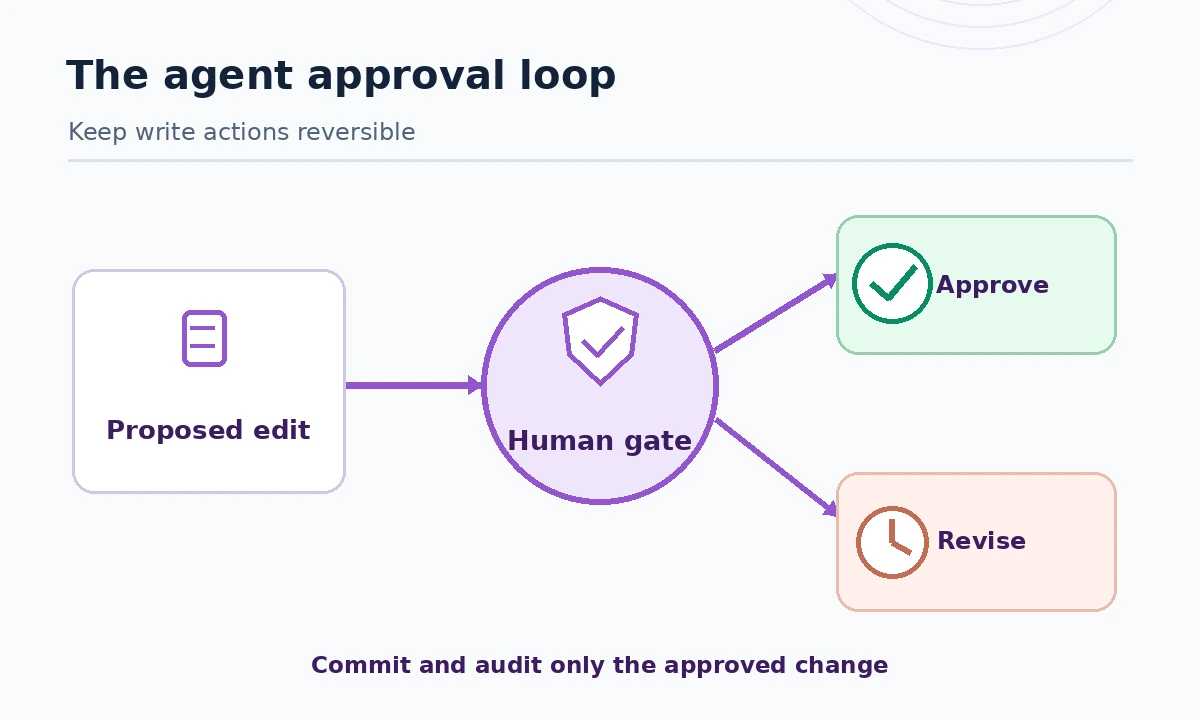
Notion Agent can use the context of pages, databases and connected apps and may create or edit content, as described in the official agent guide. Pilot with a reversible task, such as drafting a weekly status page from a known project database. Instruct it to show proposed changes, cite the inputs and never send external messages without approval. Compare affected pages before and after the run.
The threat model is broader than occasional factual error. A connected document may contain adversarial instructions or outdated internal rules. Use restrictive access, scope connectors, and require explicit approval for deletions, external sharing and financial actions. Save the task instructions alongside the workflow so a future owner can audit what the agent was told to do.
Custom Agents: automate only after the manual workflow works
Custom Agents are for work that repeats and already has stable rules: collecting project updates into a draft, routing an incoming form or preparing a weekly briefing. Define the trigger, data boundary, maximum budget, fallback and stop condition. Notion’s credit documentation notes that the owner’s Select allowance and approved workspace credits can fund runs; costs vary by work and available controls.
Make a two-week pilot log with columns for trigger, expected output, observed output, reviewer, time spent fixing and credits consumed. Do not multiply assumed savings by the entire team until the pilot demonstrates them. If repeated runs produce similar mistakes, fix the source template and permission architecture before buying more credits.
Set up a practical verification checklist
Before rollout, pick three artifacts with real source documents. For each artifact, check factual grounding, names and dates, access boundary, reversibility and external side effects. Test an empty source, two contradictory pages and a request to update information the requester cannot normally edit. These are acceptance tests you can run without claiming a universal benchmark for Notion AI.
Finally, document where the human reviewer acts. Inline rewrite: before replacing the original. Search: before treating a cited answer as policy. Meeting notes: before assigning owners. Database field: before updating the record of truth. Agent: before any material external effect. This is the difference between a demo and a maintainable feature rollout.
How We Research
We reviewed the following manufacturer-maintained primary sources on October 27, 2026: Notion AI FAQ, Notion Agent manual, meeting notes eligibility, privacy and access practices. We compared documented eligibility, current feature descriptions and any published limits against the buying or implementation question this page answers. Figures and credits refer only to the billing views and transition dates specifically identified above; they may vary by seat, country, contract or workspace migration. Our check was a documentation review and workflow design exercise: we did not buy accounts, perform hands-on accuracy benchmarking, interview customers or measure savings. Suggested pilots are reader-run exercises, not results that LabFin claims to have observed.
Frequently Asked Questions
Yes, Enterprise Search can use configured Notion AI Connectors, subject to the workspace plan, connection permissions and source availability.
Notion documents create and edit capabilities. Start with a reversible pilot and inspect affected pages rather than assuming every action is safe.
Notion’s help page identifies Business or Enterprise as the normal eligible plans, with specific exceptions for eligible mobile subscriptions.
No. Keep suggested and approved values separate until human checks establish reliable performance for that particular dataset.
Define one real source, one output, one reviewer and a measurable manual baseline, then compare corrections and time in a short pilot.