
Using v0 as a website builder can shorten the path from brief to working preview, but it does not eliminate the decisions behind a useful website. You still need truthful content, accessible navigation, working forms and a way to maintain the generated code. This guide walks through a fictional one-page local-service site so the requirements are clear and no unverified product test is implied.
v0’s official site and quickstart describe prompting, project import, visual refinement, GitHub syncing and publication through Vercel. The key distinction is between making a preview look convincing and proving that the published site performs its intended job. This tutorial is about that distinction, rather than another ranking of AI website builders.
Write a page brief that constrains the output
Begin with an audience, a single call to action, page sections and genuine business facts. For an illustrative home-repair service, request a hero, service overview, service area, trust information, FAQs and a contact form. Supply verified contact details yourself; never ask the model to invent testimonials, licenses, guarantees, customer counts or service locations.
Use a prompt such as: “Build a responsive landing page for a fictional repair company. Use placeholders clearly marked as examples, a primary Request Estimate action, a keyboard-operable navigation and a form with required name, email and message fields. No external analytics or payment integrations yet.” This defines a bounded artifact that can be checked.
Start from a template or a prompt
v0 offers starter templates, prompts and ways to import screenshots or existing projects. A template may accelerate layout, but it also carries design assumptions that can obscure your brand. A prompt is better when you have a detailed information hierarchy. Whichever route you choose, inspect the generated structure and whether the content hierarchy matches the brief.
Do not copy a competitor’s protected branding or visual identity. If you provide a screenshot as layout inspiration, explain which general characteristics you want and supply your own words and images. Inspect the mobile view before spending time polishing desktop-only decoration.
Build the first version one section at a time
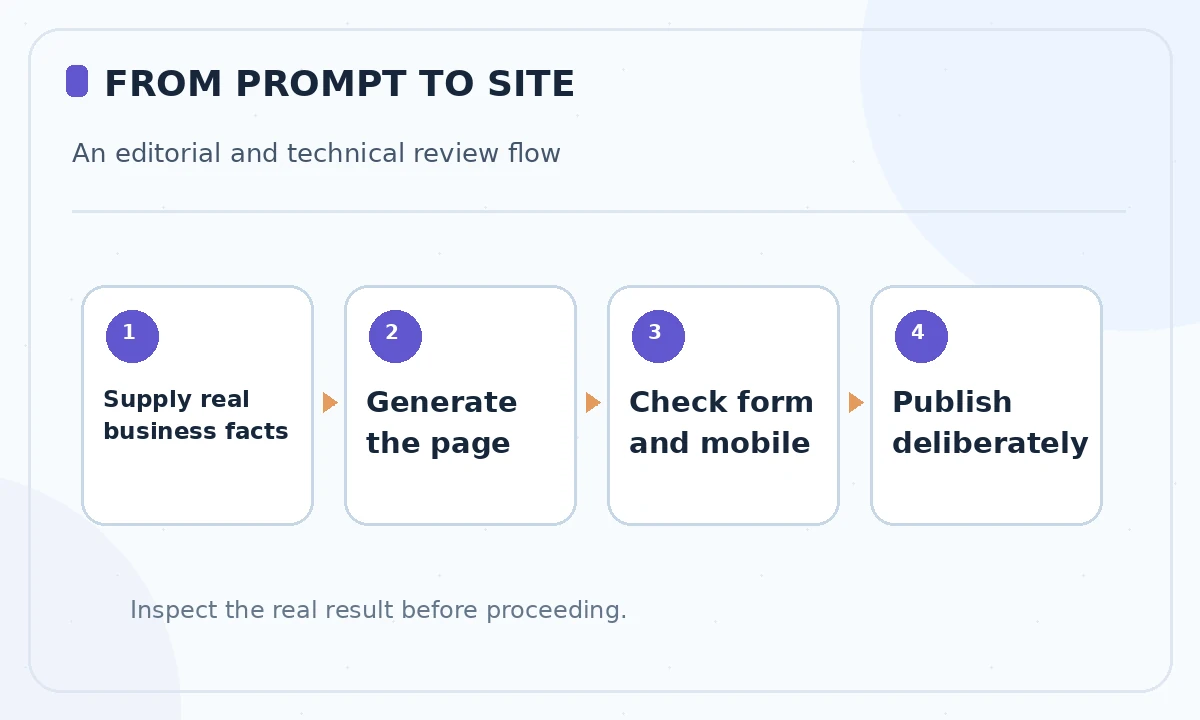
Ask v0 to generate the core page with semantic navigation, clear headings and a visible action. Review the page at desktop and phone widths. Then iterate on one component per request: hero hierarchy, service cards, contact section or footer. Small revisions make it easier to identify what changed and avoid accidental regressions.
Ensure that any examples or placeholder numbers are unmistakably fictional before launching. Read every line of copy. AI-generated site text can sound confident while inventing a policy or credential, which creates a trust and potential legal problem even if the code compiles.
Use Design Mode for visual polish
v0 documents Design Mode for changing typography, spacing and visual details in a live preview. Use it for consistent colors, adequate contrast, readable line lengths and aligned controls. Editing visually can be more efficient than repeatedly regenerating the entire page for a spacing adjustment.
Inspect the resulting code or diff after significant visual changes. A good-looking card may have lost a heading level or focus indicator. Verify button labels are descriptive without relying on surrounding graphics, and ensure the page still works when zoomed or navigated by keyboard.

Make the contact form earn its place
The form must do more than appear on a screenshot. Specify required fields, expected error messages, user confirmation and the destination for submitted information. Test with blank values, malformed emails, long text and a keyboard-only path. If you have not configured delivery or storage, do not imply that real submissions are reaching a business inbox.
Use a test address and dummy data until privacy, spam prevention and retention policies are settled. Never hard-code private API keys into client-side source. Ask the implementation to use the hosting platform’s supported environment-variable mechanism, then have a human review security assumptions before public release.
Connect GitHub and preserve a review point
v0 supports GitHub-based workflows, and its documentation describes bringing existing projects or source into the product. Before a meaningful redesign, save a baseline commit and make subsequent work reviewable through branches or pull requests when appropriate. Source control gives your team a record beyond a chat conversation.
Inspect changed dependencies, route files and environment settings. Code generated for a simple landing page should not require unexplained privileged integrations. If a new component fails to build, investigate the error rather than automatically adding packages suggested without assessing maintenance risk.
Publish to Vercel only after a launch gate
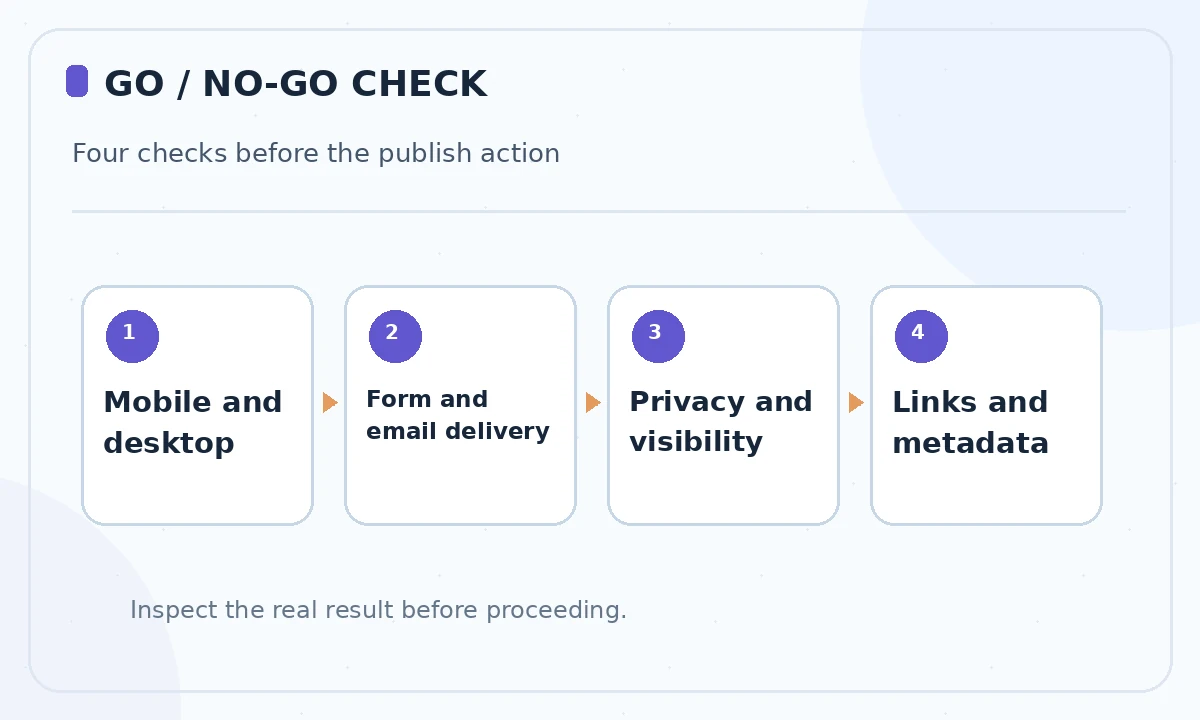
v0’s deployment guide describes a Publish to Production action that creates a live Vercel URL, plus updates through Publish Changes. That is a powerful release button and should come after functional review. Confirm the domain, page title, meta description, social preview, mobile behavior, broken links and whether the form actually delivers.
Check visibility and project-sharing settings before publishing. Run a basic accessibility review: keyboard focus, meaningful alt text, field labels, contrast and heading hierarchy. Submit test form data and check your configured destination. If any essential behavior is unverified, keep the site in preview rather than describing it as finished.
Maintain the website after launch
Create an owner checklist for contact-form monitoring, domain renewal, dependency updates, content corrections and the next deployment. Track external integrations and their costs separately from v0 generation. A site with live business inquiries needs a fallback contact channel when its form stops working.
Use a narrow change-and-review cycle for each revision: describe what should change, preview on mobile and desktop, run functional checks, inspect the diff and publish deliberately. The value of v0 is faster iteration, not a claim that production sites require no human expertise.
How We Research
We reviewed the current primary-source documentation as of October 26, 2026: v0 website builder features; v0 quickstart; v0 deployment documentation. We distinguished documented plan features and limits from editorial workflow suggestions, and we compared the intended reader task with the previously published LabFin material. We did not purchase plans, perform product benchmarks, run code or verify an individual account’s entitlements. Where product pages conflict or terms may change, we have identified the uncertainty and recommend confirming checkout or live account details.
Frequently Asked Questions
v0 describes generated web code and GitHub synchronization. Review licensing, dependencies and your own repository before building long-term plans around it.
You can export code for other workflows, while v0 documents Vercel as the integrated path for previews, environment variables and deployment.
No. Use the documented Publish workflow when ready, after checking functionality, privacy and visibility.
It can generate form interfaces and integrations, but you must configure data handling and independently test delivery and validation.
Use screenshots or examples as design references only when authorized; create original copy, branding and assets.