
If you search for Windsurf pricing in late 2026, you need the brand change before the price table. Windsurf is now Devin Desktop. The new desktop product keeps the IDE experience but places local and cloud agent work under a broader Devin environment. An old Windsurf plan screenshot can mislead buyers because it may omit the new names and the way usage is pooled across products.
On October 26, 2026, Devin’s official documentation lists Free at $0, Pro at $20 per month, Max at $200 per month, and Teams with an $80 monthly minimum. The Devin Desktop page says existing Windsurf users retain their plans, pricing, settings and extensions through the transition. Treat the figures as US list prices subject to current checkout terms, not a guarantee about taxes or your legacy contract.
Understand what happened to Windsurf
Devin Desktop is the name now used for the Windsurf IDE, according to the maker’s current product page. The editor and familiar workflows remain available, while the desktop product is presented as a command center for agents and models. Windsurf-related search results, old invoices and extension documentation may still use the earlier brand. The product change does not necessarily force you into a new plan.
The official FAQ says existing plan, pricing, extensions and settings carry over. Before changing subscriptions, open your own account’s plan and billing screens. Existing enterprise terms may be different from publicly listed self-serve prices, so do not assume a screenshot from another account determines your entitlement.
Compare current Free, Pro, Max and Teams
Devin documentation describes Free as a one-person trial with limited usage. Pro costs $20 per month for one developer and Max costs $200 per month for one developer needing a larger quota. Teams has an $80 monthly minimum and offers full and flex seats. The official self-serve billing explanation and the desktop marketing page describe the seat calculation differently, so buyers should confirm the checkout total before budgeting. Enterprise terms require an individual quote.
Pro and Max are not shareable team plans. A five-person department should not multiply a one-user Pro subscription and assume it delivers team-level admin features. If collaboration, shared usage and centralized billing matter, start from the Teams rules and add required full seats and any usage beyond the allowance.

Distinguish subscription price from agent usage
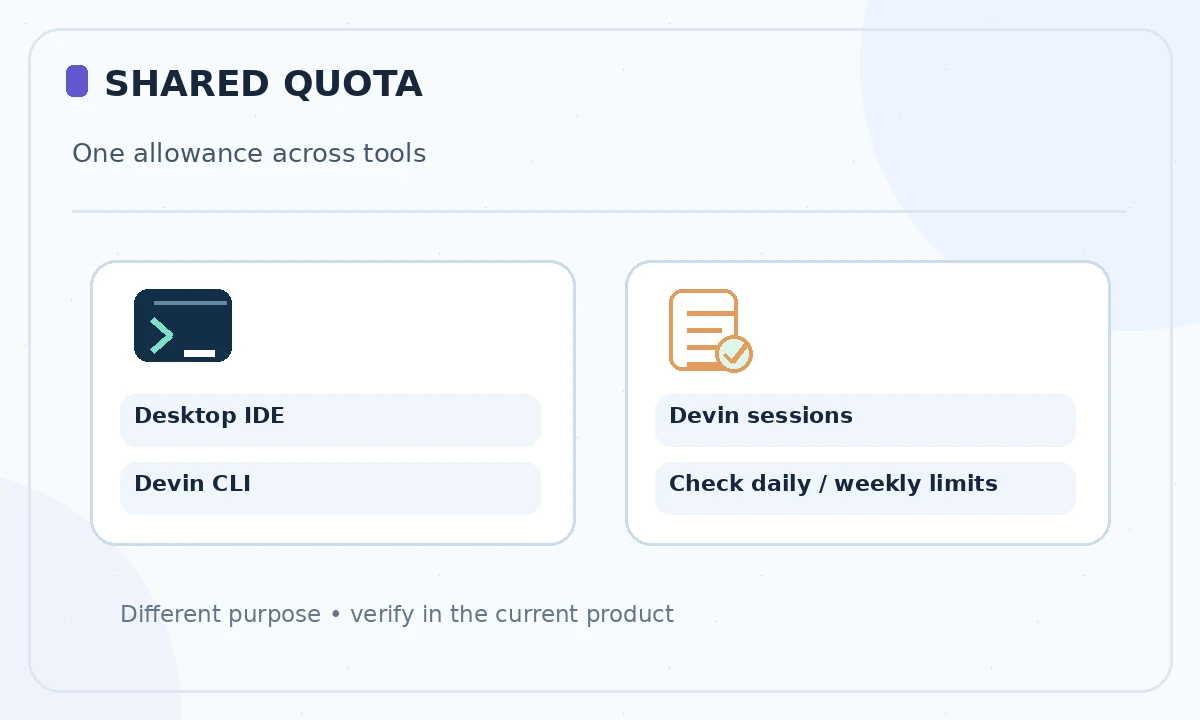
The vendor’s self-serve guide states that Pro quota covers Devin sessions, Devin CLI and Devin Desktop together. That is a shared usage pool, not three independent allowances. It refreshes on daily and weekly limits. Max offers a significantly larger weekly quota without the daily cap mentioned for Pro. Heavy coding-agent work can use the allowance faster than a few autocomplete suggestions.
Paid users can also consume on-demand credits beyond quota, subject to their account’s available options and controls. The precise number of actions per dollar depends on model choice and the amount of work performed. Avoid promising a fixed count of messages or completed features for any tier.
Estimate a real Teams bill
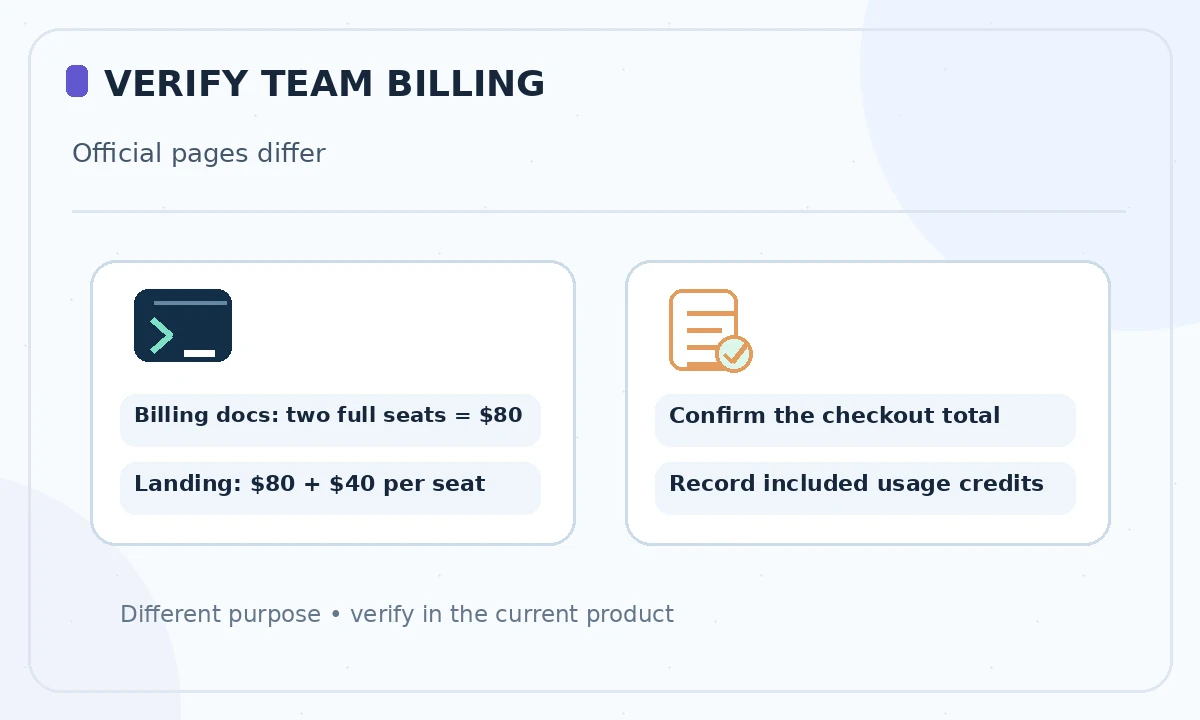
Devin’s detailed self-serve billing documentation says a $40 full seat counts toward the $80 minimum: its own example gives two full seats for $80 per month, with zero prepaid usage credit included. However, the public Devin Desktop marketing page summarizes Teams as “$80/mo + $40/mo per full seat,” which implies a different total. That inconsistency must be resolved in your checkout or a written quote; do not assume either calculation applies universally.
Before procurement, ask sales or support to confirm which published calculation governs your subscription. Verify who needs full seats and whether occasional collaborators can use flex seats. Have the provider confirm included usage credits, any on-demand top-ups, tax and the actual invoice total. Assign an owner for usage thresholds and removing departed employees.
Choose Pro versus Max based on interruptions
Pro is the obvious first paid tier for one person who uses Devin Desktop intermittently, provided its daily and weekly quota fits their work. Max targets an individual repeatedly constrained by that quota. The $180 monthly difference between the two public price points should be justified by observable capacity needs, not an assumption that an expensive model always produces better code.
For one week, record when the product stops or slows useful work, what kind of task triggered it and whether a shorter scoped request would have worked. Then decide whether the bigger tier reduces a meaningful bottleneck. This is a method for gathering local evidence, not a benchmark of Devin Desktop’s productivity.
Budget for editor, CLI and cloud sessions together
Because quotas apply across several Devin surfaces, a team pilot should include the actual distribution of work: editor assistance, CLI commands and cloud-agent sessions. A department that estimates only IDE suggestions may underestimate agent consumption. Separate approved automation from exploratory work and set review checkpoints for long-running tasks.
Observe account usage after a typical day, not merely a login. Record developer seats, quota resets, on-demand charges and what happens when a limit is reached. If your workflow must run unattended, ask whether the relevant permissions and billing controls are appropriate before assigning it production tasks.
Check migration and enterprise requirements
The rebrand FAQ states that IDE settings and in-progress work migrate; it also says Windsurf for JetBrains continues to be offered. Still, test critical extensions and workflows in your own environment before a broad rollout. Make a list of language-server behavior, repository hooks, CI integration and security requirements, then verify against the installed version.
For regulated environments, evaluate enterprise controls, data handling, auditability and identity management independently of the editor’s price. A publicly listed Teams plan is not proof of compliance with internal procurement policies. Keep the previous contract and export of settings available for reconciliation.
Use a purchase checklist rather than an old price chart
Confirm the current product name, your account’s plan, the number of eligible members, the shared quota, any on-demand usage and the amount charged at checkout. Next run a small branch-based coding task and check how permissions and review work. Finally compare costs per useful, human-approved outcome—not per prompt or generated line.
This article reflects official public information checked on October 26, 2026. For legacy Windsurf subscribers, the account-specific billing screen and contract supersede generic examples. If the documentation or plans change, update the figures before renewal; the product name alone should never determine a purchasing decision.
How We Research
We reviewed the current primary-source documentation as of October 26, 2026: Devin Desktop rebrand FAQ; Devin self-serve billing and quotas. We distinguished documented plan features and limits from editorial workflow suggestions, and we compared the intended reader task with the previously published LabFin material. We did not purchase plans, perform product benchmarks, run code or verify an individual account’s entitlements. Where product pages conflict or terms may change, we have identified the uncertainty and recommend confirming checkout or live account details.
Frequently Asked Questions
The vendor now calls the main desktop product Devin Desktop. Some earlier integrations and legacy references still use the Windsurf name.
Devin’s official self-serve pricing documentation lists Pro at $20 per month for an individual, subject to current checkout conditions.
The official current list gives Max at $200 per month for one user and describes a larger weekly usage quota than Pro.
No. The vendor describes Pro and Max as single-user subscriptions; teams should evaluate the Teams plan and seat structure.
The Devin Desktop FAQ says current plans, pricing, settings and extensions carry over. Check your own contract and billing screen for exact terms.