
If you look up Grok pricing in October 2026, you may see a SuperGrok offer and a different schedule for The X Subscription. Both can be genuine, but they are not interchangeable menus. xAI documents that new self-serve customers use its combined subscription and that existing eligible SuperGrok, Cursor and X Premium customers can remain on older plans unless they choose to switch.
The right purchase depends on your existing bill, whether you use Cursor or X, and how much image, voice, video or chat activity you expect. The prices below are snapshot list prices from official pages on October 26, 2026—not a promise of checkout totals, taxes, promotional eligibility or future access.
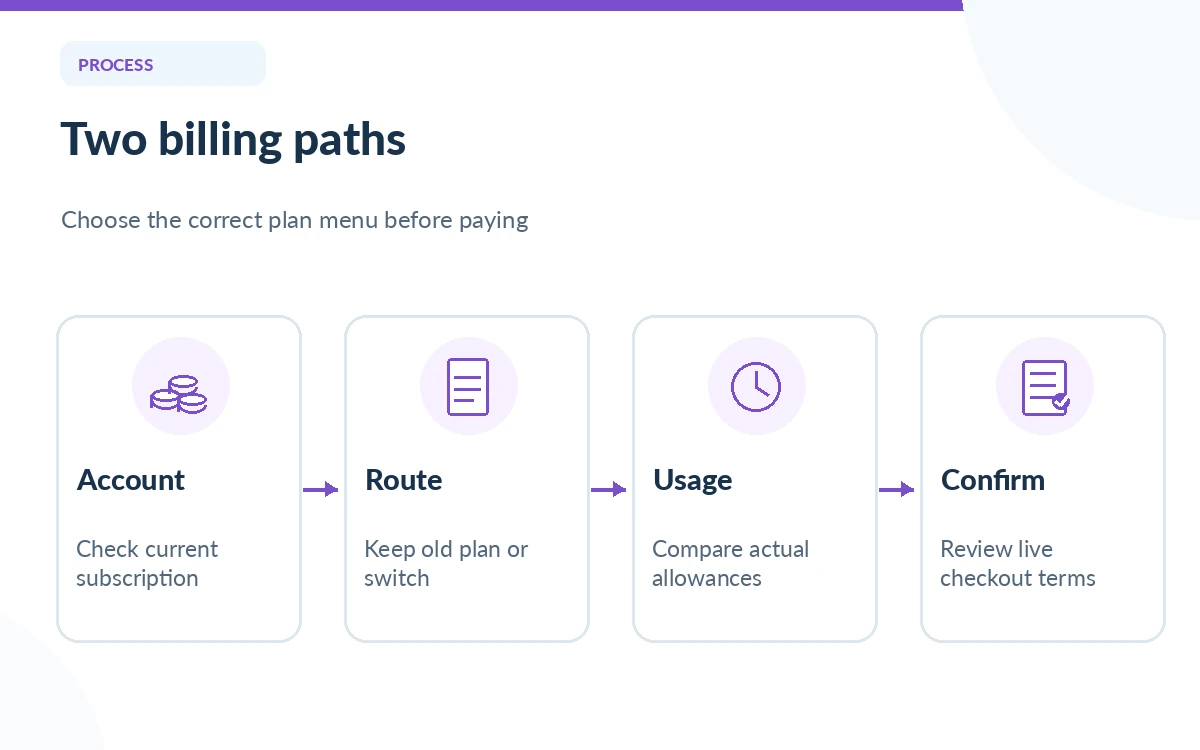
Understand the two billing pathways before comparing prices
The standalone Grok pricing page still describes Free access and SuperGrok offerings. Its displayed US list prices include SuperGrok at $30 per month and SuperGrok Plus at $100 per month, with higher usage tiers and feature differences. This is useful context for an existing standalone subscriber, but it should not be mistaken for the current new-customer enrollment path in The X Subscription.
xAI’s separate October subscription documents list Free, Plus at $8 monthly, Premium at $30, Super at $100 and Ultra at $200, with annual prices and included usage described on the official schedule. New users must confirm the actual enrollment screen; existing subscribers should compare their old entitlements before selecting a switch. Matching a price label does not mean the services, feature rights or limits are identical.
Compare the new X Subscription tiers by job
For a person who only wants to experiment, Free is the sensible baseline. Plus is a lower-cost paid entry into the shared service, but xAI’s documentation specifically says Grok Bot is not included with Plus. Premium and above add Grok Bot eligibility, and higher levels increase the relative included usage allowance. The advertised tier multipliers are references to the shared pool, not guaranteed message counts.
The combination can matter for people who also work in Cursor or use paid X features. But someone who has no interest in those products should not count their listed benefits as real value. Check which feature requires Premium versus Super rather than assuming every tool shown on a marketing page comes with the cheapest subscription.
Calculate annual commitment carefully
The X Subscription pricing table lists annual prepayments as $80 for Plus, $300 for Premium, $1,000 for Super and $2,000 for Ultra. Compared with twelve times the listed monthly rates, the published annual amounts are lower; however, paying up front reduces flexibility if your usage changes. Exact savings and local taxes depend on the checkout details and the billing arrangement.
A practical decision rule: keep monthly billing during your first real work cycle, record actual usage, then review the annual option if the product is clearly in your recurring workflow. Avoid treating annual savings as free money: unused access still costs you the entire prepaid amount. Review cancellation terms and how your purchase channel handles subscriptions.
Understand shared pools, top-ups and overage risk
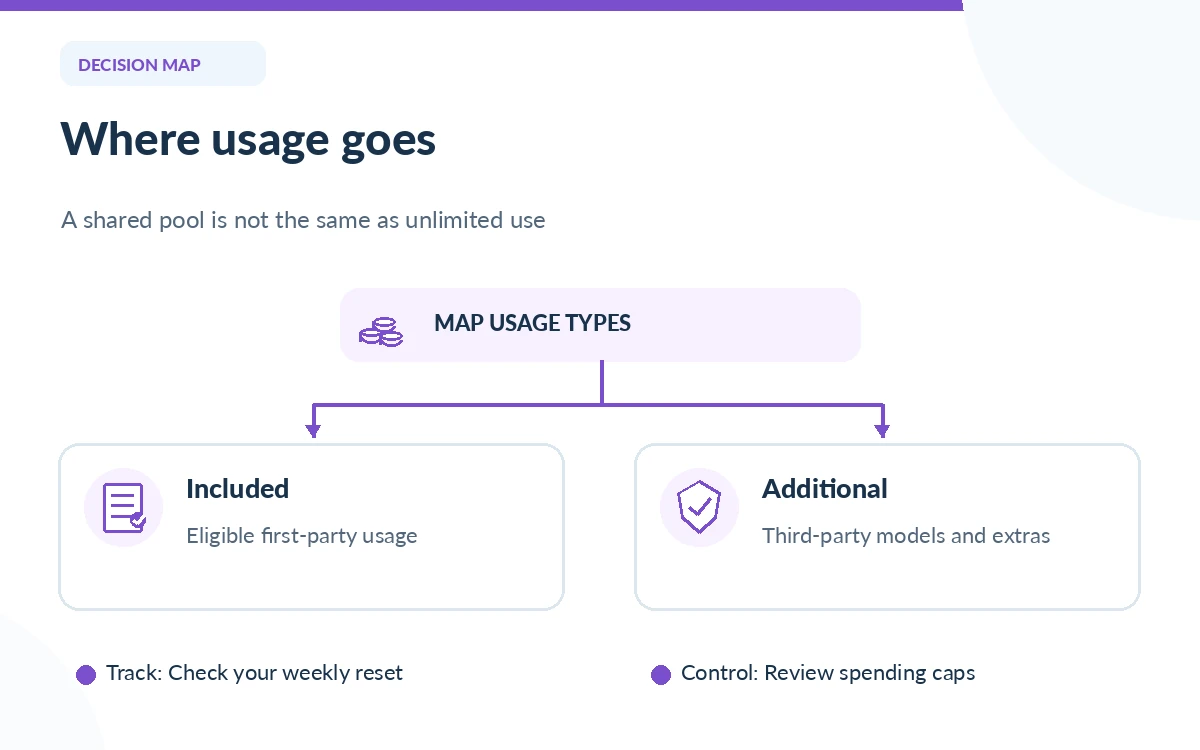
xAI describes one weekly pool for eligible first-party usage across Grok and Cursor under the combined subscription. A long, compute-heavy task and a short chat need not consume the same amount. Third-party models in Cursor are not included in that first-party allowance; such usage is treated as Additional Usage. That distinction is crucial if you use other providers’ models through the editor.
Look at the dashboard’s Usage and Billing views, not at a community estimate of unlimited prompts. xAI documents prepaid top-ups and spending controls. A low-priced subscription can become expensive when extra model usage is paid separately, while a higher tier may be wasted if you mostly ask short text questions. Monitor the reset date, credit balance and any automatic top-up setting.
Check whether switching would cancel another subscription
The official unification process can consolidate qualifying Grok, Cursor and X accounts and replace selected subscriptions. xAI explains that an eligible switch may cancel selected plans with a prorated refund, but app-store purchases can have special handling. If you pay through Apple, review the instructions carefully: you may have to cancel a separate subscription yourself to prevent a second renewal.
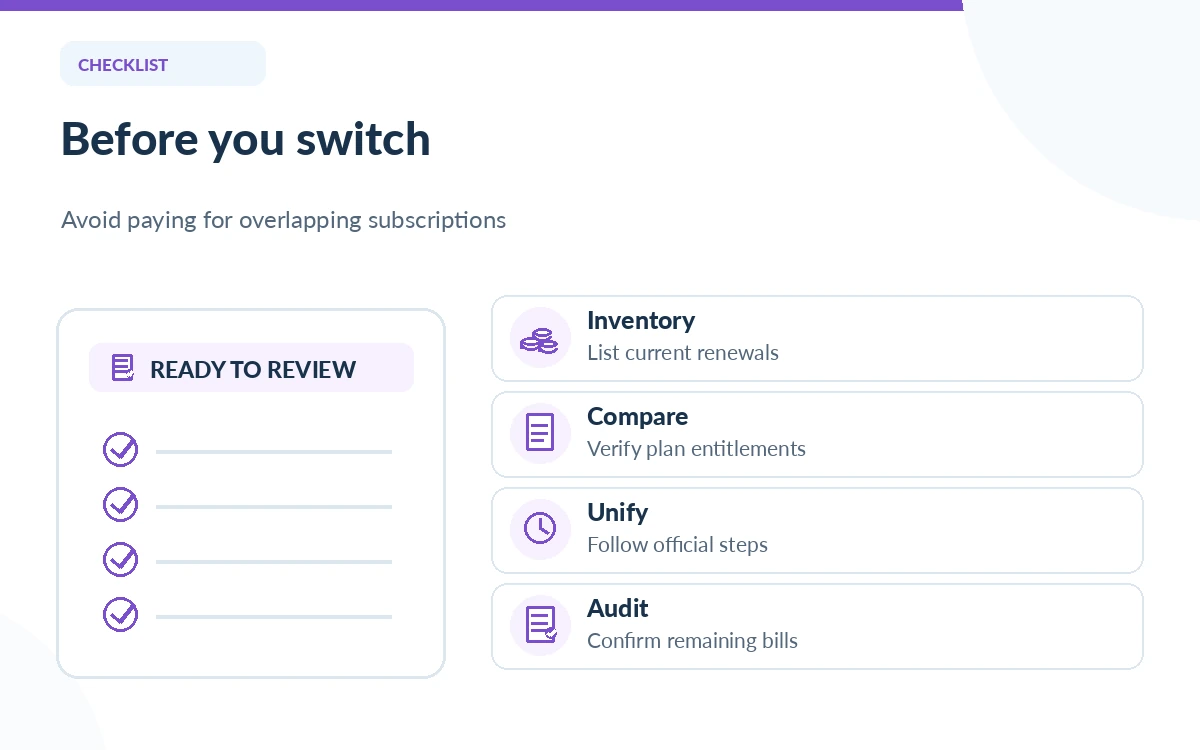
Before switching, write down existing subscription names, renewal dates, purchase channels, seat counts and any unused credit. Capture the checkout summary and ensure you understand which services are combined. Do not assume a change can be undone: the official overview states that unification is permanent. If you manage a team, verify whose seat receives each usage allowance.
Choose by your use case, not by a model headline
For occasional web questions or a little drafting, start with Free and measure whether restrictions actually interrupt your work. If you regularly need higher chat limits, test the lowest paid tier that includes the necessary feature. If Grok Bot, substantial media generation or mixed Cursor usage is central to your day, inspect Premium or higher and estimate your weekly activity before committing.
For teams, compare the official per-seat price with your workflow and administrative requirements; do not multiply individual sticker prices blindly. Keep API usage separate from consumer subscription benefits unless the vendor documentation explicitly includes it. Consumer Grok billing, developer API billing and additional usage are different budget lines.
Use a checkout checklist to avoid surprise costs
Before pressing Pay, confirm account identity, monthly versus annual billing, feature eligibility, the included usage dashboard, overage method, automatic top-ups, taxes and app-store renewals. Open the latest official pricing page on the same day you purchase. Product names and available bundles have changed, so an older screenshot cannot establish the checkout price.
After purchase, record a baseline of your weekly allowance and your next reset date. After a normal week, review actual chat and media usage and decide whether the tier is too small or unnecessarily large. This method makes the decision repeatable without treating undocumented “messages per hour” tables as official guarantees.
How We Research
Checked on October 26, 2026: the standalone Grok pricing page, official X Subscription list prices, unification overview, shared-pool rules and switching guidance. We did not complete a purchase, validate taxes or test individual usage entitlements. These are dated advertised US list prices and should be checked again at checkout.
Frequently Asked Questions
Both official pricing pathways describe Free access. The limits and feature availability of the free experience can change, so inspect your account rather than assuming paid features are included.
No. The standalone SuperGrok page and X Subscription schedule are distinct billing paths. Similar sticker prices do not prove that plans have identical bundles or usage rules.
No. The official X Subscription documentation places Grok Bot on Premium, Super and Ultra, not Plus.
No. xAI says third-party models in Cursor are treated as Additional Usage and charged outside the included first-party pool.
xAI describes account unification as permanent. Review legacy benefits, prorated refunds and any app-store cancellation steps before accepting the switch.