
Configuration listings do not measure archive use
A digital preservation team may wish to know which S3 Storage Class Analysis configurations exist before adjusting where scanned programs and oral-history derivatives are stored. `ListBucketAnalyticsConfigurations` lists configuration records for a bucket; it is not a report of how often any object was read, not a lifecycle rule listing, and not a copy of the contents of a destination report. A bucket can contain hundreds of analysis configurations with different prefix or tag scopes. The task is to build a trustworthy inventory of those definitions and identify gaps for follow-up. In this guide all keys, IDs, and visual rows are hypothetical; no AWS account or archival bucket was queried.
Confirm bucket type and read permissions first
The AWS API reference states that this operation is not supported for directory buckets. A caller needs `s3:GetAnalyticsConfiguration` permissions, which may be granted according to the institution’s IAM policy. Establish the exact general-purpose bucket and account ownership through approved records; do not guess from a friendly display label. Use read-only audit credentials if available, and keep requests limited to configuration metadata. Before interpreting missing results, distinguish an empty configuration list, a permission denial, a wrong region or target, and an unsupported bucket type. Each can look like “nothing configured” in a careless reporting pipeline even though the corrective action is very different.
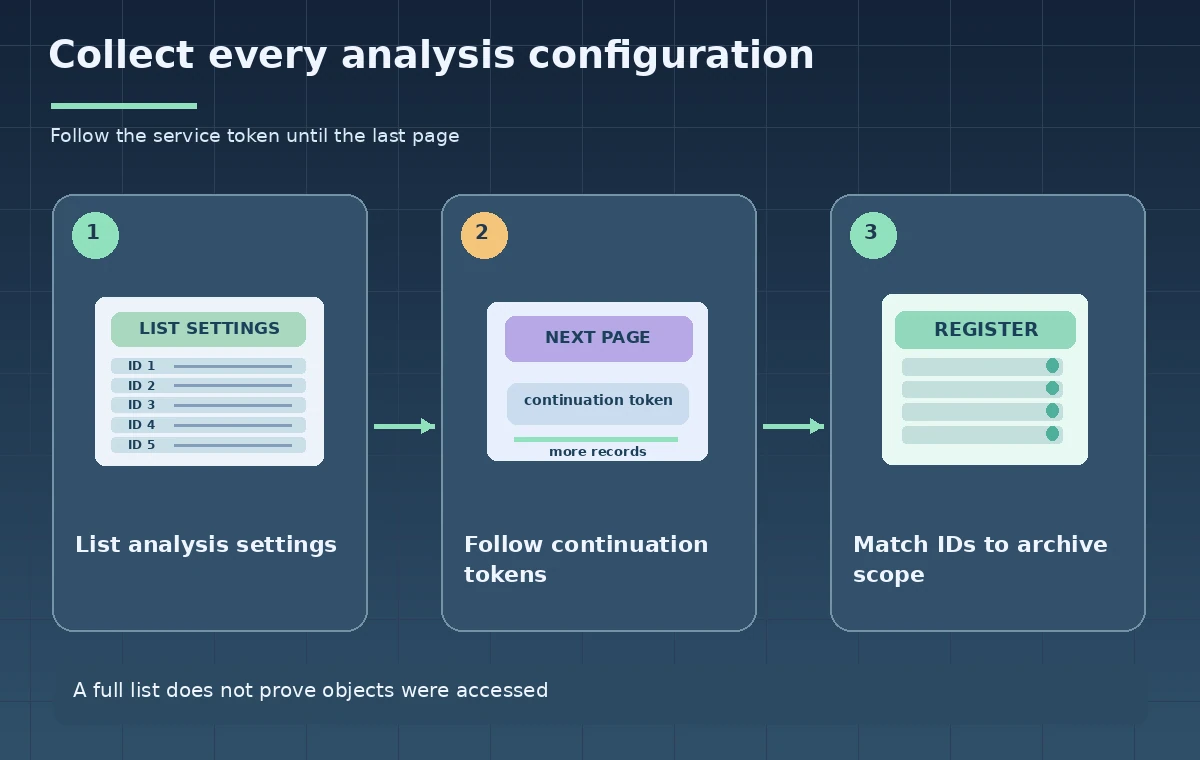
Handle the 100-configuration page boundary
AWS documents that the list API returns no more than 100 analytics configurations in one response, although a bucket can have up to 1,000. Inspect `IsTruncated` after each page. When it is true, record the `NextContinuationToken` and use it to request the following page. Do not attempt to infer a numeric offset or manufacture a token from the last ID. Stop when the service indicates the listing is complete, not when a page happens to contain a round number of records. Save the retrieval timestamp and an audit log of page counts; a changing configuration list may need another reconciliation pass.
Preserve configuration IDs and filter scope
Every record needs a stable identifier and a clear description of which keys its analytics filter covers. Review prefixes, tags, and any combination expressed in the configuration, and note where the filter might include unrelated records or exclude important subcollections. A configuration for `public-derivatives/` does not automatically cover master photographs under `preservation-masters/`. Never substitute a screenshot of the first page for an authoritative inventory. The output register should include bucket identifier, configuration ID, filter expression, export destination when configured, reviewer, and an uncertainty flag for any item whose scope is ambiguous. Those notes support further verification rather than policy changes by themselves.
Retrieve details when list results are insufficient
The related `GetBucketAnalyticsConfiguration` API retrieves one configuration by ID. Use it where a listed record requires confirmation of storage-class-analysis details or its export destination. Collect the full response for approved auditing, but avoid saving access credentials, signed URLs, or unnecessary personal information in the report. An Analytics configuration can direct reports to a destination; that does not prove a report has been delivered, processed, or contains representative activity. Confirm the destination’s ownership and the existence of expected outputs with independent authorized checks. A successful configuration GET only proves the API returned a definition at that moment.
Keep analytics, inventory, and lifecycle separate
Teams sometimes mix S3 Analytics, S3 Inventory, and Lifecycle policies in a single spreadsheet because all three relate to storage operations. Their evidence differs. Analytics configuration defines a scope for access-pattern analysis; Inventory describes objects and selected metadata on a schedule; Lifecycle rules define transitions and expiration actions. Nothing about the existence of an analytics configuration justifies automatic deletion or movement of an archival master. Map the three control planes to separate columns and require preservation approval before changing lifecycle policy. The distinction helps a curator avoid assuming an unreported object is unused or no longer subject to legal retention requirements.
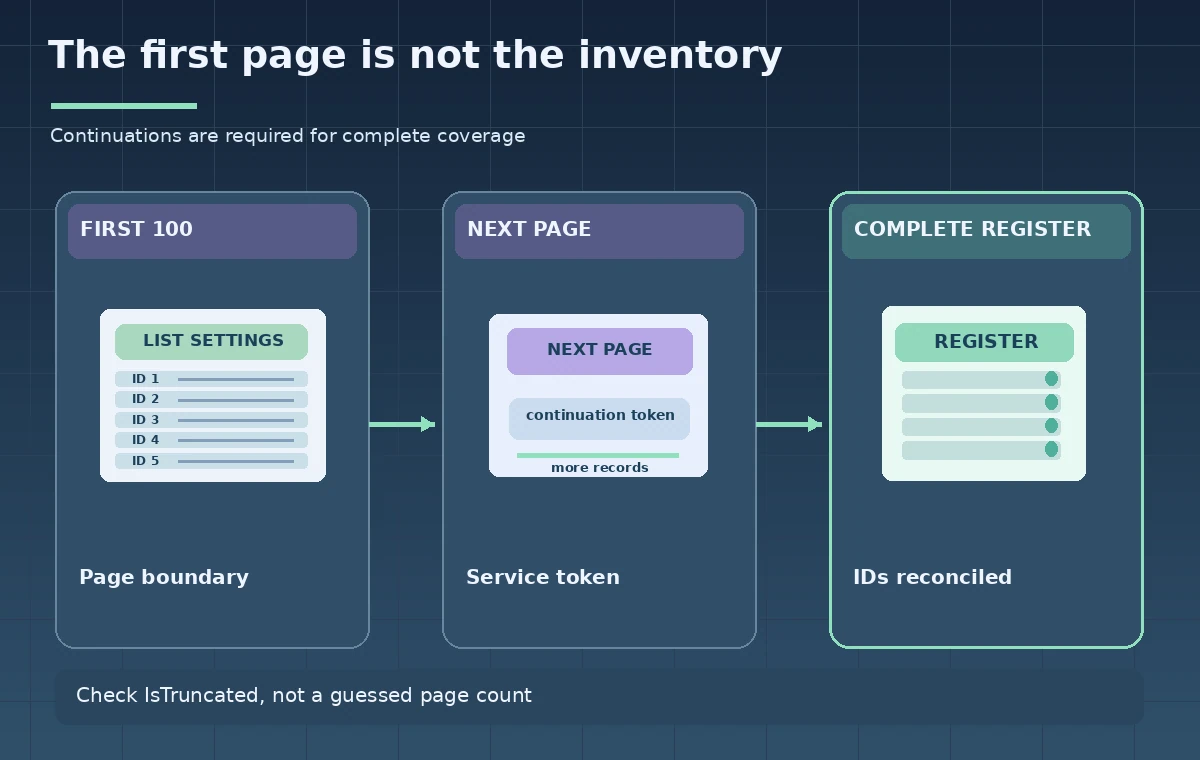
Reconcile pages without claiming a snapshot
An inventory can be edited while pagination is under way. If the first request returns many IDs and a colleague changes the set before the final page, the client may collect a view that is not a guaranteed atomic snapshot. Record a short start and end time, deduplicate by configuration ID, and compare against a subsequent controlled listing if high assurance matters. Alert on repeated continuation tokens, inconsistent totals, or unexpectedly missing IDs rather than silently dropping pages. The instructional diagram shows a first-page subset, continuation, and reconciled register; the counts are schematic and do not represent a production measurement.
Use the register to ask better storage questions
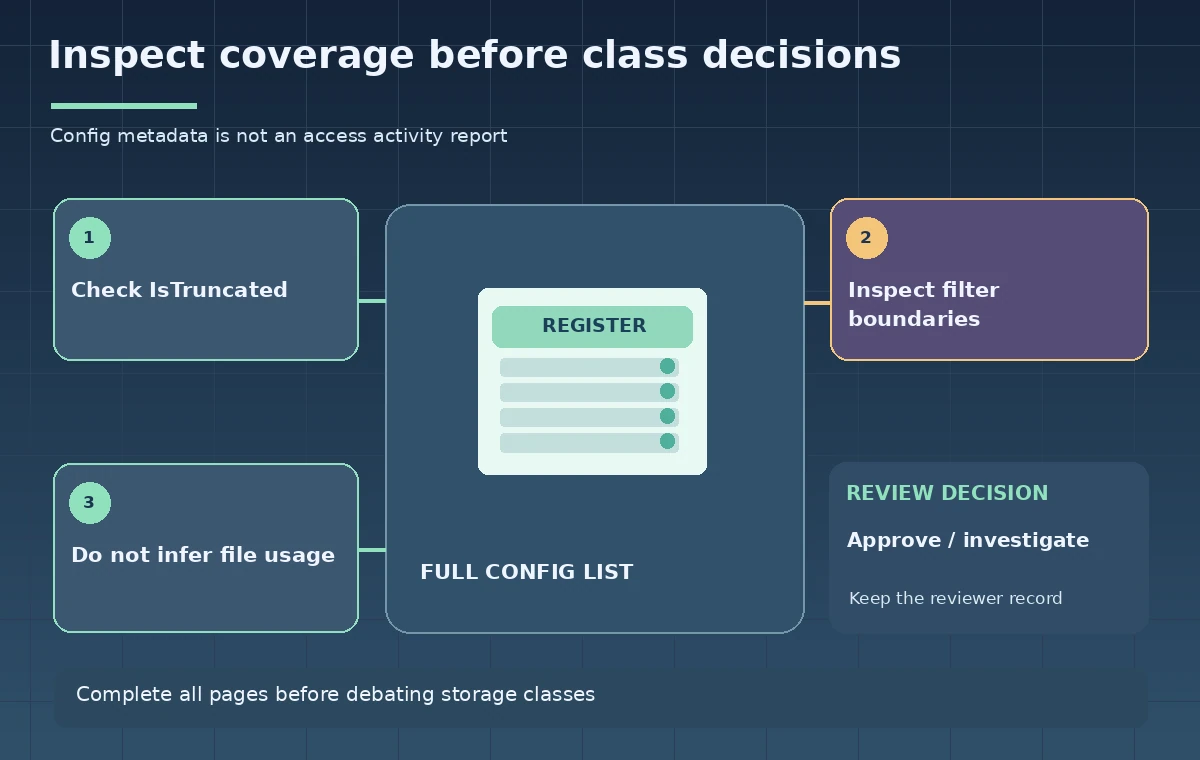
After validating the list, the archivist may discover that some derivatives have an analysis policy but preservation masters do not. That discrepancy should trigger a question about sampling, export scope, and preservation obligations—not an immediate new transition rule. Cross-check with real access reports, object retention constraints, costs, and service availability before choosing storage classes. If existing reports are insufficient, note what additional observation period or source would answer the question. Avoid describing analysis data as exhaustive proof of future usage. An object can be historically rare and still be essential to preserve even when it receives few downloads.
Sign off the inventory, not an optimization claim
The final review confirms the right bucket and permissions, all continuation pages, unique IDs, relevant filters, and any exceptions or unknowns. Version the report so later changes can be compared without replacing the earlier evidence. Keep recommendations for archival class transitions in a separate proposal subject to rights, recovery-time, durability, and cost review. Recheck current AWS documentation for bucket-type support, quota limits, and analytics behavior. No API calls or storage migrations were performed for this article; its images are instructional representations. A complete configuration inventory is a useful starting point, but it is not itself a performance benchmark or a retention authorization.
How We Research
Primary official technical sources reviewed November 11, 2026: AWS ListBucketAnalyticsConfigurations API; AWS GetBucketAnalyticsConfiguration API; AWS CLI list analytics example. We reviewed the AWS ListBucketAnalyticsConfigurations API specification, the related single-configuration GET endpoint, and the official CLI example. We designed a hypothetical multi-page analytics configuration inventory; no bucket, report destination, or configuration was accessed. All example identifiers, diagrams, comparisons, and quantities here are instructional constructs, not empirical test results, vendor screenshots, or production traces. Verify current API versions, access permissions, model support, prices, security requirements, and local policy before implementing with real data.
Frequently Asked Questions
No. It lists analytics configurations. Inspect the applicable reports and other evidence for activity data.
The documented list response returns at most 100 configurations; use the continuation token while IsTruncated is true.
The AWS API documentation states this list operation is not supported for directory buckets.
AWS documents s3:GetAnalyticsConfiguration for reading these analytics configuration records.
No. Storage transitions need independent preservation, retention, recovery-time, and cost approval.