
A youth sports club has a short, permitted video of a red ball traveling across a gym while a player runs past it. The editor wants a smooth slow-motion section for a coaching breakdown, but repeated frames can look stuttery and AI-created in-between frames may deform the ball or the player’s limbs. Topaz Video offers frame interpolation models including Apollo. This guide focuses on creating and inspecting an appropriate slow-motion candidate, not claiming that a particular interpolation setting always wins. All sequences are hand-drawn conceptual motion frames rather than actual processed clips.
Decide whether the output needs slow motion or higher frame rate
Frame interpolation serves two related but distinct goals: increasing playback frame rate while preserving the action’s duration, or extending the duration to show the movement more slowly. Record the source rate and desired viewing speed first. A 30 fps source converted to 60 fps at unchanged duration is not the same delivery as four-times slow motion. Decide what the coach needs to see: trajectory, timing of a foot plant or hand-to-ball contact. Keep the unmodified clip and use actual frame numbers in your editorial notes, because generated intermediate frames are approximations rather than new camera evidence.
Choose a model documented for the type of movement
Topaz’s Frame Interpolation documentation describes Apollo as suited to non-linear motion and slightly blurry inputs, with frame-count options for slow-motion workflows. Its Apollo slow-motion guide recommends Apollo for 4x or 8x examples and advises previewing the result before export. The documentation also discusses Chronos and faster alternatives, which may behave differently with moving objects. Rather than asserting one model’s universal superiority, choose a short representative sports sequence and compare the motion boundary where the ball crosses a player’s arm. Check the exact model choices in your installed application version.

Set a reproducible source and candidate
Pick a five-second clip containing the ball in clear view, the overlap of shoe and ball and a portion with motion blur. Record source codec, frame rate, shutter artifacts if visible and any existing frame duplicates from an online download. Disable unrelated enhancement filters for the initial comparison, so sharpening does not hide interpolation errors. Select a target such as 4x slow motion based on the coaching need. Before processing, note the most important reference frames: ball release, peak travel and player crossing. Save the original timeline so you can compare a normal-speed control with any interpolated candidate.
Understand what AI-created frames can and cannot show
An interpolator estimates visual content between captured frames. It cannot reveal the actual position of a foot at an instant that the camera never recorded with certainty. The generated sequence may appear smoother while inventing a slight path adjustment or a new object edge. Never use a synthesized intermediate frame as independent evidence in a contested sports ruling, safety investigation or forensic reconstruction. The illustrated motion strip shows a simple before-and-after teaching model, not a measurement of Apollo accuracy. For coaching, treat slow motion as an aid to visualizing a movement already supported by real frames.
Look for ghosting around the ball and player
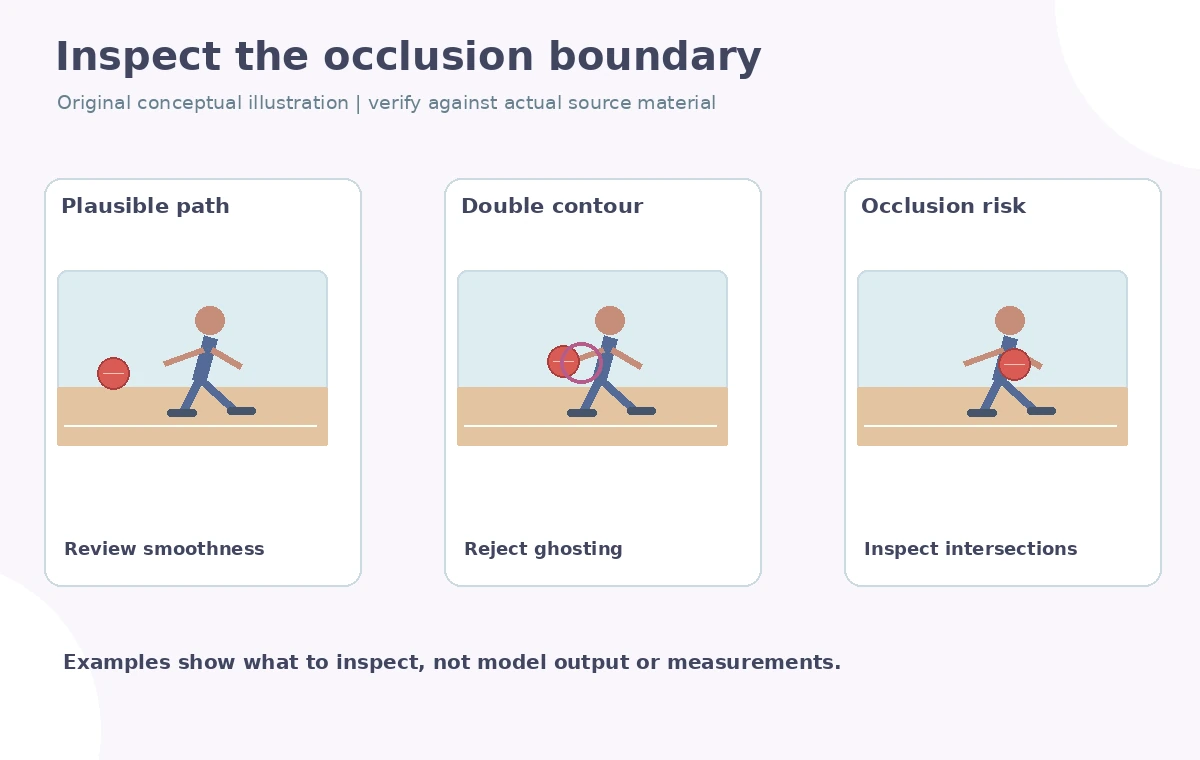
Inspect the moving red ball, shoes, fingers, sleeves and painted court lines one frame at a time. Common failure modes include a doubled ball contour, rubbery limbs, a ghost trail at an occlusion boundary and a wobbling line where a shoe crosses the floor. Also examine the far side of the ball as it reappears from behind a player. Pause at frame intersections where the algorithm has incomplete visual context. If a frame seems anatomically impossible, mark its position and compare it with source neighbors. Reject the candidate for any instructional purpose where those shape errors would change the viewer’s understanding.
Compare regular speed and slower playback honestly
After stepping through the clip, watch the candidate at intended playback speed and at regular speed. A defect that is minor during rapid motion can become conspicuous when slowed fourfold. Check whether the ball trajectory maintains a coherent arc, whether the player’s stride timing remains intelligible and whether the audio is intentionally omitted or remixed. Do not stretch the original speech without considering pitch and synchronization. The diagram separates true captured frames from synthesized in-between frames so the viewer knows which parts were estimated. Avoid describing the result as higher-speed-camera footage, because no additional real exposures took place.
Manage duplicate frames, optical artifacts and render settings
The Topaz guide mentions duplicate-frame handling in its Apollo workflow and recommends using the zoomed preview to inspect detail. If the original has repeated frames, the processing strategy may need adjustment before interpolation can look smooth. Test short ranges before rendering the entire match and compare codec settings at the final output size. Keep the interpolation model, target speed and application version in the export notes. When processing is slow, evaluate only the hardest five seconds first rather than selecting an unverified preset for hours of footage. Do not make performance promises tied to hardware you have not tested.
Sign off with motion integrity and clear labels
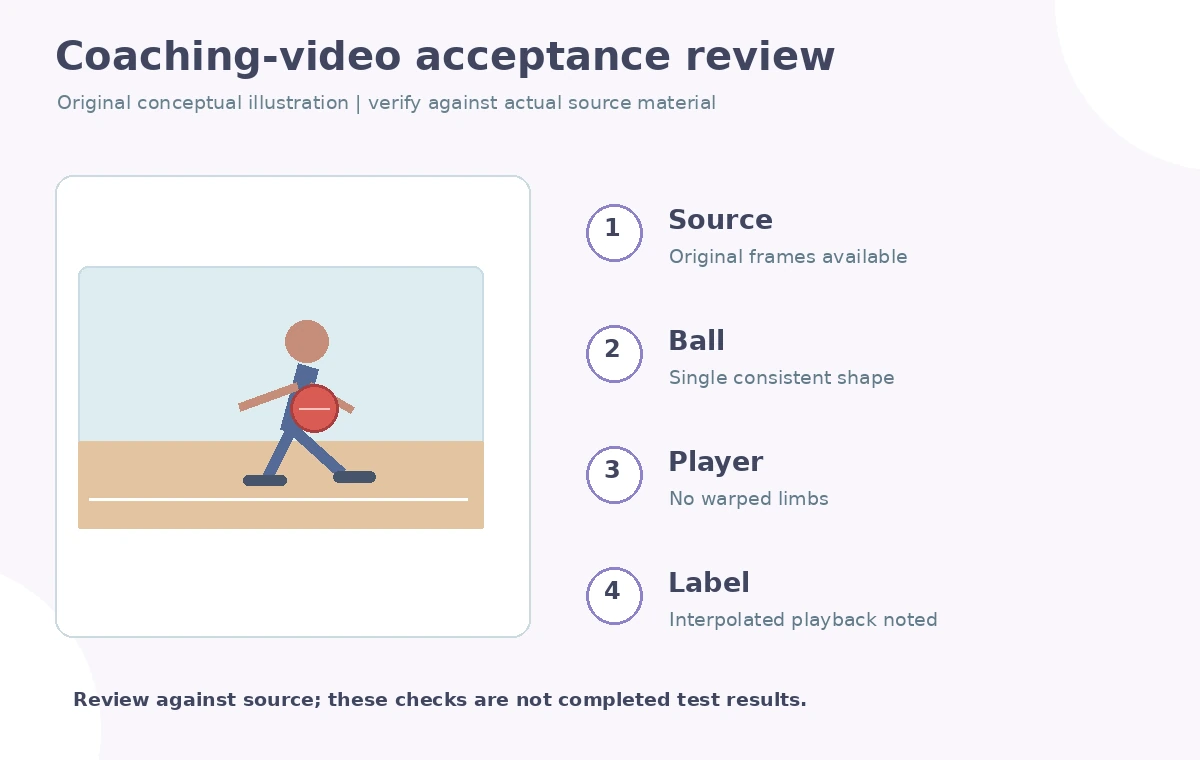
Check the completed file with the coach or subject-matter reviewer. Verify the ball count stays one, the trajectory is plausible, no shoe crosses through the floor, court markings are stable and the pacing serves the explanatory purpose. Label the slow-motion sequence as interpolated when that fact is material to interpretation, and preserve the original alongside it. If the intermediate frames distort a teaching-critical instant, use a sequence of actual captured frames or a freeze frame instead. The final deliverable should include an unmodified source, processing notes, rejected-frame log when relevant and a phone-friendly export that has been watched in full.
How We Research
We read Topaz Video Frame Interpolation documentation and the official Apollo slow-motion walkthrough on October 28, 2026 for model intent, 4x/8x examples and preview checks. We did not interpolate any actual sports footage or claim measured artifact rates. The red-ball frames and frame timelines are original illustrative graphics.
Frequently Asked Questions
Yes. Topaz documents frame interpolation for slow motion, including Apollo workflows.
No. They are AI-estimated in-between frames and should not be represented as independent evidence.
Moving edges, crossings and occlusions—especially the ball, limbs and court lines.
No. Interpolation changes the temporal frame sequence; upscaling changes spatial image resolution.
Reject or rework that segment and retain the original, especially in instructional or evidentiary video.