
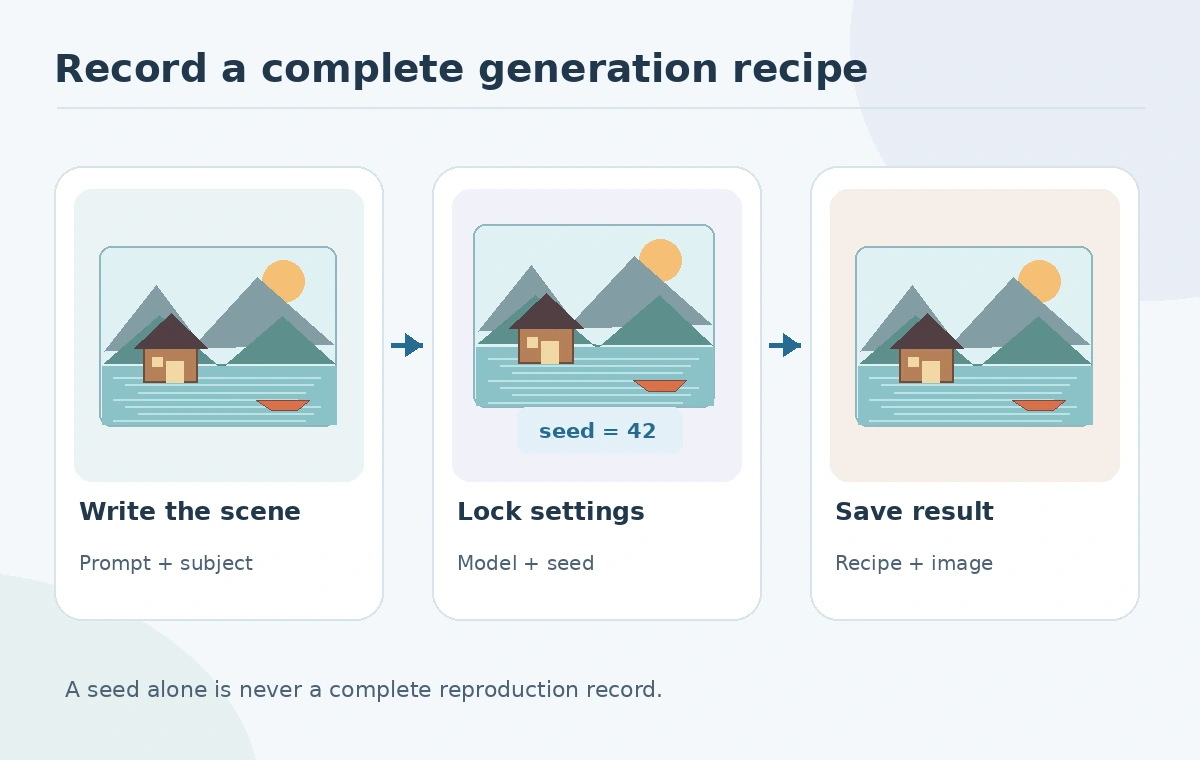
A Stable Diffusion seed is useful when you want to compare prompt changes, return to a promising image, or hand a concept to a teammate. But a seed is not a universal image ID. The result also depends on the model, software version, scheduler, dimensions, settings and sometimes the machine. This guide builds a reproducible image recipe for a fictional lakeside travel illustration, with an explicit log that prevents a familiar-looking result from being mistaken for an exact reproduction.
What a seed controls—and what it does not
Diffusion pipelines normally start by sampling random noise. A seed initializes the random-number generator so that, under comparable conditions, the starting noise can be repeated. Hugging Face explains this in its Diffusers reproducibility guide. The seed does not contain the prompt, remember your chosen model or preserve an application version. It is an input to a larger generation process, not a complete backup of that process.
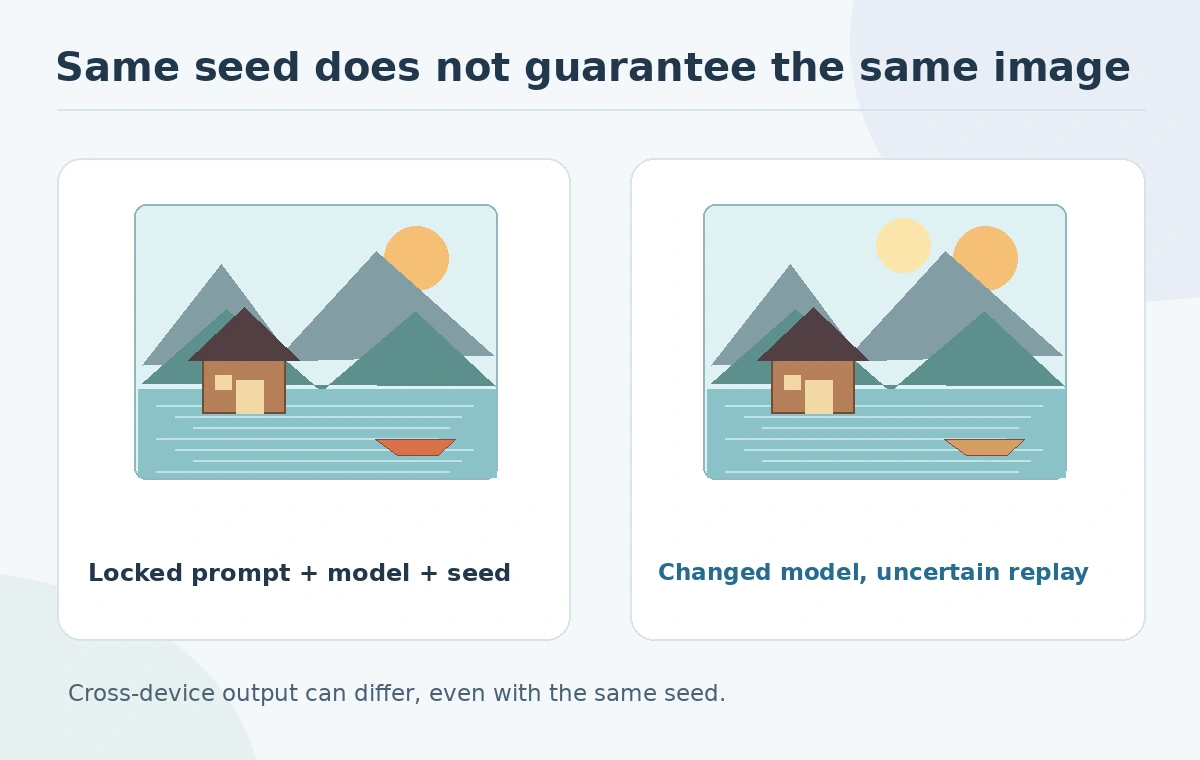
Imagine generating a lakeside cabin with a red canoe. Saving only seed 42 will not let a colleague reproduce the scene if they accidentally use another checkpoint or resize the canvas. Define success as either exact local replay or visually comparable regeneration, and record which standard matters. Exact pixel equality across different systems is not guaranteed.
Create a baseline image without changing several variables at once
Write a focused prompt with subject, arrangement, light and medium: “small cabin left of a lake, red canoe at water edge, dawn mist, editorial illustration.” Choose the actual model checkpoint available in your environment and note its version, the image dimensions, sampler or scheduler, denoising steps, guidance setting and seed. Keep negative prompts or reference images in the record if the interface uses them.
Generate one baseline output, save it uncompressed or at a documented export setting, and inspect the canoe, shoreline and roofline. When the baseline is approved as a test, change just one property. For instance, change the time of day but keep the seed and all other settings stable. This is a controlled creative comparison, not a benchmark that demonstrates model accuracy.
Use seeded generators correctly in Diffusers
The official Diffusers documentation recommends a CPU torch.Generator when reproducibility matters. It also warns that a generator is stateful: calling it advances its state. Recreate or reseed the generator for each intended replay, instead of assuming the same object will return the same noise after other calls.
For a batch, the batch inference guide shows how separate generators can anchor individual outputs. Keep a simple file mapping output filename to seed and other parameters. If you change GPU, torch version, attention implementation or pipeline, treat the result as a new experimental environment. Similarity may remain high even when pixel-level repeatability disappears.
Make a comparison grid instead of relying on memory
Create a two-column review sheet: original recipe on the left, modified recipe on the right. Put a header with the one intended variable, such as “prompt: morning versus sunset.” Include the two actual images and a short checklist of preserved elements: cabin position, canoe color, mountain profile and overall framing. Annotate differences that may be a problem, such as the canoe disappearing.
Never label a grid “same settings” if you changed aspect ratio, scheduler or checkpoint behind the scenes. A tool may default to new model versions after an update. Record the model identifier and software date before you interpret a difference as a seed problem. Two images that look very similar may still vary in pixels, and two images with the same seed can be dramatically different if other inputs differ.
Review licensing and privacy before sharing a recipe
Model weights, outputs, inputs and hosted applications can have different legal and privacy rules. The Stability AI licensing page identifies eligible core models and distinguishes Community from Enterprise terms, including a revenue-based eligibility threshold. This should be checked against the exact checkpoint in use. The label “Stable Diffusion” by itself is not sufficient to determine licensing.
Do not upload an internal customer photo or a confidential brand concept to an external demo simply to replicate a seed. Locally hosted generation can reduce some data-transfer concerns, but still requires appropriate model downloads, access controls, updates and output review. A seed log can also disclose prompt details or source-image paths; store it alongside the project under suitable permissions.

Use a handoff manifest that a colleague can understand
Your production note needs a project label, prompt and negative prompt, model and version, environment, width and height, seed, guidance, steps, scheduler, any image-conditioning inputs, export format and reviewer. These fields are a practical checklist, not a claim that every interface exposes identical settings. Add the purpose of the generation and a link to the approved image so that somebody can evaluate the intended outcome.
For a multi-image campaign, select one reference baseline and distinguish its approved derivative variants. When an editor changes the copy or crop, preserve the original master rather than repeatedly overwriting files. A colleague should be able to decide which image is approved without reverse-engineering an unlabeled output folder. This is more useful than sharing a seed as an isolated number.
Troubleshoot a failed replay in the right order
If the output changes unexpectedly, compare checkpoint and pipeline version first, then prompt text, conditioning image, size, scheduler, steps, guidance and random-generator initialization. Only after these checks investigate environment differences and nondeterministic operations. Hugging Face notes that complete reproducibility is not guaranteed across devices and library releases, even when deterministic options are available.
A pass means the recipe can be followed, differences are explained and the approved output is safely retained. It does not mean a future version of the model can reconstruct the same pixels. For the cabin example, deliver the baseline, one controlled variation and a concise parameter ledger. The ledger is the repeatable business asset; the seed is just one field in it.
How We Research
We reviewed Hugging Face’s reproducibility guidance and seeded batch-generation documentation, plus Stability AI licensing on October 27, 2026. No local GPU experiments, comparisons or image benchmarks are claimed. The lakeside example is a conceptual illustration. We distinguished documented platform behavior from original editorial examples, avoided unsupported claims about measured performance, and checked the content against the article-specific review gates.
Frequently Asked Questions
No. Model, scheduler, dimensions and implementation details matter, and cross-platform pixel identity is not guaranteed.
Yes, if the generation used them. They are part of the effective recipe.
A generator has mutable random state. Reseed or create a fresh generator when making an intended replay.
No. A recorded value is not independently verifiable provenance or authorship evidence.
Not automatically. Check the specific checkpoint license and any applicable terms before commercial use.