
Microsoft Copilot pricing is confusing because the name covers several different products. The consumer chat experience, Copilot features bundled into Microsoft 365 home subscriptions, and Microsoft 365 Copilot for organizations are not interchangeable purchases. A price that looks attractive for one person cannot be multiplied across a company without checking identity, licensing and feature availability.
This guide gives US buyers a practical way to compare the offerings as of October 26, 2026. The official pages show changing promotions and subscription terms, so the useful starting point is a decision framework: identify which account, apps, data and people need Copilot before reading a checkout price.
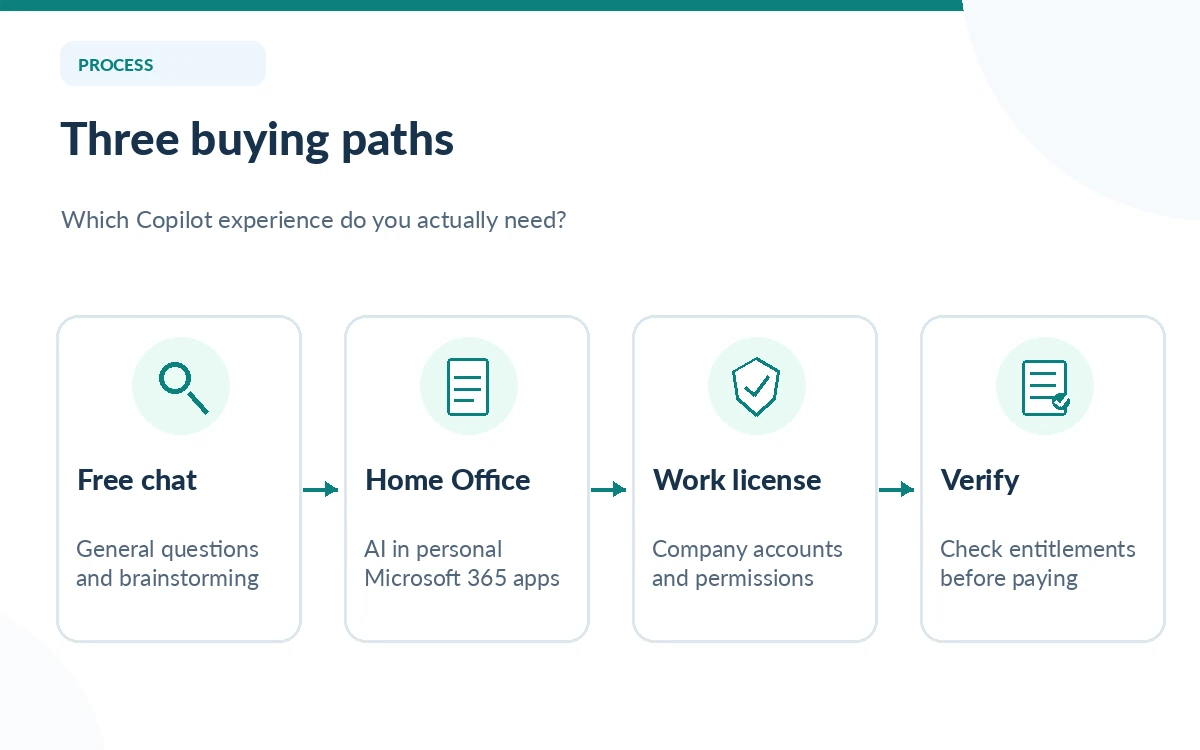
First separate free chat from Office integration
Begin by writing down your actual deliverable. Someone who wants to brainstorm an email or ask general questions may be satisfied with the free Copilot experience. Someone who wants assistance inside Word, Excel, PowerPoint or Outlook needs to check which Microsoft 365 subscription includes that integration and what usage limits apply. Do not assume every function visible in a demonstration is available in the free chat app.
The dividing line is not simply “better answers.” App availability, document context, how the file is stored, and usage allowances can matter more. Microsoft notes, for instance, that Copilot in Excel requires AutoSave with the workbook saved to OneDrive. A purchaser expecting to edit unsaved local spreadsheets will have a workflow mismatch even with a paid plan.
Compare the current home-plan choices
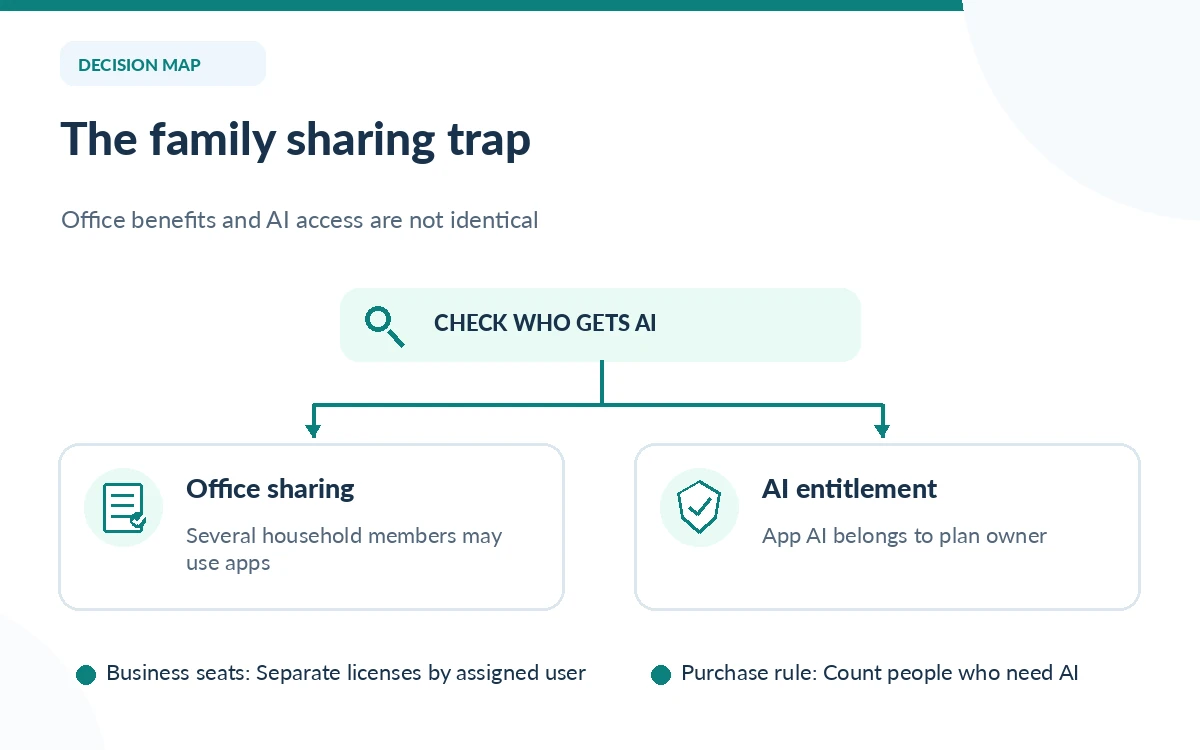
Microsoft’s consumer comparison now shows Microsoft 365 Personal, Family, Premium and Pro with different AI usage levels. Personal serves one person; Family accommodates multiple people for ordinary Microsoft 365 benefits, but the integrated AI features are for the subscription owner. Premium increases AI access for a power user. Microsoft 365 Pro is a separate higher-priced consumer tier; it should not be confused with the retired Copilot Pro subscription.
At the time of review, Microsoft’s US pricing comparison displayed monthly options including Personal at $8.49, Family at $10.49, Premium at $19.99 and Microsoft 365 Pro at $99.99. The same company has other US pages with different Personal and Family prices, so those figures are a snapshot rather than a universal quote. Always confirm the currency, account region, billing cadence and checkout total immediately before purchase.
Treat work licenses as a separate budget
Microsoft 365 Copilot Business is presented as a per-user work product, with different billing options from consumer plans. Microsoft’s business page displayed an annual-commitment promotional starting point of $18 per user per month and a monthly subscription figure of $25.20 per user per month when reviewed; promotions and eligibility can change. Some bundle offers include a qualifying Microsoft 365 business base subscription while others are add-ons.
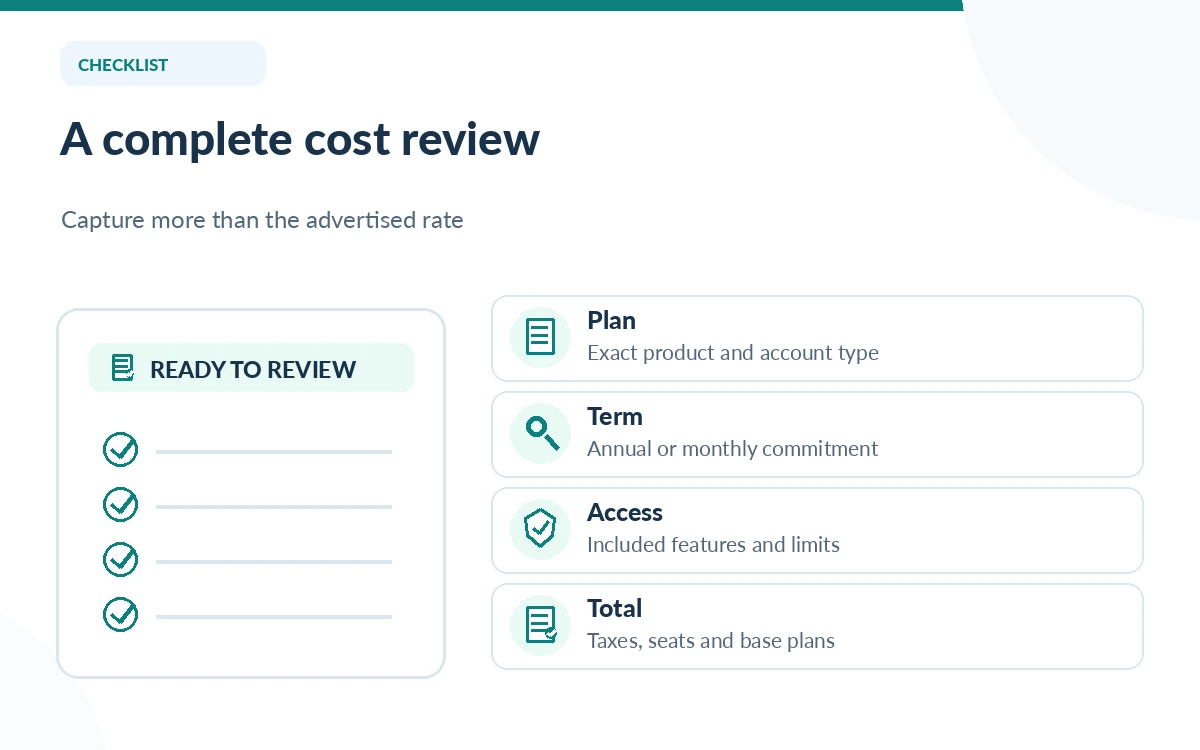
For a ten-person team, the listed per-seat rate alone is not a complete cost. Include any required qualifying Microsoft 365 license, number of assigned users, commitment period, local tax, governance work and training. A $18 promotional rate for ten seats would be $180 per month before other required costs; that arithmetic is illustrative, not a quotation from Microsoft or a guarantee of eligibility.
Build a defensible total-cost worksheet
Create columns for account type, base license, Copilot entitlement, seats, billing term, monthly equivalent and cancellation rules. Add a note indicating whether AI features apply to the subscription owner only. Then enter the actual checkout prices shown for your region on the day you buy. Comparing a prepaid annual number with a month-to-month total without adjusting the term can reverse the apparent winner.
For a household, consider whether one person needs intensive AI use or whether several people merely need Office apps. For a business, start with the group that uses Copilot inside its approved Microsoft 365 environment and model a smaller pilot, not blanket company deployment. Count the time spent validating generated outputs as an operating cost rather than assuming every generated draft saves the same number of minutes.
Match privacy and administration to the license
A work account is not the same as a personal Microsoft account. Organizational Copilot access can depend on identity, assigned licenses, company policies and permissions on files or meetings. A consumer home subscription does not become an enterprise deployment by entering a company email address. The relevant administrator should review Microsoft’s enterprise controls before uploading regulated, confidential or client material.
For home subscribers, confirm which account owns the subscription and therefore gets app-integrated AI benefits. Microsoft’s support documentation explicitly states that Family and Premium AI features in Office apps are for the subscription owner. If a household expects six separate AI seats, that limitation can be more expensive than any difference between the displayed monthly plan prices.
Avoid four common pricing traps
First, do not compare Copilot Pro articles from previous years with the current offer: Microsoft stopped selling new Copilot Pro subscriptions in favor of Microsoft 365 Premium. Second, do not mix consumer Premium with business Copilot licensing. Third, do not treat an annual promotional per-seat price as a no-commitment monthly rate. Fourth, do not infer unlimited usage from the word “Premium”; Microsoft publishes feature-specific allowances.
Check the plan’s actual product name, purchase channel and renewal conditions in one sitting. Save a screenshot or order summary showing what you agreed to, but do not copy that screenshot into a public article as a perpetual truth. If you are already paying for Office, determine which AI features are included before stacking a second subscription on top.
Who should pay and who should wait?
A casual personal user should start with free Copilot and test whether it solves a real task. Someone already paying for Microsoft 365 Personal may have enough included AI access for everyday writing. A person who repeatedly reaches genuine limits can evaluate Premium; a business should run a scoped pilot with its actual tenant, permissions and documents rather than applying home-plan guidance.
Our suggested purchase checkpoint is simple: name three recurring jobs, confirm the desired feature on the official comparison page, estimate monthly usage, and inspect one resulting output for errors. If the job can be completed safely without an upgrade, delay the purchase. If multiple colleagues need shared access, ask the administrator for a written license and data-handling assessment before expanding seats.
How We Research
We checked Microsoft’s consumer plan comparison, business pricing page, home subscription FAQ, and Copilot Pro transition announcement on October 26, 2026. Published prices vary between Microsoft pages and regions. The illustrative calculations are editorial arithmetic, not invoices, checkout verification or hands-on tests.
Frequently Asked Questions
There is a free consumer Copilot chat experience. Copilot integrated into Office apps and organizational work tools depends on the particular license and usage limits.
No. Microsoft says the integrated AI features are limited to the subscription owner, even though other Microsoft 365 benefits may be shared.
No. Premium is a consumer subscription; Microsoft 365 Copilot Business is licensed for work users and has different entitlement and administration requirements.
Microsoft announced in October 2025 that it would no longer sell Copilot Pro to new customers, directing buyers toward Microsoft 365 Premium.
Multiply eligible assigned seats by the correct contract price, add required base subscriptions and operational costs, and verify billing terms and promotions in the tenant checkout.