
A flat concept drawing shows only one view of an object. Illustrator Turntable can generate other angles of selected raster or vector artwork, which helps explore ideas before a design team commits to a multi-view asset. This guide uses a fictional camping lantern with a circular handle and a glass chamber. The practical result is a reviewed angle sheet, not an engineering drawing or guarantee that all sides are physically accurate.
Pick an object Turntable can interpret
Adobe’s Turntable versus 3D guidance says the feature works best with stand-alone recognizable objects, including illustrated characters, and may struggle with abstract geometry or live text. Start from a single lantern isolated on a transparent or clean background. Define immutable details in the brief: one centered carrying handle, four support posts, a warm inner light and a rectangular base. Keep an approved front drawing beside the working file, and decide which views matter for the story: front, three-quarter, side and rear. A map of desired angles is more effective than collecting many random views. If an object requires exact dimensions, joints or manufacturing constraints, use a proper CAD or 3D workflow, because generated illustration views cannot verify physical geometry.
Follow the documented Turntable sequence
The Adobe Turntable guide says to select a suitable vector or raster object and choose Object > Generative > Turntable. Adobe describes a generated object, on-canvas controls for horizontal rotation and tilt, and a preserved copy of the original in the Layers panel. Work on a duplicate of the original asset and document the starting view. Rotate incrementally rather than jumping randomly, then pause at useful angles. Check that the control is visible in the current Illustrator version and account. Adobe also lists unsupported constructs for some native objects, so simplify special effects when necessary rather than assuming a complex layered file will always work. The generated sequence supports creative exploration, not mechanically constrained rotation of a built 3D model.
Inspect shape continuity at every candidate angle
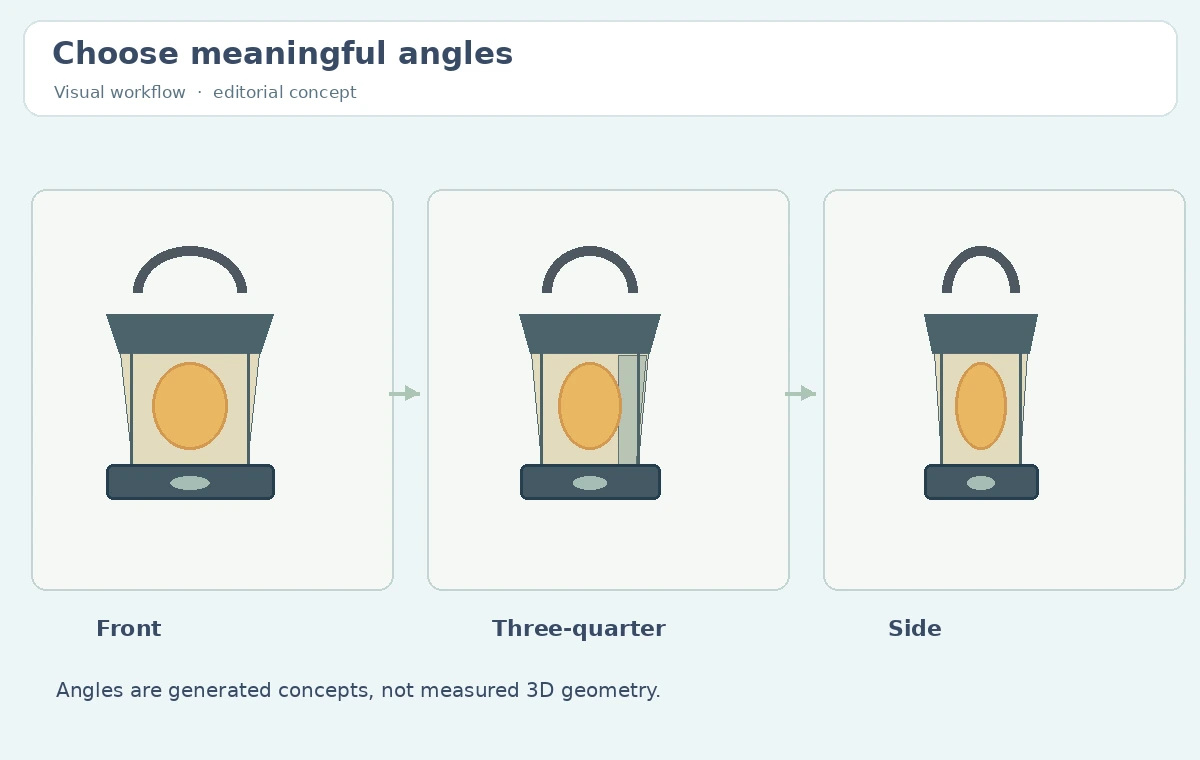
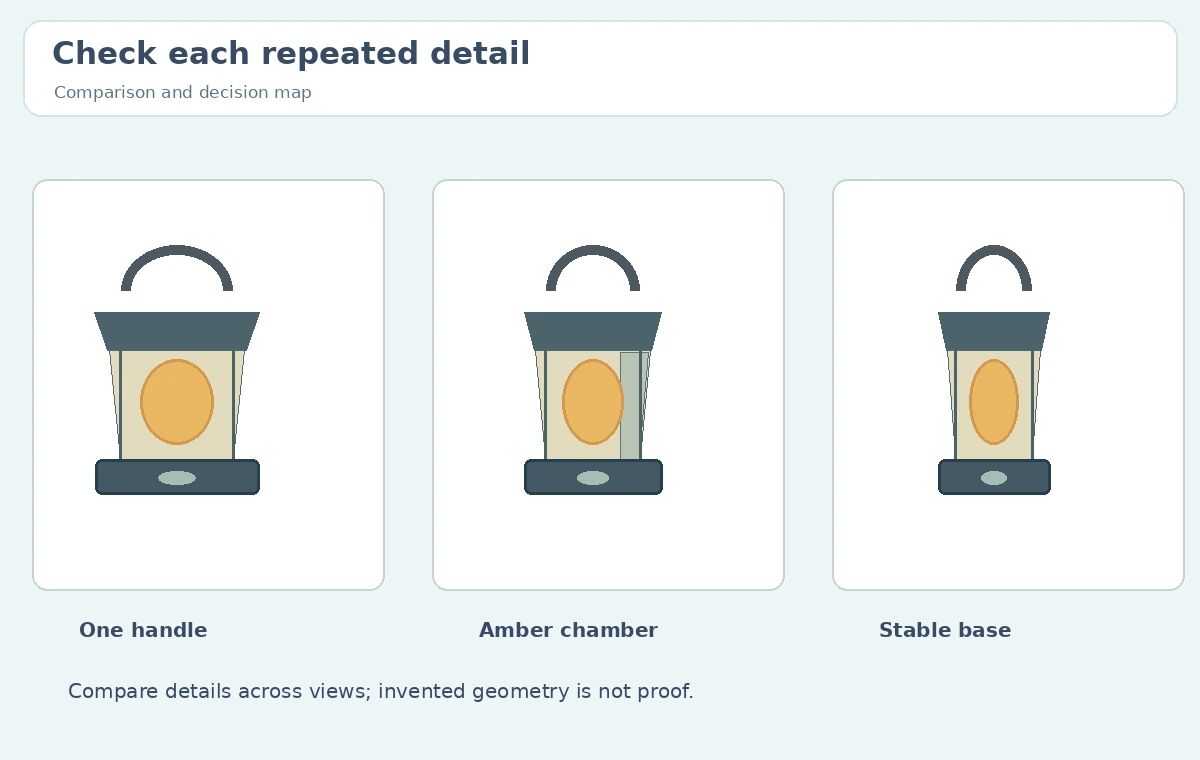
The lantern’s handle should not disappear on the three-quarter view, its chamber should remain beneath the top cap, and the base should not acquire a new foot. Compare all extracted views against an explicit feature ledger. For example, mark “handle count: one,” “glow color: amber,” “posts: four in concept,” and “front panel: no invented lettering.” Because hidden geometry is not present in the starting drawing, newly generated rear surfaces are imaginative proposals. Reject or revise views that contradict the approved front or each other. A simple redline sheet can identify questionable edges, but do not treat a plausible view as documentary proof of a product. Select a small set of consistent candidates and note any elements that still require manual reconciliation.
Use a clean view sheet rather than an indiscriminate export
Extract the front, three-quarter and side views needed by the illustrator. Place them on a grid with consistent baseline, comparable object scale and short English angle labels. Add a fourth rear concept only if its inferred details are useful and clearly identified as conceptual. Adobe’s Turntable documentation says users can extract generated angles for editing; those extracted assets should remain editable and separable from the original drawing. The layer organization matters because future art directors may replace one angle without regenerating the entire set. Avoid placing implementation names, file paths or tool-internal identifiers on the reader-facing illustration. The review sheet should communicate visual continuity, which features are locked and which parts are still a design decision.
Differentiate Turntable from Illustrator 3D and CAD
Turntable is for generative angle exploration of a recognizable illustrated object. Illustrator’s traditional 3D effects are more appropriate when applying adjustable volume and rotation to simple abstract shapes, according to Adobe’s comparison. Neither turns an illustrated lantern into a manufacturable 3D assembly. Verify exact proportions, physical materials, moving joints and photometric behavior separately in engineering tools if the project needs them. Do not assign measurements or a safety certification to the generated view. For storyboards, game props and brand illustration, consistency may be sufficient; for an actual camping product listing, a verified product photograph and manufacturer information are necessary. Write this distinction in the creative brief so stakeholders understand what the visual does and does not validate.
Export approved views and keep the source traceable
Adobe documents GIF export options for Turntable, including selected view ranges, frame rate, direction and motion mode. A GIF can be useful for an internal mood review, while static extracted views are easier for print or illustration handoff. Keep the original lantern artwork, chosen extracted views, manual corrections and approval comments. Test each exported image at the destination size; thin handle lines and light gradients can become illegible when reduced. If the concept moves toward animation, align the views in the receiving animation software and check rotation continuity rather than trusting the GIF as a production rig. The deliverable is an honest multi-angle visual reference, with no implication that Illustrator has established hidden structure or real-world manufacturing accuracy.

How We Research
On October 28, 2026 we used Adobe’s Turntable feature instructions and Turntable-versus-3D comparison. These are the source for input suitability, rotation controls, extraction and GIF export capabilities. The lantern, geometry ledger and angle sheet are conceptual editorial drawings. No Illustrator generation, measurement or physical object testing was performed.
Frequently Asked Questions
No. Adobe describes generative rotated views of a 2D object, not a dimensionally exact engineering model.
Recognizable standalone vector or raster objects with a clear form and minimal background.
Adobe documents extracting generated views for further editing.
Adobe documents exporting the generated view sequence as GIF with range and playback options.
No. Hidden details and measurements must be verified with appropriate product design tools.