
A Grammarly style guide is most valuable when it prevents specific, recurring errors: an old product name, the wrong spelling of a trademark, inconsistent inclusive language or a phrase legal has asked the team to avoid. It is not a substitute for editorial judgement, and a large import of vaguely phrased preferences can create suggestion fatigue rather than consistency.
This guide focuses on an accountable rollout. It includes a sample rule inventory, a staged test and a maintenance procedure. That is a different reader task from a general ranking of brand-voice tools or a broad tutorial on how to describe a company’s tone to an AI assistant.
Collect the terminology that actually needs enforcement
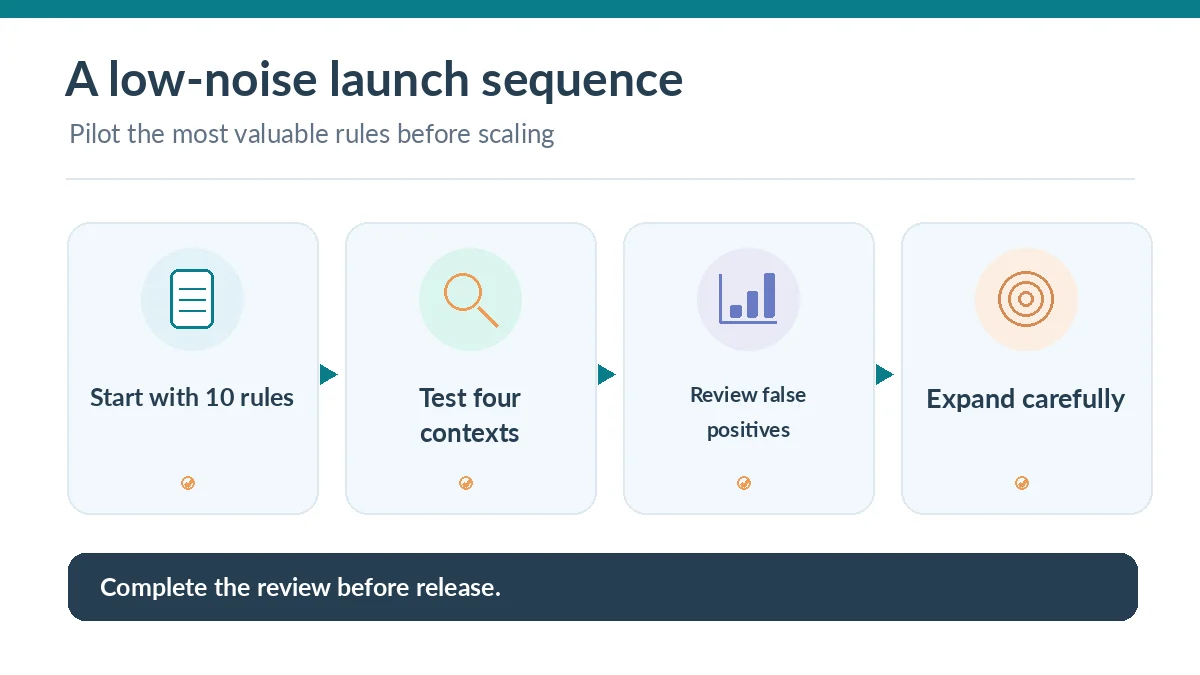
Begin with five to ten recurrent corrections from real drafts. A sample rule might change an outdated product name to its approved successor, require a precise capitalized feature label, or distinguish a technical term from a casual synonym. Include the business reason and who owns the rule. Avoid adding subjective dislikes unless reviewers can consistently agree about them.
Structure the inventory with columns for text to avoid, preferred replacement, allowed exceptions, explanation, source document and last review date. This source-of-truth list makes disputes resolvable. A statement such as “sound more professional” is too vague for automated terminology enforcement; record it separately as editorial guidance.
Confirm the plan and admin permissions
Grammarly says the style guide feature is available through Pro and Enterprise team capabilities, with a one-guide limit described for Pro and greater capacity in Enterprise. Check the live plan before assuming every seat or every deployment has the same administrative surface. Free users should not be promised access to organizational style rules.
Designate one accountable editor and one administrator. The editor approves language; the administrator controls who can change or upload rules. A company should also decide which member groups require distinct terminology, so one department does not overwrite another team’s specialized vocabulary with an overly broad global rule.
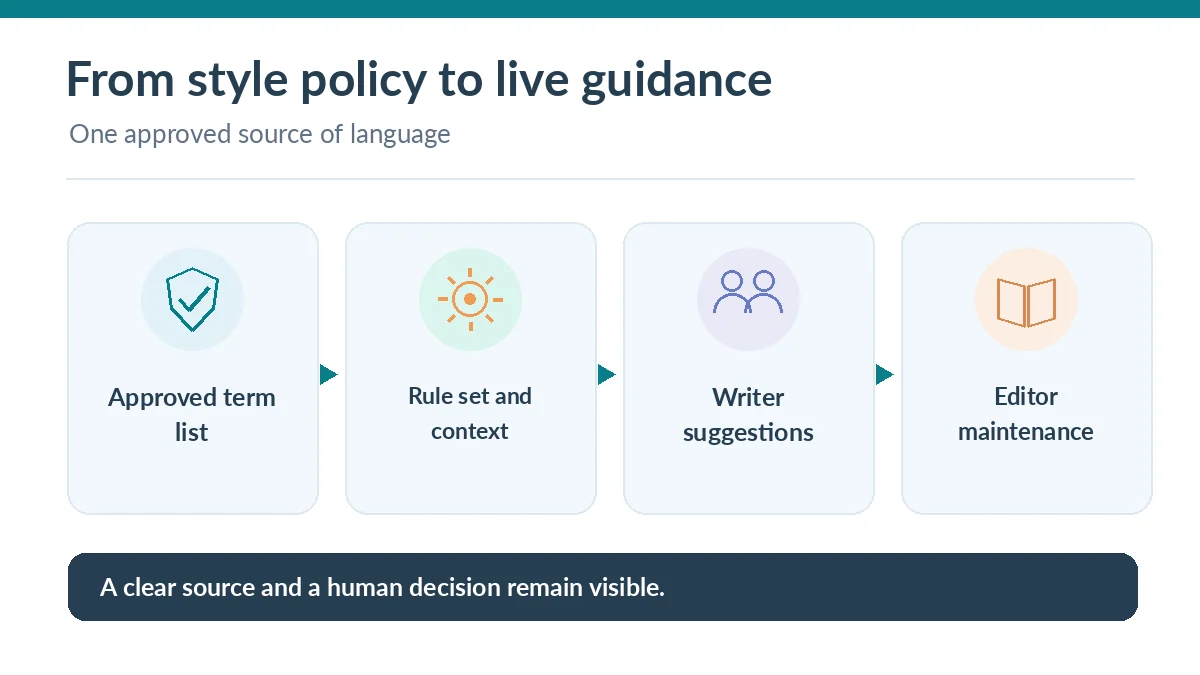
Build an enforceable first rule set
The current Grammarly blueprint describes adding rules through the Writing area, including a Style rules view with manual entry or CSV import. Define the phrase to replace and the approved term. Where supported, attach an explanation and link to the internal authoritative naming document. Set case sensitivity and context conditions when a simple string replacement would create false positives.
For example, an old product codename may be prohibited only in customer-facing messages while still valid in archived engineering notes. A rule that fires everywhere would distract writers and tempt them to ignore helpful suggestions. Start with high-confidence terms that have few legitimate exceptions, then gradually extend coverage after testing.
Test rules in real writing contexts
Create a small fixture with an email, a support response, a product page and a technical note. Insert both the forbidden expression and a case where the word is allowed. Confirm that the tool proposes the intended correction in supported browsers or desktop apps and does not corrupt a product quote or customer name.
Grammarly’s public style-guide FAQ says the feature works where its extension or desktop application runs and is not supported on mobile. Your account environment can still affect behavior. Record missed suggestions and false positives in the same log as your source terminology; do not infer universal enforcement from a successful browser example.

Add brand tones as a separate layer
Tone guidance is not the same as an exact terminology rule. Grammarly’s brand tone profiles can classify on-brand and off-brand tones and surface feedback while writing. They are useful for broad communication style, such as calm and empathetic customer support, but tone labels can depend on context and interpretation.
Keep your exact spelling and approved product wording in style rules, then add a modest tone profile after editors agree on representative examples. A crisis response and a celebratory marketing post should not necessarily have identical tone, even if the brand has one consistent voice. Make audience and situation visible to reviewers.
Decide who can edit, see or override guidance
Grammarly documentation describes multiple roles, with administrators and account managers able to manage organizational features and group managers assigned narrower controls. Validate the permissions of your subscription because Enterprise custom roles differ from standard plans. People who merely write copy should not be able to alter global approved terminology silently.
Create a short exception process: a writer identifies the issue, attaches the source, and requests a rule review. The editor evaluates the exception and the administrator updates the rule if appropriate. Keep an audit trail of the change and notify affected groups when a product name or regulated phrase is revised.
Measure noise, correction effort and adoption
For two weeks, track a sample of suggested corrections, whether users accept them, and which rules are dismissed for valid reasons. One noisy rule can erode trust in the whole system. Count actual prevented errors and remaining human correction work rather than promising a vendor-independent numerical improvement in productivity.
When a rule repeatedly fires in unrelated contexts, tighten the trigger or remove it. If a critical banned term still appears, investigate the tool surface and writer workflow before blaming the person. Training on how to handle legitimate exceptions will usually matter as much as increasing the number of saved rules.
Maintain a small living editorial policy
Schedule rule reviews alongside product naming and legal-policy changes. Archive obsolete labels, verify links to source documents and re-test the fixture after major updates. Keep the authoritative style document outside the tool as well so the team can understand decisions if a browser extension is unavailable or a subscription changes.
The finished system should answer three practical questions: What expression is approved, why is it approved, and who can change the rule? If it does, new editors can learn the policy quickly, and old mistakes become less likely without asking AI to make unreviewed editorial decisions for the brand.
How We Research
We reviewed the official Grammarly Style Guide feature and plan FAQ, its style-rule rollout blueprint, brand tones setup instructions, and permissions reference. The suggested rule inventory and test fixture are editorial methods; we did not test a customer workspace or independently verify feature behavior in every application.
Frequently Asked Questions
Grammarly currently describes style-guide access for Pro teams, with a limit of one guide on Pro; Enterprise provides broader administrative capability. Verify the current entitlement.
No. Style rules target explicit wording and terminology, while tone profiles provide contextual feedback about the tone of a message.
Its current style-guide FAQ says that style-guide suggestions are not supported on mobile. Check the integration used by your writers.
An accountable editorial owner should approve wording while designated administrators manage deployment and changes. Restrict editing to roles that need it.
Start with specific, evidence-backed rules; include contextual exceptions; test against realistic writing; and remove or narrow rules that create persistent noise.