
A neighborhood archive is preparing a two-page research brief about an oral-history exhibition. Its editor wants to document how the text was developed, including which paragraphs were typed and which material came from external sources. Grammarly Authorship may help, but a writing-process report is not a citation audit and can expose discarded wording. This guide describes a hypothetical editorial workflow using Grammarly’s published documentation. There is no live writing session, private draft, or verified Authorship output behind the examples. The goal is to preserve source transparency without handing a reviewer unnecessary details of the drafting process.
Define the purpose of a provenance report
Before activating anything, ask what the recipient actually needs. A committee may need to know which archive documents support a claim, while a supervisor may ask for evidence of a writer’s process. Those are separate questions. Create an ordinary bibliography with collection names, dates, page numbers, and stable URLs for historical assertions. Use Authorship, if permitted, only as supplementary process information. Agree whether a shared link is required and who can see it. The software can categorize typing and paste activity; it cannot verify that a historical statement is true, that a quoted participant consented, or that an external document is authoritative. Do not replace primary-source checking with a percentage in a report.
Understand what the tracker records
Grammarly says Authorship is available in Google Docs through its browser extension, in Microsoft Word through its desktop application, and in Grammarly docs. In Google Docs or Word, tracking is off by default until a user enables it. In Grammarly docs the agent starts recording automatically. The report may show source categories, text changes, and a replay of the writing process. Importantly, a replay can include wording that was later deleted. That makes the tool potentially useful for documenting a draft but sensitive for internal notes, confidential participant details, and unfinished interpretations. Review the current privacy information and your organization’s document-retention rules before starting.

Set up a clean document and permissions
Start with a new, authorized research document instead of importing a messy shared draft. Confirm that the writer has permission to enable writing tracking in that workspace and is using a supported application. In Google Docs or Word, look for the thumbprint control and explicitly start recording before substantial drafting begins. Grammarly’s instructions also describe a clipboard permission request. If clipboard access is denied, the tool can still recognize activity inside the document but may label pasted material as an unknown source. Do not enable clipboard collection on a shared workstation or for restricted archival documents merely to obtain more granular source labels. If policy prohibits tracking, use a manual revision log.
Keep citations separate from text-origin labels
Create an evidence table alongside the research brief: claim, archive item, page or timestamp, verification status, and intended wording. Suppose an exhibition note says that an interview took place in 1984. A process report indicating that the date was typed by a human does not establish its accuracy. Likewise, a passage pasted from a library webpage is not automatically usable or correctly attributed. Open the original record and compare the date, speaker, contextual restrictions, and quotation marks. Leave unresolved claims in a clearly labeled research queue instead of asking an AI assistant to guess. Source provenance answers where text came from; editorial verification answers whether it belongs in the final brief.
Review the color-coded report and replay
After the draft is complete, open the report from the thumbprint control, where available. Grammarly describes analytics, color-coded attribution, and a replay that traces writing and editing. Walk through the paragraphs that include names, locations, quotes, and any copied passages. A color change can help locate material to check, but it is not proof of wrongdoing or originality. Grammarly acknowledges imperfect attribution, including missed keystrokes and unidentified pasted sources. Do not interpret an “unknown” source as conclusive AI use. Compare the final text to the bibliography, note false or incomplete labels, and correct the document itself rather than trying to optimize an authorship score.
Protect deleted text and earlier interpretations
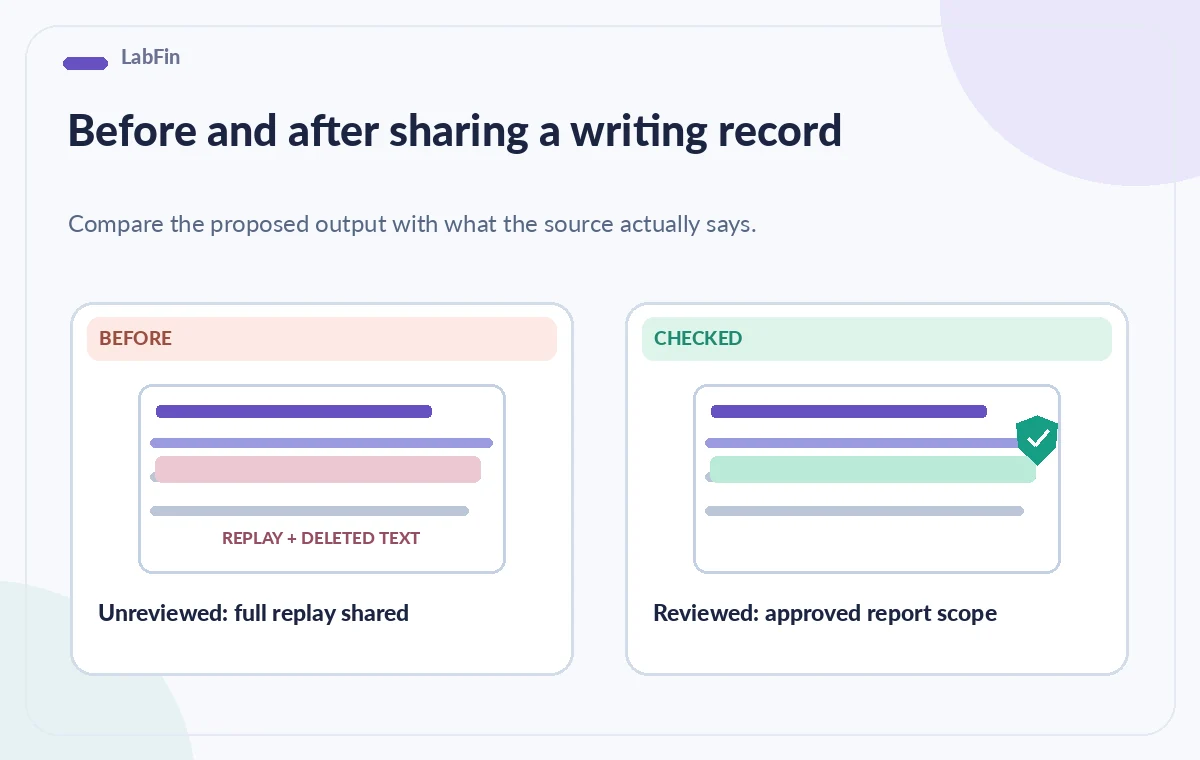
The biggest release risk is sharing more than the final approved brief. A replay might show a participant’s private contact details, a draft accusation that was discarded, or an early hypothesis later disproved. Review the entire replay, not just the top analytics summary, before giving anyone a report link. Grammarly describes an option to exclude the replay when sharing; check whether that setting is present in the account and whether the resulting report still exposes sensitive source names or text. If the report cannot be scoped to a safe audience, do not share it. Instead provide a plain statement of methodology, a curated citation list, and a versioned editorial change log.
Interpret free and paid reporting carefully
Grammarly’s documentation distinguishes basic tracking and sharing from paid insights about copied-source categories. Do not promise every collaborator the same attribution detail, and avoid hard-coding a plan price into a workflow that may change. An administrator should verify organization-wide rules, supported applications, and controls for employees or students. If the writer drafted substantial text before tracking was activated, a later report cannot reconstruct those prior edits. Document this limitation in a neutral sentence. An incomplete process record is better disclosed than presented as comprehensive. The absence of a certain source label also does not establish that no AI assistance was used.
Conduct a two-person release review
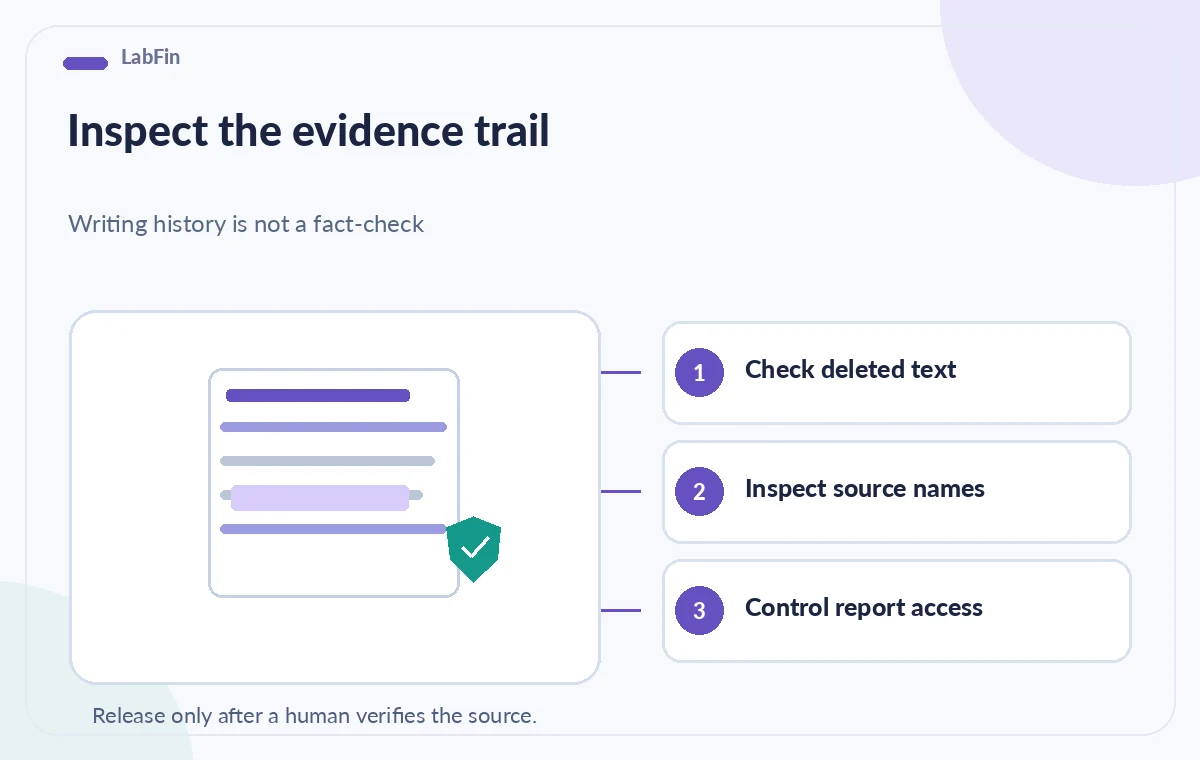
Ask one editor to verify the content and one authorized reviewer to inspect process-sharing risk. The content editor checks quotations, names, source dates, and permission to publish oral-history excerpts. The sharing reviewer checks whether deleted text, website names, prompts, or draft revisions are visible to a report recipient. Record who approved each part and which link or static statement was delivered. Test the access with a separate authorized account rather than assuming a copied URL is private. The final handoff should never expose an entire research trail just because a convenient Share button exists. A privacy-safe bibliography often answers the audience’s substantive question more directly.
Archive the brief without making the report permanent by accident
Store the approved brief, citation table, and review decision in the archive’s established document system, with clear retention and access rules. If an Authorship link was shared, record the reason, recipients, and whether it must remain available. Revisit any account-level sharing settings when the project closes. Avoid keeping personal prompts or editing history longer than justified. The diagrams below illustrate a hypothetical decision process, not live screenshots or test results from Grammarly. This approach does not certify academic integrity, copyright compliance, historical accuracy, or safe processing of personal data; those remain separate human responsibilities.
How We Research
The documented product capabilities and access limitations in this article are based on first-party instructions, checked for this editorial draft: Grammarly Support — Introducing Authorship and Grammarly Support — Submit your Authorship report. We used these pages to distinguish described features from suggested editorial safeguards. We did not use a customer account, produce a real output, run an accuracy benchmark, verify a particular license in practice, or promise a safety, privacy, commercial-rights, or compliance outcome. The scenario, pictured examples, and comparisons are conceptual instructional artwork, not authentic screenshots, generated tool results, signal measurements, or evidence of real-world testing. Recheck documentation, access permissions, current source versions, and organizational policies before implementation; an authorized human must review every consequential decision.
Frequently Asked Questions
No. It can describe how text entered a document, but every fact and quotation still needs its own primary-source check.
Grammarly says Google Docs and Word tracking is normally off until enabled. Grammarly docs has a different automatic-tracking behavior.
A replay can reveal earlier editing, including deleted text. Inspect it before sharing and consider excluding replay if supported.
It may reflect limited clipboard permissions or incomplete attribution. Do not infer plagiarism or AI use from that label alone.
Only if policy permits and a reviewer verifies the precise audience and visible details. A curated methodology statement may be safer.