
Why a caption checker disappears in the next step
A museum builds a GitHub Actions workflow to validate subtitle timing before publishing new videos. One step installs an approved caption-checker executable into a job-local tools directory. A later step invokes the executable by name but reports that the command cannot be found. The installation may be correct; the problem can be the scope of PATH changes. Shell environment edits within a step do not automatically become persistent job configuration. GitHub supplies a dedicated runner-managed file, GITHUB_PATH, for adding a directory to PATH for subsequent steps of the current job. This walkthrough describes an illustrative CI design, not a workflow run or observed tool output.
What GITHUB_PATH actually changes
GitHub documents that appending a directory path to the file indicated by GITHUB_PATH prepends that directory to the PATH used by later actions in the same job. The currently running action does not gain the updated PATH through that mechanism. This is an important temporal distinction. If the installation step needs to run the tool immediately, invoke it using an absolute path or modify that shell’s PATH explicitly for that step. Then append the installation directory to GITHUB_PATH so the next step can find it. Do not confuse GITHUB_PATH with GITHUB_ENV, which communicates environment variables, or GITHUB_OUTPUT, which communicates step outputs. Each file has a distinct purpose.
Choose an installation directory with a clear owner
Place the caption checker in a known job-local directory controlled by the build process, not a general workspace subfolder where an untrusted pull request can plant a different executable with the same name. GitHub’s documentation says GITHUB_PATH makes the directory available to subsequent actions, so a malicious or accidental executable in a high-priority directory can affect commands invoked later. Prefer a pinned release or verifiable package source, validate checksums or signatures when available, and limit the tool’s privileges. Avoid adding the repository root, arbitrary downloaded archive folders, or writable shared directories merely to make command lookup convenient. The security boundary is executable provenance as much as PATH syntax.
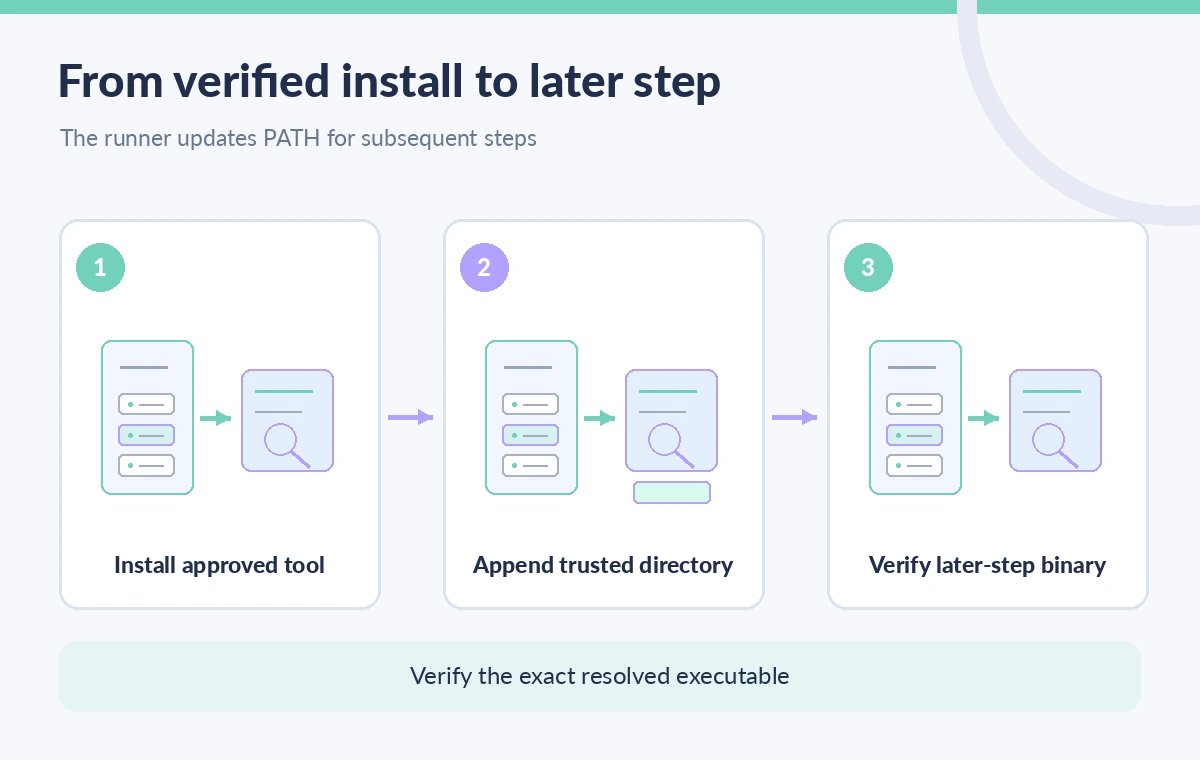
Append the directory, not the executable filename
In a Bash step, GitHub’s documented pattern is to append a directory path to the file named by the GITHUB_PATH environment variable. The value represents a search directory; it should not be the full path of a program file. In PowerShell, write the approved directory to the corresponding environment-file path using supported file operations and encoding. Quote paths so spaces are handled correctly. Before writing, confirm the directory exists and contains only the binaries and support files expected for that release. Avoid constructing a PATH entry directly from untrusted branch names, issue text, or user-supplied filenames. A one-line append is easy; understanding which directory will be searched first is the critical review step.
Verify tool identity in the following step
In the next step, inspect the resolved executable location and compare it with the intended installation path. An absolute-path invocation is even clearer for sensitive checks. Have the tool print its version if supported, and retain the approved package identifier or checksum in release evidence. Do not treat a successful which or command -v result as a guarantee that the binary is trustworthy; it only describes the path resolution at that moment. Run a small synthetic caption fixture with a known structural problem and confirm the check produces the expected failure. The diagram distinguishes shell-local PATH behavior from an environment-file update that the runner applies to subsequent steps, without presenting a fabricated GitHub interface screenshot.
Plan step ordering and job boundaries explicitly
A GITHUB_PATH addition applies to subsequent steps within the same job, not to unrelated parallel jobs or a different runner. A matrix build may have several isolated jobs, each with its own installation requirements. If a workflow reorganizes the install step after the test step, later command lookup can break despite a visually valid append command. Dependencies, caches, and artifacts do not automatically transfer a running process environment between jobs. Keep the install, PATH update, and verification in an explicit order and document where each runner obtains the tool. For a reusable workflow, make the tool installation a well-defined part of that workflow rather than relying on caller-side state that may not exist.
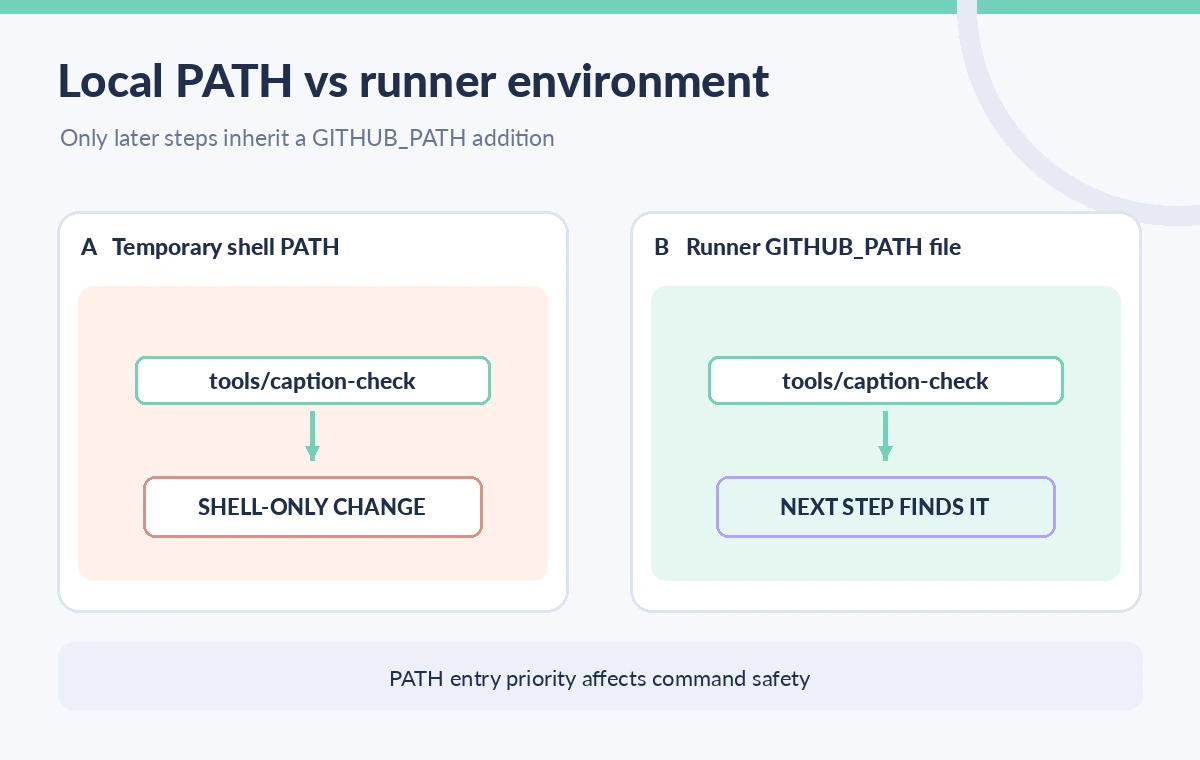
Prevent untrusted PATH precedence and command shadowing
PATH entries are searched in order. A directory prepended through GITHUB_PATH can take precedence over preinstalled system utilities or other tooling if it contains a same-named executable. That is useful for pinning the intended caption checker, but dangerous when the directory is writable by unreviewed code. Keep a tight allowlist of expected commands and avoid allowing a pull request to alter the installer source or the selected binary without review. Use least-privilege GITHUB_TOKEN permissions and isolate workflows processing untrusted contributions. If the worktree may be attacker-controlled, treat the runner environment as hostile to shortcuts involving shell evaluation or dynamic paths. A valid PATH line is not a software supply-chain validation.
Make QA status depend on the checker result
A caption pipeline may successfully locate the checker and still fail to block an inaccessible subtitle file if the script swallows its exit code. Ensure release-gating steps propagate genuine command failures and distinguish warning-only findings from required checks. A job summary can link to detailed evidence, but it is a separate reporting mechanism and does not enforce the tool’s outcome. Restrict transcript and visitor information in logs and artifacts. For human review, show the subtitle filename, type of problem, and a safe reference to controlled evidence rather than printing a private transcript. The GITHUB_PATH change only affects command discovery; it cannot certify caption content or enforce editorial approval.
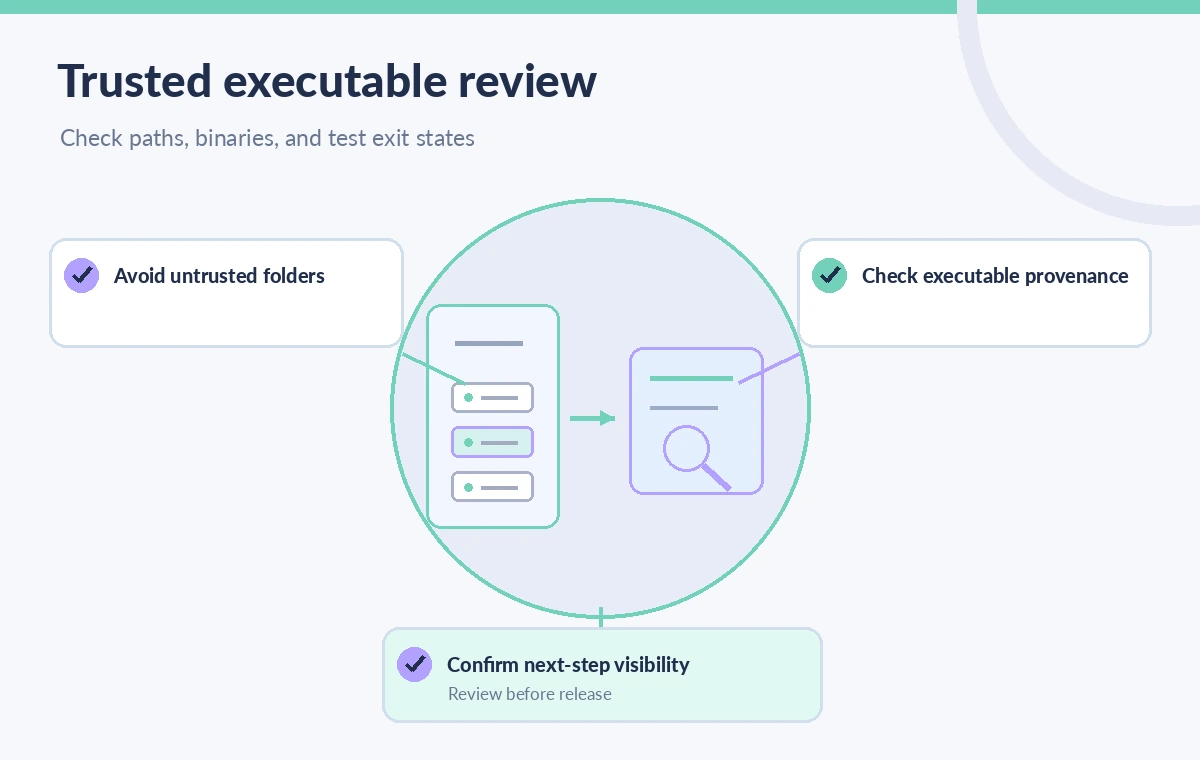
Document a reproducible installation contract
Before adopting this pattern across museum projects, record the approved executable source, version, checksum procedure, job runner assumptions, installation directory, and step that verifies resolution. Check the current GitHub documentation for any environment-file constraints on the runner version. Re-run a representative fixture when the image or package source changes. If a workflow no longer needs the custom tool path, remove the extra setup rather than accumulating stale entries that can hide name collisions. The ideal outcome is a small, reviewable installation sequence where every command resolves to a known tool and every caption release still depends on measured checks and human review.
How We Research
We used these primary official sources: GitHub Actions workflow commands; GitHub Actions default variables; GitHub security hardening for GitHub Actions. We checked GitHub’s workflow-commands reference for GITHUB_PATH timing and scope, its documented variable conventions, and its security hardening guidance. We did not install any binaries, run a GitHub Actions workflow, or verify a real caption report. Command provenance, runner configuration, and required checks must be validated in each project. Readers should check current vendor documentation and their own security, pricing, and deployment settings. The drawings are explanatory, not reproductions of a vendor interface or evidence of live results.
Frequently Asked Questions
No. The documented environment-file update is available to subsequent steps in the current job.
Append the approved directory that contains the executable, not the executable path itself.
No. Jobs run in separate environments; install or configure the tool in each job that needs it.
An untrusted file in a high-priority PATH directory can shadow an expected executable.
No. Verify executable provenance, run actual tests, and propagate genuine failures to the job status.