
A small museum uses an experimental ticket kiosk to produce a daily report. In this fictional example, two transactions are paid and one order is canceled. A developer’s pull request accidentally counts all three as paid admissions. That bug could distort revenue reporting even if the checkout screen still appears to work. A code review needs to find the faulty status condition and verify it with a test.
Cursor Bugbot analyzes pull-request diffs and can leave comments with explanations and suggested fixes. Cursor’s updated documentation describes automatic and manual reviews and usage-based billing, with repository and account setup required. Bugbot is a review assistant, not a substitute for authorization, working tests, or a financial reconciliation. The code situation below is illustrative; we did not connect to a repository or run Bugbot for this article.
Define the count using a tiny acceptance test first
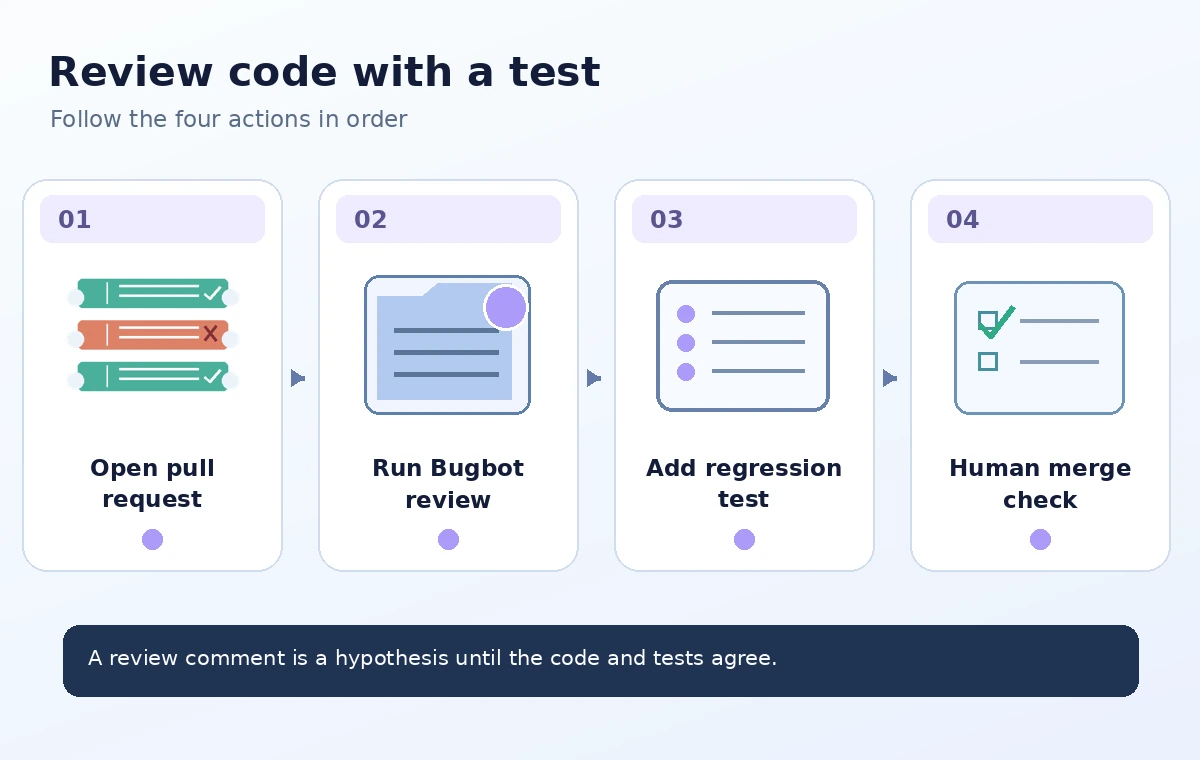
Start with a precise definition: ‘paid tickets’ includes only orders whose recorded payment status is paid and excludes canceled or refunded records as defined by the kiosk’s domain rules. A real implementation must distinguish ticket quantities, refunds, test sales, and payment capture. For the teaching example, use three rows with one ticket each: paid, canceled, paid. The expected paid count is two, not three.
Write this example as a regression test in the repository’s normal test framework before asking any assistant for a review. The test should fail against the hypothetical faulty implementation, then pass once the filter is corrected. If the code aggregates ticket quantities instead of transaction rows, adapt the fixture accordingly. This is an accounting rule that project owners must approve; neither Bugbot nor a language model can invent the business policy for you.
Connect Bugbot only to an authorized repository
Review Cursor’s current Bugbot onboarding documentation and connect the appropriate repository through the organization’s approved integration process. Administrators should review requested permissions and which repositories will receive reviews. Cursor describes configuration in Automations and the ability to run reviews on pull requests or manually through supported comments such as ‘cursor review’ and ‘bugbot run.’ The exact setup and spending depend on the account.
Limit the request to the change under review. Avoid pasting live payment credentials, patron records, or private API keys into prompts or review comments. Repository access is sensitive, and generated suggestions can become part of an external service’s processing. Confirm the organization’s privacy and security approval before enabling the integration. Do not assume a historic fixed subscription price applies: Cursor’s newer docs describe usage-based billing.
Expose the status bug in a readable diff
Keep the pull request small enough for a reviewer to understand its behavior. In the fictional faulty logic, an expression equivalent to ‘status is paid or canceled’ increments a paid count for both kinds of rows. The reviewed logic should match the explicitly approved paid-state rule. Add a comment explaining why canceled orders are excluded, especially if the application’s status enum contains several similar labels.
A machine-generated comment can draw attention to a condition but may also misunderstand a custom business rule. Ask the developer to reproduce the bad result locally using the small fixture, not simply accept the comment as authoritative. If the issue is absent from Bugbot’s findings, the test still matters. Lack of a warning is not evidence that the accounting code is correct.
Check Bugbot comments against code and domain behavior
Bugbot comments are leads. Examine the changed line, nearby call sites, and whether a different service already filters canceled orders upstream. A local function might intentionally return all completed checkouts while a later reporting step removes cancellations. Fixing only one line without understanding that pipeline could double-filter or create a new inconsistency. Review the actual end-to-end behavior with maintainers.
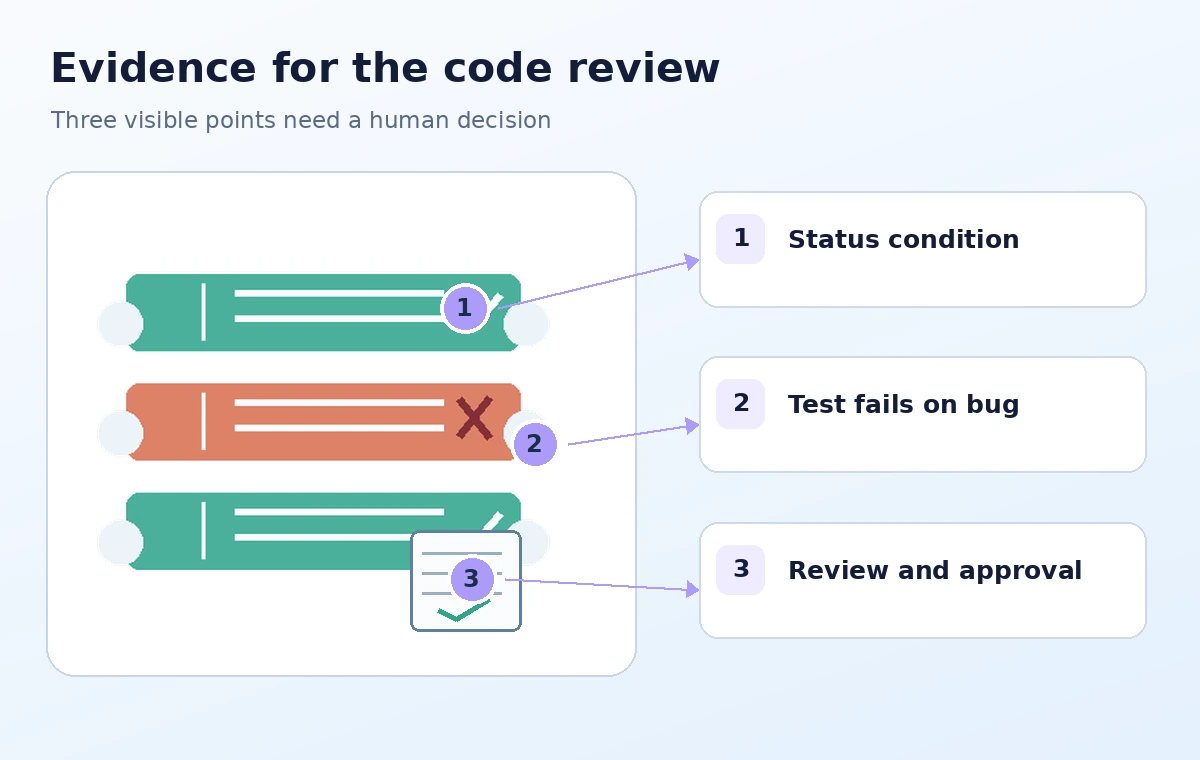
The diagram shows three states: example source data, an unsafe total of three, and the expected two paid tickets. Those values are teaching fixtures, not measured performance claims. Require a human reviewer to explain the path from stored order status to report label. If the fix changes public-facing receipts or accounting records, include the business owner before merge approval.

Run the regression suite and inspect the test outcome
Execute the focused fixture test, then run the project’s required wider test suite. A proper test should fail for the buggy condition and pass for the corrected condition; merely adding a test that passes in both versions would not protect against recurrence. Include a case for canceled orders and, where relevant, a separate refunded case whose expected behavior comes from the approved policy.
Review generated patches before applying them. Cursor’s documentation describes Fix in Cursor or Fix in Web links, but opening a proposed fix does not mean it is safe to merge. If the patch introduces a status spelling mismatch or drops quantity aggregation, tests may catch it. Prefer a minimal change whose logic an engineer can explain without relying on a chain of assistant-generated justifications.
Handle skipped reviews and review permissions explicitly
Cursor says Bugbot can skip pull requests beyond its review-size limits, so treat missing feedback as a possible unreviewed state. The manual trigger should be issued by an authorized participant as supported; newer documentation notes that bot accounts and GitHub Apps do not trigger its comment commands. Review the posted run status and any troubleshooting guidance instead of assuming every push has been inspected.
A review bot cannot approve organizational policy by itself. Keep branch protection, required reviewers, and test checks in the hosting service. A human review should check the scenario data, code diff, and accounting rule before merging. If a comment suggests a risky change beyond the scope of the ticket, open a separate issue instead of silently expanding the pull request.
Combine Tools With Verification
Close the review with a clear evidence trail
Before merge, preserve the failing test outcome or an equivalent reproducible bug report, the corrected code, a passing test run, and a named reviewer. The handoff should say what was changed and what remains outside scope, such as manual reconciliation of already-generated reports. A code fix does not automatically correct historical accounting data or prove that production invoices are accurate.
After release, monitor the approved reporting outputs through the existing operational process. If a discrepancy remains, investigate the underlying transactions rather than asking Bugbot to resolve financial records. The benefit of AI-assisted review is another chance to notice a suspect condition in a small diff; verified behavior still comes from domain rules, tests, and accountable review.
How We Research
On November 4, 2026, we reviewed these named official references: Cursor — Bugbot documentation; Cursor — Bugbot help; GitHub — About pull request reviews. We compared the documented interface and eligibility notes to the exact workflow described, paying attention to source scope, accuracy and human review boundaries. We drafted the example records, screenshots-as-diagrams, timings, and outputs solely as hypothetical educational material. We did not log into a paid account, process a real video or photograph, run code-review software, measure service results, or verify the invented organization. The visual comparisons describe possible editorial failure points, not observed vendor errors. Readers should check their plan, interface version, permissions, and authoritative source records before relying on the workflow.
Frequently Asked Questions
No. It provides review comments; repositories still need their configured human approvals, automated tests, and merge controls.
Yes. Reviews are not exhaustive, so an explicit regression test must enforce the approved status rule.
Cursor documents supported review comments such as cursor review or bugbot run, subject to integration and account settings.
No. Review size limits, skipped runs, and model limitations mean a silent review is not a correctness certificate.
With two paid orders and one canceled order, the expected paid-order count is two, assuming one ticket per order as defined in the example.