
Why a scanned manual needs page-oriented preparation
A museum may hold a digitized equipment manual as a PDF composed largely of scanned page images. A curator searching for a safety warning cannot assume that ordinary text extraction will capture small print embedded in those images. Azure AI Search supports an imageAction setting on the Blob indexer to normalize images so downstream skills can process them. The generateNormalizedImagePerPage option treats PDF pages as images and normalizes them, creating a useful basis for page-oriented OCR review. This is not an assertion that the warning will be recognized correctly. The scenario is hypothetical, and no LabFin document was uploaded, indexed, or processed during preparation of the article.
Distinguish normalization from OCR and interpretation
Image normalization can resize and adjust the orientation of source images to make them more consistent for downstream processing. It does not, by itself, certify the correctness of optical character recognition or determine whether a decoded phrase is a legal or safety requirement. Microsoft explains that skills processing images expect normalized images and that an attached skillset is required when imageAction is not none. An authorized integration therefore needs both the indexer’s image extraction configuration and a suitable OCR or image-analysis enrichment path. A search index that contains an OCR-like phrase still needs a traceable link to the relevant page and a curator willing to check it against the scanned original.
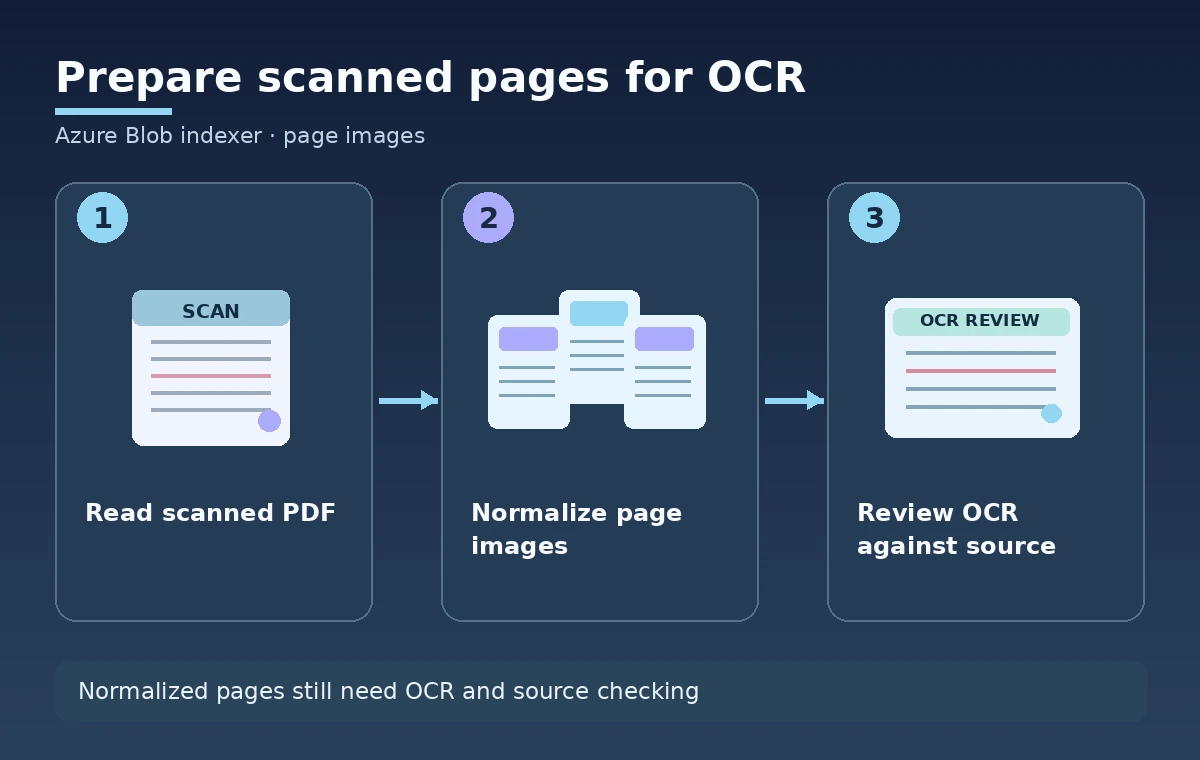
Choose the per-page option for the actual source format
Microsoft documents two related options: generateNormalizedImages and generateNormalizedImagePerPage. For PDFs, the per-page form renders each page as a normalized image instead of relying only on embedded images. Other supported document types are handled similarly to ordinary normalized-image extraction. This distinction matters when each manual page is itself a photograph of paper rather than a digital document with extractable text. Do not choose the mode based only on a sample search snippet. Inventory the actual PDFs, identify rotated or double-page scans, and confirm the desired unit of review. A page-oriented rendering may give reviewers better anchors, but it can also add more images and processing work.
Confirm the required indexer configuration
The Microsoft Learn image-extraction walkthrough specifies dataToExtract as contentAndMetadata and parsingMode as default for its image-enrichment example. It shows imageAction within the indexer’s parameters.configuration object. Those fields are not interchangeable with the query’s search or select parameters. A configuration that parses JSON rows into several search documents has different granularity from the Blob workflow described for image enrichment. Inspect the existing data source, target index, skillset, and indexer before making a change. Keep an approved copy of the current configuration and check the current API version and service-tier limits. The goal is to add a controlled image-processing path, not to reset the index or rewrite unrelated mappings.
Preserve the original page and document identity
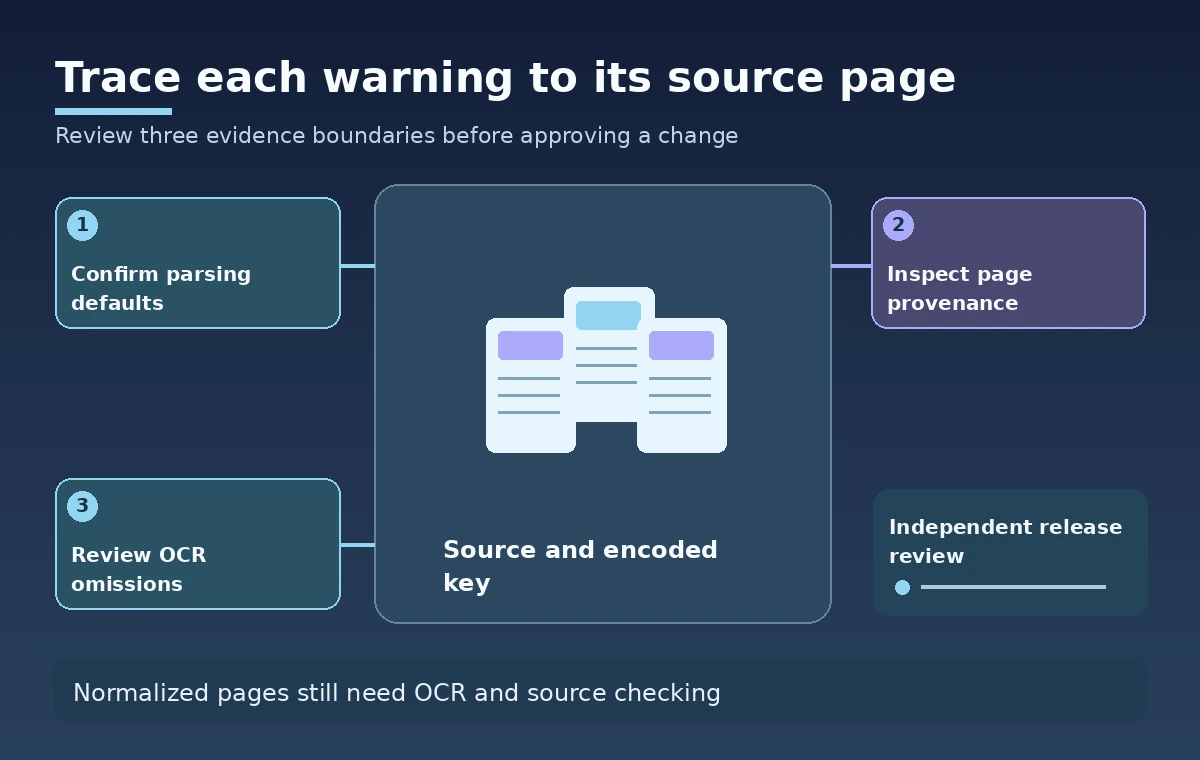
Normalized output is derived from original stored content. The curator should still be able to open the authoritative PDF and identify the page whose text a search result claims to represent. Store the source document key, Blob path or approved public identifier, relevant page number or offset where the pipeline provides one, and indexer revision in the review ledger. Be careful with page counts when a source includes cover sheets, inserts, or unnumbered annexes. An OCR phrase may refer to physical page 12 while the PDF viewer numbers it as page 14. Do not silently reconcile these numbering systems in automation. Explain the mapping in the interface so an editor can verify the passage.
Budget and monitor image extraction separately
Microsoft states that enabling an imageAction value other than none can incur additional charges for image extraction. This is separate from questions about the cost and resource consumption of downstream skills, service tiers, and data storage. More pages and larger scans may require greater processing work, so the team should review sizes and quotas before running a broad collection. Avoid promising a specific per-document price without current account and regional information. A staged trial with authorized non-sensitive scans can reveal whether the proposed pipeline processes representative documents within the organization’s budget and time windows. This article contains no actual invoice, measured throughput, or accuracy rate.
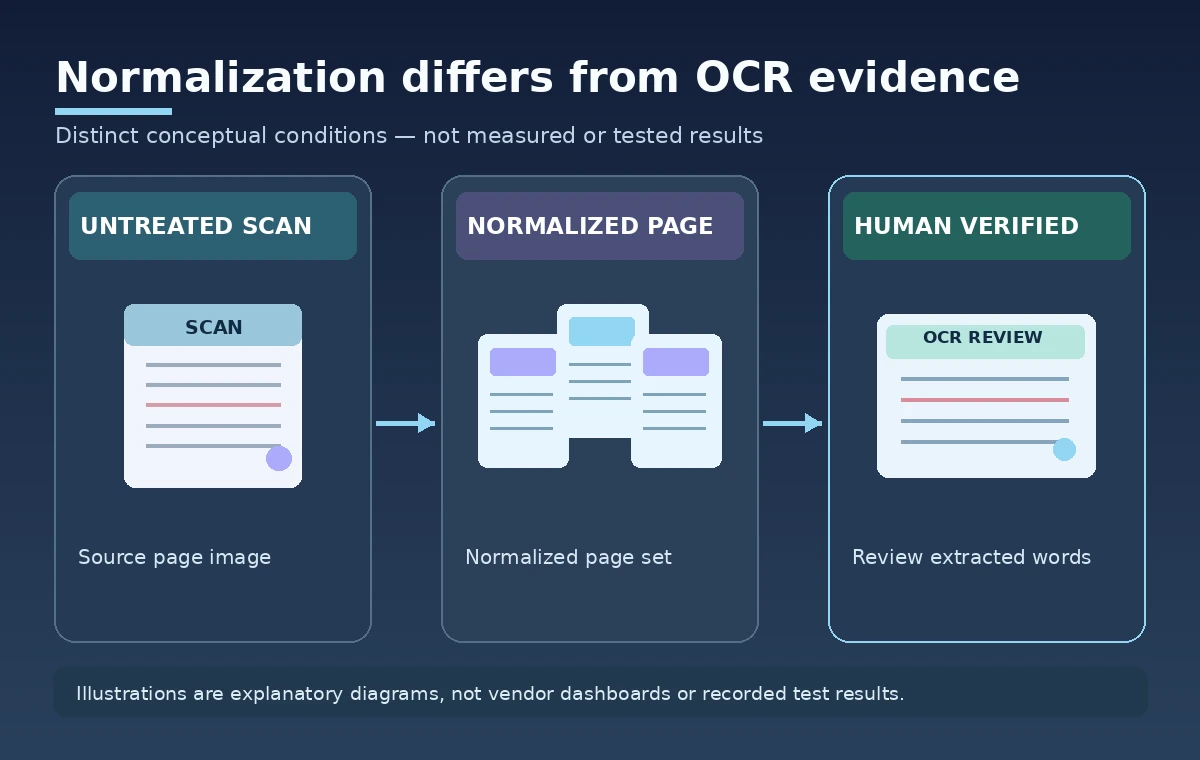
Handle orientation, image size, and omissions honestly
Normalization is meant to create more uniform input, including handling image orientation metadata and resizing oversized images. It cannot restore detail that was never captured in a blurry scan, and small marginal notes can still be hard for OCR to interpret. A conservation manual may contain diagrams, superscripts, or handwritten warnings that require specialist review. Build a sample checklist with upright pages, rotated pages, faint printing, multi-column layouts, and drawings with labels. Compare each normalized output against the source rather than assuming visually pleasing pages are complete. An extracted sentence that looks fluent can still omit a crucial negation, measurement, or hazard symbol.
Test the search result without claiming it was measured
For a safe hypothetical integration test, choose a small set of synthetic or licensed scanned pages with known phrases, including a negation and a table note. Configure the Blob indexer and skillset in a staging environment, record the normalized page results, and compare downstream OCR output with a human-approved reference transcript. Track which source page each hit came from and whether a missing phrase is an extraction problem, an OCR problem, or a search ranking issue. No such test was performed here. The diagrams illustrate distinct processing states; they are not screenshots of Microsoft services or evidence that a particular warning was recovered. Use the test outcome to design the review process, not to invent a reliability percentage.
Release only when a human can verify the warning
A responsible publication workflow should allow a staff member to jump from a search snippet to the precise original page, review the relevant drawing and surrounding text, and approve the wording that appears on a museum website. Keep the scanned PDF under its existing access and rights rules; generating normalized images does not grant distribution permission. Define how changed originals cause the index and derived OCR to be refreshed and how stale results are removed. Require an independent check for warnings, measurements, and instructions that could matter to staff or visitors. The practical success criterion is an auditable link from a search hit to correct source evidence, not merely a completed indexer status or a colorful normalized-image preview.
How We Research
Our named official sources, reviewed November 11, 2026, are: Microsoft Learn, Image extraction and processing in Azure AI Search; Microsoft Learn, Indexers create or update API; Microsoft Learn, Blob indexer image action enum. We compared the field-mapping examples, Blob indexer defaults, and one-to-many indexing guidance. We traced conceptual source paths into stable document keys without querying a real search index. This article is based on documentation, not hands-on testing or a third-party benchmark. All use cases and diagrams are hypothetical, and no actual data, API responses, deleted records, user permission, measured accuracy, or service outcome is claimed. Before implementation, confirm current API versions, the resource identity, institutional approvals, access limitations, relevant pricing, and applicable retention rules. The example does not replace legal, accessibility, preservation, or security review.
Frequently Asked Questions
No. It normalizes pages for downstream image processing; configure and verify the appropriate OCR or analysis skill separately. The intended key field and source field must be stable.
It renders PDF pages into normalized page images, rather than limiting image handling to embedded images. The Blob indexer can encode a path implicitly.
Its image-enrichment example specifies contentAndMetadata extraction, default parsing mode, an imageAction, and an attached skillset. Different encoding options produce different IDs.
Microsoft states that enabling non-none imageAction incurs image-extraction charges; check current regional and service pricing. One-to-many extraction requires separate key handling.
For safety-relevant language, verify the exact page and context with an authorized reviewer before publication. The search index is not a source authorization system.