
The problem with a catalog wrapped around its records
A hypothetical museum stores export JSON in which a top-level object contains an export date, policy metadata and a nested exhibits array. Each exhibit has a stable accession ID, title and approved rights flag. The staff want one searchable record per exhibit, not one giant document for the export file and not one indexed object for each wrapper field.
Choosing a parser without reading the source structure can silently change the granularity of search results. A visitor query might return the entire catalog export rather than the individual object it cites. Confirm the source contract first, especially which fields are authoritative identifiers and which metadata describes the whole export rather than any single exhibit.
Know how documentRoot relates to jsonArray
Microsoft documents documentRoot as a configuration property that can point to a nested array when parsingMode is jsonArray. For a source shaped like {“archive”:{“exhibits”:[…]}} a conceptual root path is /archive/exhibits. This instructs the Blob indexer where the collection of child JSON objects lives; it is not a semantic search filter or an instruction to ignore access rules.
By default, Blob indexing assumes a standard one-document-per-blob arrangement unless another parsing mode is configured. jsonArray produces multiple search documents from array elements. jsonLines is for a different input organization, and the json parser does not automatically mean one document per nested element.
Draw the JSON tree before configuring indexing
Take a sanitized sample with at least two exhibits and inspect the types of each node. Verify that the intended path actually resolves to an array in all files entering the data source. A path that works for one month’s export may fail after a partner adds a version wrapper or renames the exhibits property.
Preserve a fixture with varied records: missing optional title, accession number with leading zeros, empty text and an embargoed entry. The fixture should be synthetic. It can help document whether field mappings preserve identifiers and whether the index has safe behavior when restricted records are not eligible for public retrieval.
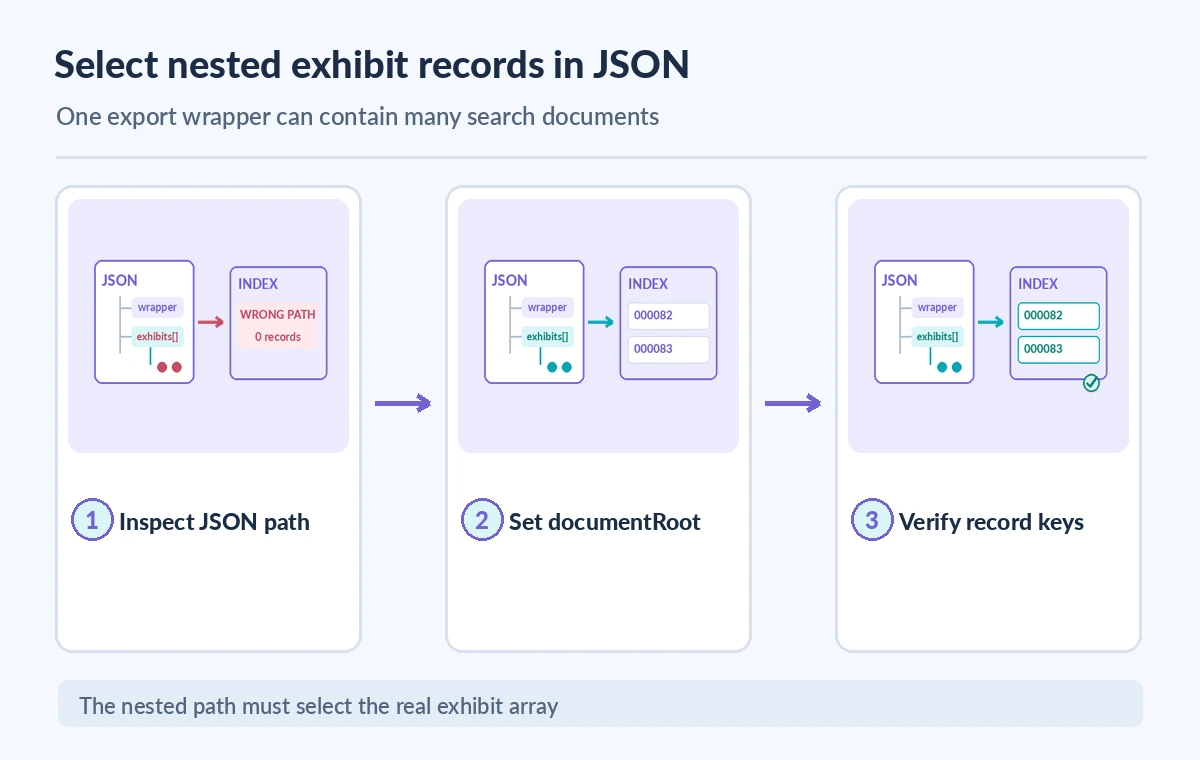
Set parsingMode and documentRoot together
In the indexer parameters.configuration object, use parsingMode jsonArray and the appropriate documentRoot path. The published Azure example uses a slash-separated path such as /level1/level2. Do not invent a documentRoot value from the index name or an arbitrary display label; derive it from the actual JSON document structure.
Run indexing in a non-public test index first, and separate it from the production alias until approved. The configuration is a parser selection, not an assertion that all documents have valid fields. Reject unsupported schema changes rather than silently indexing a different collection from the same container.
Protect identifiers and one-to-many document keys
Indexing one blob as multiple search documents creates a key-disambiguation problem. Microsoft recommends reviewing one-to-many indexing because multiple records emerge from a single source file. A stable accession number may need careful mapping into a compatible key field, and duplicate IDs need explicit validation before they overwrite or conflict with existing documents.
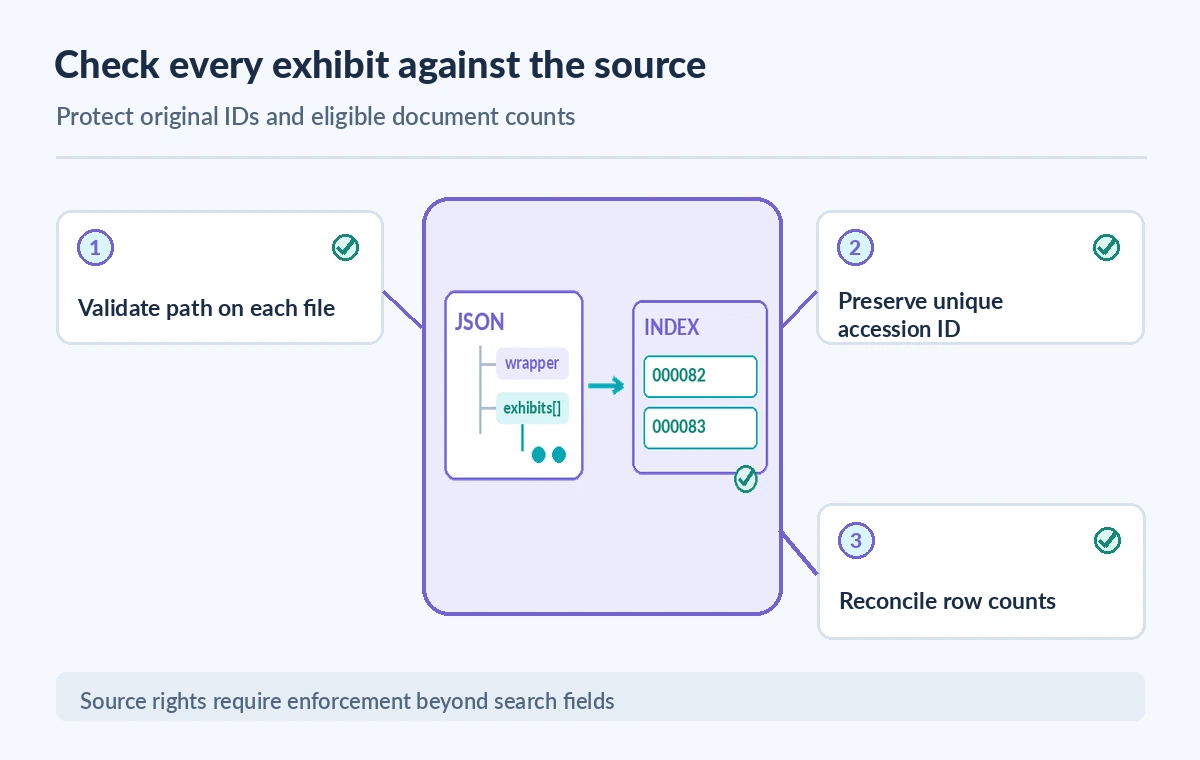
Never turn an accession code such as 000082 into a number that becomes 82. If a generated child key depends on source document position, a later reordering can change the identity of the indexed record. Keep a separate authoritative source ID and revision mapping so corrections can be reconciled reliably across imports.
Map content and rights fields without guessing
An exhibit JSON object might contain title, public_caption, accession_id and rights_status. Map these fields intentionally to the target schema. If the source contains nested metadata or a different spelling, define explicit field mappings where supported. A missing field should not be converted into an invented factual value merely to satisfy a visitor-facing search schema.
Rights flags must be enforced by the actual application and authorization design. Search field projection or skipping a confidential note is not a substitute for protecting the underlying document and access path. If a draft or restricted record is accidentally indexed, take corrective action before displaying results and audit any downstream caches.
Reconcile indexed records against the export
Count the eligible source elements for each export and compare them with the target records after indexing. Review the indexer execution status and document-level failures; a green run is not an automatic guarantee that every expected accession record is queryable. Test exact-ID lookups against the fixture rather than trusting only a broad keyword search.
Be careful with count comparisons when the index includes older versions, other source files or deliberate filters. A mismatch can indicate skipped elements, duplicate keys or stale documents, but should not be classified automatically as data loss. Keep the source export version, expected set of IDs and observed results for investigation.
Compare a wrong path with a reviewed result
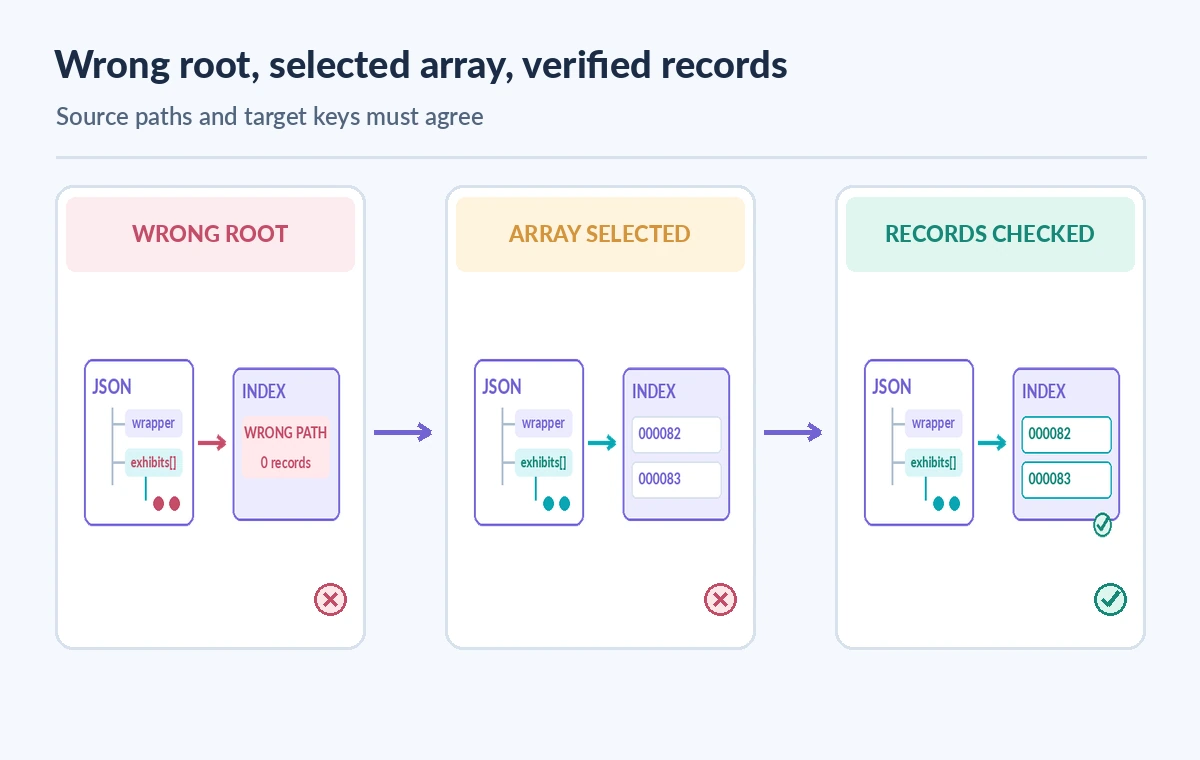
In the instructional graphic, a wrong root leaves the desired exhibits array unselected, a corrected root identifies the nested records and a reviewed state shows each accession mapped to one verified target key. These are conceptual states, not screenshots or tests of Azure infrastructure. The successful-looking state still requires source and access review.
If an organization changes the nested path between versions, a robust pipeline should fail with a clear schema mismatch rather than publishing a partial index silently. A parser setting cannot decide which record is approved for visitors or whether the original rights data is correct.
Test mixed input formats and future schema changes
Microsoft notes that a JSON parsing mode expects the relevant blob data source files to use a compatible parser. When a container also holds PDFs, images and unrelated JSON shapes, use approved file extension selection or separate data sources so one indexer is not forced to interpret incompatible structures as the same document type.
Test a deliberately malformed JSON file, an empty array and a wrapper path that moves one level deeper. The job should report clear exceptions and trigger a reconciliation step. Do not compensate for parsing failures by displaying an old index as if it were a complete new export.
Publish only after provenance and permissions checks
A controlled handoff includes a validated JSON path, reviewed mappings, unique accession keys, comparison of expected and observed records, restricted-content filters and an independent check of the visitor UI. Record the source version in the audit trail so an editor can trace a search result back to its approved museum record.
This guide is based on Microsoft primary documentation and a fictional JSON catalog. We did not create an Azure service, measure query recall or validate actual archive permissions. Confirm current service behavior, schema constraints and access requirements before changing a production indexer.
How We Research
For this November 11, 2026 desk review we compared authoritative documentation: Azure AI Search index JSON blobs; Index blobs as multiple documents; Azure Blob indexer configuration. We reviewed the named field definitions, failure paths, and operational limits against a fictional museum workflow, and drew original conceptual illustrations. We did not run API requests, inspect customer accounts, measure service performance, approve any copyright license, or verify live collection data. Documentation, plan availability, security settings and preview status can change; confirm the current service reference and your organization’s legal and editorial policies before production use.
Frequently Asked Questions
It is most useful when the array is nested. A top-level array can generally use jsonArray without a nested root path.
Microsoft documents using documentRoot to select a nested array with parsingMode set to jsonArray.
No. Multiple records from one blob still require careful unique key design and source mapping.
Do not assume so. Microsoft warns that JSON parsing settings expect consistent input; use appropriate file selection or separate sources.
No. Reconcile expected IDs, indexer errors and exact-ID queries before making a completeness claim.