
A client project is not a collection of attractive AI summaries. It has deliverables, dependencies, approvals, changing scope and sometimes restricted data. Asana, ClickUp and monday.com bring AI into different parts of project work. Rather than proclaiming an untested universal winner, this guide compares the documented workflows that a client-services team should actually evaluate before buying more software.
Choose the operational job for AI
Start with the most expensive friction: missing project status, stalled approvals, unclear ownership or duplicate task creation. If the team cannot define “done” or agree on a single board, adding AI generation will not fix that process. For a controlled pilot, use one client project with real stages, a documented brief and consent to process its data.
List critical fields before choosing a vendor: deliverable, owner, due date, approver, dependency, status and evidence link. Decide what the AI may suggest and what only a human may commit. Generate status text from these fields, then spot-check against actual work; do not allow fluent language to disguise missing approvals.
Asana: summarize status and surface roadblocks
Asana documents Smart Status, Smart Summaries and Smart Fields for projects and tasks. These are useful when the work is already tracked in structured tasks and the team needs a concise executive view. A generated status update can highlight blockers or open questions, but a project manager should verify claims against task owners and dates.
Asana also provides admin controls around AI feature availability and, in some settings, model providers. Teams with sensitive client material should have an administrator review those controls before running a pilot. Do not assume every AI feature exists on every plan or that every generated status is visible only to the intended audience.

ClickUp: task context and searchable progress
ClickUp Brain documentation describes task summaries, suggested subtasks, AI fields and progress updates. This fits teams already managing work in ClickUp and wanting to reduce repeated reading of long comment threads. The source context selected for Brain matters: a narrow location may omit relevant decisions elsewhere, while broader access requires careful permissions.
A useful client-project example is drafting a weekly update from tasks assigned to one account. Ask the system to list blocked deliverables, source task links and unresolved questions. Review each item against the project board before sending it. Treat automated subtasks as proposals until the assigned people confirm scope and capacity.
monday.com: configure AI blocks in workflows
monday.com documents AI blocks that can classify, summarize, extract information and support workflow automations. The advantage is building a repeatable step into a board process instead of asking an assistant the same question manually. Its AI actions are credit-consuming, so compare expected volume and admin controls against the actual plan.
A possible workflow is to summarize a submitted creative brief into fields for owner review, then move it to a planning stage only after approval. Do not let a model-generated sentiment label or extracted date automatically trigger billing or client commitments. Run a preview and sample tests with edge cases before enabling a production automation.
Compare on one identical project scenario
Create a small fictional campaign across all three systems: brief received, design task assigned, legal review blocked, date moved and assets approved. Compare how each shows an unapproved milestone, who receives change notifications, how comments appear in a summary and how easy it is to retrieve source evidence.
Document feature availability, administrator controls, required seat types and any metered AI credits. The test is an evaluation plan for the reader; LabFin has not independently operated paid team workspaces or measured speed differences. Vendor screenshots and testimonials cannot substitute for a pilot on your own approval process.
Design access for clients and contractors
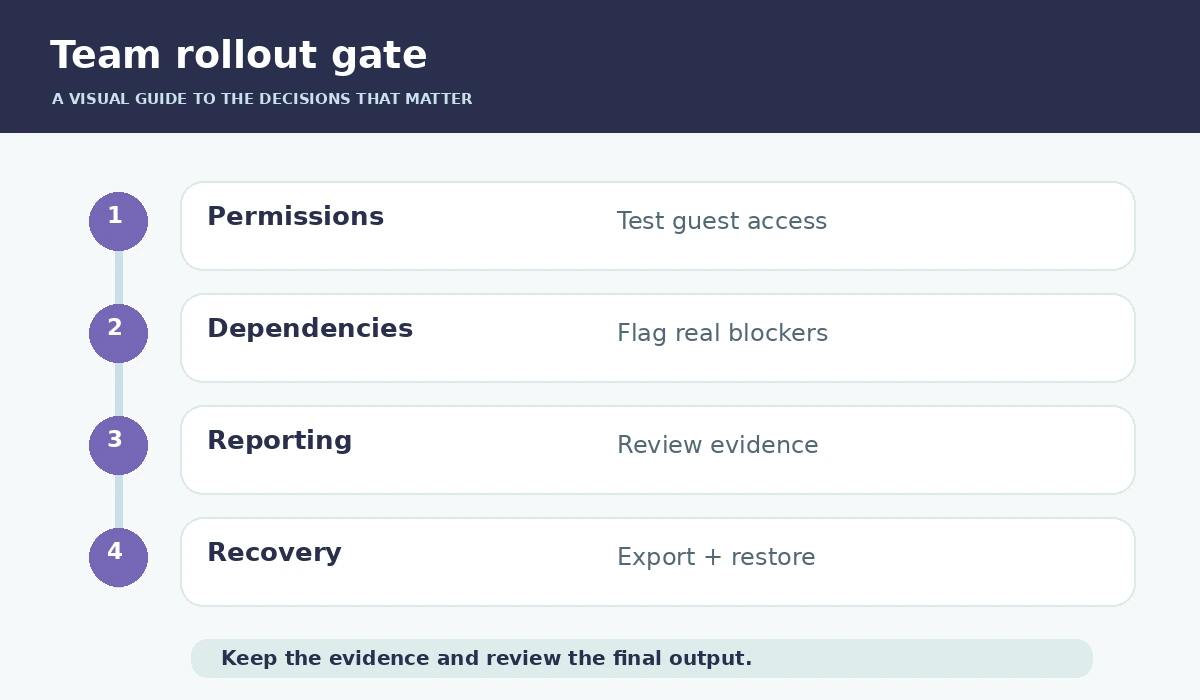
Separate internal planning, confidential creative work and externally shared deliverables. Decide whether a client needs guest access, a published status report or only a final asset folder. Verify permissions before asking AI to summarize an entire workspace, since summaries can amplify private information to people who should not see it.
Use a test account with restricted permissions and try opening a linked task and its generated summary. If access is denied or sensitive information appears, fix the sharing model before expanding deployment. Check retention, provider settings and contract requirements with your security or legal team where relevant.
Build weekly reporting around evidence
A useful project status is brief: what shipped, what is blocked, what changed, who must decide and the next committed date. Ask AI to draft from the project record, with instructions to preserve uncertainty and cite task links. Anything marked “at risk” should have an owner and an action, not only a colored status flag.
Use a fixed review cycle. Have project leads resolve inconsistent due dates and missing owners, then approve the client-facing summary. Store the final report and corrections so future automation does not repeat a known hallucination. Count corrected claims as a quality signal instead of praising how quickly a draft appeared.
Select by integration and governance, not hype
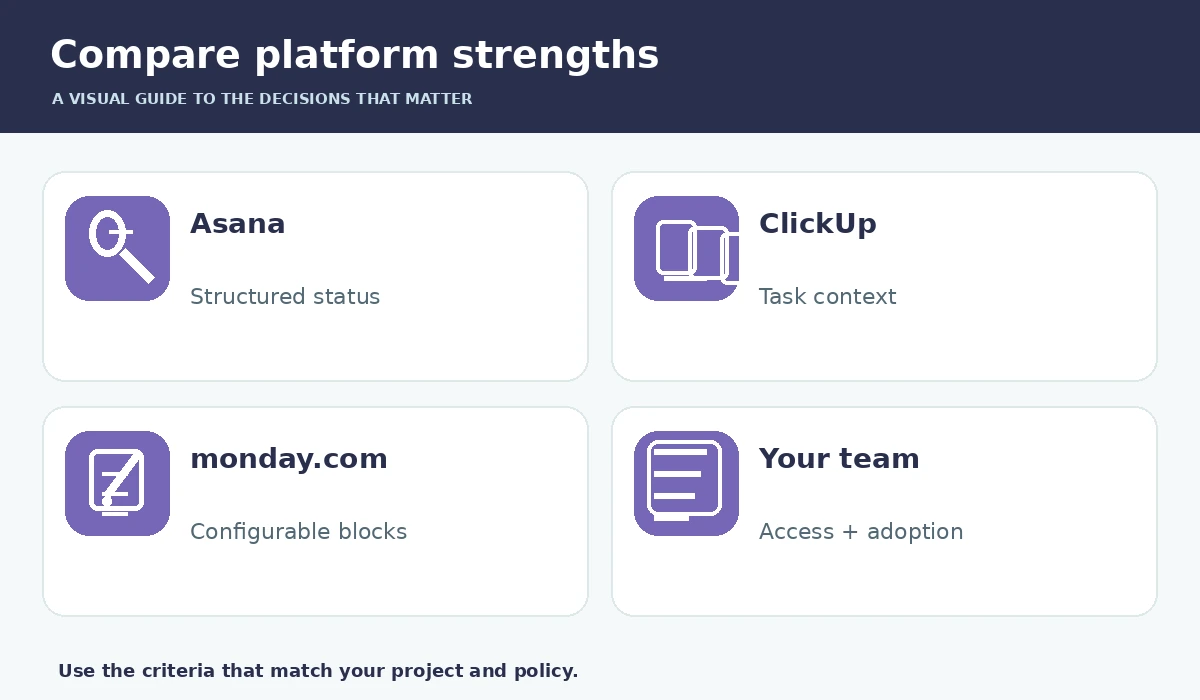
Asana can suit structured cross-functional tracking, ClickUp can suit teams consolidating documents and tasks, and monday.com can suit configurable board workflows. These are use-case judgments based on product documentation, not head-to-head laboratory results. Existing user adoption and permission requirements may outweigh the newest AI feature.
Before switching, export a representative project, validate task history and confirm guest sharing. Pilot the actual paid tier you would purchase. The best system is the one that keeps owners, evidence, dependencies and approvals visible after an automation runs, and lets a responsible person override it.
How We Research
We compared manufacturer-maintained documentation including Asana AI features, Asana AI administration, ClickUp Brain on tasks, monday.com AI blocks. We examined what each source actually documents, then designed a practical decision workflow around identifiable constraints, user verification and safe fallback steps. Where sources describe features, we treat those as vendor claims rather than independent proof of reliability. We did not purchase paid accounts, run independent benchmarks, measure productivity improvements, or verify pricing across every workspace configuration. Our source review was performed on October 27, 2026; features, policies, plan availability and terminology can change.
Frequently Asked Questions
There is no universal winner. Choose according to existing adoption, approvals, dependencies, reporting and admin requirements.
It can draft them, but a project manager should verify blockers, dates, ownership and source tasks before sharing.
Its accessible context and available features depend on location, permissions, plan and configuration; inspect source scope.
Yes, the official AI blocks guidance documents credit-consuming actions. Model expected use on your paid plan before rollout.
Recreate a blocked dependency, scope change and client approval; also test guest access, exports and a manual recovery path.