
Adobe Firefly pricing cannot be evaluated from a monthly sticker price alone. A team producing a few still images and a team rendering many video drafts consume different feature types, and promotional offers can change the economics again. This guide turns a vague “Which plan should I buy?” question into a short workload estimate. We separate standard generation, premium requests, included credits and possible special offers, then build a usage worksheet without pretending that a credit has one universal dollar value.
Understand what a generative credit measures
Adobe allocates generative credits to eligible Creative Cloud and Firefly plans. The cost of an operation depends on the feature, model and settings, so a credit is a usage unit rather than a uniform image, video second or dollar. Some standard operations have modest charges; premium models and media features can have significantly different costs. Build the estimate from the official feature table instead of an old blog screenshot.
Adobe’s Generative Credits FAQ reports that many standard Photoshop Generative Fill requests use one credit per generation, while other features can use more. This example must not be generalized to Firefly video or partner models. Capture the exact feature name, current rate and whether unlimited standard use applies to the plan being considered.
Separate current plans from account-specific entitlements
Open the official Firefly plans page using the intended country and currency. Note the monthly price, billing cadence, any annual commitment, included monthly credits, eligible standard generations and bundles such as Photoshop or Adobe Express. Adobe’s page can localize the prices; a number seen in a different country is not a reliable US quote. Keep a screenshot or dated note for internal procurement rather than promising a permanently fixed rate.
Check whether the organization already pays for a Creative Cloud plan that includes Firefly benefits. Buying a second subscription before examining current entitlements can waste money. If access is supplied by an organization, an admin may need to verify features and permissions. Separate a permanent plan inclusion from a promotion offering temporary unlimited access to selected models.
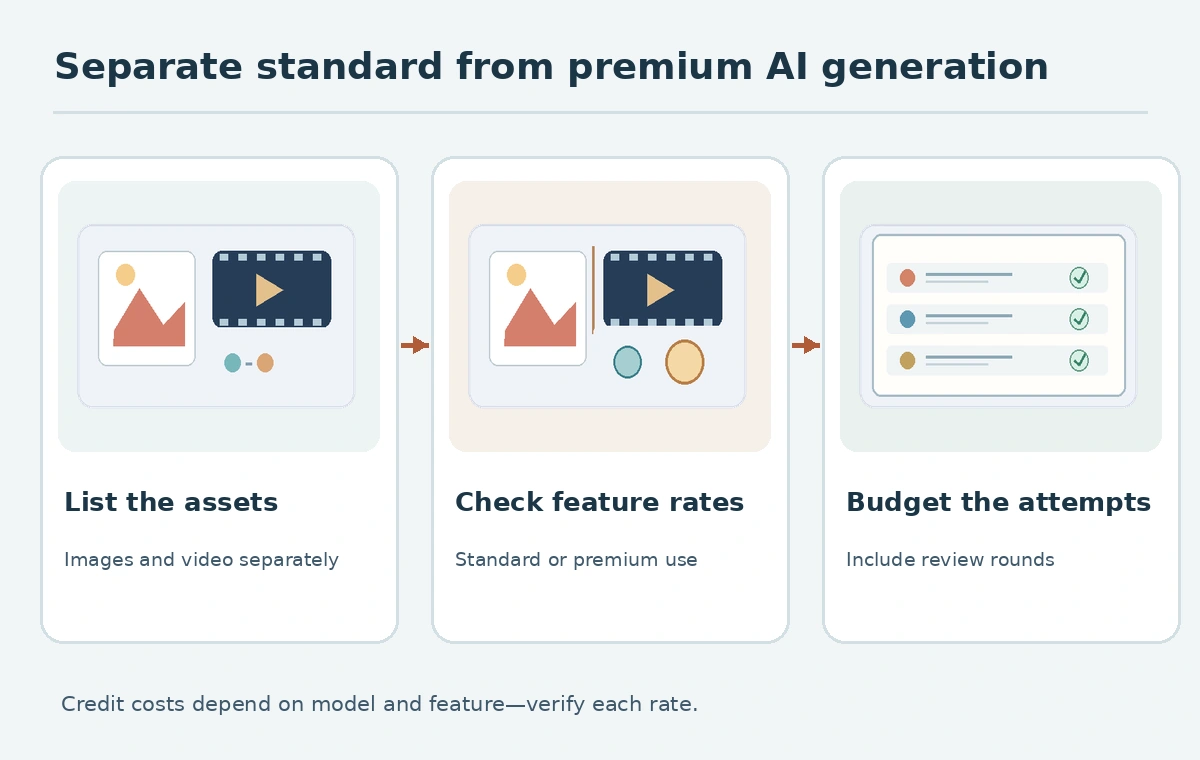
Build a workload ledger by output and revision round
Set up five worksheet columns: deliverable, feature or model, expected attempts, credits per attempt, and estimated monthly total. A still campaign image might require four candidate versions, two localized edits and one approved export. A video teaser might need a different model and a separate premium budget. Do not treat “one final asset” as “one AI generation”; iteration typically generates additional requests.
Mark every unknown as “confirm in Adobe interface” rather than substituting a guess. For example, a worksheet row can say “six trial clips, premium-rate lookup pending,” which is more useful than a fictional credits-per-second rate. Add a buffer as an internal planning assumption and label it as such. A business budget should expose assumptions so a stakeholder can adjust revision rounds without rebuilding the entire spreadsheet.
Model your billing cycle and heavy production weeks
Credit allocations generally relate to a billing cycle, not your publication calendar. If launches cluster in one week, a team can exhaust an allowance even when its annual average use seems low. Put the due date of each deliverable beside the expected generation count. Distinguish jobs that can wait for the next allocation from jobs with a fixed client deadline.
Adobe’s Firefly credits overview explains the allocation concept. Check the exact rollover and additional-credit rules for the current plan; do not assume unused credits accumulate. Review official notices when Adobe changes feature costs or launches an offer. A premium video job also needs time for human editing, sound and rights review, which credits alone cannot cover.
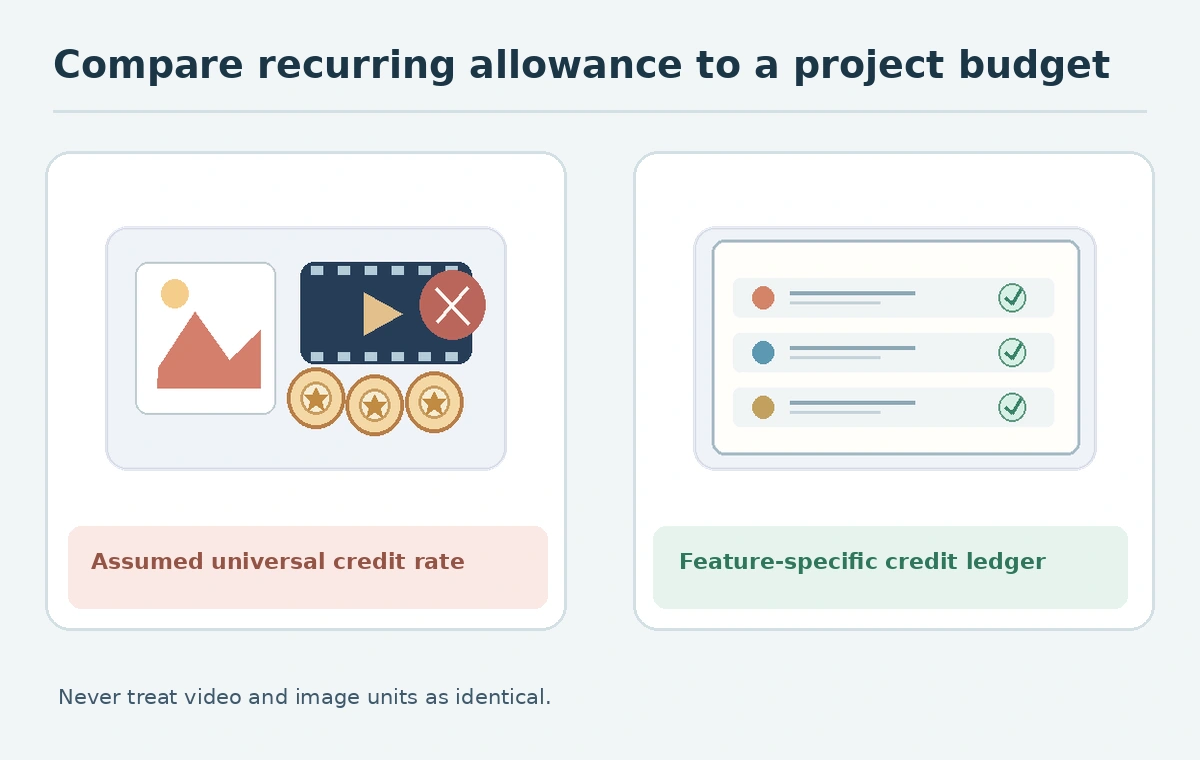
Compare an included benefit against an upgrade
Compare at least three scenarios: stay on existing entitlement, add the smallest suitable Firefly plan, and increase to a tier appropriate for frequent premium creation. Hold the creative brief constant in all three comparisons. Record the same projected number of image drafts, video attempts and revisions in each scenario, then mark which operations are included, credit-consuming or unavailable. This is a workload-fit comparison, not an invented savings claim.
The official credit access guidance says some plans allow unlimited standard generations, while premium use remains tied to the applicable allowance. It is important to identify which model and configuration is eligible. Avoid treating promotional or limited-model unlimited access as a promise that every future request will be free.
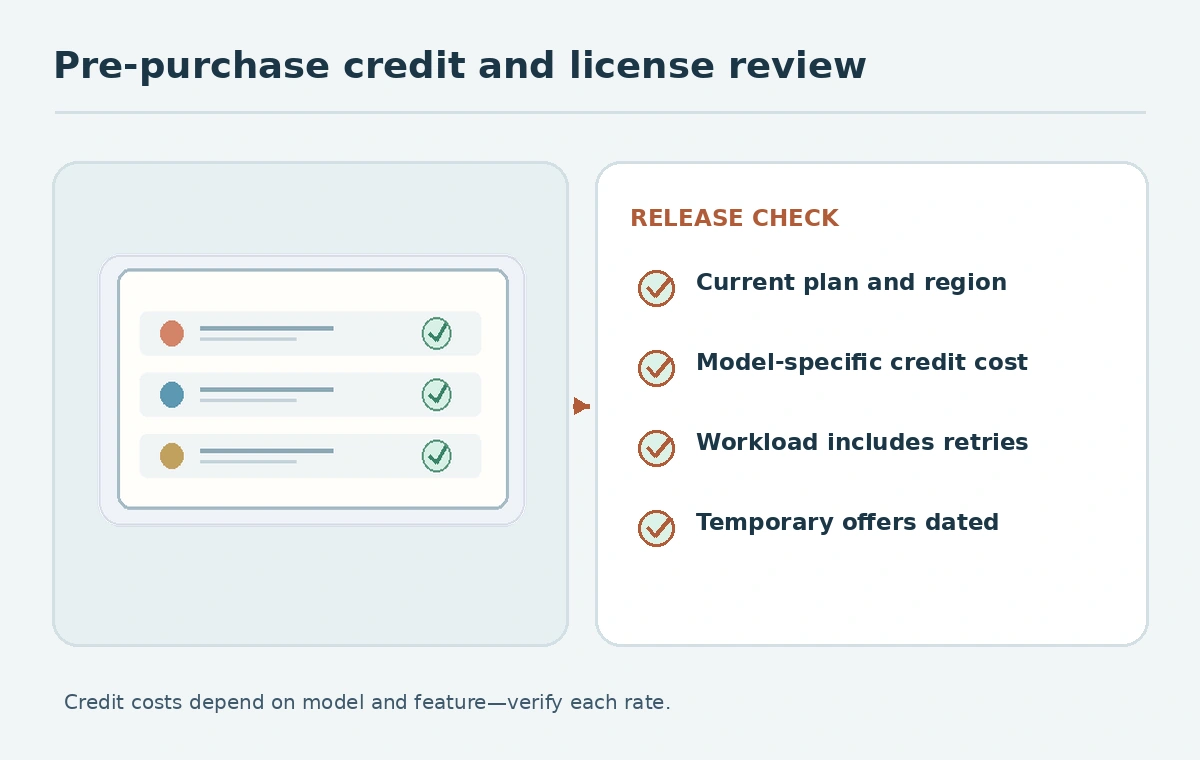
Test usability before committing the team
A small pilot should use a nonconfidential brief and a representative range of tasks: image variation, targeted edit and one premium-media job if that is central to your workload. Record the feature label displayed in the UI, number of attempted generations and changes in available credits. If you have not carried out the pilot, mark this step as a recommended test rather than reporting results. Never say a plan is “best” simply because the most expensive option has the largest allowance.
Review output formats, commercial rights for the specific feature, team access and any approval process. Model availability and content restrictions are not identical across every feature or geographic region. Budget human time to proof faces, product details, text and continuity, even for images that look polished in a small preview. A limited allowance can be sufficient when review prevents careless re-generation.
Make a decision note that survives price changes
Keep a one-page decision with date, location, eligible plan, feature mix, link to current pricing, workload assumptions and a budget owner. Include a trigger for reevaluation, such as two consecutive cycles near the allowance limit or regular unused credits. Avoid copying temporary promotional terms into an evergreen article without a date and qualification. If pricing changes, you should be able to update the decision by replacing one documented input.
Adobe’s current promotions page is a reminder that special terms can be model-specific and time-limited. Distinguish a documented promotion from an ordinary plan entitlement, check account eligibility, and read cancellation terms before purchase. The goal is a defensible forecast and clear review point, not a fake precision estimate for credits that were never measured.
How We Research
We reviewed Adobe’s official Firefly plans, generative-credit FAQ, credit overview, and promotions guidance on October 27, 2026. This is a methodology and planning worksheet, not a claim of purchasing plans or measuring actual credit consumption. Because plan offers vary by region and date, verify the checkout price for your account.
Frequently Asked Questions
No. Cost depends on the feature and model; consult Adobe’s current per-feature credit schedule.
No. Editing, review, premium generation and storage or staffing may affect the overall budget.
Never assume rollover. Read the current plan’s allocation and expiration rules.
No. Check exactly which standard models and configurations the current entitlement covers.
List tasks, model, attempts, applicable credit rate, monthly totals, plan allowance and review triggers.