
The Batch Job Finished, but Did Every Photograph Change?
A local archive wants to mark an approved group of conservation photographs with an internal review tag before its next catalog migration. Thousands of object keys exist, and manually editing tags in the console is error-prone. Amazon S3 Batch Operations can perform a specified action on a manifest-defined set of objects and produce progress information and a completion report. That is useful for bulk administration, but the job’s terminal Complete state is not a blanket statement of per-object success. AWS explicitly notes that individual tasks may have succeeded or failed. The archive must keep the job outcome distinct from the recorded status of each key and version.
Define What the Tag Is Allowed to Mean
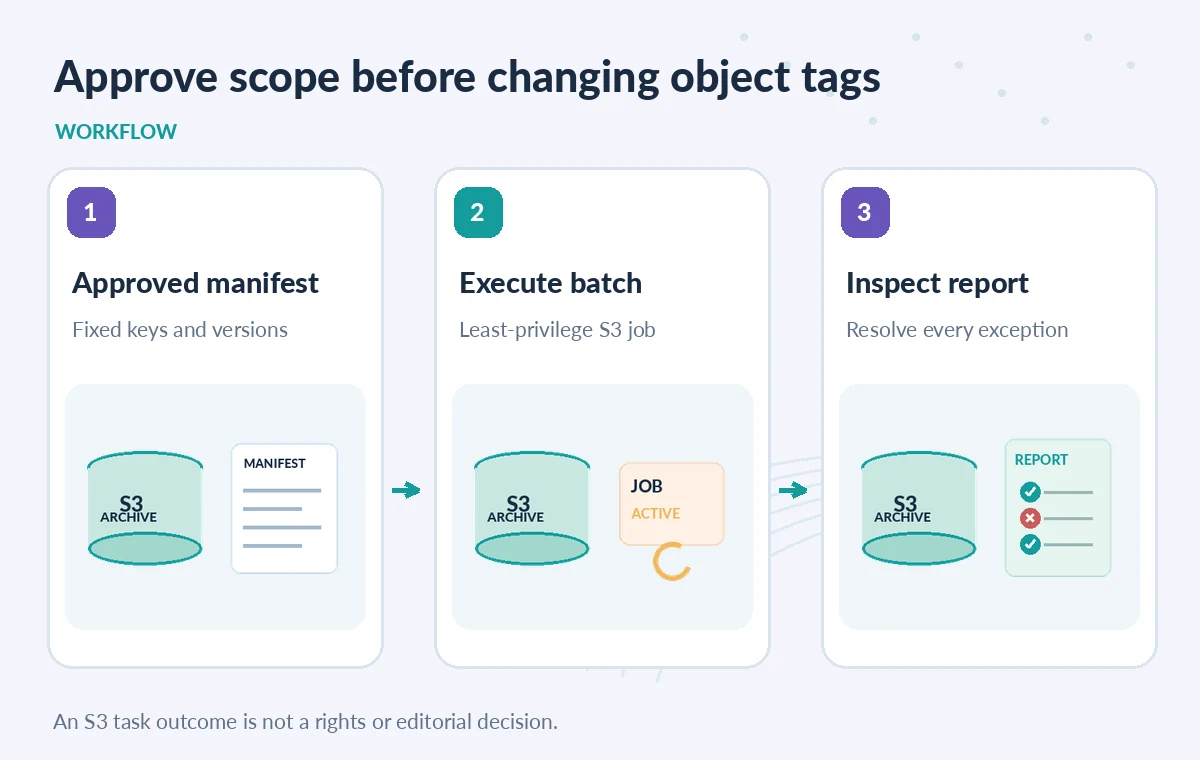
An internal tag such as review-stage=pending is workflow metadata, not a license, permission grant or statement about public release. Write down the tag vocabulary and who may authorize transitions. Keep private donor restrictions and rights records in an authoritative system rather than compressing them into one S3 object tag. If the job replaces all tags, existing tags may be lost; determine whether that operation is appropriate before submitting anything. Treat the proposed list of target objects as an approved change set. Someone should sign off on the operation type, scope and rollback process before the batch receives write permissions.
Build a Manifest with Stable Object Identity
S3 Batch Operations operates on objects supplied through a manifest. An archival job should record the source bucket, expected prefixes, exact keys and object versions where applicable. A manifest that accidentally selects a public derivative instead of a restricted master can create confusing records. Validate the generated list against the catalog database and sample its first, middle and last entries. Exclude unrelated holdings and known legal holds from changes unless the approved action explicitly covers them. Preserve the manifest’s own version and checksum in a change ticket so the team can later explain exactly which objects the job was intended to touch.
Lock Down the Job Role and Report Destination
The IAM role assigned to the job needs the relevant permissions to act on objects, read the manifest and write a completion report. Grant only the operation and resource scope that the reviewed change requires. Do not reuse a full-administrator role simply because a one-time test failed with access denied. Put completion reports in a protected general-purpose bucket, as AWS specifies for that destination, and limit access to the audit team. Reports can reveal object keys, versions and error details that should not be shared publicly. Use separate human approval to confirm the batch job itself before it starts, where the chosen workflow requires it.
Understand the Job State Machine
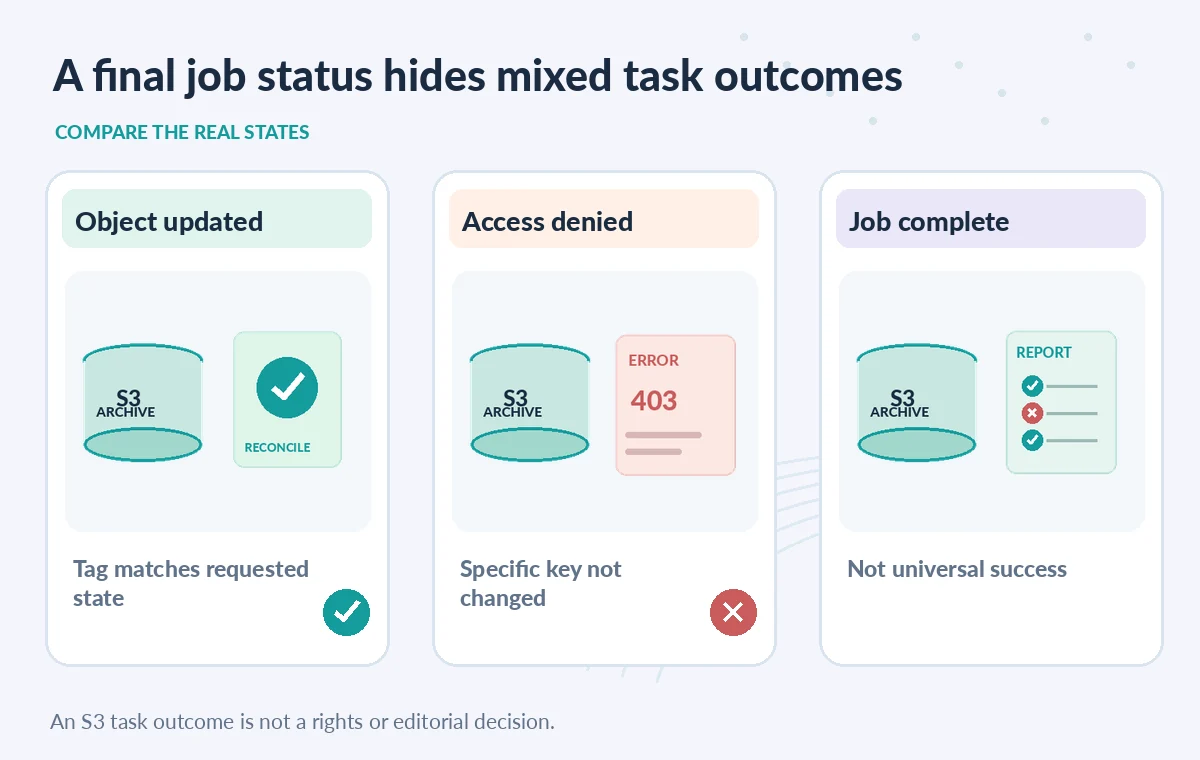
A job can move through preparation, readiness, active processing and terminal states, with confirmation or pauses depending on how it was created and managed. Suspended, Paused and Complete mean different things. A state transition tells operators about batch progress, not that the underlying cultural-property records are correct. Capture the job ID, operation, manifest version, current state and authorization record. Do not build a WordPress publication trigger on a status called Complete. If the job is canceled or fails, its completion report may still contain tasks that ran; the review process must account for partial changes rather than assuming the entire set was untouched.
Compare Success, Access Denied and Unprocessed Objects
A training example can show a three-row completion report: one key updated, one key denied by the role and one missing or excluded entry requiring investigation. These are illustrative states, not measured job results. AWS supports configuring reports that include all tasks or only failed tasks. Choose the report detail required for the audit. When a key is absent from the report, check whether it was in the submitted manifest and what reporting configuration was selected. Avoid silently treating no report row as success. For versioned buckets, confirm whether the operation targeted the intended version rather than whichever object happened to be current.
Reconcile Results Against the Catalog, Not Only S3
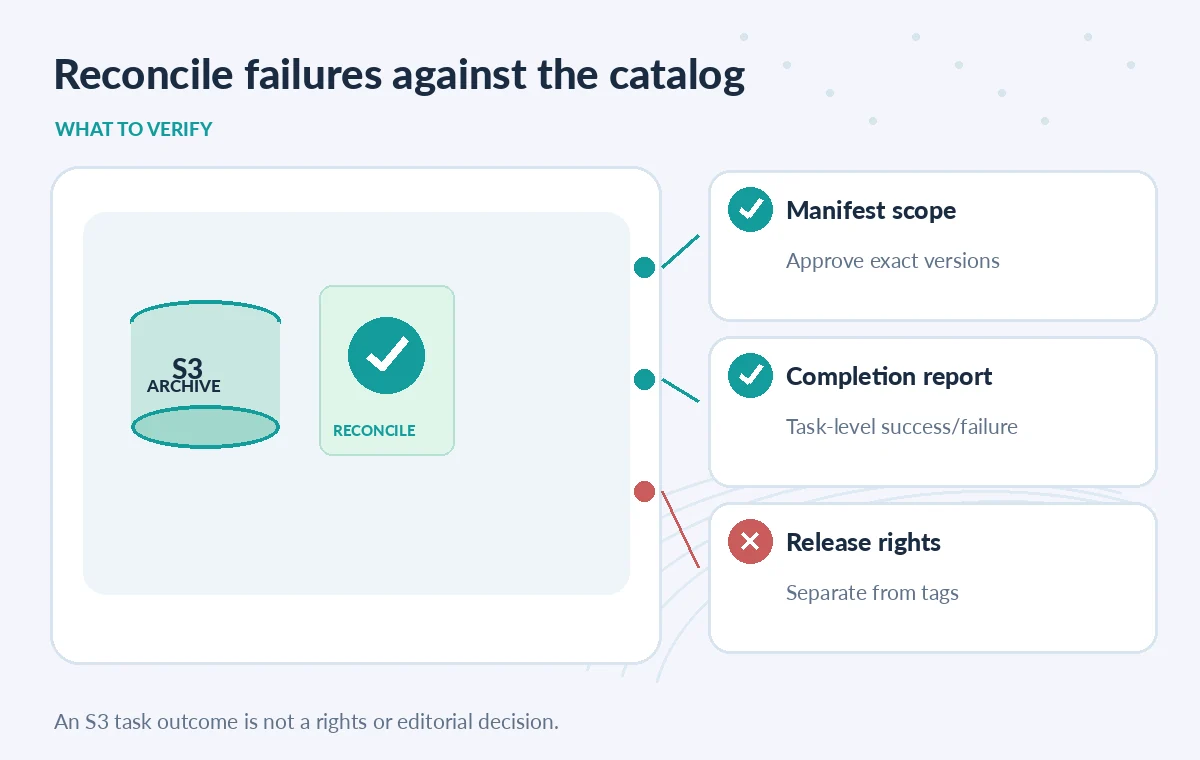
The authoritative catalog should contain the planned set of objects and desired workflow status. Join the completed task outcomes by bucket, key and version where present, then classify each as verified, failed or needing review. Spot-check object tags in S3 for a sample of successful records. Do not use aggregate percentages as a substitute for examining high-risk failures, such as a sensitive master assigned the wrong tag. If the job changed metadata that an indexer reads, ensure that the index refresh process has run before relying on search results. Maintain a separate rights-approval gate regardless of how clean the completion report looks.
Test in a Disposable Prefix First
Create a staging prefix containing dummy object keys, including one without the necessary write permission and one with preexisting tags. Use a tiny approved manifest to check whether the selected operation replaces tags as expected and how failure records appear. Record the access policy and completion-report option for the test. Do not trial broad write operations against the production archive as a shortcut. This article did not execute an AWS job; it describes the documentation and a review procedure. Require an operator to inspect each exception and explicitly decide whether a corrected, narrowly scoped second job is appropriate.
Keep a Change Ticket That Survives Job Cleanup
Record the approved manifest checksum, requested operation, IAM role, job ID, start and completion times, report location, object-level exceptions and final reconciliation sign-off. Keep the report long enough to meet the institution’s audit needs, but limit who can read object names. Label the ticket ‘partially reconciled’ while failed tasks remain unresolved. A reliable bulk update process values traceability more than the appearance of a single green job. When a later catalog editor asks why a photograph has a certain tag, the team should be able to identify both the authorized decision and the batch task that applied it.
How We Research
For this guide, we reviewed the official product documentation on November 8, 2026: AWS S3 Batch Operations supported operations, AWS S3 Batch Operations job status and reports, AWS creating S3 Batch Operations jobs. We checked the named setting or feature against its published behavior, mapped the documented constraints to the specific hypothetical scenario, and reviewed whether the topic duplicated titles in the LabFin WordPress inventory or prior B0267–B0274 ZIPs. No authenticated vendor service was run; we did not perform a benchmark, observe real customer data, verify third-party rights or claim operational outcomes. All illustrated records and comparisons are teaching examples. Confirm product documentation and security requirements again before implementing a workflow in a real organization.
Frequently Asked Questions
No. AWS documentation says individual objects may fail even when a batch reaches Complete. Check per-task outcomes in the completion report.
Its intended targets come from the manifest or supported generator. Review and approve the scope before granting write access.
Choose all-task reporting when full reconciliation is necessary; failure-only reports may be insufficient for an item-by-item ledger.
No. S3 tags are object metadata. Human-approved rights and consent records must remain authoritative.
Identify their exact keys and versions, diagnose the failure and consider a newly reviewed narrow retry rather than rerunning the whole job blindly.