
An accessibility committee uses a Miro board to document a community hall entrance. A volunteer has posted a photo of a steep temporary ramp, added measurements, and suggested a contractor visit. Other people need to understand the issue without attending another meeting. Miro Talktrack can record a walkthrough of the board and, on supported plans, generate a transcript, summary and chapters. None of these features makes a proposed repair an approved project. The scenario and board art here are illustrative; no real meeting was recorded.
Put inspection evidence on the board first
Create separate areas for observations, proposed remedies, questions, and approved decisions. Label the ramp photo with its capture date and explain who measured the slope. If an accessible entrance is not available, do not hide that fact in a decorative map. A suggestion such as “consider replacing the rail” belongs under proposals until authorized staff decide what work to commission.
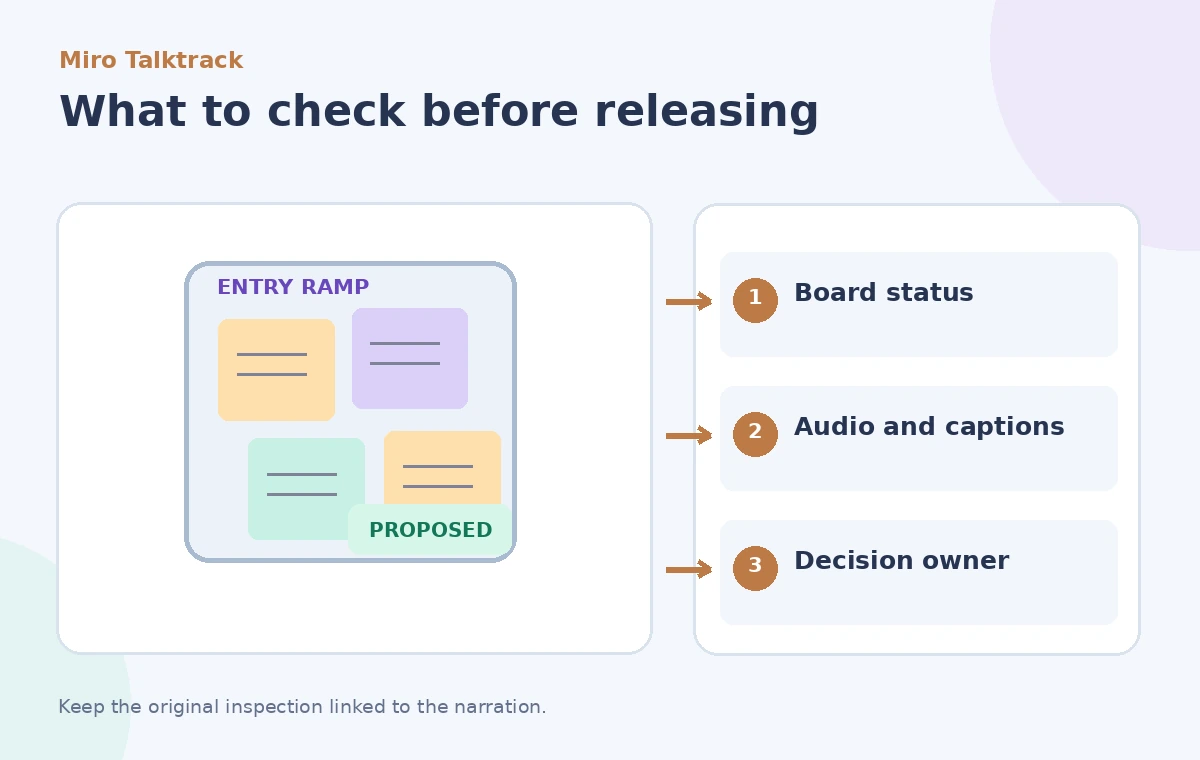
For clarity, put the board revision and the responsible reviewer near the top. Keep a link to the original inspection notes. A board can contain persuasive visual material without establishing engineering compliance, so an expert still needs to evaluate relevant dimensions and local requirements. Do not use an AI summary as a replacement for this evidence.
Decide what the recording should and should not claim
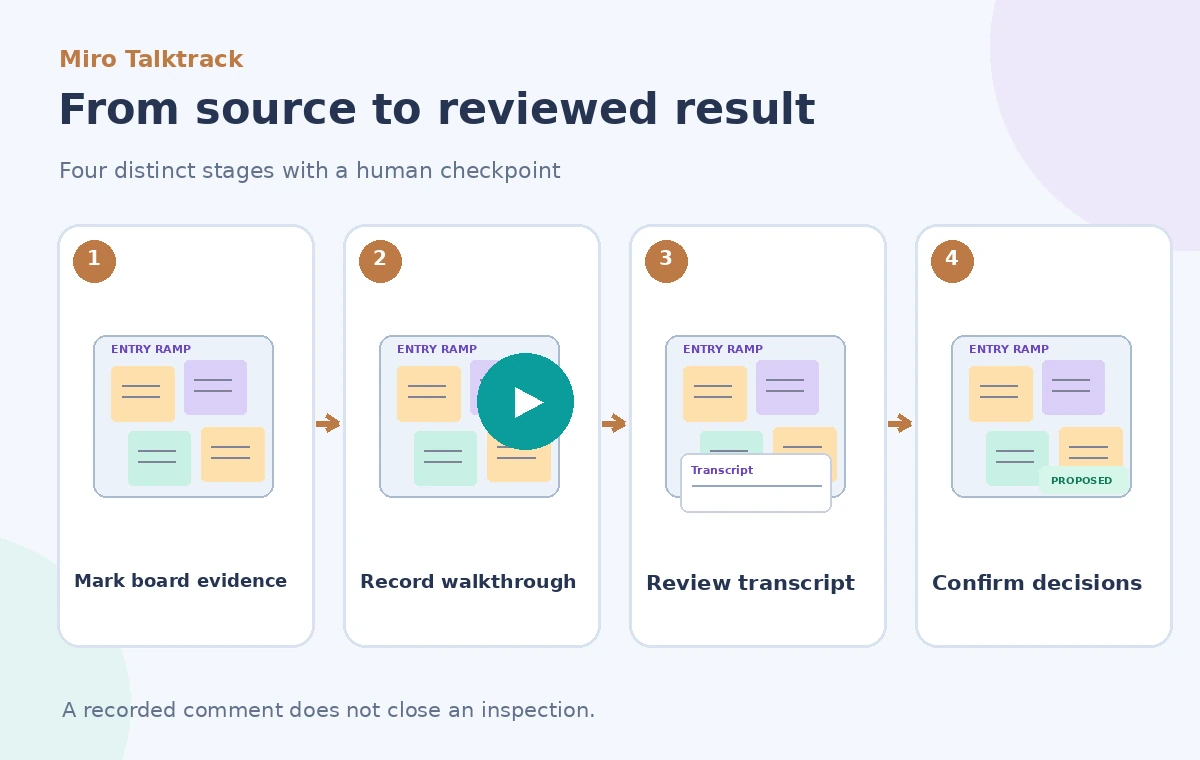
Write a short narration outline before recording: what the team saw, what remains uncertain, what options were suggested, and which decisions—if any—are documented. Avoid phrases like “we fixed the ramp” when the board only shows a proposed handrail. Explain labels aloud so listeners can distinguish a yellow pending note from a green approved card. If a decision is genuinely approved, name the authorized decision record.
Keep faces, personal details and private visitor reports out of the recording unless you have a justified permission and disclosure plan. Talktrack can include the screen or camera, so check what is visible outside the relevant board area. Recording a walkthrough is a communication act, not evidence that every participant consented to public distribution.
Start a Talktrack from the collaboration controls
Miro’s help center says Talktrack can record a walkthrough of a board or screen and store recordings next to the work. In the Collaboration toolbar, choose the Talktrack recording option and select the tab, window, screen, or camera mode appropriate to the presentation. Start recording only after you have removed confidential tabs and arranged the content in the desired sequence.
The documentation lists creation access for owners, co-owners, editors and team members, with viewing access available more broadly. Recording access, plan features and organization controls still depend on the current workspace. Test that intended viewers can access the board and recording without accidentally exposing editing rights.
Make the narration follow the evidence
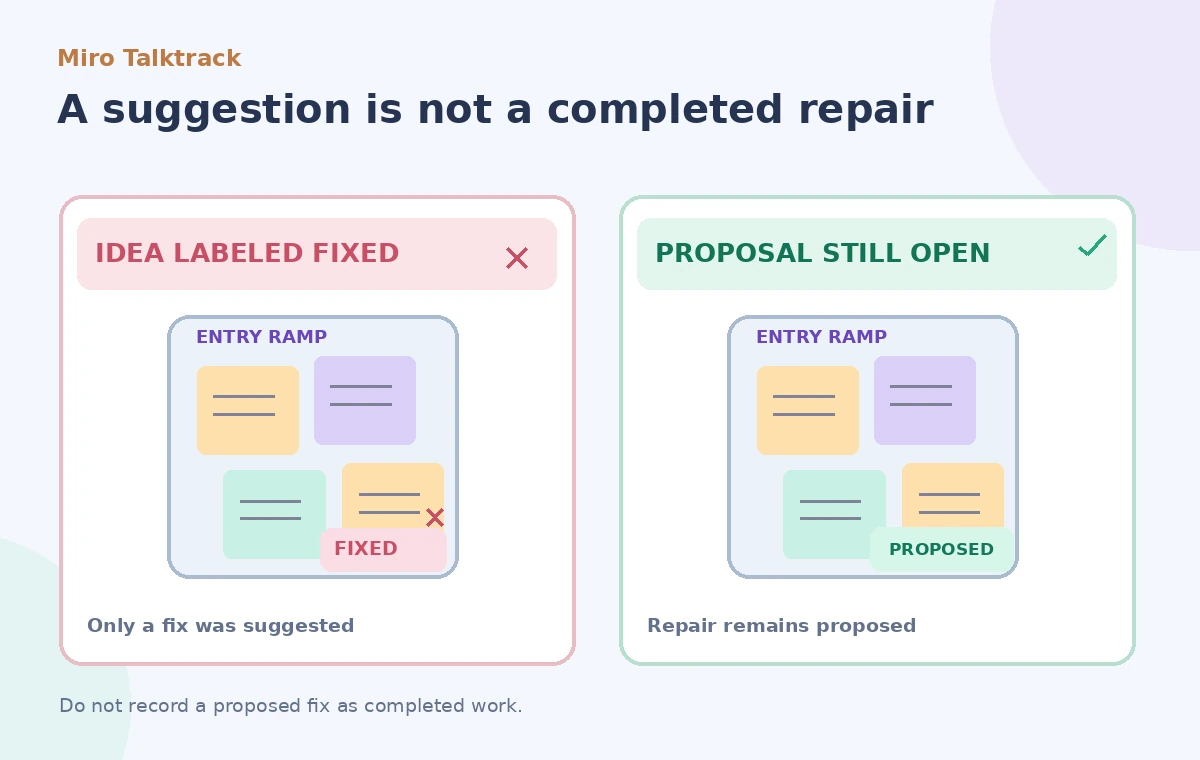
Pan across the dated photo, the measurement notes and the unresolved-question column. Point to the exact draft card when explaining a suggested remedy. End the walkthrough at the decision register, which should say `Pending approval` unless a real authorized decision exists. A viewer should be able to reproduce the speaker’s meaning by opening the associated board objects.
Talktrack is especially useful for async context because viewers can follow the board without a live meeting. That convenience should not compress important uncertainty into confident language. When explaining a potential contractor appointment, say it is proposed and give the reviewer responsible for confirming it, not an invented booking time.
Check transcript, summary and chapters carefully
Miro documents automatically generated transcript, summary and chapters for Talktracks on Business and Enterprise plans. Those outputs can help viewers navigate the recording, but their existence depends on plan availability and the particular recording type. A transcript can misunderstand technical terms, ramp dimensions or an ambiguous statement about approval. Review the source audio and board state side by side.
If the summary transforms “someone could request an estimate” into “an estimate was approved,” correct the supporting board information and publish a clarifying note rather than treating the AI phrase as a decision. Do not claim the summarizer always makes this error; it is a deliberate quality-control scenario.
Keep the approval trail outside the commentary
The walkthrough should direct viewers to a separate authoritative decision record: meeting minutes, a work-order system or a signed instruction approved by the responsible party. Put that record’s reference on the board only after it exists. Use an explicit difference between `Observed`, `Proposed`, `Authorized` and `Completed`. A recording of someone discussing a repair cannot independently move the work from one status to another.
If work is performed later, attach a new inspection or completion note with its own date. Do not silently overwrite the earlier board so that the old Talktrack appears to narrate a later state. Versioned context prevents a useful historical recording from becoming a misleading present-tense assurance.
Review sharing, retention and removal settings
Miro’s documentation describes a Talktrack library and options for viewing or downloading recordings. Board duplication may duplicate Talktracks, creating an overlooked copy of sensitive content. Before sharing outside the committee, inspect viewer permissions, links and any organization-level recording restrictions. If a recording contains private remarks, follow the organization’s deletion and notification process.
For high-stakes facilities decisions, use a short written summary checked by the facility manager in addition to the recording. Video is effective at conveying spatial context; it can be slow to search when a manager needs a precise authorization date. Keep that date in a structured record rather than buried in conversation.
Publish the walkthrough with clear status labels
Review the whole recording as a person who did not attend the inspection. Can they identify which issue was observed, which fix was proposed, and who has authority to approve it? Is the accessible route accurately represented? Is a pending estimate clearly pending? If any answer is unclear, revise the board or re-record the affected explanation before broad distribution.
Miro Talktrack helps explain work visually and asynchronously. It does not certify compliance, appoint contractors or convert a brainstorm into a decision. A trustworthy inspection workflow keeps those boundaries visible on the board and in the audio.
How We Research
For this November 2026 editorial review, we consulted these named primary references: Miro Help: Talktrack. We checked the described capability, scope, documented limitations and approval boundaries against the hypothetical use case above. We did not use a live account, upload real client files, conduct a vendor benchmark, or measure recognition or retrieval accuracy. The diagrams are original teaching illustrations, not screenshots or measured product outputs. Confirm current feature access, fees, security terms and interface labels in the official sources before deploying this workflow.
Frequently Asked Questions
No. A recording and its transcript communicate context. Formal approvals must come from the responsible people and records.
Miro currently documents automatic transcript, summary and chapters for Business and Enterprise Talktracks; confirm your plan.
Recording settings can include a tab, window or screen. Check for sensitive content before starting.
Miro notes that duplicating a board can duplicate its Talktracks, so review sharing and retention.
Use explicit statuses and link to an authoritative decision record; do not infer approval from the narration.